


Trusted by 1M+ creators
AI Transitions
Create cinematic transitions from presets or custom prompts. Explode onto the screen, fly between locations, zoom in, and more
No credit card required
4.6
2,100+ reviews















AI video transition generator: Create cinematic AI transitions in seconds
Basic zoom transitions and dissolves just don't cut it. VEED's AI transitions create cinematic scene morphs. Make your video stand out on busy social media feeds. Imagine a business coach in their home office emerging on a tropical beach. Or a vlogger flying from their living room straight into Times Square.
No need to spend hours keyframing for these effects. VEED generates seamless AI transitions in seconds. Create narrative-driven scene changes. Turn boring talking videos into content that people actually watch. You can choose from presets or create custom transitions by typing prompts.
How to make an AI transition video:
Step 01
Upload your clips and select transition points
Upload two video clips you want to connect, or split a single clip where you want the transition. Place the clips side by side in your timeline to set up your AI transition.
Step 02
Choose a preset or write a custom prompt
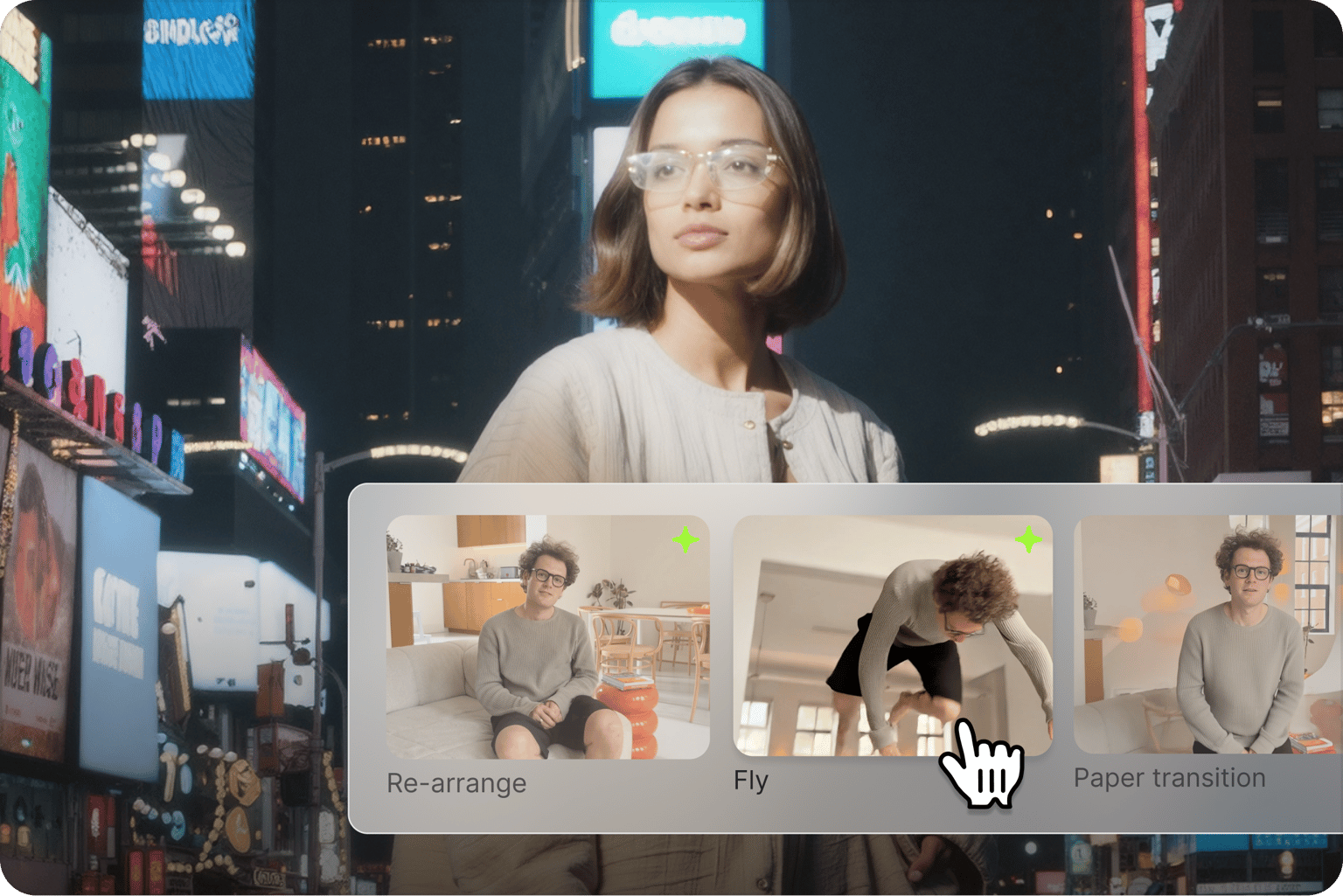
Choose transition effects for instant results: Fly, Build, Orbit, Zoom in & out, and more. Or describe your own cinematic transition in plain text to create something unique.
Step 03
Generate AI scene transition
Watch as AI creates your seamless transition, complete with matching sound effects. Export your video and share your content.
Learn More
Watch this AI transitions walkthrough:
Create any AI transition with text prompts
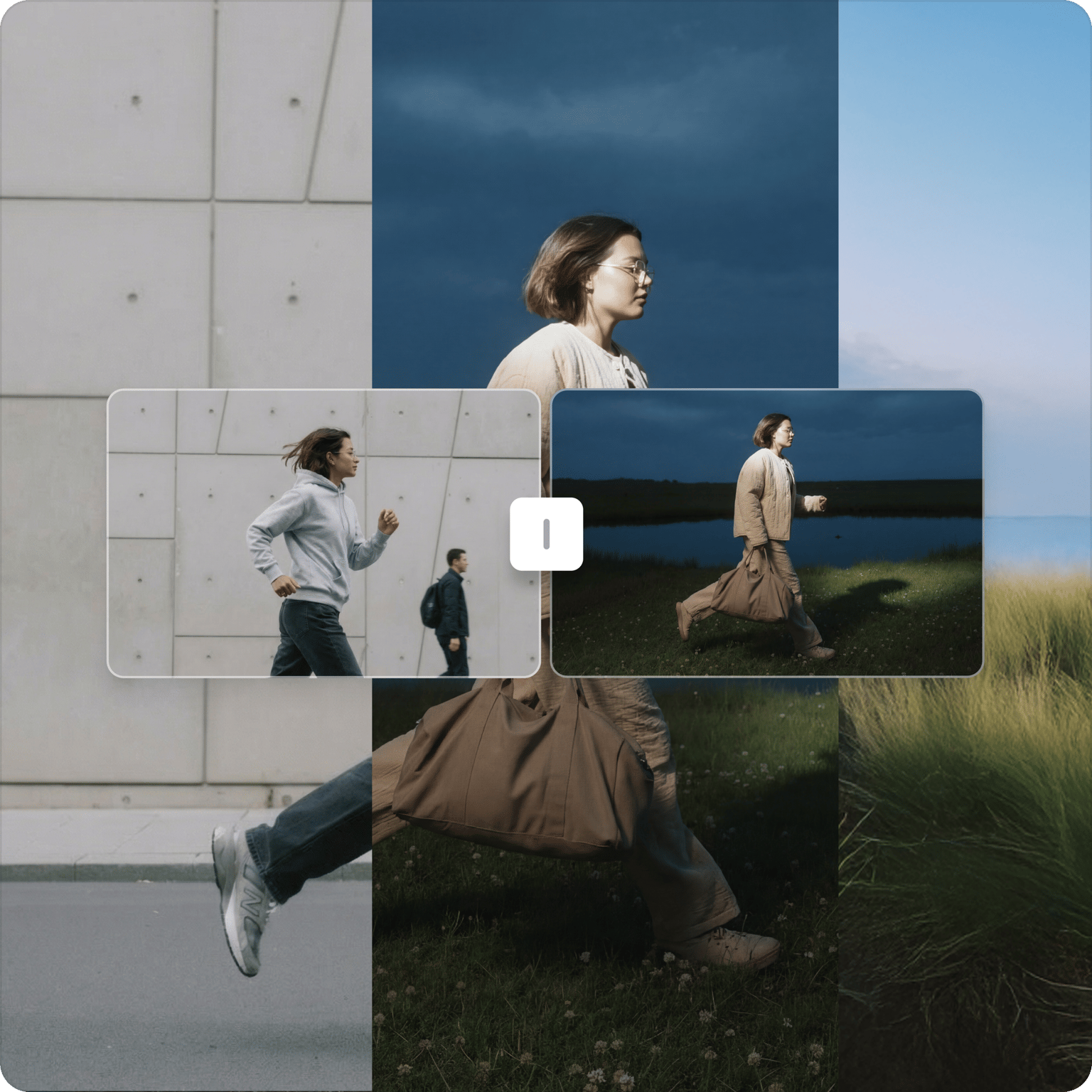
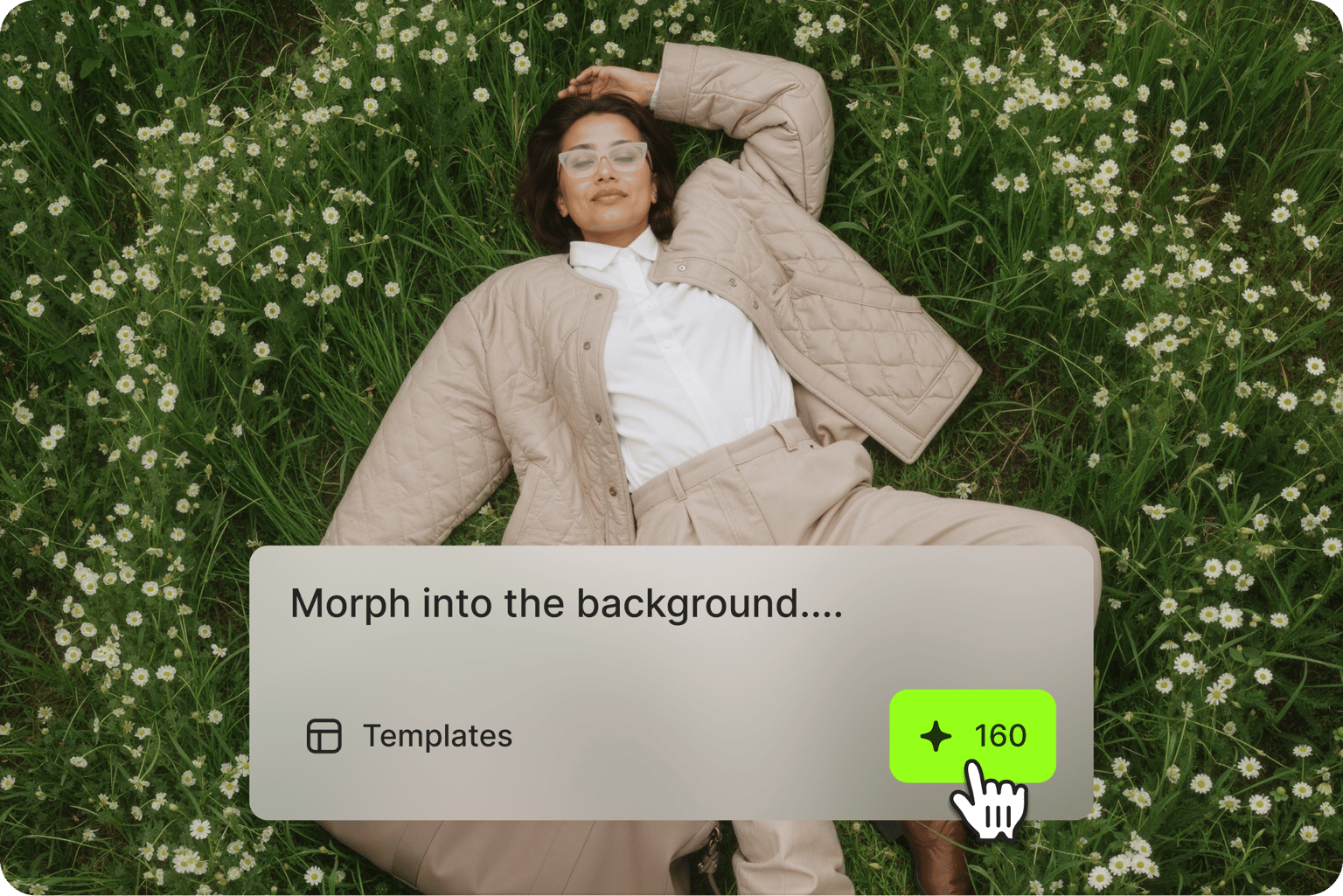
Create any transition you can imagine with simple text prompts. While other tools limit you to preset templates, VEED lets you describe narrative-driven transitions like jumping from office to beach or morphing through a wall of water. Your creativity is the only limit.
Cinematic quality without the complexity
Generate pro-level transitions with reality-bending motion and seamless morphing between scenes. VEED's AI understands the context of your clips, creating smooth connections that look like sophisticated CGI effects. Plus, you get automatic sound effects like whooshes that match your transitions perfectly.
Complete AI video editor for social content
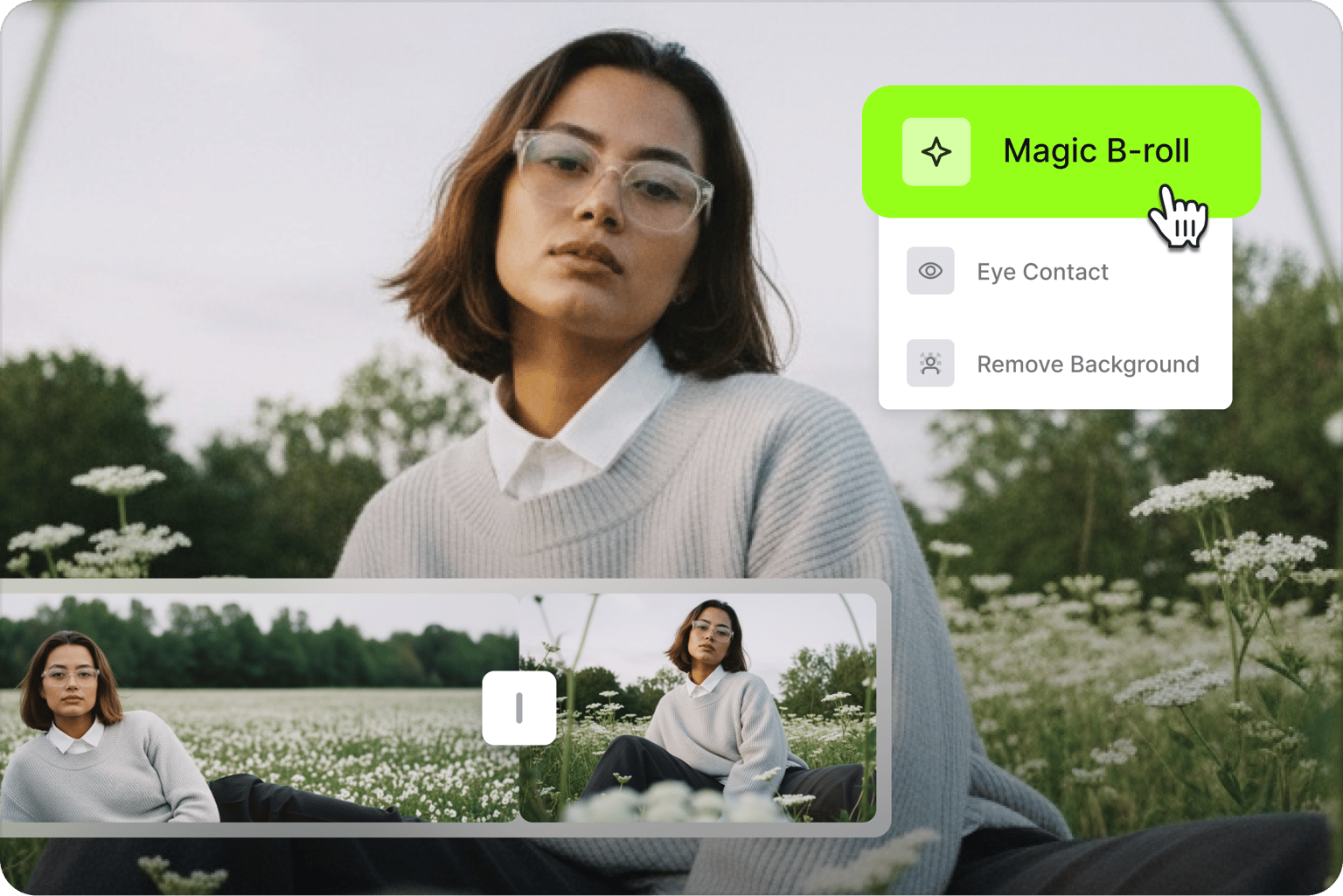
Turn raw footage into impressive videos that boost watch time and engagement. Our online editor lets you create professional videos in a few clicks. Add AI B-roll for dynamic cutaways, apply zoom-in transitions to talking head content for emphasis, and enhance footage with auto edits.
FAQ
An AI video transition automatically creates seamless visual connections between two video clips. You can choose from preset effects or describe custom transitions using text prompts to create cinematic scene changes.
AI video transitions analyze the last frame of your start clip and the first frame of your end clip, then generate smooth motion between them. You can either choose preset effects like Fly or Orbit, or write custom prompts describing how you want the transition to look.
Yes. VEED's AI transitions feature lets you create custom transitions by writing text prompts. Describe any transition you imagine from walking through portals to dissolving into particles, and the AI will generate it.
Yes. When you split a single video and add a transition, your voiceover or narration resumes after the transition completes. When combining two different clips, each clip plays its own audio along with the transition's sound effects.
Currently, AI transitions are designed for quick scene changes. Longer transition sequences may be something we explore in the future. Stay tuned for feature updates.
AI transitions require a subscription with AI credits to generate. Explore our pricing options or check your plan details to see your available credits.
Loved by creators.
Loved by the Fortune 500
“
With VEED I didn't need 15 tutorials - I jumped straight in and started editing.

Gwenne Wilcox
Founder,
Brand Brainery
“
You can go beyond choppping things. VEED actually makes my videos look great.

Michael Glover
Demand Gen Manager,
ConvertFlow
“
The first four videos i created with VEED got over 40,000 impressions on LinkedIn.

Travis Tyler
Senior Content Producer,
PandaDoc
“
I found VEED at the right time: if you're making UGC ads and not using Eye Contact Correction and Noise Reduction on VEED you're missing out on ROI.

Sebastian Schurgers
Head of Growth Marketing,
Gronda
“
With VEED I didn't need 15 tutorials - I jumped straight in and started editing.
Gwenne Wilcox
Founder,
Brand Brainery
“
You can go beyond choppping things. VEED actually makes my videos look great.
Michael Glover
Demand Gen Manager,
ConvertFlow
“
The first four videos i created with VEED got over 40,000 impressions on LinkedIn.
Travis Tyler
Senior Content Producer,
PandaDoc
“
I found VEED at the right time: if you're making UGC ads and not using Eye Contact Correction and Noise Reduction on VEED you're missing out on ROI.
Sebastian Schurgers
Head of Growth Marketing,
Gronda
“
The first four videos i created with VEED got over 40,000 impressions on LinkedIn.
Travis Tyler
Senior Content Producer,
PandaDoc
“
I found VEED at the right time: if you're making UGC ads and not using Eye Contact Correction and Noise Reduction on VEED you're missing out on ROI.
Sebastian Schurgers
Head of Growth Marketing,
Gronda
“
With VEED I didn't need 15 tutorials - I jumped straight in and started editing.
Gwenne Wilcox
Founder,
Brand Brainery
“
You can go beyond choppping things. VEED actually makes my videos look great.
Michael Glover
Demand Gen Manager,
ConvertFlow
Explore related tools
More from VEED

AI Video Production: What's Possible and Where to Get Started
Dipping your toes in AI video production? Use this starter guide to hit the ground running and produce your first masterpiece.
What is B-Roll? A Complete Guide to Using it Like a Pro
This starter guide will tell you everything you need to know about B-roll footage, and how to make the most of it.
Launching VEED Fabric 1.0 API: World's First-Ever AI Talking Video Model
We’re excited to launch Fabric 1.0 API, the world’s first talking video model. It's 60x cheaper and 7x faster than comparable options. Learn more here.
Trusted by 1M+ creators
When it comes to amazing videos, all you need is VEED
No credit card required
More than an AI video transition maker
Explore more ways to make your videos stand out. Add dynamic subtitles where words pop in sync with your words. Or use AI Background Expand to turn horizontal videos into vertical Reels without the awkward black bars. Starting a video from scratch? Generate videos with the best AI models, then refine the output in our editor. Add text, captions, and your branding. VEED is an AI video creation platform that turns your ideas into post-ready videos in minutes. Sign up now to get started.