


Trusted by 1M+ creators
AI Filter
AI photo filter with style presets, expression changes, and custom effects
No credit card required
4.6
2,100+ reviews















AI filter for photos: Transform your image in one click
VEED's AI photo filter turns ordinary images into stylized visuals in seconds. Apply artistic presets like cartoon, anime, sketch, or oil painting. Adjust lighting and expressions. Or describe a custom effect and let the AI create it. No design skills or complex software needed. Just upload your image, choose a filter, and download. Try our AI filter app now.
How to apply filters to photos with AI:
Step 01
Upload your image
Upload your photo to the image editor. Works with portraits, product shots, landscapes, and any image you want to transform.

Step 02
Select a filter or describe an effect
Choose from style presets like cartoon, anime, sketch, or watercolor. Or type a custom prompt: vintage film look, cyberpunk neon glow, oil painting style, and more.
Step 03
Download your filtered image
Preview the result and download. Try different filters on the same image to compare effects.
Learn More
Watch this Nano Banana Pro demo:
AI style filter for artistic transformations
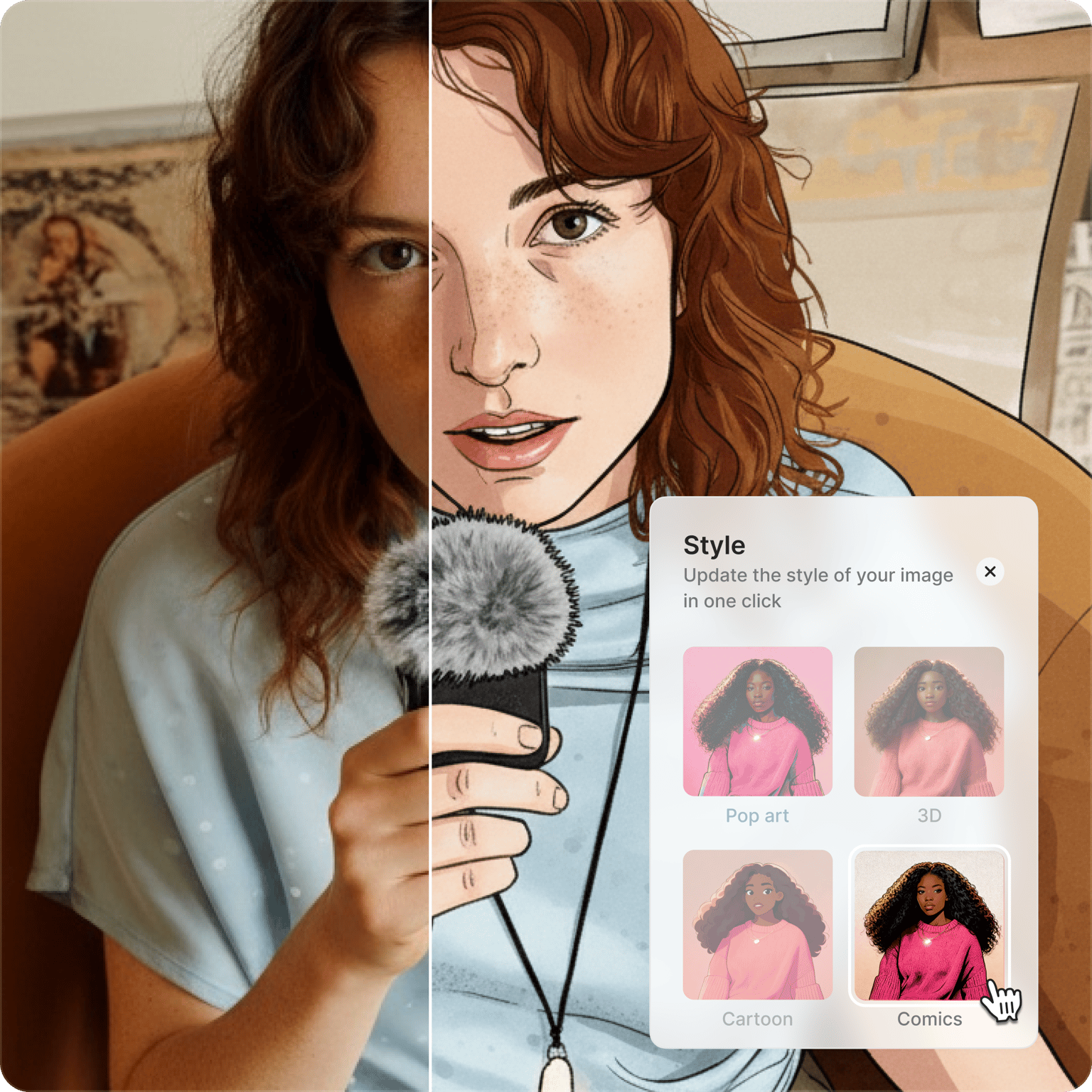
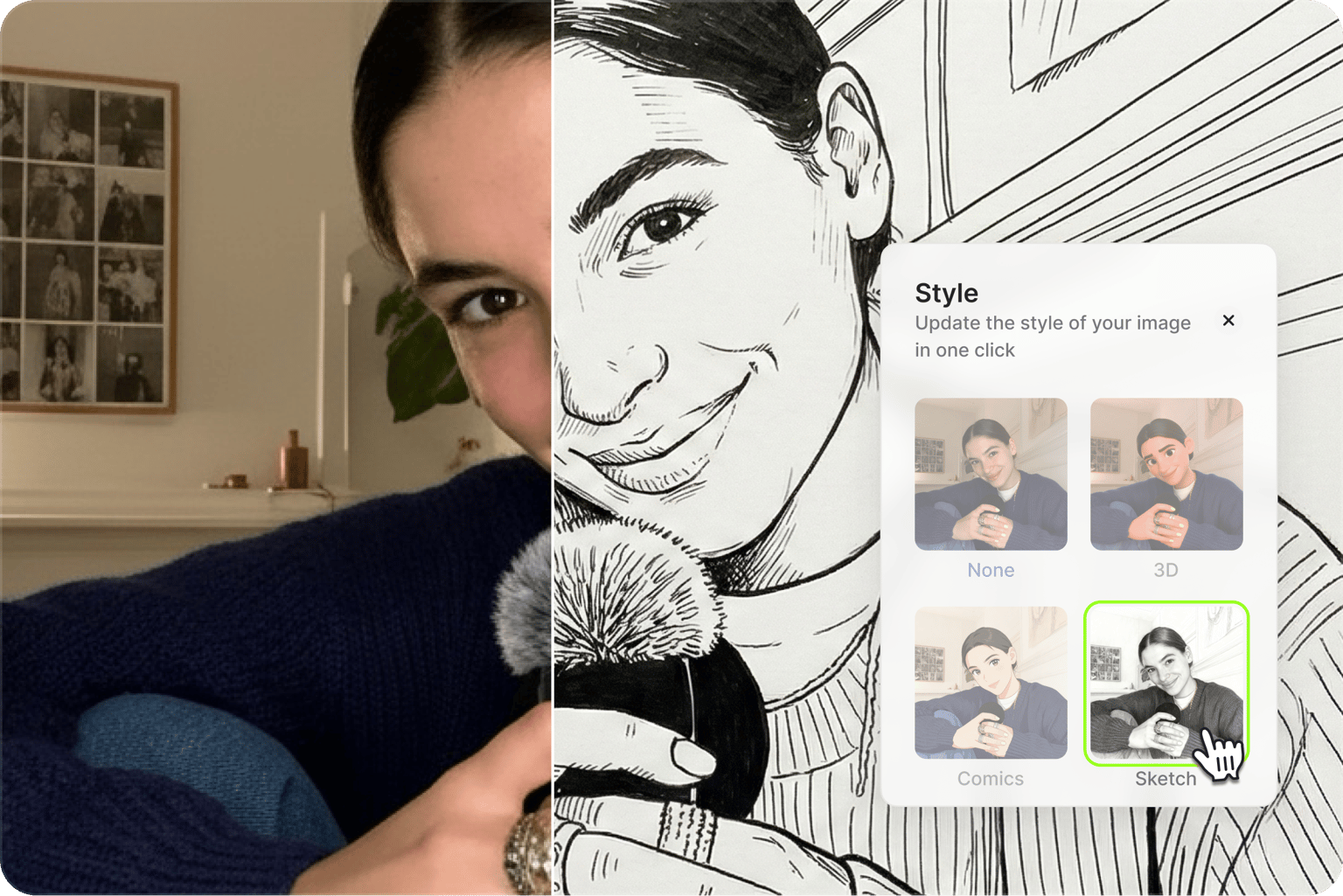
Turn photos into artwork with one click. VEED's AI art filter includes style presets for popular transformations: cartoon, anime, sketch, watercolor, pop art, oil painting, and more. The AI analyzes your image and regenerates it in your chosen style while preserving the subject and composition. Great for social media content, profile pictures, and creative projects where you want a distinct visual style.
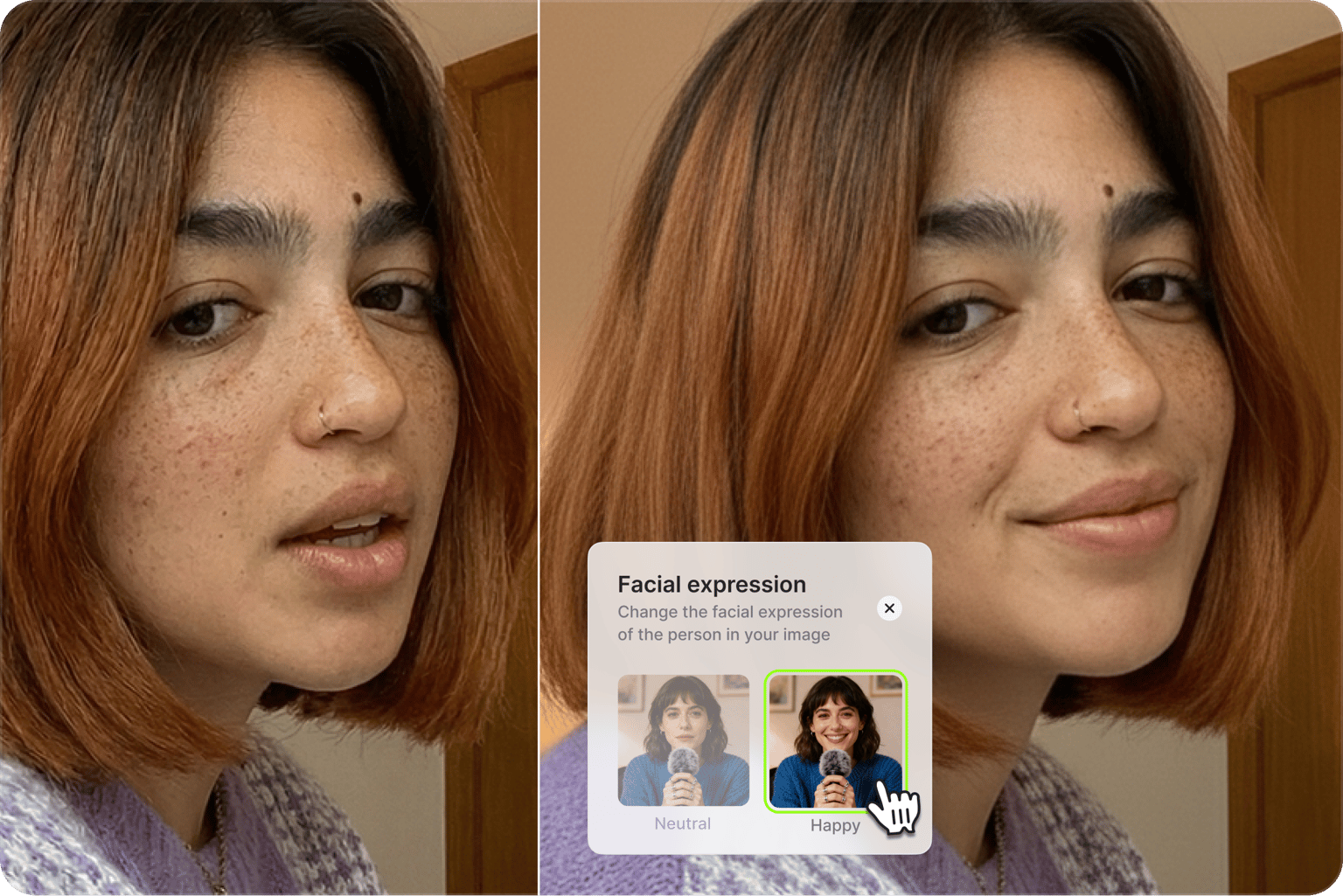
Enhance headshots with the AI portrait filter
Beyond artistic styles, VEED's AI effect filter handles advanced edits. Adjust lighting to fix poorly lit photos. Change facial expressions with presets: make a serious photo look friendly, add a confident smile, or create a surprised look. The AI expression changer includes presets like happy, sad, angry, curious, and determined. Polish headshots, thumbnails, and profile pictures without manual retouching.
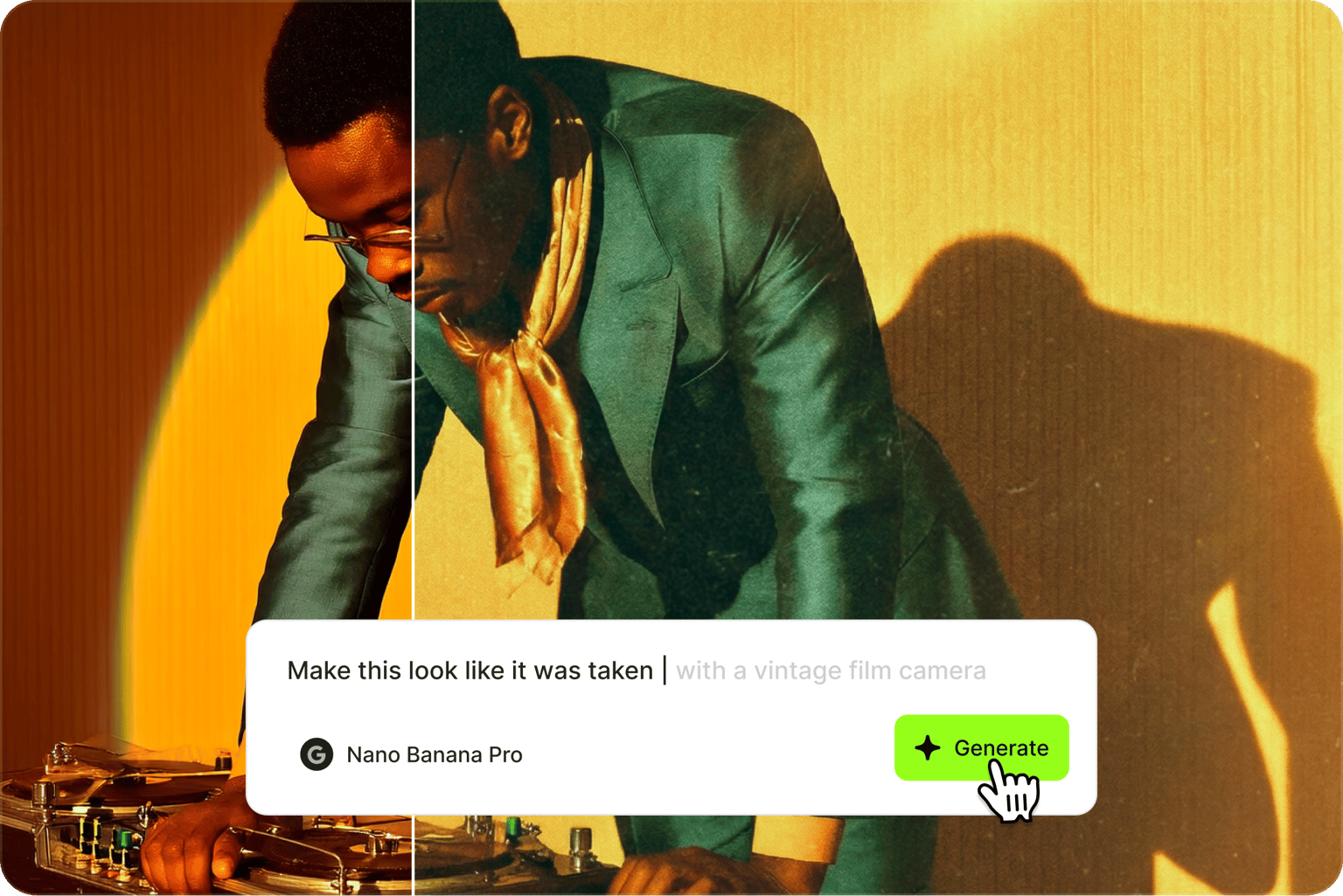
Custom AI filters with prompts
Need more customized edits? Type a prompt in plain language to specify any effect: "golden hour lighting with warm tones," "90s disposable camera aesthetic," or "dramatic black and white with high contrast." The AI interprets your prompt and applies the effect. Combine multiple effects and edits in one prompt. With prompt-based editing, you're not limited to preset options. Create custom AI filters by describing them.
FAQ
AI filters use artificial intelligence to transform photos. Unlike traditional filters that overlay preset color adjustments, AI filters analyze your image and generate new visuals—changing styles, expressions, lighting, or applying complex effects. VEED's AI image filter app combines one-click presets with prompt-based editing. Choose our presets for speed, or type a prompt for more control.
- Upload your photo to VEED's AI filter editor
- Browse style presets or type a description of the effect you want
- Click generate and preview the result
- Download your filtered image or try additional effects
VEED's AI photo effects include:
- Artistic style transfers: cartoon, anime, sketch, watercolor, pop art, oil painting
- Expression changes: happy, serious, surprised, curious, determined
- Lighting adjustments: relight dark photos, add golden hour warmth, dramatic shadows
- Custom transformations: describe any effect via text prompt
VEED combines one-click presets with prompt-based image editing. You get both speed and flexibility. Most AI filter apps limit you to preset options. With VEED, you can select a style filter instantly or describe a custom effect in plain language. The platform also connects to video editing tools, letting you animate filtered images or add them to video projects.
VEED’s AI filter tool uses a credit-based system, with monthly credits for free plan users. Each image generation costs credits based on the AI model used. Upgrade to a paid plan to unlock more credits and AI creation tools. Check our pricing page for more information.
Yes. Our editor offers video filters, including beauty filters for webcam recordings and talking head videos. Enhance your appearance, smooth lighting issues, or apply touch-ups automatically.
Loved by creators.
Loved by the Fortune 500
“
With VEED I didn't need 15 tutorials - I jumped straight in and started editing.

Gwenne Wilcox
Founder,
Brand Brainery
“
You can go beyond choppping things. VEED actually makes my videos look great.

Michael Glover
Demand Gen Manager,
ConvertFlow
“
The first four videos i created with VEED got over 40,000 impressions on LinkedIn.

Travis Tyler
Senior Content Producer,
PandaDoc
“
I found VEED at the right time: if you're making UGC ads and not using Eye Contact Correction and Noise Reduction on VEED you're missing out on ROI.

Sebastian Schurgers
Head of Growth Marketing,
Gronda
“
With VEED I didn't need 15 tutorials - I jumped straight in and started editing.
Gwenne Wilcox
Founder,
Brand Brainery
“
You can go beyond choppping things. VEED actually makes my videos look great.
Michael Glover
Demand Gen Manager,
ConvertFlow
“
The first four videos i created with VEED got over 40,000 impressions on LinkedIn.
Travis Tyler
Senior Content Producer,
PandaDoc
“
I found VEED at the right time: if you're making UGC ads and not using Eye Contact Correction and Noise Reduction on VEED you're missing out on ROI.
Sebastian Schurgers
Head of Growth Marketing,
Gronda
“
The first four videos i created with VEED got over 40,000 impressions on LinkedIn.
Travis Tyler
Senior Content Producer,
PandaDoc
“
I found VEED at the right time: if you're making UGC ads and not using Eye Contact Correction and Noise Reduction on VEED you're missing out on ROI.
Sebastian Schurgers
Head of Growth Marketing,
Gronda
“
With VEED I didn't need 15 tutorials - I jumped straight in and started editing.
Gwenne Wilcox
Founder,
Brand Brainery
“
You can go beyond choppping things. VEED actually makes my videos look great.
Michael Glover
Demand Gen Manager,
ConvertFlow
Discover more
Explore related tools
More from VEED
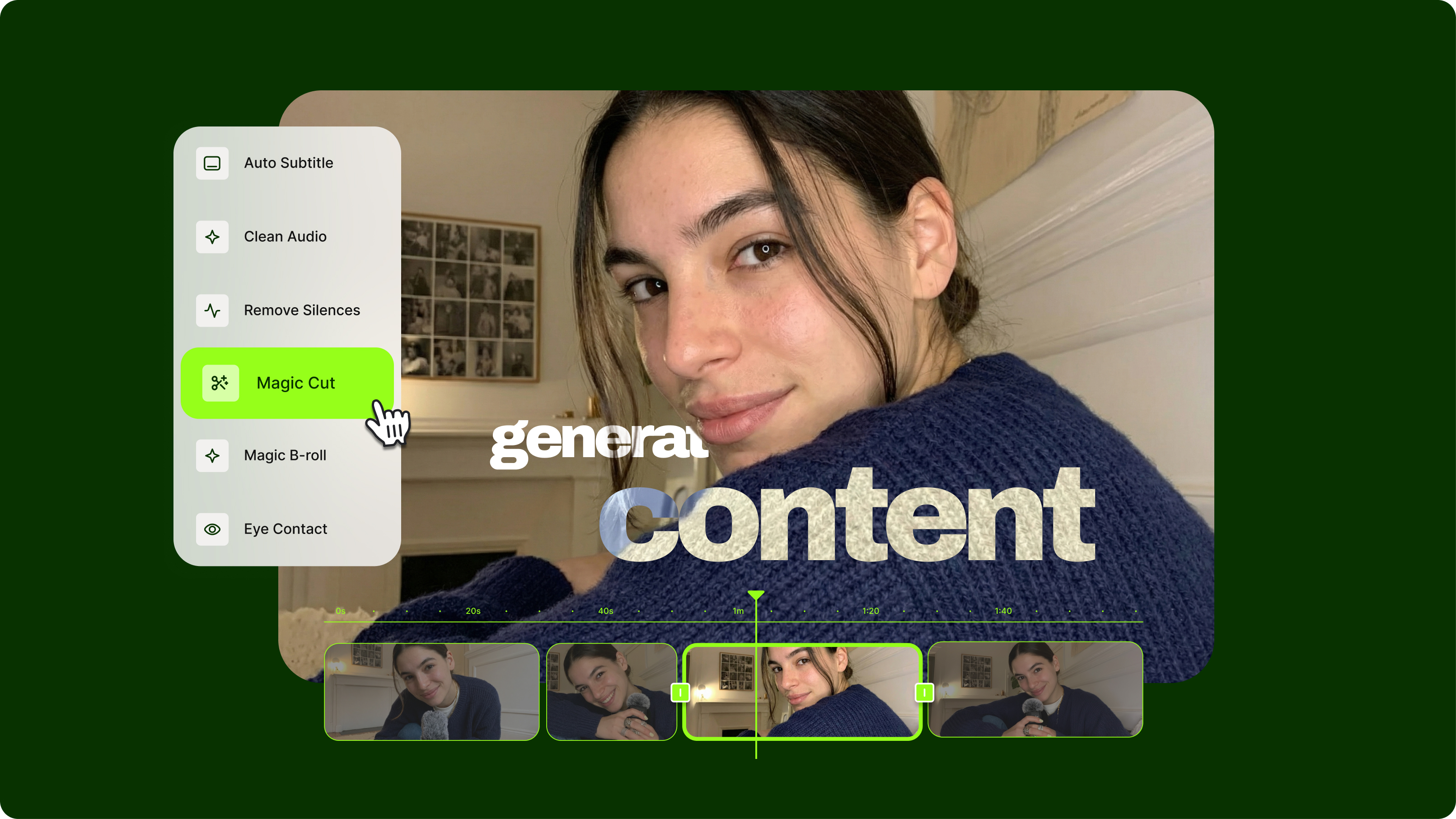
Streamlining Video Editing with AI: A Guide for Busy Marketers
Want to streamline your video editing workflow? Check out this list of the best AI tools for video editing.
.png)
7 Examples of Product Demo Videos (and What We Can Learn from Them)
Want to know what a great product demo video looks like? Check out our roundup of some of the best examples out there.
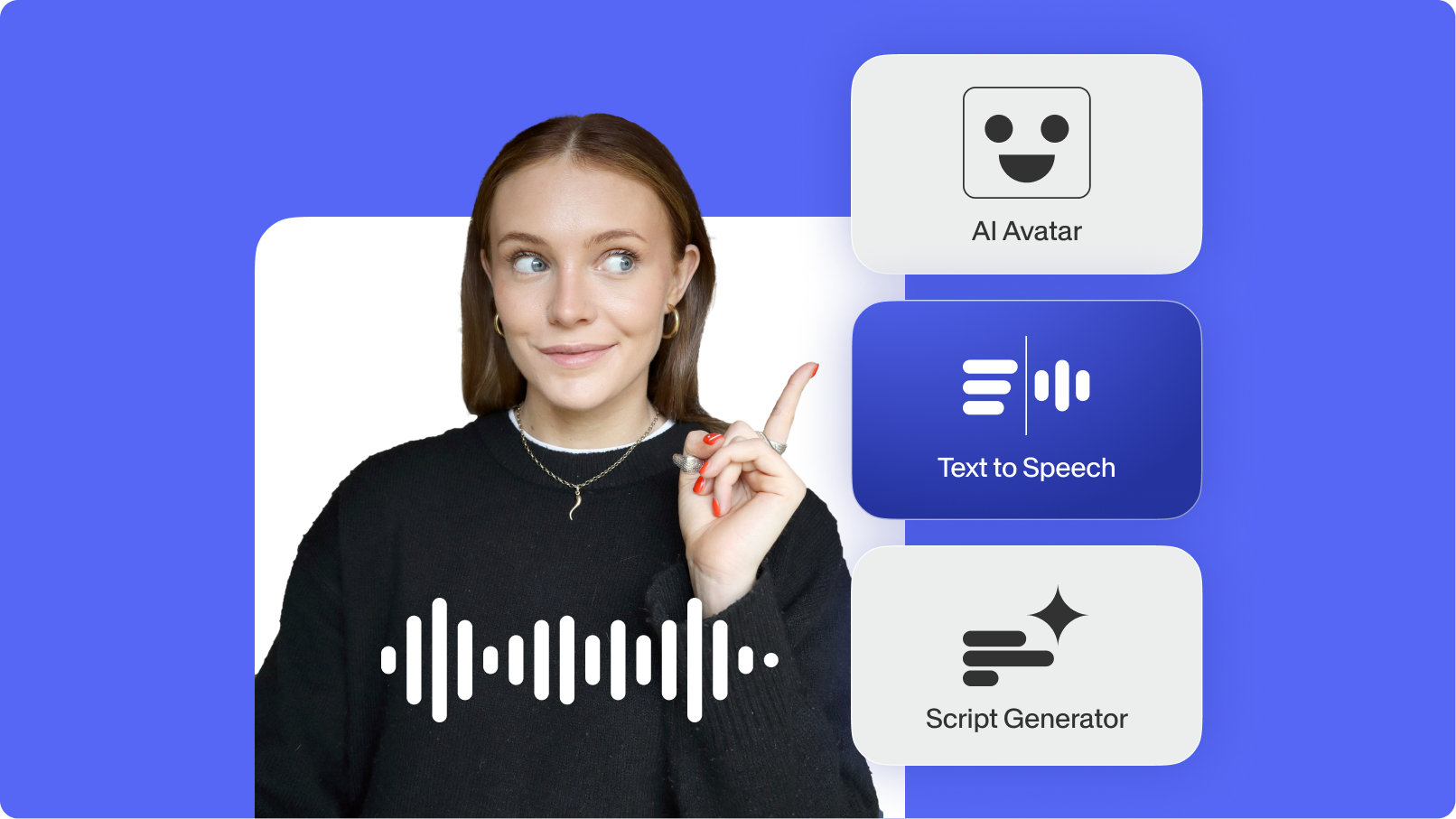
Top AI Video Generation and Creation Tools for Businesses in 2025
We’ve curated the best AI video generators for businesses—featuring automated editing and text-to-video generation.
Trusted by 1M+ creators
When it comes to amazing videos, all you need is VEED
No credit card required
More than AI filters
VEED is an AI video creation platform where AI filters are just the starting point. Access our AI image editor for prompt-based edits or generate images from scratch. Then, take your images further with image-to-video AI, or drop your images into the editor to use them as video graphics. Combine clips, add captions, and generate AI voiceovers. From quick filter effects to full video production, everything you need is in one place. Start creating with VEED now.