


Trusted by 1M+ creators
Video Filters
Add filters and effects to your videos online, no account required.
No credit card required
4.6
2,100+ reviews















Filter Videos Online, Free
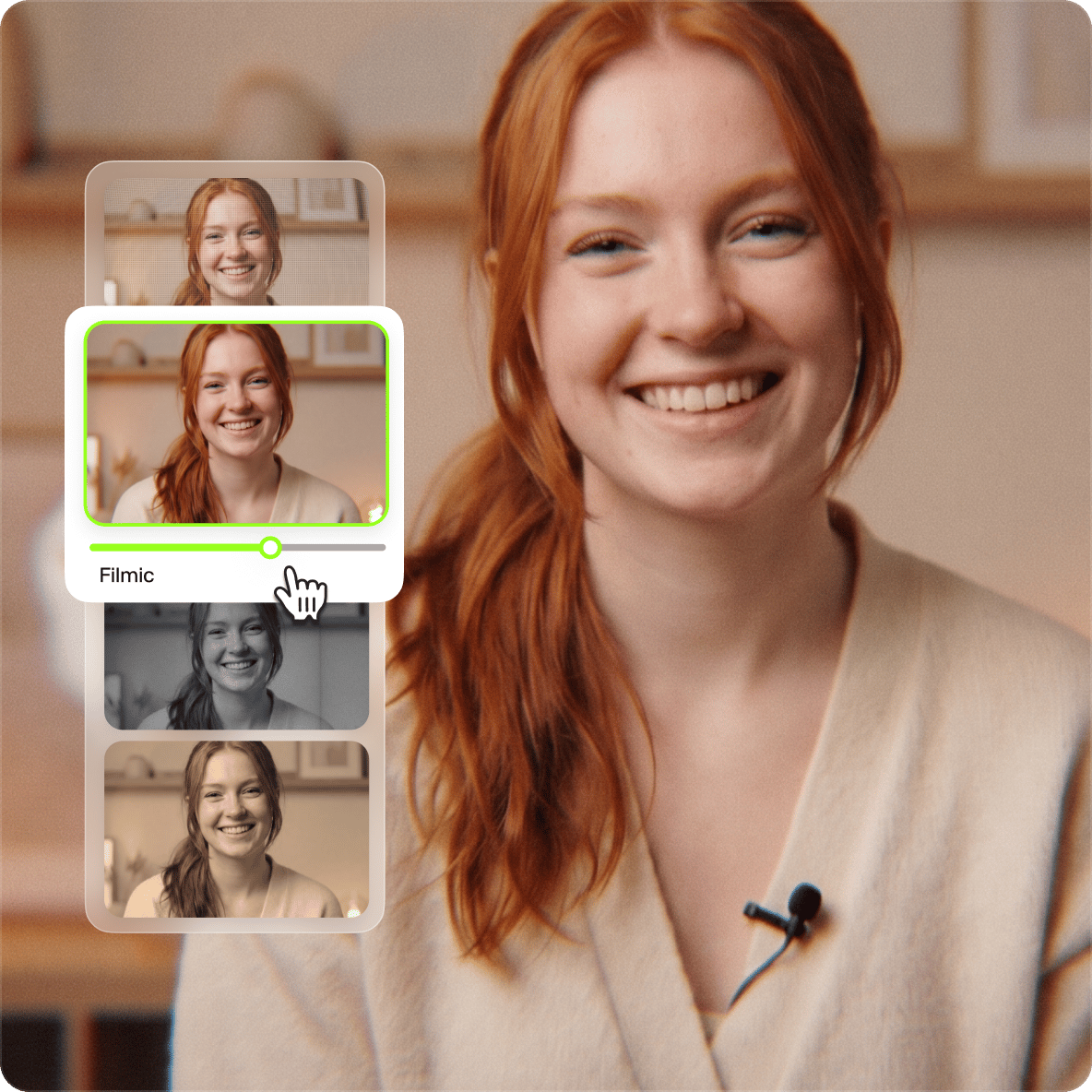
VEED's video filter tool gives you a catalog of preset filters — VHS, sepia, glitch, strobe, black and white, and more — to change the mood or tone of any video. Apply a filter, adjust with color grading tools, and export. No account needed, works in any browser, supports MP4, MOV, AVI, WMV, WEBM, and other major formats..
How to Add Filters to Video:
Step 01
Upload Video
Click ‘Get Started’ above. Upload your video files to VEED. Select the file(s) or just drag & drop, it’s that easy!
Step 02
Filter Video
Head over to the ‘Filters’ tab and choose from a fantastic range of preset filters. You can adjust colour grading, add effects and more.
Step 03
Download
Looking good? Download your new video by hitting the ‘Export’ button, and you’re done!
Learn More
‘How to Add Filters to Video’ Tutorial
Share on Social Media
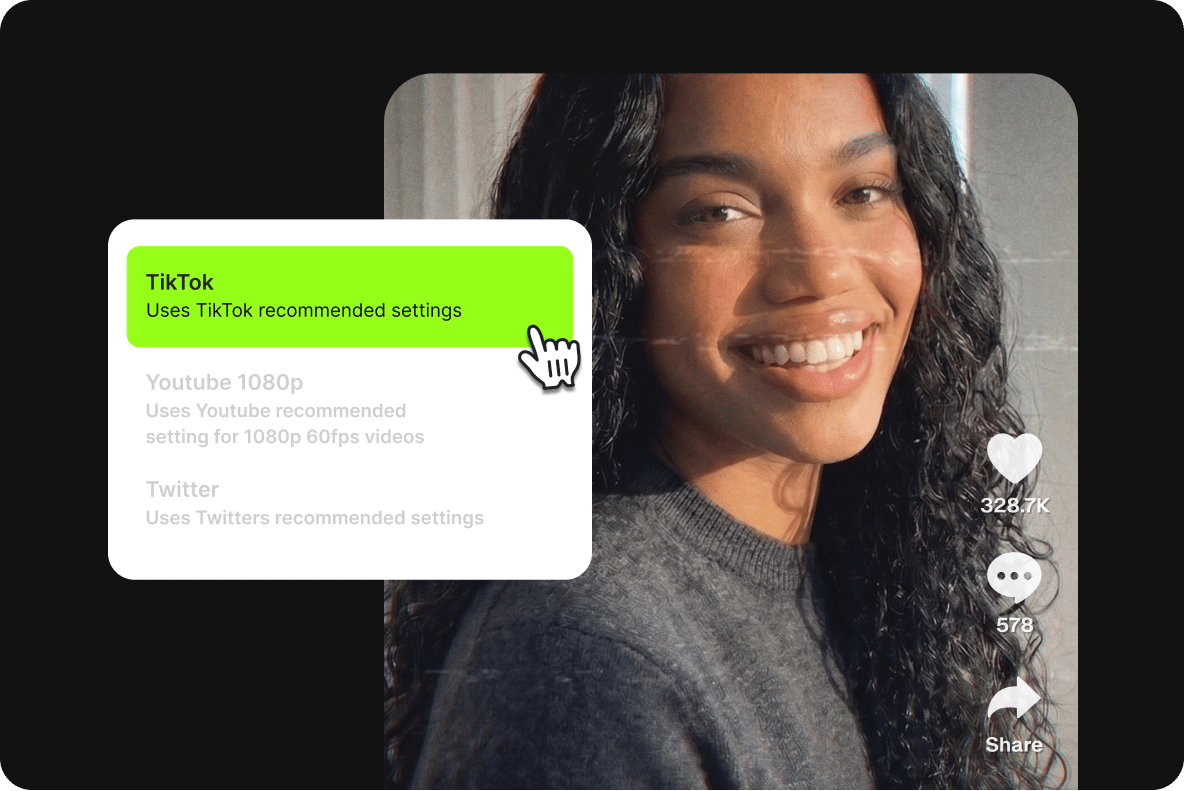
Resize your video for Instagram, TikTok, Facebook, or YouTube using VEED's preset canvas sizes. Add stickers, logos, and emojis, then export as MP4 for compatibility across all major platforms.
High Quality Videos
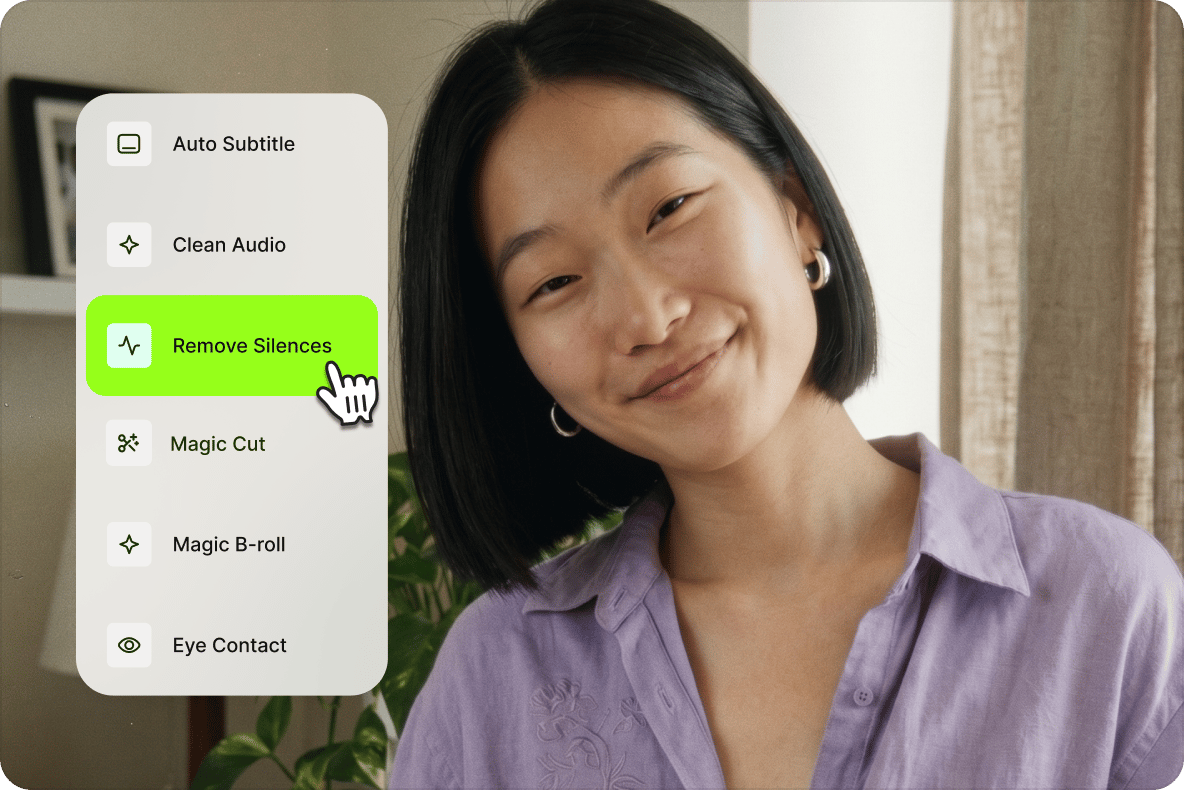
Beyond filters, VEED's editor lets you adjust frame rate, resolution, lighting, and audio quality. Add background music, commentary, and auto-generated subtitles, or remove background noise in one click.
Works Everywhere
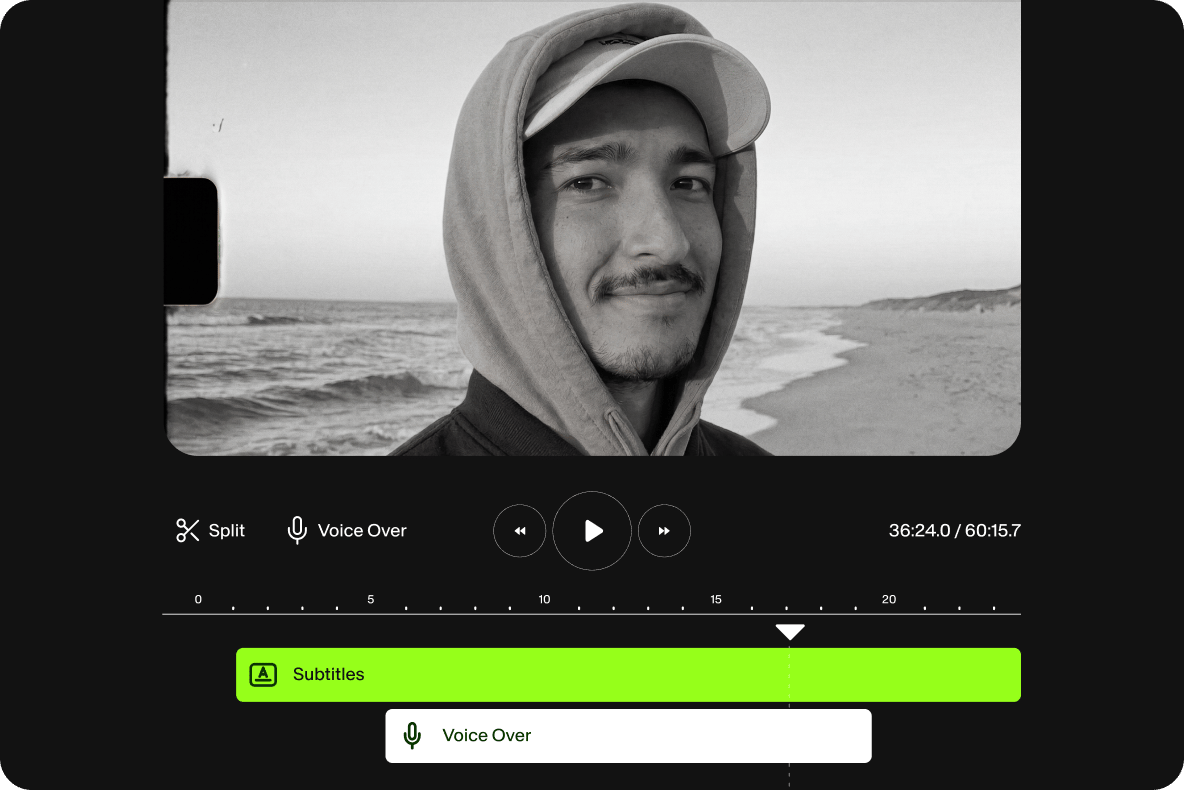
No download, no sign-up required. Open VEED in Chrome, Safari, Edge, or Firefox on iPhone, Android, tablet, laptop, or desktop. Create an account to save projects to the cloud.
FAQ
- Upload Video 2. Open ‘Filters’ tab 3. Choose Filter 4. Save & Download
Yes! Simply open VEED’s video editor on Safari, and upload your video Photos or Files. VEED accepts MOV alongside other Apple proprietary formats.
You certainly can. Open VEED’s video editor on your preferred browser - Chrome, Opera, Mozilla Firefox, and more - and upload your video. Open the ‘Filters’ tab and select your filter. Edit and download as per instructions above.
Easily. Use our filters to add special effects like Snowy, VHS, Night Vision, Dusty Film, Glitch, and many more entertaining effects.
Absolutely! To do this, head to ‘Filters’ and select the ‘Color Grading’ tab. Choose from a variety of options.
Good question! To make your own aesthetic videos, simply upload your video clip to VEED, and use our filters like VHS, VHS Overlay, or whichever you prefer. Feel free to add text, GIFs, background music, and much more. Use VEED to create stunning aesthetic videos for Instagram, Facebook, TikTok, and more.
Loved by creators.
Loved by the Fortune 500
“
With VEED I didn't need 15 tutorials - I jumped straight in and started editing.

Gwenne Wilcox
Founder,
Brand Brainery
“
You can go beyond choppping things. VEED actually makes my videos look great.

Michael Glover
Demand Gen Manager,
ConvertFlow
“
The first four videos i created with VEED got over 40,000 impressions on LinkedIn.

Travis Tyler
Senior Content Producer,
PandaDoc
“
I found VEED at the right time: if you're making UGC ads and not using Eye Contact Correction and Noise Reduction on VEED you're missing out on ROI.

Sebastian Schurgers
Head of Growth Marketing,
Gronda
“
With VEED I didn't need 15 tutorials - I jumped straight in and started editing.
Gwenne Wilcox
Founder,
Brand Brainery
“
You can go beyond choppping things. VEED actually makes my videos look great.
Michael Glover
Demand Gen Manager,
ConvertFlow
“
The first four videos i created with VEED got over 40,000 impressions on LinkedIn.
Travis Tyler
Senior Content Producer,
PandaDoc
“
I found VEED at the right time: if you're making UGC ads and not using Eye Contact Correction and Noise Reduction on VEED you're missing out on ROI.
Sebastian Schurgers
Head of Growth Marketing,
Gronda
“
The first four videos i created with VEED got over 40,000 impressions on LinkedIn.
Travis Tyler
Senior Content Producer,
PandaDoc
“
I found VEED at the right time: if you're making UGC ads and not using Eye Contact Correction and Noise Reduction on VEED you're missing out on ROI.
Sebastian Schurgers
Head of Growth Marketing,
Gronda
“
With VEED I didn't need 15 tutorials - I jumped straight in and started editing.
Gwenne Wilcox
Founder,
Brand Brainery
“
You can go beyond choppping things. VEED actually makes my videos look great.
Michael Glover
Demand Gen Manager,
ConvertFlow
Discover more
More from VEED
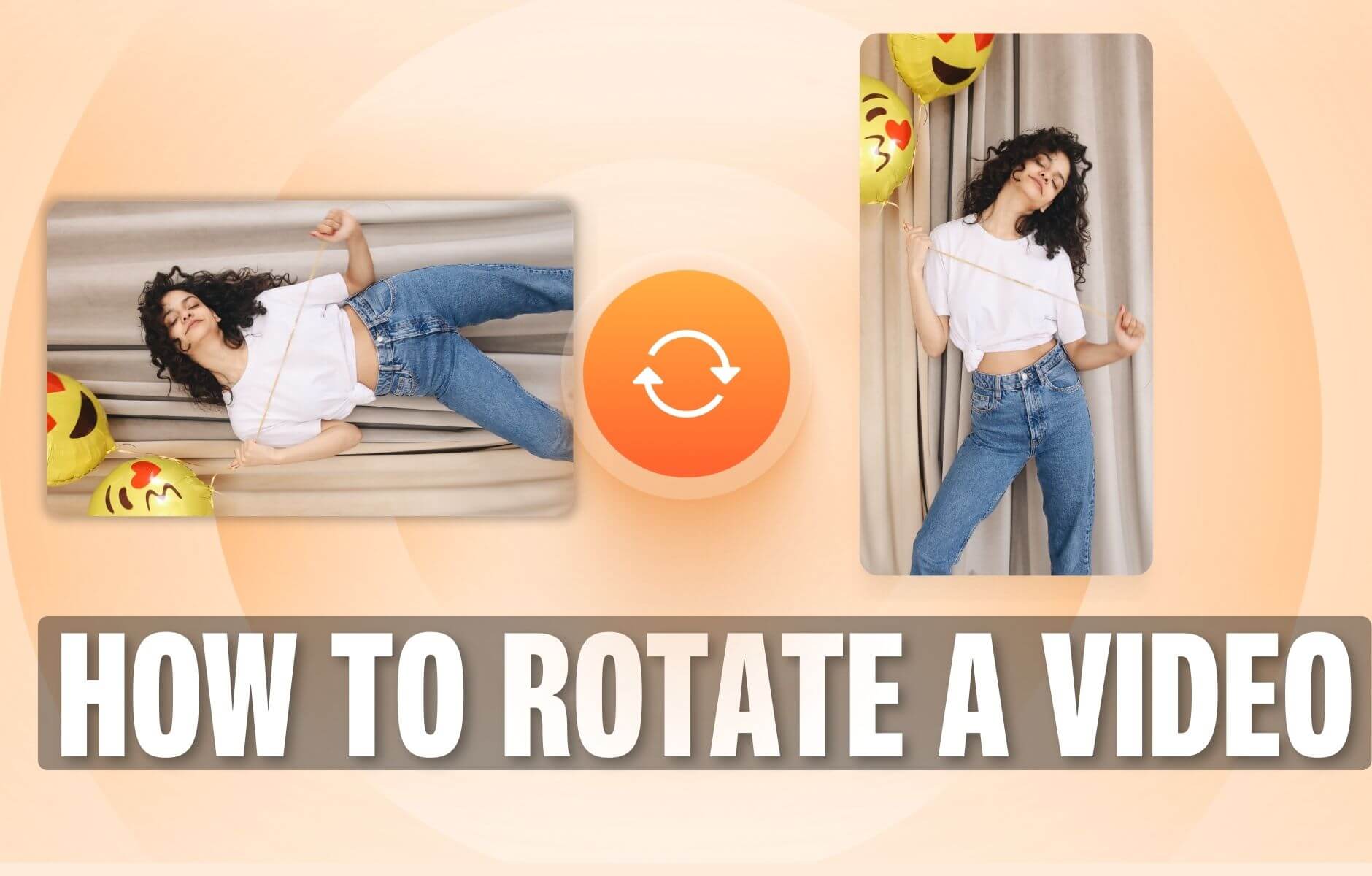
How to Rotate a Video (6 Quick & Easy Ways)
How to easily rotate a video whether you're on your desktop, mobile, or on your web browser.

How to Crop a Video (Free and Paid Easy-to-Use Methods)
The easiest way to crop videos (free & paid ways) whether on Windows 10 with VLC or online with VEED. Here's how!
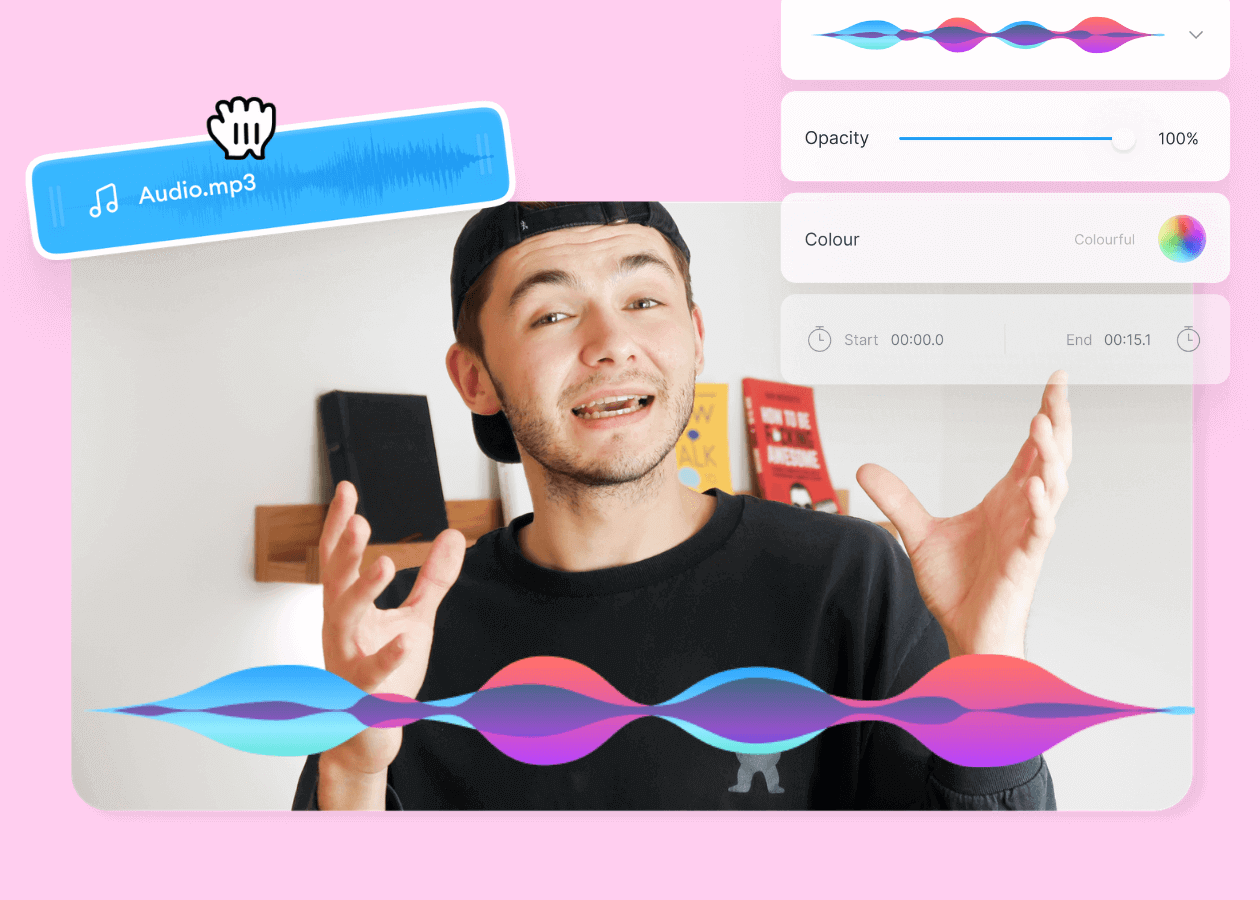
Top 5 Best Music Visualizers [Free and Paid]
Here are some of the best music visualizers available on the internet and how to use them!
Trusted by 1M+ creators
When it comes to amazing videos, all you need is VEED
No credit card required
More than just a video filters app!
Filters are one way to shape how your video looks before it goes out. VEED is an AI video creation platform where you can generate, shape, and export videos for TikTok, Instagram, YouTube, and LinkedIn. Beyond filters, use VEED AI to build complete social videos with captions, brand assets, and music, and apply your visual style from the same workspace. Sign up now to start creating.