


Trusted by 1M+ creators
Infographics
Infographics in minutes. Choose a template, describe your edits, done.
No credit card required
4.6
2,100+ reviews















Create polished infographics without endless layout tweaks
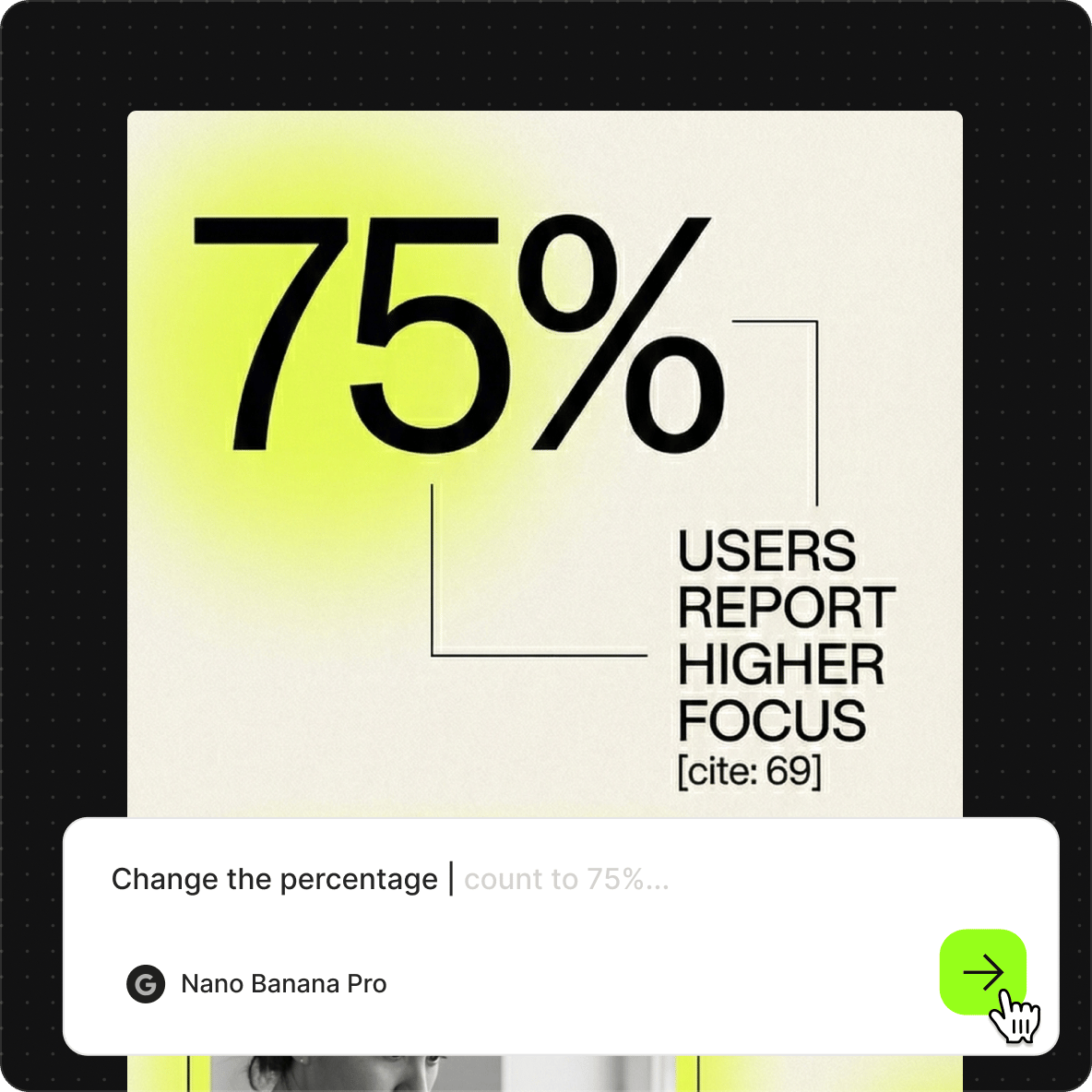
No need to spend hours arranging text, aligning icons, and adjusting spacing. Create infographics in minutes with VEED. Browse infographic templates, then edit by describing what you want to see. Change the headline and content, update the color scheme, and restyle the layout. Focus on the message while the AI handles the design.
Need precise text rendering for labels, stats, and callouts? Qwen has great text editing capabilities. For complex edits that need advanced reasoning, Nano Banana Pro understands nuanced prompts and delivers high-fidelity results. Multiple models available, matched to different tasks. Start creating infographics now.
How to create infographics:
Step 01
Choose a template
Explore infographic examples across different styles and formats. Select a template to start editing.

Step 02
Describe your edits with AI prompts
Type what you want changed: headlines, labels, colors, style. For example: "Change the title to 5 Marketing Trends for [year]" or "Make the background light gray."

Step 03
Export your infographic
Download your finished infographic, ready to share on your chosen platform. Or bring it into the video editor to animate it and turn it into a video explainer.
Learn More
Learn how to create graphics with Nano Banana Pro:
Start from infographic templates, edit with words
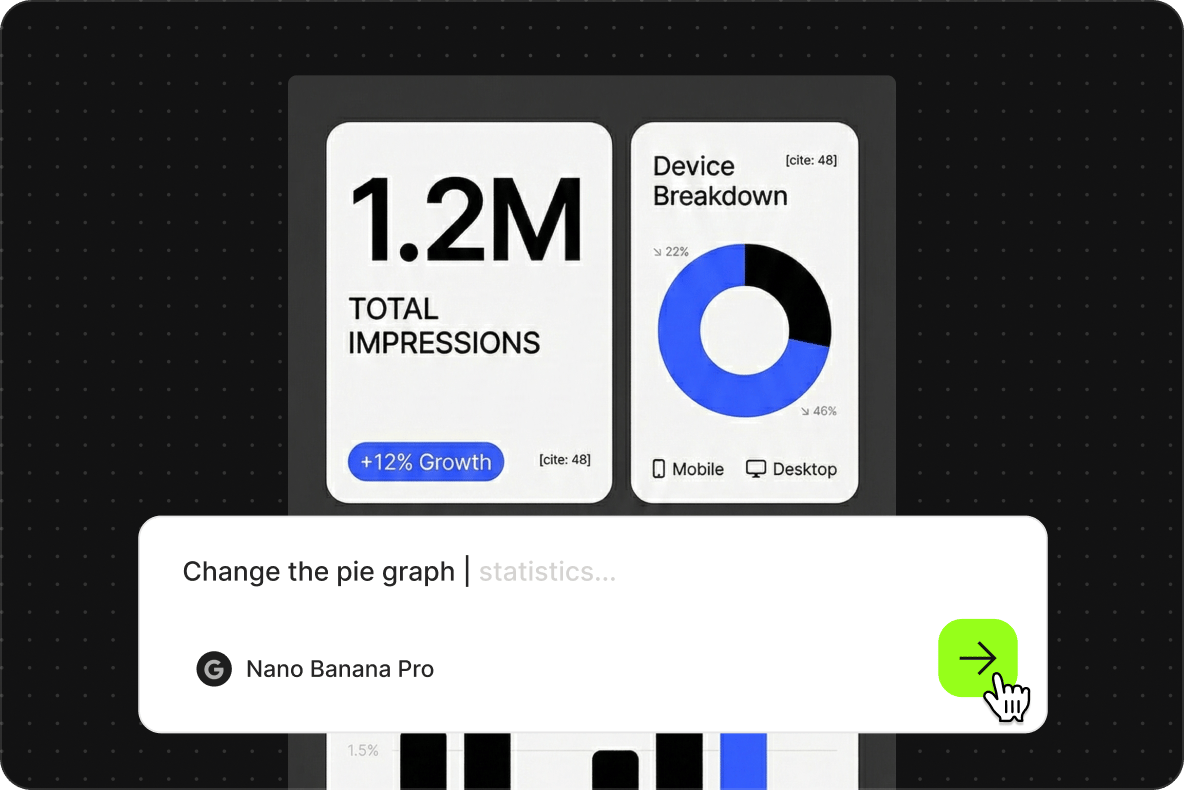
Skip the blank canvas. Browse infographic examples and use them as starting points. Pick one that fits your content, then prompt your edits. Change text, adjust colors, restyle the visual. Just describe the changes in plain language. No image layers to manage, no alignment tools to fiddle with.
Already have an infographic? Restyle it with AI
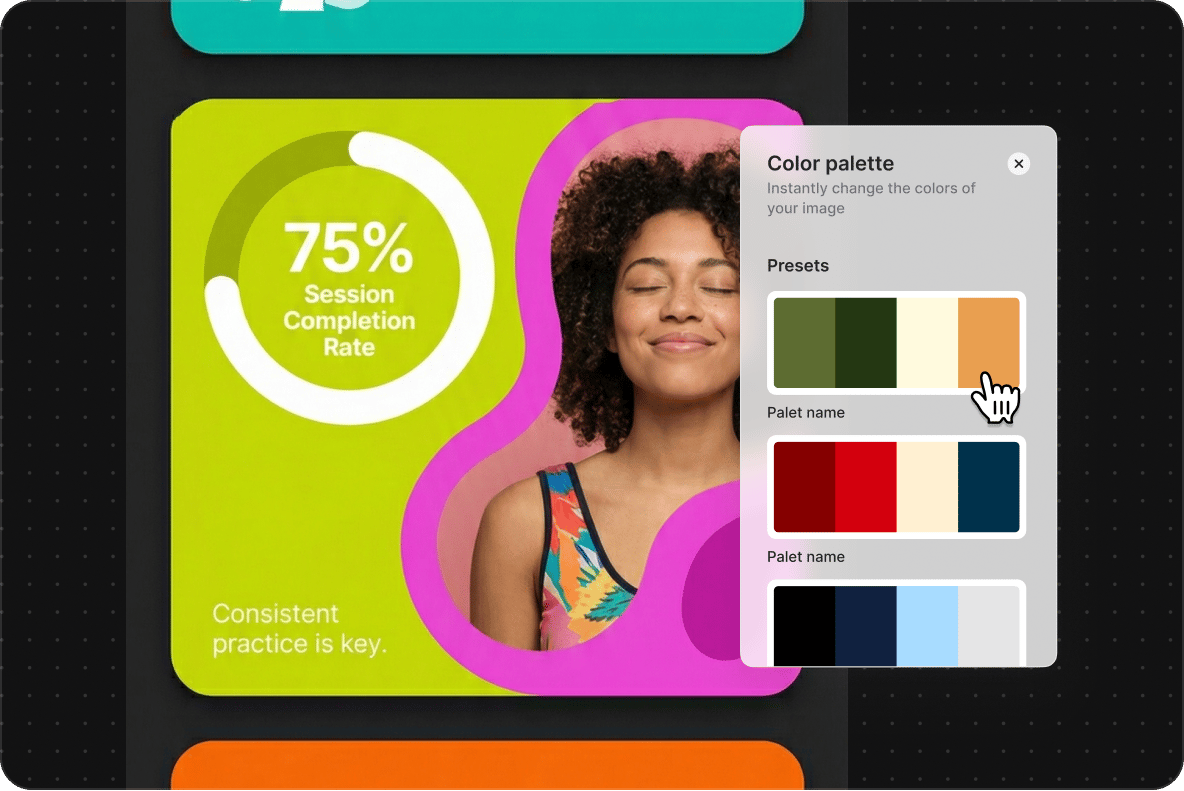
If you have an existing infographic that needs a refresh, you can upload it instead. The AI image editor lets you prompt edits directly. Update the text with new insights. Match your infographic to new brand colors, or change the style. Same prompt-based workflow, just with your visual as the starting point.
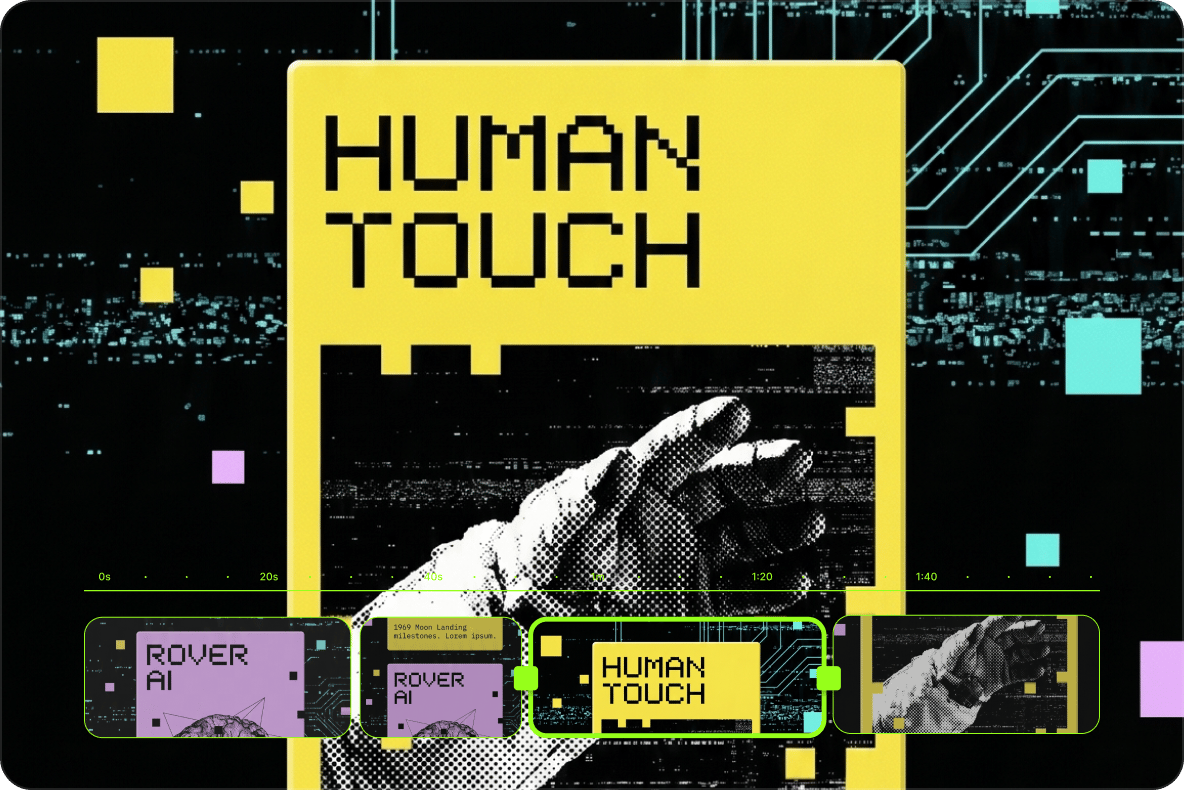
Turn infographics into videos
Static infographics are just the beginning. Once you've created your visual, bring it into VEED's video editor to add motion, narration, or music. Use the infographic video maker to add narration and animated elements. Or build full video explainers with the AI presentation maker.
FAQ
Infographics are visual representations of information, data, or processes. They combine text, icons, and graphics to communicate ideas quickly and clearly. Common use cases include:
- Blog content and SEO assets
- Social media posts and shareable visuals
- Reports and internal presentations
- Educational materials and explainers
- Lead magnets and downloadable resources
Infographics work best when you need to:
- Summarize complex information into a scannable format
- Make data more engaging than a table or spreadsheet
- Create shareable content for social or SEO
- Explain a process or sequence visually
For detailed explanations, long-form blog posts work better. For quick announcements, static images or ads may suffice. Infographics sit in between: visual enough to grab attention, structured enough to communicate depth.
Infographics are effective for engagement and retention because people process visuals faster than text, and infographics combine both. They're highly shareable on social media, attract backlinks for SEO, and perform well as lead magnets. For educators and marketers, infographics simplify complex topics without losing substance.
Three steps: browse templates and pick a layout, describe your edits with AI prompts, then export. No design software required. Just type what you want changed, and the AI generates it.
Three things set our infographic maker apart:
- Prompt-based editing: describe changes in plain language instead of dragging elements around
- Multiple AI models: Qwen for text accuracy, Nano Banana Pro for advanced reasoning, Flux for speed
- Seamless workflow: turn infographics into videos, presentations, or animated explainers without switching tools
The infographic maker requires AI credits to access the image models. Credit costs display when you browse the model selection. Visit our pricing page for information on subscription plans and credit add-on options.
Loved by creators.
Loved by the Fortune 500
“
With VEED I didn't need 15 tutorials - I jumped straight in and started editing.

Gwenne Wilcox
Founder,
Brand Brainery
“
You can go beyond choppping things. VEED actually makes my videos look great.

Michael Glover
Demand Gen Manager,
ConvertFlow
“
The first four videos i created with VEED got over 40,000 impressions on LinkedIn.

Travis Tyler
Senior Content Producer,
PandaDoc
“
I found VEED at the right time: if you're making UGC ads and not using Eye Contact Correction and Noise Reduction on VEED you're missing out on ROI.

Sebastian Schurgers
Head of Growth Marketing,
Gronda
“
With VEED I didn't need 15 tutorials - I jumped straight in and started editing.
Gwenne Wilcox
Founder,
Brand Brainery
“
You can go beyond choppping things. VEED actually makes my videos look great.
Michael Glover
Demand Gen Manager,
ConvertFlow
“
The first four videos i created with VEED got over 40,000 impressions on LinkedIn.
Travis Tyler
Senior Content Producer,
PandaDoc
“
I found VEED at the right time: if you're making UGC ads and not using Eye Contact Correction and Noise Reduction on VEED you're missing out on ROI.
Sebastian Schurgers
Head of Growth Marketing,
Gronda
“
The first four videos i created with VEED got over 40,000 impressions on LinkedIn.
Travis Tyler
Senior Content Producer,
PandaDoc
“
I found VEED at the right time: if you're making UGC ads and not using Eye Contact Correction and Noise Reduction on VEED you're missing out on ROI.
Sebastian Schurgers
Head of Growth Marketing,
Gronda
“
With VEED I didn't need 15 tutorials - I jumped straight in and started editing.
Gwenne Wilcox
Founder,
Brand Brainery
“
You can go beyond choppping things. VEED actually makes my videos look great.
Michael Glover
Demand Gen Manager,
ConvertFlow
Explore related tools
More from VEED
AI Marketing in 2025: How to Use Artificial Intelligence to Grow Your Business
AI marketing is no longer optional. It's a necessary tool for growing smarter, faster, and more cost-effectively in 2025. One of the most effective ways for businesses to thrive today is by leveraging AI to amplify their impact.
Best AI Image Generators: Top Tools for Creating Stunning Visuals in 2026
From text prompts to breathtaking visuals in mere seconds, AI image generators have revolutionized the way we create digital art. Whether you're building content for social, school, or just for fun, turning ideas into visuals has never been easier. This guide breaks down the best AI image generators of 2025. You'll see what each tool does well, where it struggles, and who it’s built for, so you can pick the right one for your goals and budget.

AI Art Prompts: How to Write Better Prompts, Creative Examples, and Tools to Try
Getting your AI art prompts is the key to winning with generative AI tools. Learn how to write better prompts here.
Trusted by 1M+ creators
When it comes to amazing videos, all you need is VEED
No credit card required
More than an infographic maker
Infographics explain ideas. Talking head videos bring them to life. VEED is an AI video creation platform that turns your ideas into post-ready videos in minutes. Generate, refine, and brand your content all in one place. Describe your topic or enter a script in VEED AI. Then, choose an AI avatar or voiceover. You can also use Fabric 1.0 to create talking head videos from your photo and voice. Make your video unmistakably yours by adding your logo, brand colors, and custom fonts. Create more videos, faster. Sign up for VEED now.