


Trusted by 1M+ creators
Christmas Cards
Make Christmas cards for family, friends, and clients in minutes. Pick a template, edit the prompt, and hit generate
No credit card required



Black and Gold Lacquer Fir Tree Christmas Card
Cards
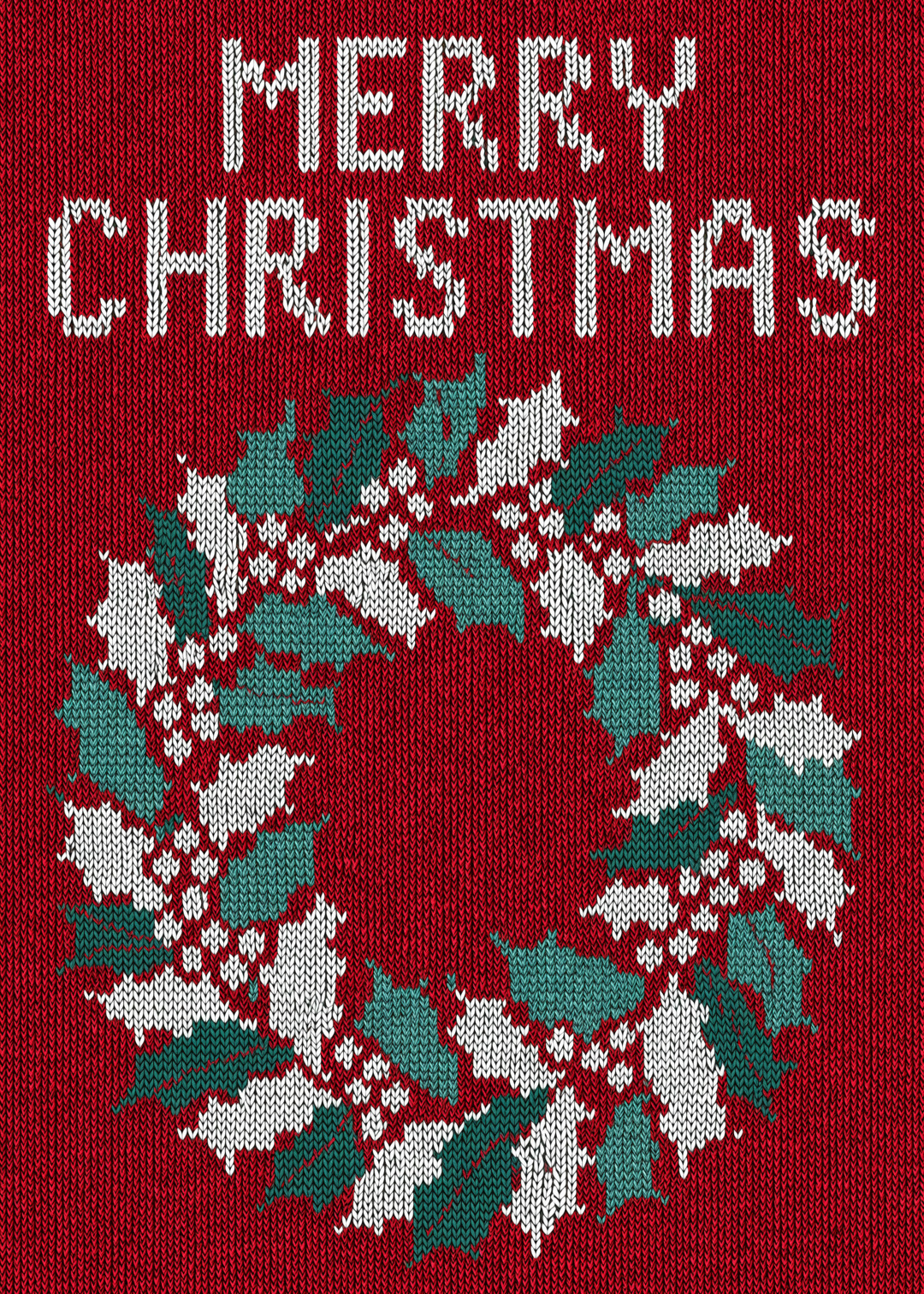
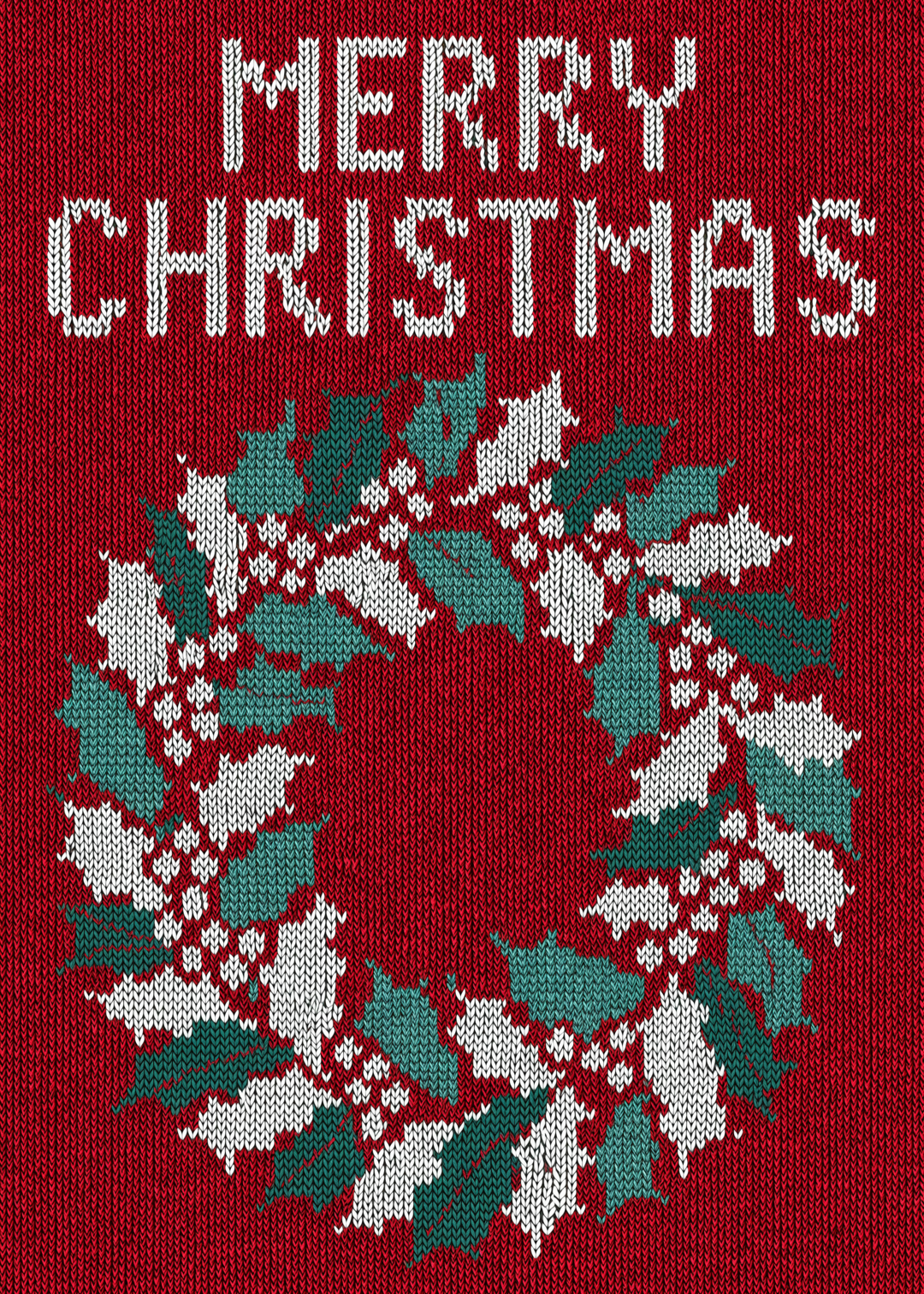
Red and Green Knitted Wreath Christmas Card
Cards


Celadon Green Chinoiserie Peony Wedding Card Design
Cards
4.6
2,100+ reviews















Christmas cards for the family, the group chat, and every client
Christmas cards are holiday greetings sent to relatives, friends, and clients, and VEED helps you make one from a template that opens with a prompt already written. Store-bought cards say what everyone else's card says, and most online card makers hand you an empty canvas or a design thousands of people already sent. Here you change the greeting, the names, the colors, and the style in the prompt, then generate.
Families make them for grandparents, cousins, and the group chat. Small businesses make them for clients, with a thank-you for the year and a signature line. Want a non-religious card? Write "Happy Holidays" in the prompt instead. Printing at home? If the card looks soft at full size, run it through the image upscaler first.
How to make a Christmas card:
Step 01
Choose a card template
Browse card templates and pick the design closest to the occasion, from watercolor birthday cards to minimalist thank-you notes. Each template opens with a prompt already written for that design.
Step 02
Edit the prompt and generate
Change the message, name, colors, and illustration style in the prompt. Put the exact words you want on the card in quotation marks, and add the shape you need: 3:4 for a printed card, 1:1 for a text or WhatsApp message, or 9:16 for Instagram Stories. Hit "generate."
Step 03
Download your card
Download your card to print or send. To fix a single word or remove a stray detail first, open it in the AI image editor.
Learn More
Check out Nano Banana Pro and try it on VEED:
One Christmas card, three ways to send it
The printed card goes in the envelope at 3:4, the square version goes to the family group chat at 1:1, and the tall one goes to your Story at 9:16. Generating the design at each ratio composes it for that shape from the start, so the greeting stays clear of the edges instead of getting cropped.
The look of the season, set in the prompt
Describe the season the way you picture it: pine branches and a red ribbon, a snowy cabin in watercolor, or vintage ornaments on cream paper. Try "MERRY CHRISTMAS, THE ALVAREZ FAMILY" in hand-lettered script over a pine wreath. If the mood is close but not right, re-prompt softer colors or bigger lettering.
From a still card to a holiday video greeting
This page makes a still card. For motion, turn the design into a short clip with image-to-video AI, or record a message for the whole family with the Christmas video maker and send it alongside the card.
FAQ
A Christmas card is a still holiday greeting, so making one online means choosing a design and adding your words. In VEED, open a card template, edit the prompt already written for it, add a ratio such as 3:4, and generate. Compare the results, re-prompt anything close but not right, then download. For motion instead of a still card, try image-to-video AI.
The front of a Christmas card works best with a short greeting, about six words or fewer, and the longer note goes inside or by hand. Put the exact wording in quotation marks in the prompt, such as "Merry Christmas, Dana", and check every name before downloading. If one letter is wrong, fix it in the AI image editor instead of generating the whole card again.
A photo Christmas card puts your own picture on the front. Cards generated from a template are new designs, so they do not include your photo. To keep a family picture on the card, upload it to the AI greeting card generator and describe the card around it: the greeting and where it sits, the border, and the style.
A standard A2 card is 4.25 × 5.5 inches, and a 5 × 7 card is the other common size. Generate at 3:4 for A2, which fits almost exactly, or 2:3 for a 5 × 7 and trim about half an inch off the height. A 5 × 7 print at 300 DPI needs 1500 × 2100 pixels, so upscale smaller files with the image upscaler. Print on cardstock.
A good Christmas card message is short, warm, and specific to the person. For family, try "Merry Christmas, with love from all of us." For clients, try "Thank you for a great year. Happy Holidays from our team." For a non-religious card, "Warm wishes for the new year" works. In VEED, put the exact words in quotation marks in the prompt, and keep the longer note for inside the card.
AI image generation runs on credits, and the card maker works the same way. You can sign up without a credit card. The credit cost depends on how many images you generate, and it shows on the generate button before you commit. See pricing for current plans and credit add-ons, or use the AI image generator to start from a blank prompt instead of a template.
Loved by creators.
Loved by the Fortune 500
“
With VEED I didn't need 15 tutorials - I jumped straight in and started editing.

Gwenne Wilcox
Founder,
Brand Brainery
“
You can go beyond choppping things. VEED actually makes my videos look great.

Michael Glover
Demand Gen Manager,
ConvertFlow
“
The first four videos i created with VEED got over 40,000 impressions on LinkedIn.

Travis Tyler
Senior Content Producer,
PandaDoc
“
I found VEED at the right time: if you're making UGC ads and not using Eye Contact Correction and Noise Reduction on VEED you're missing out on ROI.

Sebastian Schurgers
Head of Growth Marketing,
Gronda
“
With VEED I didn't need 15 tutorials - I jumped straight in and started editing.
Gwenne Wilcox
Founder,
Brand Brainery
“
You can go beyond choppping things. VEED actually makes my videos look great.
Michael Glover
Demand Gen Manager,
ConvertFlow
“
The first four videos i created with VEED got over 40,000 impressions on LinkedIn.
Travis Tyler
Senior Content Producer,
PandaDoc
“
I found VEED at the right time: if you're making UGC ads and not using Eye Contact Correction and Noise Reduction on VEED you're missing out on ROI.
Sebastian Schurgers
Head of Growth Marketing,
Gronda
“
The first four videos i created with VEED got over 40,000 impressions on LinkedIn.
Travis Tyler
Senior Content Producer,
PandaDoc
“
I found VEED at the right time: if you're making UGC ads and not using Eye Contact Correction and Noise Reduction on VEED you're missing out on ROI.
Sebastian Schurgers
Head of Growth Marketing,
Gronda
“
With VEED I didn't need 15 tutorials - I jumped straight in and started editing.
Gwenne Wilcox
Founder,
Brand Brainery
“
You can go beyond choppping things. VEED actually makes my videos look great.
Michael Glover
Demand Gen Manager,
ConvertFlow
Discover more
Explore related tools
More from VEED

This is the Best YouTube Banner Size (and Examples of Great Channel Art)
Here's the best size for your YouTube banner and everything you need to know to make eye-catching channel art.

AI Art Prompts: How to Write Better Prompts, Creative Examples, and Tools to Try
Getting your AI art prompts is the key to winning with generative AI tools. Learn how to write better prompts here.

Branded Video 101: What is it and How to Get Started
A branded video is a marketing asset that uses storytelling to engage an audience and build brand awareness. Learn more in this guide.
Trusted by 1M+ creators
When it comes to amazing videos, all you need is VEED
No credit card required
More than a Christmas card maker
A Christmas card is rarely the only thing the holiday season asks of you: there is the family update, the thank-you to clients, and the countdown post. VEED is an AI video creation platform, so a holiday greeting video for your clients can match the card you just made. Generate a scene from a written prompt or a script in the AI video generator, add an AI avatar or a voiceover, and refine the cut until the pacing holds. On the image side, re-prompt and fix details in the AI image editor. Keep fonts, colors, and logo consistent so a client greeting looks like your brand made it, not AI, and a family one looks like it came from you. Then export post-ready video for TikTok, Reels, and YouTube.