


Trusted by 1M+ creators
Animated Wallpaper Maker
Make stunning animated wallpapers in minutes. Create unique images with VEED’s AI image generator
No credit card required
4.6
2,100+ reviews















Elevate your desktop with an animated wallpaper
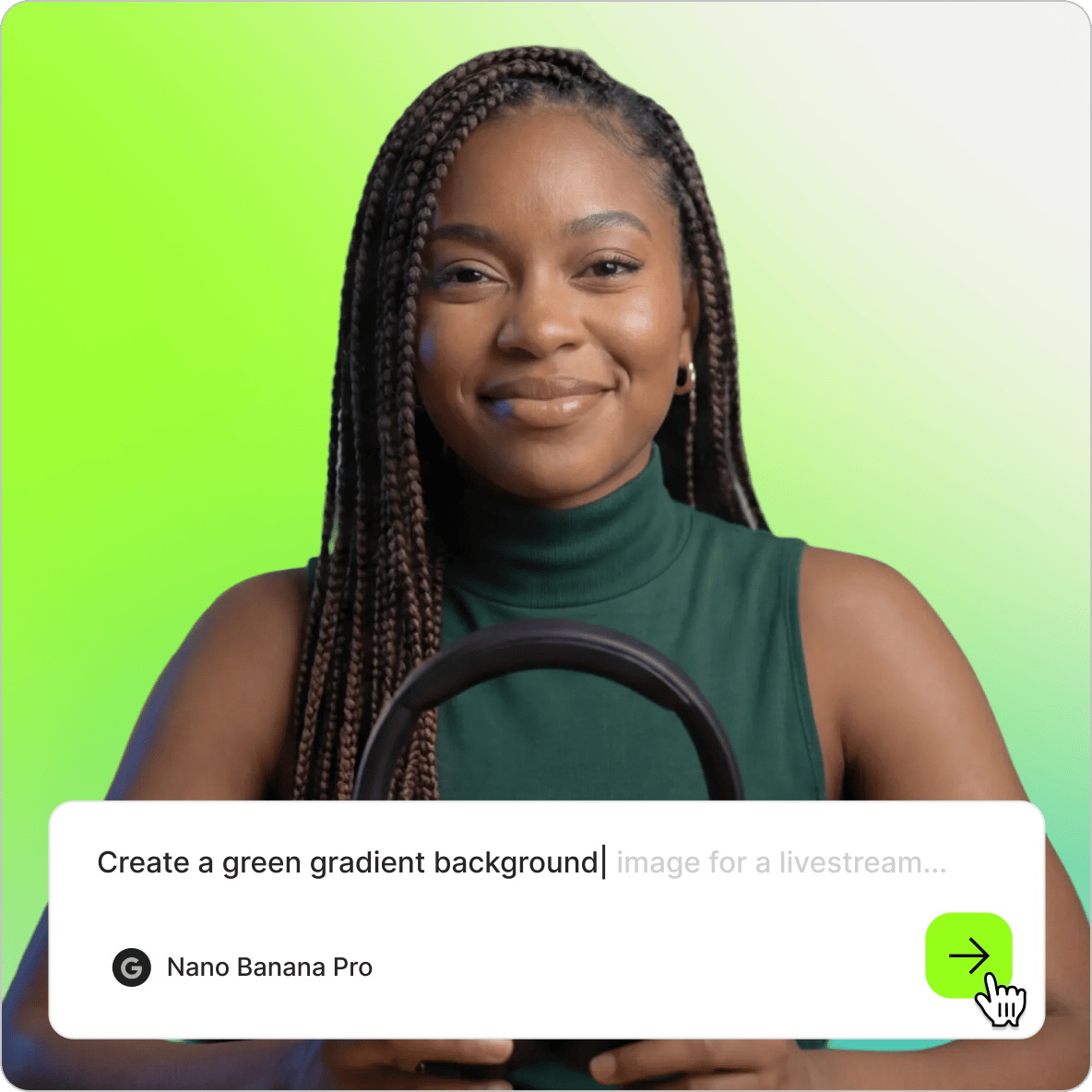
Create animated wallpapers that actually reflect your style — not a generic stock background. Type a prompt into VEED's AI image generator and generate anything from abstract art to anime characters to nature scenes. Then open it in the editor and add animated text, shapes, or stickers to bring it to life. No design skills needed.
How to make animated wallpapers:
Step 01
Create an image
Type a prompt in our AI image generator, generate an image, and open it in the editor. Or start with a blank canvas and add your own image.
Step 02
Customize
Edit your clips to create the perfect wallpaper that matches your style. Add animated text, shapes, or stickers to enhance your design.
Step 03
Export
Download your video file when you're happy with your design. Set it as your desktop wallpaper and enjoy your new animated background.
Learn More
Learn how to add animation to text:
Unique, custom AI wallpapers
No artistic skills required. VEED's AI wallpaper generator turns a text description into a custom image in seconds. Blend game characters with surreal landscapes, generate abstract patterns, or create something no stock library would ever have. Internal link preserved.
Effortless video creation
No animation experience needed. VEED's drag-and-drop editor lets you import images, videos, and graphics, adjust animation speed, add transitions, and trim clips. You can also turn a set of photos into a slideshow-style wallpaper in just a few steps.
Dynamic Zoom backgrounds
Use VEED to create custom Zoom backgrounds as well as desktop wallpapers. Pick from a library of stock footage and templates, or generate something original with AI — then export and upload directly to Zoom. A quick way to make virtual meetings feel more on-brand.
FAQ
Simply create a new project and upload your image or video. Our live wallpaper maker offers a collection of stock videos to use as a base for your animation. You can also create images with our image generator. Once your media is in the editor, add text and stickers, or draw freehand and animate your creation to bring it to life.
Yes, VEED's AI image generator lets you create unique images using text prompts. Just describe the image you want, and our AI will generate it for you. To turn your AI-generated image into a live wallpaper, open it in our video editor and add animations and stock footage, or draw freehand and animate.
Open the Zoom app and click on the ‘Settings’ button. From there, select the ‘Backgrounds & Filters’ option. Upload your video file, which you can create using our animated wallpaper maker. Once uploaded, your custom virtual background will be ready to use in your Zoom meetings, adding a unique and dynamic touch to your video calls.
The impact of a live wallpaper on your PC's performance depends on factors like computer specs and wallpaper complexity. Desktop live wallpapers can use up CPU and RAM resources, so having a PC with enough processing power is essential. Generally, you'll need at least 1GB of RAM or more for complex wallpapers to run them smoothly.
You can configure your wallpaper software to pause when running full-screen applications, such as games. This will allocate more resources to the apps you're actively using while still allowing you to enjoy your custom, animated wallpaper on the desktop. Additionally, VEED offers an option to export your video in standard quality, providing a balance between visual quality and render times.
Loved by creators.
Loved by the Fortune 500
“
With VEED I didn't need 15 tutorials - I jumped straight in and started editing.

Gwenne Wilcox
Founder,
Brand Brainery
“
You can go beyond choppping things. VEED actually makes my videos look great.

Michael Glover
Demand Gen Manager,
ConvertFlow
“
The first four videos i created with VEED got over 40,000 impressions on LinkedIn.

Travis Tyler
Senior Content Producer,
PandaDoc
“
I found VEED at the right time: if you're making UGC ads and not using Eye Contact Correction and Noise Reduction on VEED you're missing out on ROI.

Sebastian Schurgers
Head of Growth Marketing,
Gronda
“
With VEED I didn't need 15 tutorials - I jumped straight in and started editing.
Gwenne Wilcox
Founder,
Brand Brainery
“
You can go beyond choppping things. VEED actually makes my videos look great.
Michael Glover
Demand Gen Manager,
ConvertFlow
“
The first four videos i created with VEED got over 40,000 impressions on LinkedIn.
Travis Tyler
Senior Content Producer,
PandaDoc
“
I found VEED at the right time: if you're making UGC ads and not using Eye Contact Correction and Noise Reduction on VEED you're missing out on ROI.
Sebastian Schurgers
Head of Growth Marketing,
Gronda
“
The first four videos i created with VEED got over 40,000 impressions on LinkedIn.
Travis Tyler
Senior Content Producer,
PandaDoc
“
I found VEED at the right time: if you're making UGC ads and not using Eye Contact Correction and Noise Reduction on VEED you're missing out on ROI.
Sebastian Schurgers
Head of Growth Marketing,
Gronda
“
With VEED I didn't need 15 tutorials - I jumped straight in and started editing.
Gwenne Wilcox
Founder,
Brand Brainery
“
You can go beyond choppping things. VEED actually makes my videos look great.
Michael Glover
Demand Gen Manager,
ConvertFlow
Discover more
More from VEED

The 16 Best AI Art Generators of All Time: Unleash Your Creativity!
Unlock your creativity! Check out our roundup of the best AI art generators to try in 2025.

Bitrate 101: Everything You Need to Know
Confused about bitrate and how it correlates to the quality of your video? Check out this starter guide to learn all about this topic.

What is a Green Screen (& How to Use One)?
New to green screens? This beginner's guide will help you become a green screen pro in no time!
Trusted by 1M+ creators
When it comes to amazing videos, all you need is VEED
No credit card required
More than an animated wallpaper maker
Wallpapers are just one thing VEED can do. VEED is an AI video creation platform where you can generate, refine, and export videos for TikTok, Instagram, YouTube, and LinkedIn. Record and edit gaming videos with custom layouts, subtitles, and effects, or turn your best moments into shareable GIFs with the GIF maker. Starting from an idea instead? VEED AI generates a complete video from a prompt, with a talking character, captions, and music built in. Get started for free.