

Trusted by 1M+ creators
Text to Animation AI
Create animated videos from text prompts. Generate explainer videos, reels, and trending topic content in minutes
No credit card required
4.6
2,100+ reviews















Turn your ideas into animation videos with AI text-to-video
Describe your video idea and VEED's text-to-animation AI generates a complete animated video — with curated stock animations, AI voiceovers, music, and captions. No animation software or advanced skills needed. Customize caption styles, swap footage, adjust timing, and add your brand elements in the built-in editor. Works for explainer videos, Instagram reels, and trending social content.
How to create animated videos from text:
Step 01
Type a prompt
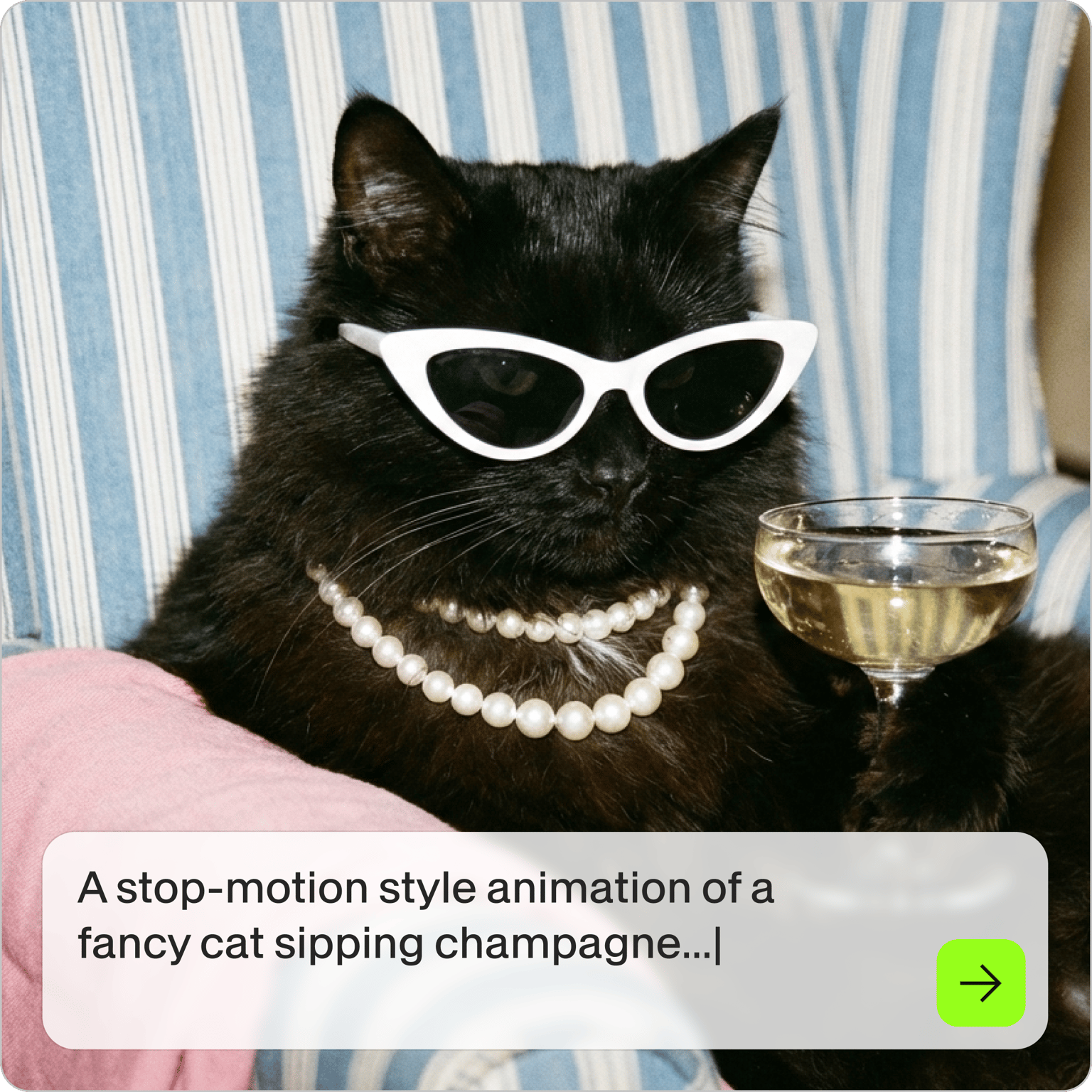
Describe the animation video you want to generate, or click one of our prompts. To get animated results instead of live-action footage, include words like ‘animated,’ ‘cartoon-style’ or ‘graphics’ in your prompt.
Step 02
Customize video
Set the aspect ratio, avatar/voiceover, music, and caption style. You can replace the footage by selecting stock media from our library, uploading your own videos, or generating new visuals.
Step 03
Export or keep creating
Click 'Done' to export your animation video. Or open our video editor to add text, your brand assets, and more. You can even create a custom avatar or voice clone to personalize your content.
Learn More
Learn more about our text-to-video generator:
Create instant content with text-to-animation AI
Describe your video and the AI builds it — stock animations, voiceover, music, and captions included. No filming, no editing from scratch. Useful for content creators and marketers who need video output quickly.
Skip the recording, generate talking animations
Select from AI avatars across multiple languages and accents. VEED adds realistic voiceover and avatar-style presentation to your animation automatically — no microphone or recording studio needed.
Animated video AI generator and editor in one platform
Generate moving text with animation effects like zoom, typewriter, and bounce. Localize your videos with [voice cloning](https://www.veed.io/tools/ai-voice-cloning and AI dubbing](https://www.veed.io/tools/voice-dubber). Everything happens in one workspace — from generation to final export.
FAQ
You can create diverse animations with VEED:
- Animated explainer videos: Describe your idea to generate animated videos—complete with curated stock animations, AI voiceovers, and captions
- AI generation: Replace auto-generated footage with AI animations in different styles (e.g., realistic, watercolor, cyberpunk)
- Text-to-speech avatars: Turn your scripts into talking animations, perfect for marketing communications and training videos
Use descriptive words like 'animation' or 'cartoon-style,' in your prompts. For example, instead of 'explain how to save money,' try 'create an animated video showing coins dropping into a piggy bank to demonstrate money-saving tips.' If the AI generates live-action footage, you can select the clip, click 'Replace footage,' and search for animations in our stock media library.
Yes. Currently, you can convert up to 5,000 text characters to speech at a time in our editor. This length is great for animation dialogue, educational videos, and tutorials.
The text-to-animation AI generator runs on AI credits. Sign up to see what's available on your plan. Check our pricing page for more information.
Loved by creators.
Loved by the Fortune 500
“
With VEED I didn't need 15 tutorials - I jumped straight in and started editing.

Gwenne Wilcox
Founder,
Brand Brainery
“
You can go beyond choppping things. VEED actually makes my videos look great.

Michael Glover
Demand Gen Manager,
ConvertFlow
“
The first four videos i created with VEED got over 40,000 impressions on LinkedIn.

Travis Tyler
Senior Content Producer,
PandaDoc
“
I found VEED at the right time: if you're making UGC ads and not using Eye Contact Correction and Noise Reduction on VEED you're missing out on ROI.

Sebastian Schurgers
Head of Growth Marketing,
Gronda
“
With VEED I didn't need 15 tutorials - I jumped straight in and started editing.
Gwenne Wilcox
Founder,
Brand Brainery
“
You can go beyond choppping things. VEED actually makes my videos look great.
Michael Glover
Demand Gen Manager,
ConvertFlow
“
The first four videos i created with VEED got over 40,000 impressions on LinkedIn.
Travis Tyler
Senior Content Producer,
PandaDoc
“
I found VEED at the right time: if you're making UGC ads and not using Eye Contact Correction and Noise Reduction on VEED you're missing out on ROI.
Sebastian Schurgers
Head of Growth Marketing,
Gronda
“
The first four videos i created with VEED got over 40,000 impressions on LinkedIn.
Travis Tyler
Senior Content Producer,
PandaDoc
“
I found VEED at the right time: if you're making UGC ads and not using Eye Contact Correction and Noise Reduction on VEED you're missing out on ROI.
Sebastian Schurgers
Head of Growth Marketing,
Gronda
“
With VEED I didn't need 15 tutorials - I jumped straight in and started editing.
Gwenne Wilcox
Founder,
Brand Brainery
“
You can go beyond choppping things. VEED actually makes my videos look great.
Michael Glover
Demand Gen Manager,
ConvertFlow
Discover more
- AI Animation Generator
- AI Art Video Generator
- AI Course Creator
- AI Marketing Video Generator
- AI Movie Generator
- AI Music Video Generator
- AI News Generator
- AI Reel Generator
- AI Stock Video Generator
- AI Training Video Generator
- AI UGC
- AI Video Demo
- AI Video Editor
- AI Video Maker
- AI Visual Generator
- AI YouTube Video Maker
- Animate from Audio
- Article to Video
- Blog to Video
- Faceless Videos
- Idea to Video
- Script to Video
- Seedance AI Video
- Text to Video AI
- TikTok Video Generator
- Veo 3
- Video Generators
- Viral AI Video Generator
- YouTube Shorts Maker
Explore related tools
- AI Animation
- AI Avatar Generator
- AI Text to Speech Video
- Animated Explainer Video Maker
- Animated Text Maker
- Animation for Social Media
- Image to Video AI
- Instagram Reels Maker
- Kling AI 1.6
- LTX Video
- MiniMax Video 01
- PixVerse v4.5
- Ray
- Seedance AI Video Generator
- Text to Image
- Trending Video Editing
- Veo 3
- VEO 3
- Veo 3 Fast
More from VEED

AI Video Production: What's Possible and Where to Get Started
Dipping your toes in AI video production? Use this starter guide to hit the ground running and produce your first masterpiece.

How to Make AI Videos with VEED: Bring Your Ideas to Life
Want to learn how to make AI videos with VEED? Check out this starter guide to take your video projects from A to Z in the blink of AI.

AI Art Prompts: How to Write Better Prompts, Creative Examples, and Tools to Try
Getting your AI art prompts is the key to winning with generative AI tools. Learn how to write better prompts here.
Trusted by 1M+ creators
When it comes to amazing videos, all you need is VEED
No credit card required
More than text to animation AI
Text-to-animation is one starting point for social video. VEED is an AI video creation platform where you can generate, fine-tune, and export videos for TikTok, Instagram, YouTube, and LinkedIn. Beyond animation, use VEED AI to build complete branded videos from a script, with avatars, captions, and stock footage — all in one place. Get started for free.