


Trusted by 1M+ creators
Video Trimmer & Cutter
Cut videos without compromising on quality with VEED’s easy-to-use video trimmer.
No credit card required

4.6
2,100+ reviews















The best free online video cutter tool
VEED lets you quickly cut, trim, and crop your videos for multiple platforms. Our online video cutter is easy to use, whether you’re a complete beginner or video editing pro. Simply choose a video file - we support all video formats (MP4, MOV, AVI, WMV, etc.) - and use the timeline to drag the ends of the video. You can also use the ‘Split’ button if you want to remove the middle part of your video. Cut something from the beginning or end of a video without leaving your web browser. Our tool is intuitive and easy to use, so you don’t need any video editing experience to trim your clips.
How to cut or trim a video:
Step 01
Upload
Select a file or drag and drop it into the editor.
Step 02
Cut or trim your video
Use the timeline to drag the ends of the video just how you want it. You can also click ‘Split’ to remove the middle part of your video.
Learn More
Watch this walkthrough on how to cut and trim a video:
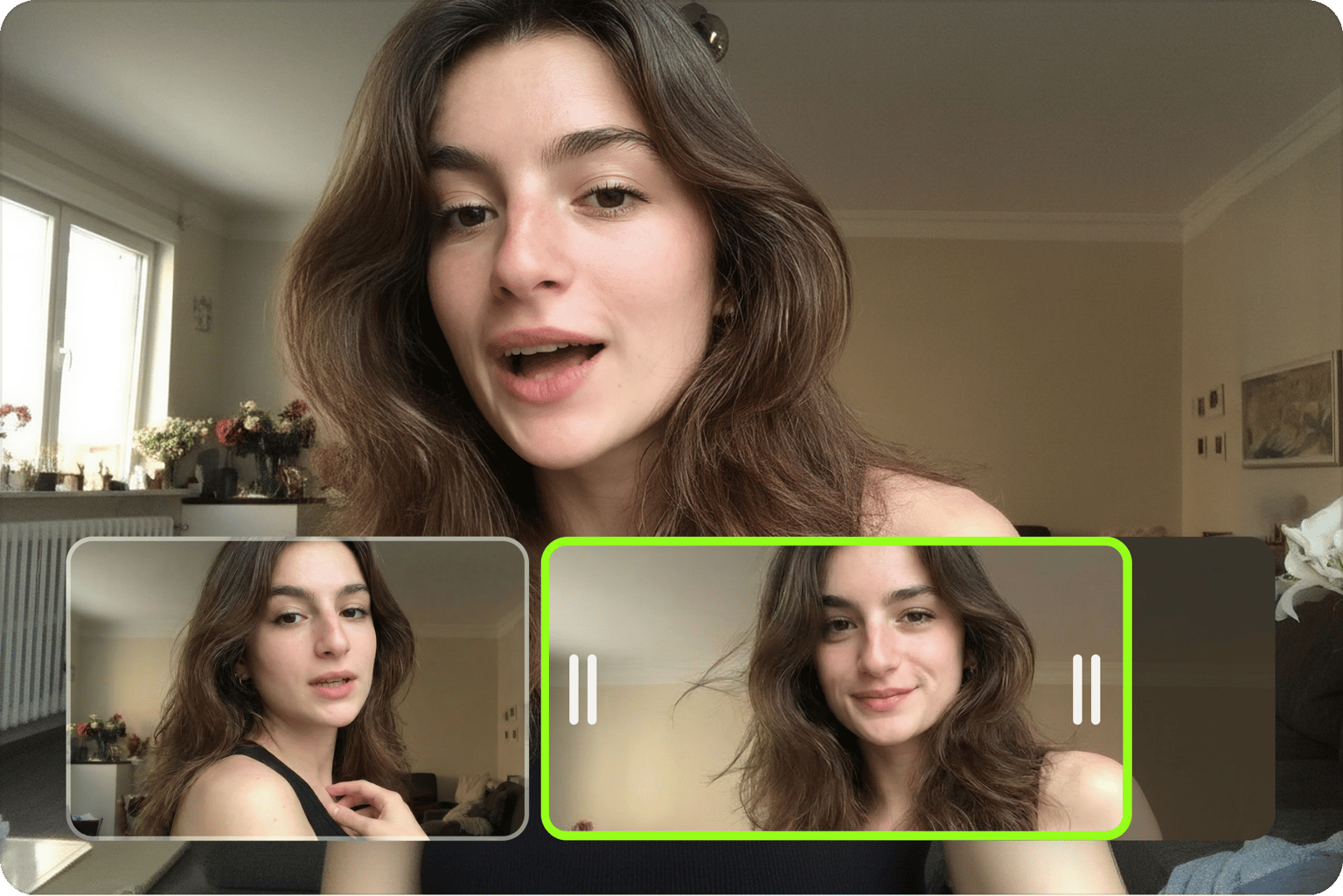
Make impactful videos: Trim videos in just a few clicks
As a professional, you understand the significance of capturing your audience's attention within the first 5 seconds. By skillfully trimming your video in just a few clicks, you can eliminate all the extraneous information and keep only the relevant content that caters to your viewer's interests. With VEED, you can create fresh content with your existing YouTube videos. You can cut, trim, crop your video, remove audio, add music, and more. Use the timeline to split videos with a single click.
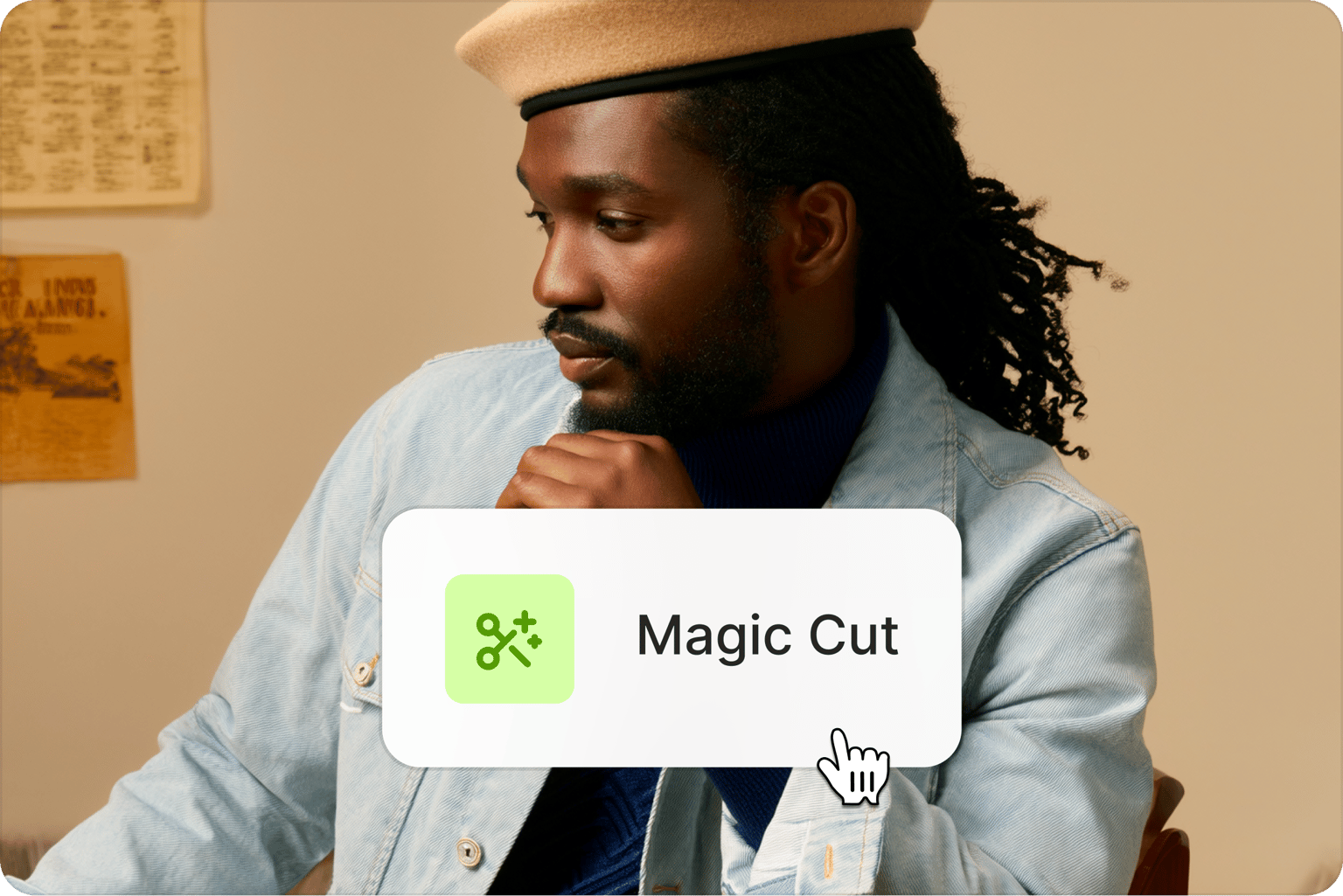
Create the best clips for socials with Magic Cut
Cut and trim your videos to the perfect length for any social media platform with VEED’s video cutter and splitter. Or use our Magic Cut tool to let our AI enhance your video clips for your social media marketing campaigns. Remove background noise, filler words, and more. VEED lets you tailor your content for TikTok, Instagram Reels, and more. Increase engagement on your social media channel with high-impact videos.
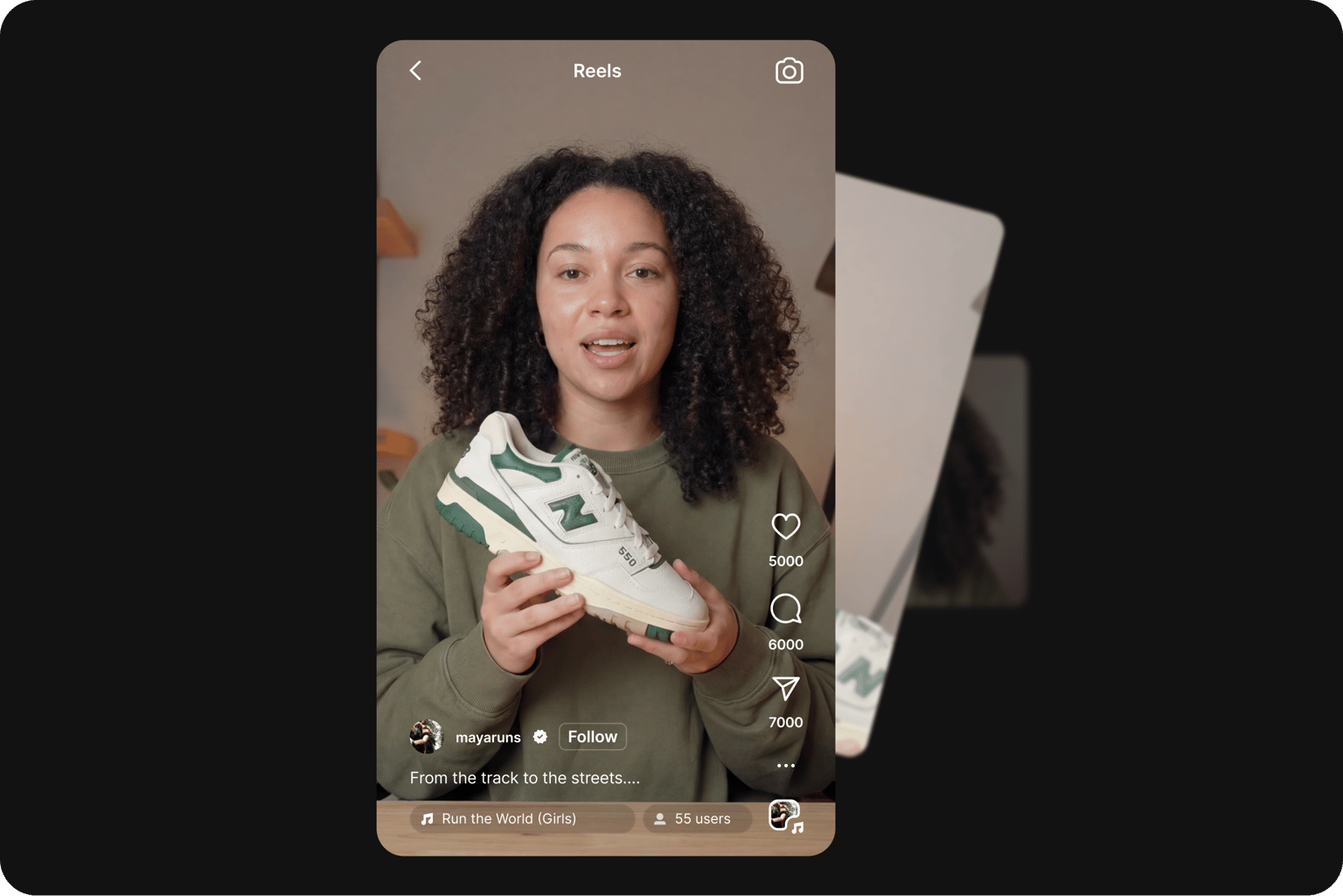
The best video cutter to repurpose your videos
Not only can you use our simple video trimmer tool, but you can also resize your video to fit any social media platform with a single click. You can also compress videos on VEED, all without compromising the quality. Use the same video across multiple social platforms by changing the canvas size to fit YouTube, Facebook Cover, Instagram, Instagram Stories, Instagram Reels, TikTok, Twitter, Snapchat, and more.
FAQ
A video trimmer allows you to reduce the length of your video. Trim the ends of a video that is too long, or remove unwanted sections by ‘Splitting’ the video. You can do this all online, and free, with VEED.
Use our Magic Cut tool to let AI automatically splice one powerful video from your clips. To trim a video all you need to do is upload your video file and drag the sliders on our easy-to-use timeline. Or, you can hit the ‘Split Video’ button and delete any unwanted sections of your video.
To crop, simply click & drag the corners of the video’s image. To rotate, click on the video and adjust the rotation slider. To loop, copy, and paste your video multiple times onto the timeline.
VEED is compatible with MP4, GIF, AVI, MOV, MKV, MP3 and many more. If your file type is not listed here, don’t worry, there’s a good chance it is still supported by VEED. Try uploading it and get trimming right away.
Yes. VEED works with GIFs. You can upload animated GIF files, GIF images, and more. You can even upload video files and then save them as shareable GIFs.
Yes. VEED works with a range of audio files, including MP3, WAVE, WAV, M4A, FLAC, AAC, OGG, OPUS, OGA, and more! Upload the audio file to VEED, use the timeline to trim it, and export it as MP3.
Loved by creators.
Loved by the Fortune 500
“
With VEED I didn't need 15 tutorials - I jumped straight in and started editing.

Gwenne Wilcox
Founder,
Brand Brainery
“
You can go beyond choppping things. VEED actually makes my videos look great.

Michael Glover
Demand Gen Manager,
ConvertFlow
“
The first four videos i created with VEED got over 40,000 impressions on LinkedIn.

Travis Tyler
Senior Content Producer,
PandaDoc
“
I found VEED at the right time: if you're making UGC ads and not using Eye Contact Correction and Noise Reduction on VEED you're missing out on ROI.

Sebastian Schurgers
Head of Growth Marketing,
Gronda
“
With VEED I didn't need 15 tutorials - I jumped straight in and started editing.
Gwenne Wilcox
Founder,
Brand Brainery
“
You can go beyond choppping things. VEED actually makes my videos look great.
Michael Glover
Demand Gen Manager,
ConvertFlow
“
The first four videos i created with VEED got over 40,000 impressions on LinkedIn.
Travis Tyler
Senior Content Producer,
PandaDoc
“
I found VEED at the right time: if you're making UGC ads and not using Eye Contact Correction and Noise Reduction on VEED you're missing out on ROI.
Sebastian Schurgers
Head of Growth Marketing,
Gronda
“
The first four videos i created with VEED got over 40,000 impressions on LinkedIn.
Travis Tyler
Senior Content Producer,
PandaDoc
“
I found VEED at the right time: if you're making UGC ads and not using Eye Contact Correction and Noise Reduction on VEED you're missing out on ROI.
Sebastian Schurgers
Head of Growth Marketing,
Gronda
“
With VEED I didn't need 15 tutorials - I jumped straight in and started editing.
Gwenne Wilcox
Founder,
Brand Brainery
“
You can go beyond choppping things. VEED actually makes my videos look great.
Michael Glover
Demand Gen Manager,
ConvertFlow
Discover more
Explore related tools
More from VEED

How to Crop a Video (Free and Paid Easy-to-Use Methods)
The easiest way to crop videos (free & paid ways) whether on Windows 10 with VLC or online with VEED. Here's how!
.png)
7 Best Video Cutter Software (For Every Type of User)
Looking for a tool to cut or trim your clips? Check out our roundup of the best video cutter software of all time!

How to Split a Video Into Parts For Free (Super Easy)
How to use VEED's video splitter to split videos online quickly and easily.
Trusted by 1M+ creators
When it comes to amazing videos, all you need is VEED
No credit card required
More than a video cutter and trimmer
Trim your footage and fine-tune your video in minutes. VEED is an AI video creation platform where you can generate, refine, and export videos. Once your clips are cut, you can add captions, layer in B-roll, apply your Brand Kit, and export for any platform. One workflow, from raw footage to post-ready video. Start creating with VEED today.