


Trusted by 1M+ creators
Silence Remover
Remove silence from your audio and achieve studio-quality output!
No credit card required
4.6
2,100+ reviews















Achieve professional-quality audio for your recordings!
VEED’s professional online video editing suite features handy AI-powered software that instantly removes silence from your audio files. Remove gaps, awkward pauses, and even background noises from your audio in one click. Plus, you can use our audio editor’s pro tools to split, trim, and rearrange your audio clips.
It’s perfect for creating studio-quality podcasts, audiobooks, video tutorials, and more! Record your voice or songs straight from your browser using our online webcam and audio recorder. You can also add royalty-free stock music and sound effects from our stock library. Recording a video? Use Magic Cut to let AI automatically feature the best scenes in your content!
Things you can do with VEED’s audio editor:
Step 01
Cut, trim, and split your audio clips
Add as many audio clips as you want. You can cut, trim, and split clips in just a few clicks.
Step 02
Rearrange clips
VEED features an intuitive timeline that allows you to drag and drop audio clips with ease. Rearrange clips to create audio mix and more!
Step 03
Remove silence and loop audio clips
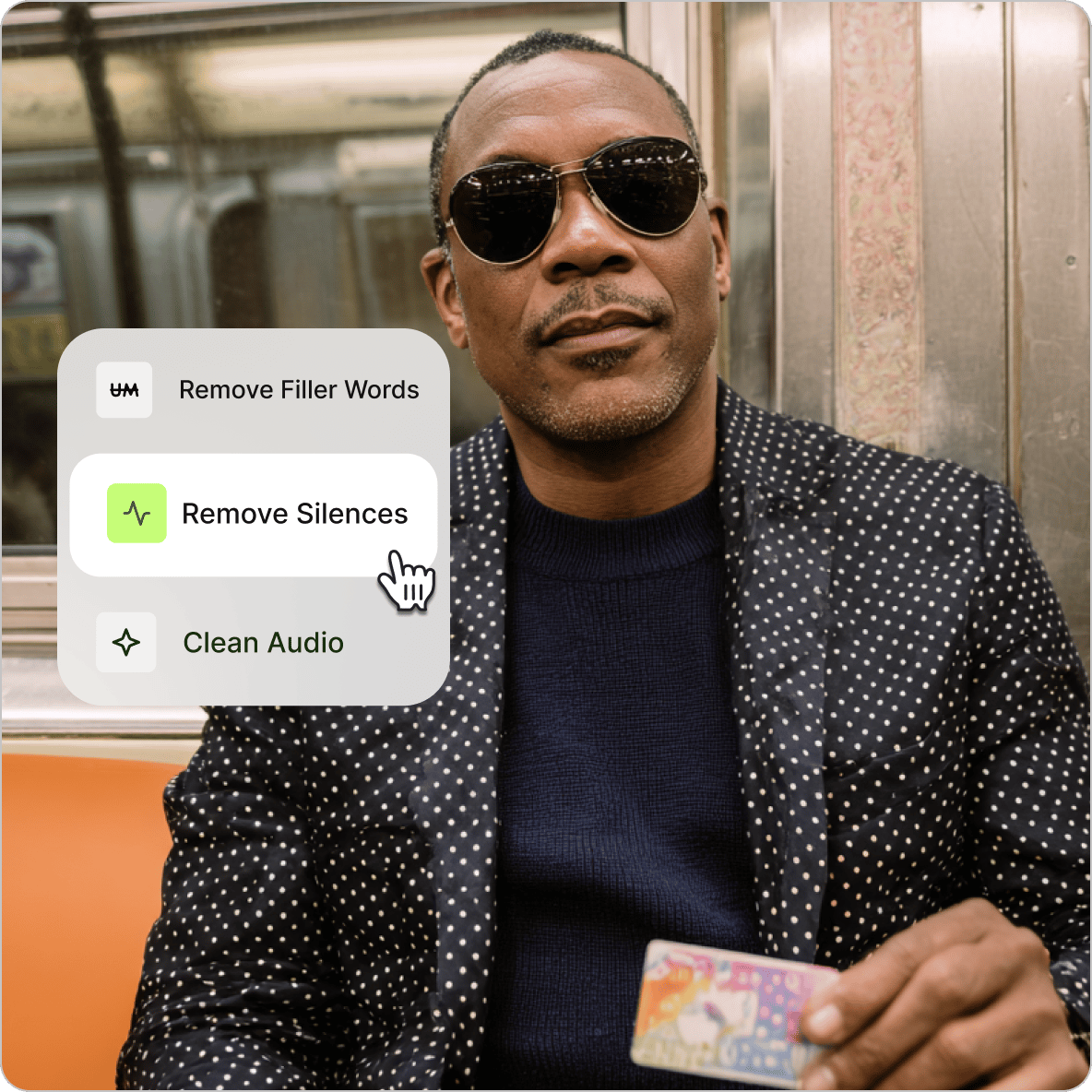
Remove silence and awkward pauses from your audio by clicking on the “Remove Silences” button. You can loop your audio or create fresh music right within VEED! Or add more audio files from our royalty-free stock music library.
Learn More
Watch this video to learn more about our silence remover:
Record music like a pro without downloading software
VEED’s online video and audio editing tools are accessible straight from your browser. Make your audio recordings sound studio-quality without having to download an app! Record music online using our audio recorder. Edit your recordings in a breeze using our full suite of tools!
Remove noise and awkward silence from your audio with AI
Using our online tools can be a huge help in your music production, especially with our AI background noise and silence remover. Remove silences from your video and clean your audio with one click. Powered by Dolby Technology, our AI software automatically detects background noise - wind, breathing, traffic, or any unwanted sound—and removes it in real time.
The best alternative to expensive audio editing apps!
VEED is the best, most cost-effective alternative you can find to many expensive audio and video editing apps. There are lots of free online apps you can use, but they have limited features. VEED offers a wide range of pro tools to help you make your recordings sound professional. Drag and drop your audio clips to rearrange them quickly. You can split, trim, loop, and cut your clips in a few clicks. Create professional music remixes, add your audio to a video file to create music videos, and more!
FAQ
VEED lets you remove silences as well as background noise from your audio in one click! Just click on the Clean Audio button (available in premium).
Our audio silence remover tool is powered by AI and Dolby Technology and can automatically detect awkward pauses, gaps, and other unwanted silences in your audio files and remove them instantly!
Plenty! VEED works with the following audio file formats: AAC, FLAC, M4A, MP3, OGA, OGG, OPUS, WAV and WAVE. You can also upload a video file and separate your audio from the video.
VEED is an increasingly popular software program for musicians and singers. This is because it is easy to use, free, and requires no download. Our modern and intuitive interface is proving popular with content creators of all types.
Loved by creators.
Loved by the Fortune 500
“
With VEED I didn't need 15 tutorials - I jumped straight in and started editing.

Gwenne Wilcox
Founder,
Brand Brainery
“
You can go beyond choppping things. VEED actually makes my videos look great.

Michael Glover
Demand Gen Manager,
ConvertFlow
“
The first four videos i created with VEED got over 40,000 impressions on LinkedIn.

Travis Tyler
Senior Content Producer,
PandaDoc
“
I found VEED at the right time: if you're making UGC ads and not using Eye Contact Correction and Noise Reduction on VEED you're missing out on ROI.

Sebastian Schurgers
Head of Growth Marketing,
Gronda
“
With VEED I didn't need 15 tutorials - I jumped straight in and started editing.
Gwenne Wilcox
Founder,
Brand Brainery
“
You can go beyond choppping things. VEED actually makes my videos look great.
Michael Glover
Demand Gen Manager,
ConvertFlow
“
The first four videos i created with VEED got over 40,000 impressions on LinkedIn.
Travis Tyler
Senior Content Producer,
PandaDoc
“
I found VEED at the right time: if you're making UGC ads and not using Eye Contact Correction and Noise Reduction on VEED you're missing out on ROI.
Sebastian Schurgers
Head of Growth Marketing,
Gronda
“
The first four videos i created with VEED got over 40,000 impressions on LinkedIn.
Travis Tyler
Senior Content Producer,
PandaDoc
“
I found VEED at the right time: if you're making UGC ads and not using Eye Contact Correction and Noise Reduction on VEED you're missing out on ROI.
Sebastian Schurgers
Head of Growth Marketing,
Gronda
“
With VEED I didn't need 15 tutorials - I jumped straight in and started editing.
Gwenne Wilcox
Founder,
Brand Brainery
“
You can go beyond choppping things. VEED actually makes my videos look great.
Michael Glover
Demand Gen Manager,
ConvertFlow
Discover more
Trusted by 1M+ creators
When it comes to amazing videos, all you need is VEED
No credit card required
Silence remover, audio and video editor, and more
VEED can do so much more than just remove silence from your audio files. It offers so much more than just audio editing tools! It is, first and foremost, a professional video editor. It has all the tools you need to create high-quality video and audio—from our background noise remover to our auto subtitle tool. You can also add royalty-free stock music and sound effects from our library. Try VEED today and start creating studio-quality audio recordings!