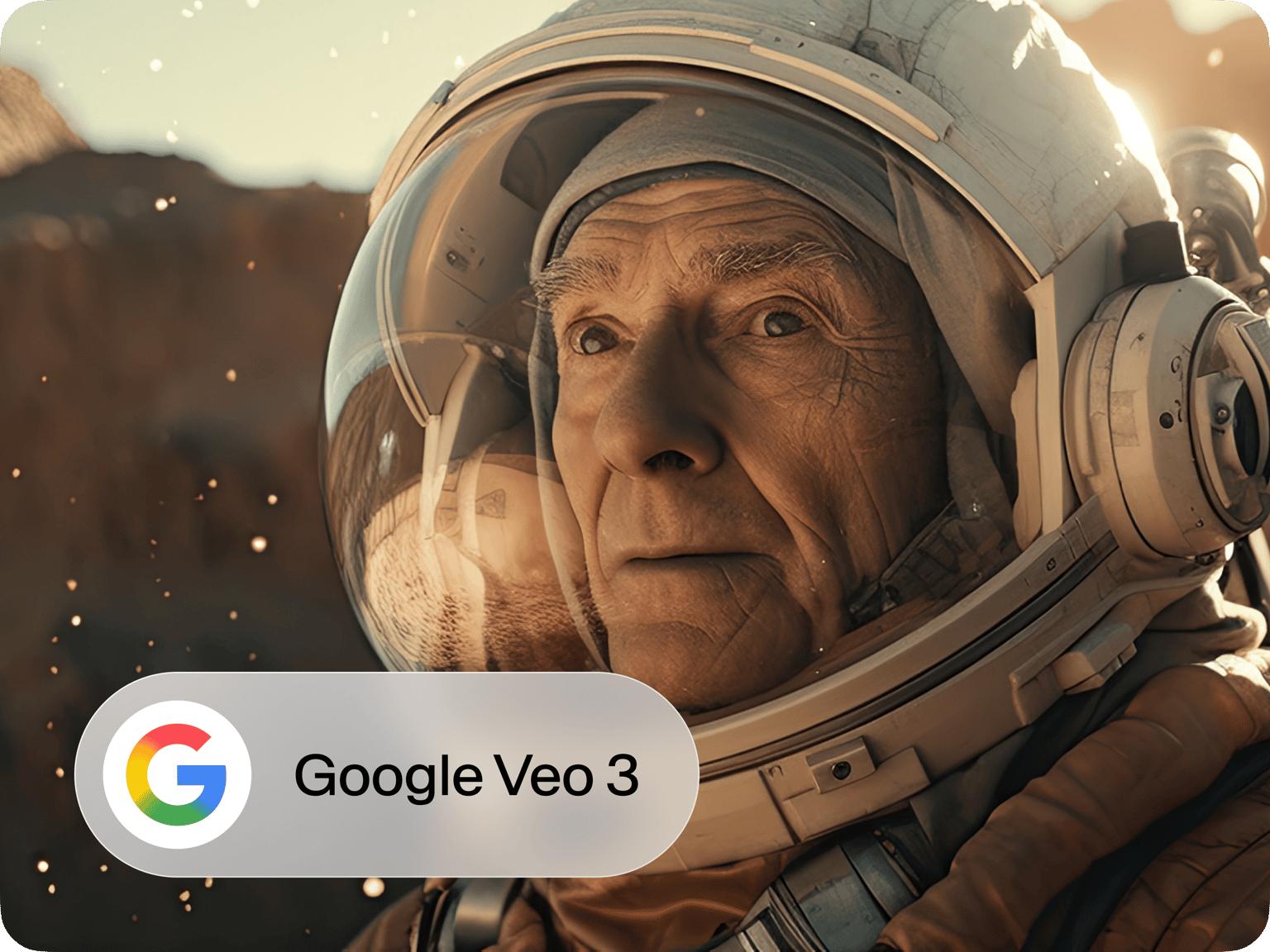


Trusted by 1M+ creators
VEO 3
Transform your ideas into cinematic 4K videos with Google's advanced AI video generator
No credit card required
4.6
2,100+ reviews















Create professional 4K videos from text with Google's Veo 3 AI video generator
Tired of spending hours filming and editing just to create one video? Google's Veo 3 AI video generator changes everything. Simply describe your vision in text, and watch as this advanced Google AI video technology creates stunning, cinematic-quality footage at up to 4K resolution with synchronized dialogue and native audio generation. Whether you need marketing content, educational videos, or creative projects, Veo 3 delivers professional results in minutes, not days.
Skip the expensive equipment and complex editing software. Veo 3 generation technology handles everything from camera movements to lighting effects, producing consistent and accurate visuals that match your creative vision. Perfect for content creators, marketers, and businesses who want to scale their video production without scaling their workload. Plus, with our AI script generator, you can create compelling prompts that maximize your Veo 3 footage quality.
How to create videos with Google's Veo 3 AI video generator:
Step 01
Type a Text Prompt
Describe the video you want in a simple sentence or two. Whether it's a product demo, cinematic scene, or animated explainer—Veo 3 understands natural language and turns your idea into motion.
Step 02
Sign up to a Paid Plan
Access Veo 3’s advanced video generation by choosing a paid plan that fits your needs.
Step 03
Get your Video
Watch your concept come to life. Download, share, or fine-tune your video—no editing skills needed.
Learn More
Watch this to learn more about our Veo 3 tool:
Generate cinematic 4K footage without filming
Forget expensive cameras and complex production setups. Google's Veo 3 AI video generator creates professional-quality footage at up to 4K resolution with native audio generation. From dramatic scenes to product demonstrations, this Google AI video technology delivers consistent, cinematic results that rival traditional filming methods.
Access advanced AI video generation with frame interpolation
Veo 3's sophisticated model characteristics include frame interpolation and inpainting/outpainting capabilities, ensuring smooth motion and seamless scene transitions. Combined with synchronized dialogue and accurate visual generation, you get broadcast-quality content that maintains professional standards across every frame.
Scale video production for any project size
Whether you need one video or dozens, Veo 3 generation technology adapts to your workflow. Create multiple video variations, test different concepts, or produce content for various platforms using the same Google AI video generator. Pair with AI avatars or Video GPT for even more creative possibilities.
FAQ
Be specific and descriptive in your prompts. Include details about the scene type, visual style, camera angles, and mood you want. For example: "A cinematic slow-motion shot of a coffee cup being filled, warm lighting, 4K quality." The more detail you provide about your vision, the more accurate your Veo 3 footage will be.
Yes, Veo 3 can generate various types of animated content including motion graphics, character animations, and stylized visual effects. The Google AI video generator excels at creating smooth, natural movement and can produce both realistic and artistic animation styles based on your text prompts.
Access Google's Veo 3 AI video generator directly through VEED's platform with flexible pricing options. While Veo 3 requires a paid plan for full access, VEED provides various subscription tiers that include Veo 3 generation capabilities, allowing you to choose the plan that best fits your video creation needs.
Veo 3 is available through VEED's paid plans, with pricing based on your usage needs and video generation volume. The cost varies depending on video duration, resolution settings, and monthly generation limits. Check VEED's current pricing to find the plan that works best for your Veo 3 video creation requirements.
Loved by creators.
Loved by the Fortune 500
“
With VEED I didn't need 15 tutorials - I jumped straight in and started editing.

Gwenne Wilcox
Founder,
Brand Brainery
“
You can go beyond choppping things. VEED actually makes my videos look great.

Michael Glover
Demand Gen Manager,
ConvertFlow
“
The first four videos i created with VEED got over 40,000 impressions on LinkedIn.

Travis Tyler
Senior Content Producer,
PandaDoc
“
I found VEED at the right time: if you're making UGC ads and not using Eye Contact Correction and Noise Reduction on VEED you're missing out on ROI.

Sebastian Schurgers
Head of Growth Marketing,
Gronda
“
With VEED I didn't need 15 tutorials - I jumped straight in and started editing.
Gwenne Wilcox
Founder,
Brand Brainery
“
You can go beyond choppping things. VEED actually makes my videos look great.
Michael Glover
Demand Gen Manager,
ConvertFlow
“
The first four videos i created with VEED got over 40,000 impressions on LinkedIn.
Travis Tyler
Senior Content Producer,
PandaDoc
“
I found VEED at the right time: if you're making UGC ads and not using Eye Contact Correction and Noise Reduction on VEED you're missing out on ROI.
Sebastian Schurgers
Head of Growth Marketing,
Gronda
“
The first four videos i created with VEED got over 40,000 impressions on LinkedIn.
Travis Tyler
Senior Content Producer,
PandaDoc
“
I found VEED at the right time: if you're making UGC ads and not using Eye Contact Correction and Noise Reduction on VEED you're missing out on ROI.
Sebastian Schurgers
Head of Growth Marketing,
Gronda
“
With VEED I didn't need 15 tutorials - I jumped straight in and started editing.
Gwenne Wilcox
Founder,
Brand Brainery
“
You can go beyond choppping things. VEED actually makes my videos look great.
Michael Glover
Demand Gen Manager,
ConvertFlow
Discover more
- AI Animation Generator
- AI Art Video Generator
- AI Course Creator
- AI Marketing Video Generator
- AI Movie Generator
- AI Music Video Generator
- AI News Generator
- AI Reel Generator
- AI Stock Video Generator
- AI Training Video Generator
- AI UGC
- AI Video Demo
- AI Video Editor
- AI Video Generator
- AI Video Maker
- AI Visual Generator
- AI YouTube Video Maker
- Animate from Audio
- Article to Video
- Blog to Video
- Faceless Videos
- Idea to Video
- Script to Video
- Seedance AI Video
- Text to Animation AI
- Text to Video AI
- TikTok Video Generator
- Video Generators
- Viral AI Video Generator
- YouTube Shorts Maker
Explore related tools
More from VEED
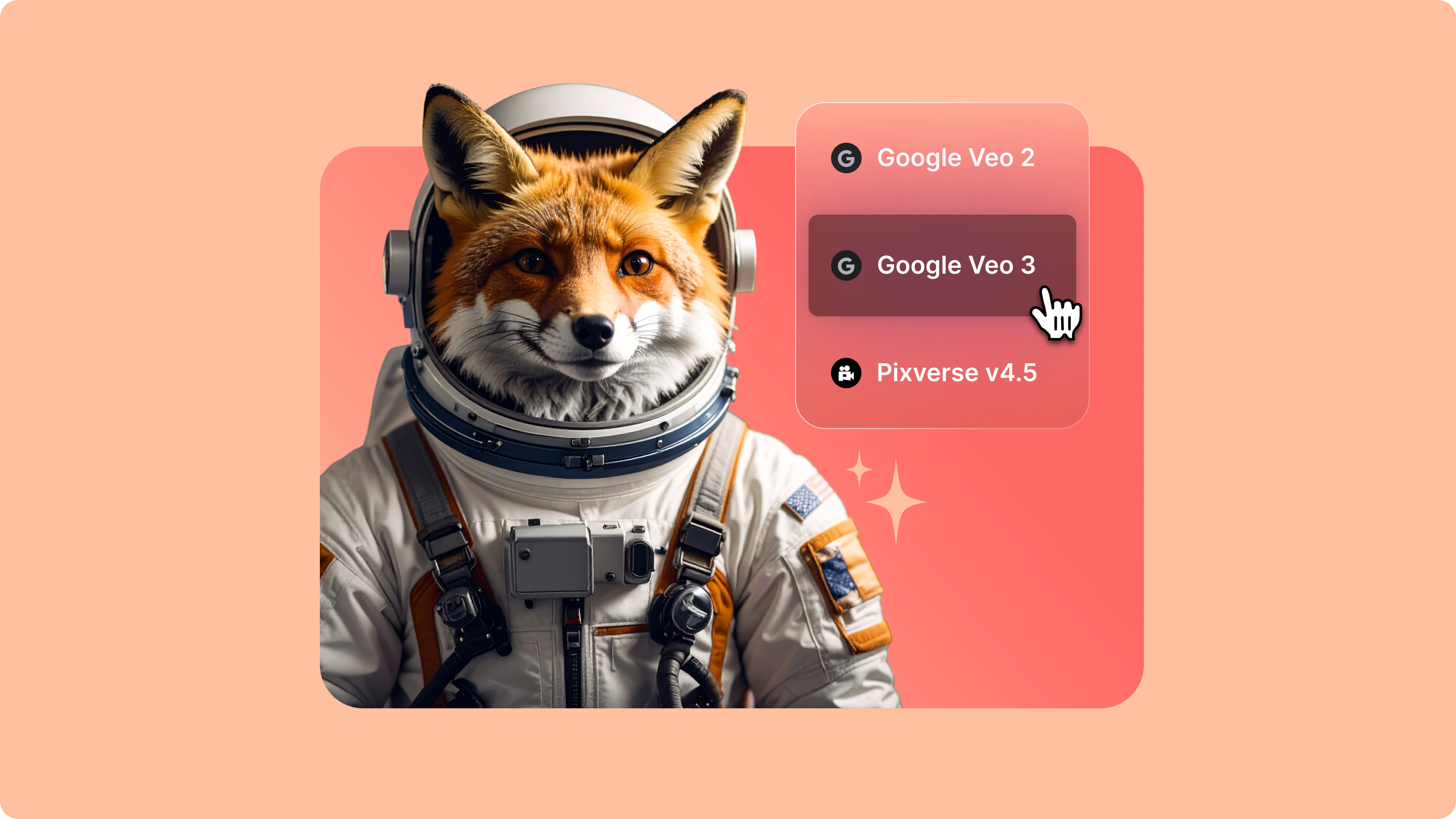
Introducing Your AI Video Playground
If you’ve spent any time on LinkedIn or your favourite creator forums lately, you’ve probably seen the buzz: Minimax, PixVerse, Google Veo, and a growing list of next-gen generative AI models that are redefining how video gets made. But with new models launching every week, it’s hard to know what’s worth your time—or how they actually fit into your workflow.
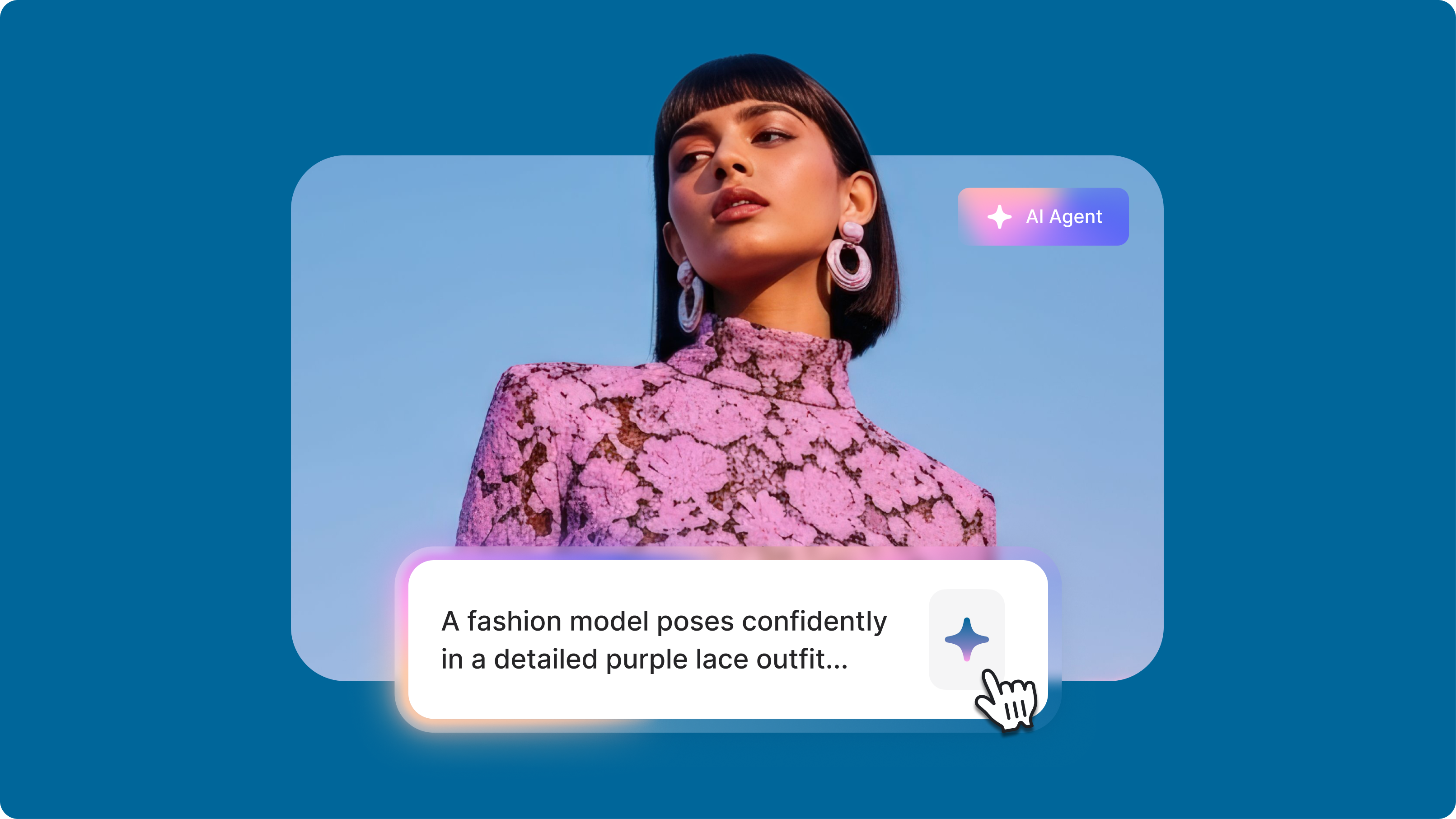
The Video Prompts Formula That Changes Everything: Stop Getting Terrible AI Videos
Writing a simple video prompt to generate a full video with AI has opened up creative possibilities for content creators. But getting the results you want can feel like solving a puzzle. As researcher Hachik Yazadzhiyan points out, creators don’t just want speed. They want AI that helps them tell better stories.

How to Make AI Videos with VEED: Bring Your Ideas to Life
Want to learn how to make AI videos with VEED? Check out this starter guide to take your video projects from A to Z in the blink of AI.
Trusted by 1M+ creators
When it comes to amazing videos, all you need is VEED
No credit card required
More than a Google Veo 3 video generator
Veo 3 is one of many powerful AI models on our platform. VEED is an AI video creation platform where you can try the best AI models like Veo 3.1 and Kling 2.6 Pro. Start with text, an image, or an existing video. Generate your video and move it to the editor to combine clips, add captions, and apply your branding. You can also build talking videos in VEED AI — just type your idea or script. Start creating now.