


Trusted by 1M+ creators
Seedance AI Video Generator
Generate cinematic video from text or an image with the latest Seedance models. Free generations included, Seedance 2.5 unlocks on a paid plan
No credit card required
4.6
2,100+ reviews















Cinematic motion in minutes, from a prompt or a photo
Found Seedance and then hit a wall trying to actually run it? Seedance is ByteDance's family of AI video models, known for cinematic motion and physical realism. VEED runs the latest Seedance models, so you generate with the current version in your browser instead of hunting down the newest release or setting up API access.
Type a prompt, or upload an image to use as your first frame. Seedance handles both text-to-video and image-to-video, and everything happens on this page. Our fast model powers free generations, while Seedance is available on a paid plan. Marketers and founders use it for Reels, TikToks, and YouTube Shorts, then compare it against VEED's other AI video models before committing to a final render.
How to use Seedance online with VEED:
Step 01
Describe your video or add an image
Write what you want to see, or upload an image to bring to life. Seedance handles text-to-video and image-to-video, so you can start from words, from a photo, or from both at once.
Step 02
Pick your settings
Choose your duration, aspect ratio, and model. Free generations use our fast model, and selecting Seedance unlocks with a paid plan.
Step 03
Generate, preview, and download
Watch your idea render in minutes, then download it or keep iterating on the prompt. Use our AI tools to add captions, music, and your branding before you post.
Learn More
Watch this walkthrough of our Seedance AI video generator:
Generate from a prompt or animate a still image
Seedance covers both entry points. Write a prompt if you have an idea, or upload an image as your first frame if you already have the shot. Either way, you get cinematic motion in vertical, square, or landscape, sized for Reels, TikTok, and YouTube Shorts.
Shape the output, add your branding, and scale it
Generation is the first step, not the last. Reprompt until the motion is right, then trim, caption, and apply your brand fonts and colors. The result looks like your brand made it, which matters when the video goes out under your name.
Keep going after the render
Seedance is one of many models on VEED. Animate a still with other image-to-video models, make a character speak your script with Fabric 1.0, then add auto-generated subtitles and export in the size each platform wants.
FAQ
Seedance is ByteDance's family of AI video models, known for cinematic motion and physical realism. It generates video from a text prompt, or from a single image used as the first frame. On VEED, you can run the latest Seedance models in your browser, then edit and brand the output in the same place instead of exporting it to another tool.
You can start generating on VEED for free. Free generations run on our fast video model, and Seedance itself unlocks with a paid plan. So you can test prompts, durations, and aspect ratios at no cost first, then upgrade when you want Seedance for your highest-quality renders. There is no install and no API setup either way.
The latest Seedance models are available. VEED runs the current version rather than an older release, so you do not need to check which number you are generating with or look for a different page when a new model lands. Free generations use our fast model, and Seedance unlocks with a paid plan.
Yes. Upload an image as your first frame, and Seedance animates it, which is image-to-video generation. It works with product shots, portraits, illustrations, and screenshots. Add a prompt alongside the image to direct camera movement, character action, or a scene change. If you would rather start from words alone, the same page handles text-to-video.
The latest Seedance models generate video with native audio. You can also add or replace sound in VEED after generating, including voiceover, music, and captions. For talking-head videos where a character's lips match a script or an audio file, use VEED's lip sync model, Fabric 1.0, rather than Seedance.
Most generations finish in 3 to 5 minutes, depending on the duration and settings you pick. Shorter clips render faster. You can keep working in VEED while a render finishes, then preview the result, download it, or send it straight into the editor to add subtitles and branding.
Loved by creators.
Loved by the Fortune 500
“
With VEED I didn't need 15 tutorials - I jumped straight in and started editing.

Gwenne Wilcox
Founder,
Brand Brainery
“
You can go beyond choppping things. VEED actually makes my videos look great.

Michael Glover
Demand Gen Manager,
ConvertFlow
“
The first four videos i created with VEED got over 40,000 impressions on LinkedIn.

Travis Tyler
Senior Content Producer,
PandaDoc
“
I found VEED at the right time: if you're making UGC ads and not using Eye Contact Correction and Noise Reduction on VEED you're missing out on ROI.

Sebastian Schurgers
Head of Growth Marketing,
Gronda
“
With VEED I didn't need 15 tutorials - I jumped straight in and started editing.
Gwenne Wilcox
Founder,
Brand Brainery
“
You can go beyond choppping things. VEED actually makes my videos look great.
Michael Glover
Demand Gen Manager,
ConvertFlow
“
The first four videos i created with VEED got over 40,000 impressions on LinkedIn.
Travis Tyler
Senior Content Producer,
PandaDoc
“
I found VEED at the right time: if you're making UGC ads and not using Eye Contact Correction and Noise Reduction on VEED you're missing out on ROI.
Sebastian Schurgers
Head of Growth Marketing,
Gronda
“
The first four videos i created with VEED got over 40,000 impressions on LinkedIn.
Travis Tyler
Senior Content Producer,
PandaDoc
“
I found VEED at the right time: if you're making UGC ads and not using Eye Contact Correction and Noise Reduction on VEED you're missing out on ROI.
Sebastian Schurgers
Head of Growth Marketing,
Gronda
“
With VEED I didn't need 15 tutorials - I jumped straight in and started editing.
Gwenne Wilcox
Founder,
Brand Brainery
“
You can go beyond choppping things. VEED actually makes my videos look great.
Michael Glover
Demand Gen Manager,
ConvertFlow
Discover more
- AI Animation Generator
- AI Art Video Generator
- AI Course Creator
- AI Marketing Video Generator
- AI Movie Generator
- AI Music Video Generator
- AI News Generator
- AI Reel Generator
- AI Stock Video Generator
- AI Training Video Generator
- AI UGC
- AI Video Demo
- AI Video Editor
- AI Visual Generator
- AI YouTube Video Maker
- Animate from Audio
- Article to Video
- Blog to Video
- Faceless Videos
- Idea to Video
- Script to Video
- Text to Animation AI
- Text to Video AI
- TikTok Video Generator
- Veo 3
- Viral AI Video Generator
- YouTube Shorts Maker
Explore related tools
More from VEED
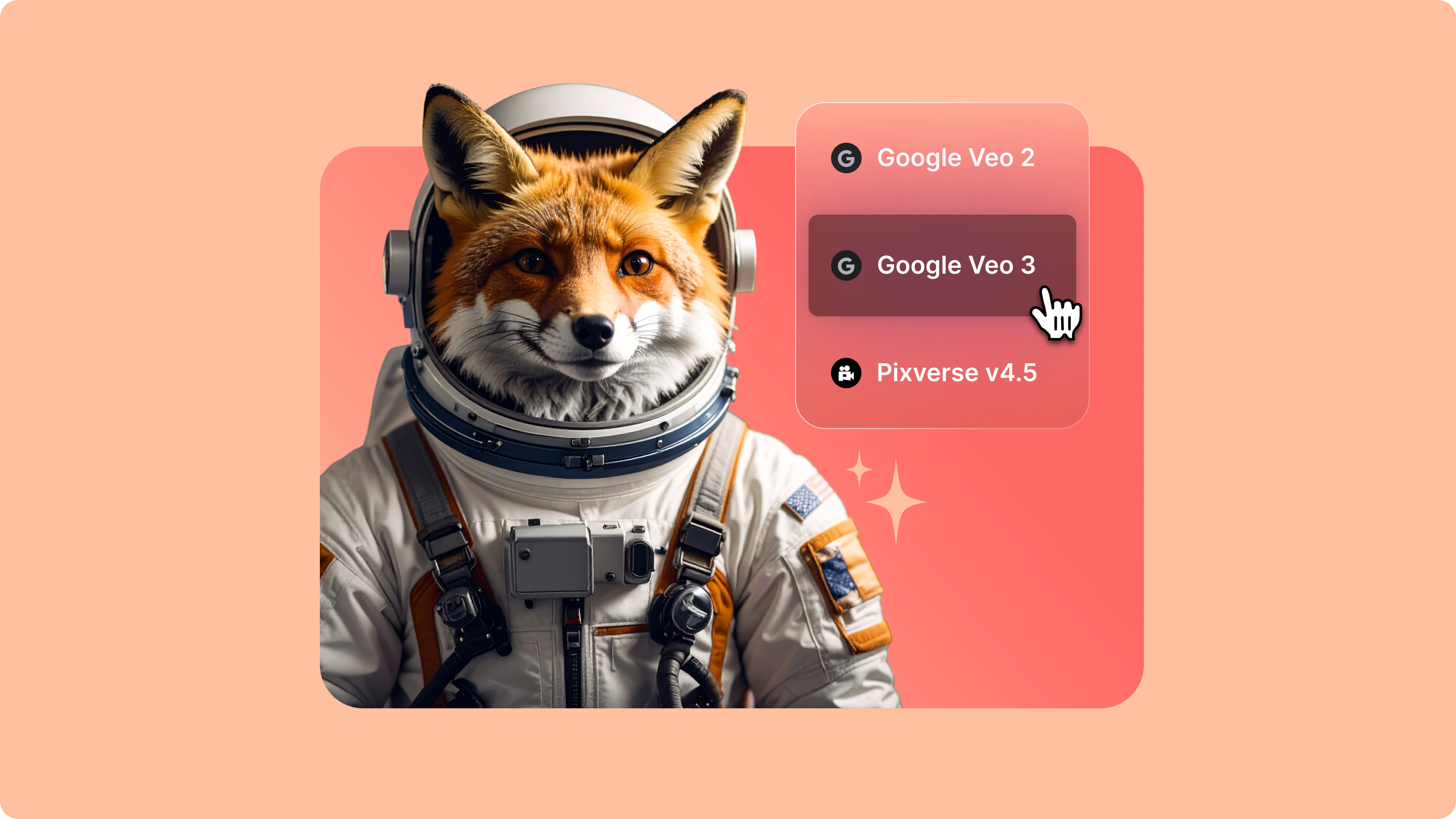
Introducing Your AI Video Playground
If you’ve spent any time on LinkedIn or your favourite creator forums lately, you’ve probably seen the buzz: Minimax, PixVerse, Google Veo, and a growing list of next-gen generative AI models that are redefining how video gets made. But with new models launching every week, it’s hard to know what’s worth your time—or how they actually fit into your workflow.
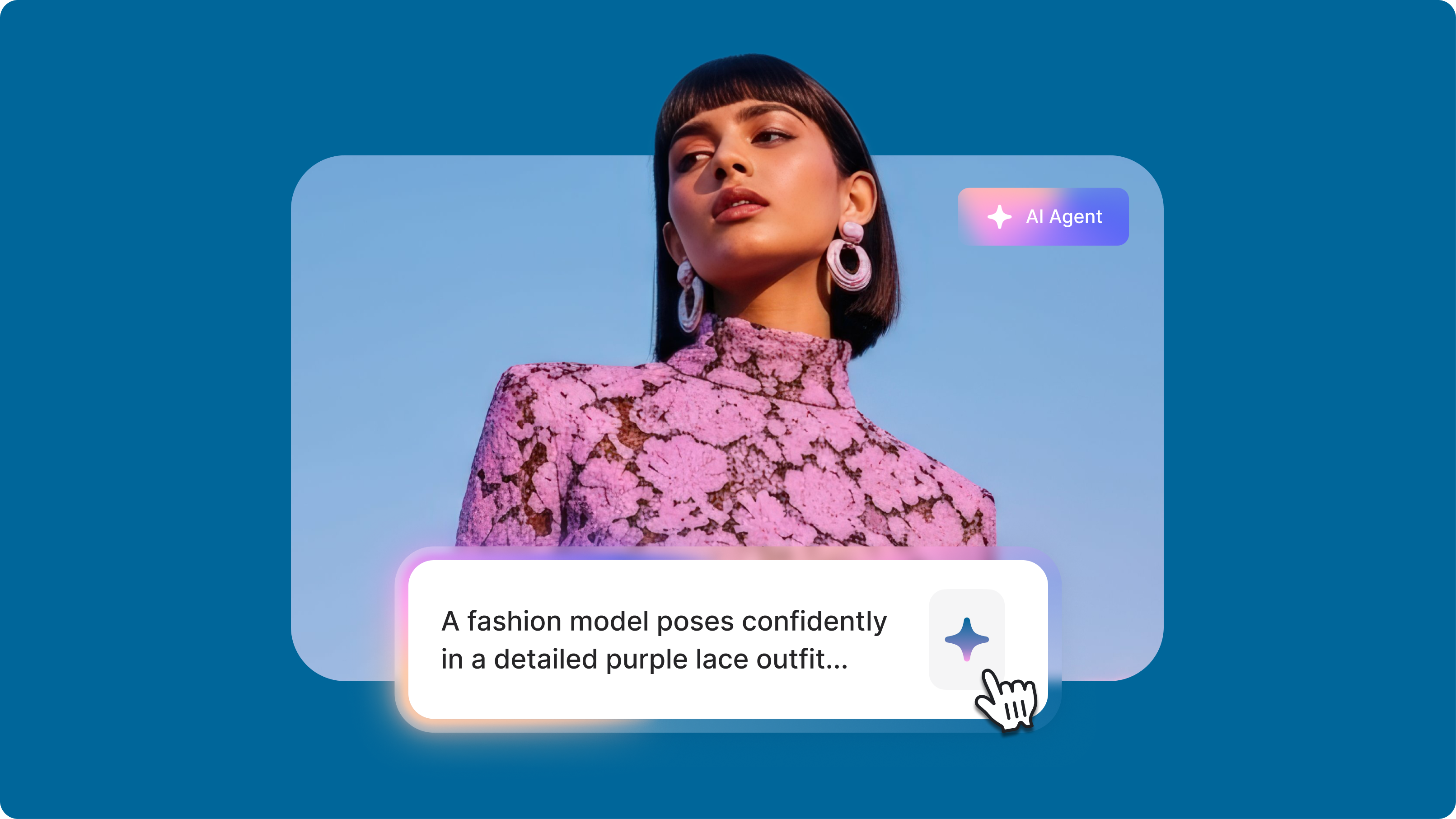
The Video Prompts Formula That Changes Everything: Stop Getting Terrible AI Videos
Writing a simple video prompt to generate a full video with AI has opened up creative possibilities for content creators. But getting the results you want can feel like solving a puzzle. As researcher Hachik Yazadzhiyan points out, creators don’t just want speed. They want AI that helps them tell better stories.

How to Make AI Videos with VEED: Bring Your Ideas to Life
Want to learn how to make AI videos with VEED? Check out this starter guide to take your video projects from A to Z in the blink of AI.
Trusted by 1M+ creators
When it comes to amazing videos, all you need is VEED
No credit card required
More than a Seedance AI video generator
VEED is an AI video creation platform, so the Seedance render is a starting point rather than the finish line. Generate with the latest video models, refine with Auto Edits and transcript editing, brand the result with your own fonts, colors, and logo, then export post-ready video sized for TikTok, Reels, and Shorts. Marketers, founders, and creators use it to keep a content calendar full without a production team, and the output looks like their brand made it.