


Trusted by 1M+ creators
Text to Song
A text to song AI that sets your own lyrics to music and sings them, free to try
No credit card required
4.6
2,100+ reviews















Your words, sung back to you in seconds
Paste in a line, a verse, or a whole message, and the text to song tool sets it to music and sings it. Choose Write My Own as the lyrics type, set the tempo and the vibe, and VEED's text to song generator returns a 20-second loop with your exact words in the vocal.
People use it to turn a birthday message into a song for a friend. Brands set a tagline to music for an ad. Teachers make a mnemonic easier to remember by singing it. For a track with no words at all, the AI instrumental generator uses the same prompt box without the vocal.
How to turn text into a song:
Step 01
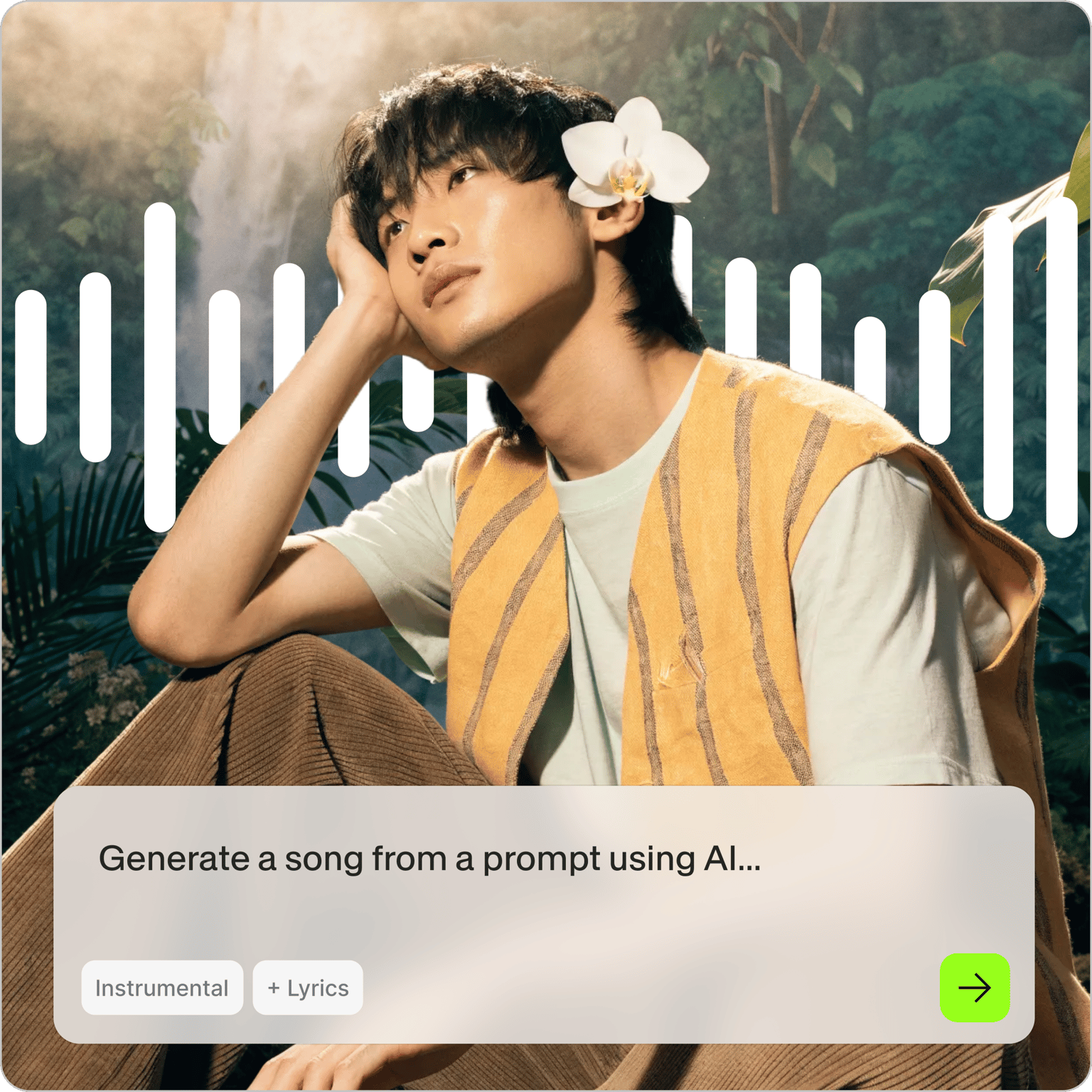
Describe the sound and press Generate
Start with a prompt for the style: "a warm acoustic ballad, soft female vocal, slow." Leave Instrumental unchecked. This prompt sets the genre and mood; your lyrics come in the next step.
Step 02
Paste your text as the lyrics
Pick Write My Own as the lyrics type and paste your words in. Keep it to a few lines so it fits a 20-second loop. Slide the BPM for pace, pick a vibe, and generate again if the phrasing needs a second pass.
Step 03
Listen, download, or add it to a video
Press play. If the words land the way you wanted, download the MP3 or open the track in VEED, where it loops four times on the timeline. Pair it with clips, add captions in your fonts, and share.
Learn More
How to Generate Music with AI
Your lyrics, sung as written
The vocal follows the text you pasted, line by line, so a name, a date, or a product tagline comes out as you typed it. The AI music generator composes the melody around your words, which is why a four-line birthday message and a two-line brand hook both come back sounding like they were written to be sung. Punctuation helps: end lines where you want the singer to breathe.
The same words, as a ballad or a pop hook
The style prompt and the vibe picker decide how your text gets sung. Run the same lines as a slow acoustic ballad for a wedding slideshow, then as a bright pop hook for a Reel. The text to music AI keeps the words and changes everything around them. Push the BPM to speed it up or slow it to let each line breathe. For spoken delivery instead of singing, text to rap takes the same lines.
Put the song under a video and introduce it yourself
A sung message lands harder with a face on it. Open the track in VEED, lay a photo or a clip over it, and add the lyrics as captions so viewers can read along. Build a lyric video for the full effect, or record yourself introducing it. If you'd rather not record, AI voice cloning can generate the intro from a script in your own voice. Export for WhatsApp, Instagram, or YouTube.
FAQ
Type a style prompt into VEED's text to song tool, leave Instrumental unchecked, and press Generate music. On the next screen choose Write My Own, paste your text as the lyrics, set the BPM and vibe, and generate. In about 20 seconds you'll hear your words sung over a melody, ready to download as an MP3.
Yes. Copy the message, paste it in as the lyrics, and pick a vibe that matches the tone, cheerful for a joke or relaxing for something sweet. Keep it to a few lines so it fits the 20-second loop. Then send the MP3 back, or put it under a photo and share it as a video.
It follows your text line by line. Names, brand words, and numbers usually come through as typed, but unusual spellings can be sung differently, so play it back and respell a word phonetically if it misses. Shorter lines with clear line breaks give the cleanest result.
Yes, it's free to try and there's no credit card needed to start. Free generations give you the style prompt, the Write My Own lyrics option, the BPM slider, and the vibe picker. Paid plans add watermark-free exports, longer projects, and the rest of VEED's AI video creation tools; the pricing page lists what each plan includes.
A 20-second loop holds roughly a chorus or a short verse, usually four to six lines. Longer text gets rushed or cut, so split a long message into two generations and join them in the audio editor. If you want music under a long piece of text instead, generate an instrumental and read the text as a voiceover.
Loved by creators.
Loved by the Fortune 500
“
With VEED I didn't need 15 tutorials - I jumped straight in and started editing.

Gwenne Wilcox
Founder,
Brand Brainery
“
You can go beyond choppping things. VEED actually makes my videos look great.

Michael Glover
Demand Gen Manager,
ConvertFlow
“
The first four videos i created with VEED got over 40,000 impressions on LinkedIn.

Travis Tyler
Senior Content Producer,
PandaDoc
“
I found VEED at the right time: if you're making UGC ads and not using Eye Contact Correction and Noise Reduction on VEED you're missing out on ROI.

Sebastian Schurgers
Head of Growth Marketing,
Gronda
“
With VEED I didn't need 15 tutorials - I jumped straight in and started editing.
Gwenne Wilcox
Founder,
Brand Brainery
“
You can go beyond choppping things. VEED actually makes my videos look great.
Michael Glover
Demand Gen Manager,
ConvertFlow
“
The first four videos i created with VEED got over 40,000 impressions on LinkedIn.
Travis Tyler
Senior Content Producer,
PandaDoc
“
I found VEED at the right time: if you're making UGC ads and not using Eye Contact Correction and Noise Reduction on VEED you're missing out on ROI.
Sebastian Schurgers
Head of Growth Marketing,
Gronda
“
The first four videos i created with VEED got over 40,000 impressions on LinkedIn.
Travis Tyler
Senior Content Producer,
PandaDoc
“
I found VEED at the right time: if you're making UGC ads and not using Eye Contact Correction and Noise Reduction on VEED you're missing out on ROI.
Sebastian Schurgers
Head of Growth Marketing,
Gronda
“
With VEED I didn't need 15 tutorials - I jumped straight in and started editing.
Gwenne Wilcox
Founder,
Brand Brainery
“
You can go beyond choppping things. VEED actually makes my videos look great.
Michael Glover
Demand Gen Manager,
ConvertFlow
Discover more
Explore related tools
Trusted by 1M+ creators
When it comes to amazing videos, all you need is VEED
No credit card required
More than a text to song tool
Singing your words is one small thing in a bigger toolkit. VEED is an AI video creation platform, so the song can keep going: put it under generated footage, add it to a talking clip, or turn it into a music video with transitions and captions. Everything runs in the browser and exports in the size each platform wants. Try VEED and see what you can make.