


Trusted by 1M+ creators
Streaming Avatar
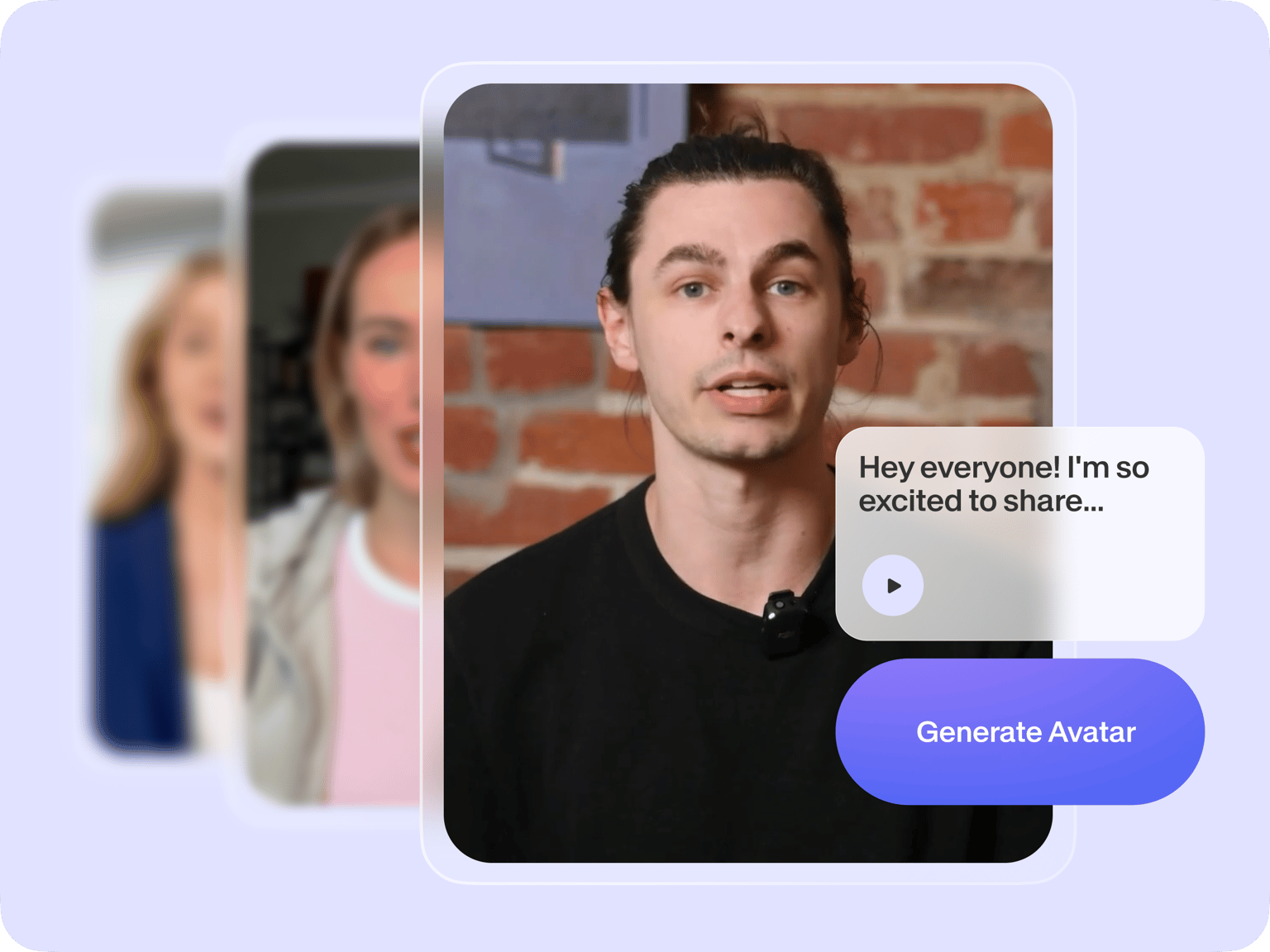
Create a streaming avatar by typing text. Choose from our presets or make your own digital clone
No credit card required
4.6
2,100+ reviews















Add virtual avatars to live streaming videos
Personalize your pre-recorded livestreams without facing a camera. Simply type your script and generate a streaming avatar. No need for complex setups or recording! Choose from over 50 preset avatars or create your own digital clone. Personalize your livestreams and support chats with ease, making your online presence uniquely you.
Our streaming avatar maker lets you speak over 75 languages to reach more viewers. For tutorials and gameplay videos, you can use our text-to-speech or voice cloning tool. Then, enhance your video with our built-in video editor. Get pro-level results in minutes. Keep your audience hooked – all without the hassle of traditional live streaming.
How to make a streaming avatar
Step 01
Choose an avatar
Select an avatar that represents your brand. You can use a pre-made avatar or create a custom one that looks like you.
Step 02
Enter your script
Type your script and generate your stream avatar.
Step 03
Add finishing touches
Use our other editing tools to add your logo, text, subtitles, and more. Make professional-quality content for simulated live streaming or FAQ videos.
Learn More
Watch our virtual avatar tutorial:
Make simulated live streams, avoid the live performance anxiety
Make streaming avatars for YouTube or Facebook live broadcasts. Choose from over 50 diverse avatars or customize one with your face. No complex motion capture setups needed – just type your script and generate an avatar. Edit and refine before broadcast to avoid technical glitches. Add AI avatars to game demos, art reveals, or YouTube series intros.
Brand your streaming videos for a professional touch
Personalize your streaming videos with our built-in editor. Add your logo, witty text titles, and eye-catching subtitles in your preferred visual style. Our brand kit (pro feature) lets you apply consistent branding across all content. Easily resize your videos to post on different platforms, ensuring a professional look everywhere your content appears.
Repurpose your recordings to grow your following
Keep growing your followers even after the live broadcast. Our AI clip generator turns long streaming videos into viral clips for TikTok and YouTube Shorts. Create engaging, polished videos in just a few clicks. From creation to repurposing videos, VEED lets you do it all.
FAQ
Do not use streaming avatars to create harmful content, infringe any third-party rights, or defame anyone. Remember to tell anyone who is viewing your video that it is AI-generated. You can read the full terms here.
Go to the AI Avatars menu in the Media panel. Select a preset or create a custom avatar. Input your script and generate your streaming avatar. Use our built-in editor to enhance your video. Finally, upload your finished video to platforms like YouTube, Facebook, or your website.
Simulated live streaming involves pre-recorded videos broadcast as if they were live events, such as gaming videos or commentary. It allows scheduling flexibility, letting you "go live" at specific times without being present in real-time. This lets you work around a busy schedule, as well as post several times to reach different time zones.
AI text-to-speech avatars are free but with a limited usage quota. For extended use, we offer paid subscriptions with additional features. Visit our Pricing page for detailed information on our subscription plans.
Loved by creators.
Loved by the Fortune 500
“
With VEED I didn't need 15 tutorials - I jumped straight in and started editing.

Gwenne Wilcox
Founder,
Brand Brainery
“
You can go beyond choppping things. VEED actually makes my videos look great.

Michael Glover
Demand Gen Manager,
ConvertFlow
“
The first four videos i created with VEED got over 40,000 impressions on LinkedIn.

Travis Tyler
Senior Content Producer,
PandaDoc
“
I found VEED at the right time: if you're making UGC ads and not using Eye Contact Correction and Noise Reduction on VEED you're missing out on ROI.

Sebastian Schurgers
Head of Growth Marketing,
Gronda
“
With VEED I didn't need 15 tutorials - I jumped straight in and started editing.
Gwenne Wilcox
Founder,
Brand Brainery
“
You can go beyond choppping things. VEED actually makes my videos look great.
Michael Glover
Demand Gen Manager,
ConvertFlow
“
The first four videos i created with VEED got over 40,000 impressions on LinkedIn.
Travis Tyler
Senior Content Producer,
PandaDoc
“
I found VEED at the right time: if you're making UGC ads and not using Eye Contact Correction and Noise Reduction on VEED you're missing out on ROI.
Sebastian Schurgers
Head of Growth Marketing,
Gronda
“
The first four videos i created with VEED got over 40,000 impressions on LinkedIn.
Travis Tyler
Senior Content Producer,
PandaDoc
“
I found VEED at the right time: if you're making UGC ads and not using Eye Contact Correction and Noise Reduction on VEED you're missing out on ROI.
Sebastian Schurgers
Head of Growth Marketing,
Gronda
“
With VEED I didn't need 15 tutorials - I jumped straight in and started editing.
Gwenne Wilcox
Founder,
Brand Brainery
“
You can go beyond choppping things. VEED actually makes my videos look great.
Michael Glover
Demand Gen Manager,
ConvertFlow
Discover more
- AI Actor
- AI Character Generator
- AI Influencer
- AI Instructor
- AI News Anchor
- AI Presenter
- AI Spokesperson
- AI Training Videos
- AI Tutor
- AI Tutorial Maker
- AI Twin
- Avatar Editor
- Avatar Maker
- Avatar Yourself
- Create a Person
- Digital Avatar
- Digital Human Creator
- Instant Avatar
- Interactive Avatar
- Make Your Own Character
- Metahuman Creator Online
- TikTok Avatar Maker
- Virtual Person
- VTuber Maker
Explore related tools
More from VEED

Best AI Avatar Generators in 2026 (The Only List You'll Need)
Searching for the best AI avatar generator? We got you. Check out this expert round-up of the must-try generators out there.

13 Effective How-To Videos (and Why They Work)
If you’re looking for inspiration to create your next how-to video, you’re in the right place. We’ve collected 12 effective how-to videos and analyzed them to see why they work.

How to Edit YouTube Videos Like a Pro (Even if it's Your First Time)
Edit YouTube videos fast and easy like a pro even if you've never edited a video in your life. Here's how!
Trusted by 1M+ creators
When it comes to amazing videos, all you need is VEED
No credit card required
More than a streaming avatar maker
There's more to VEED than streaming avatars. It's a complete AI video creation platform for content creators. Make any character image talk with our lip sync video generator. Upload a headshot or choose a character image, and add your audio. You can also use VEED AI to turn your concept into a full video with avatars, voiceovers, B-roll, and subtitles built in. Customize visuals by adding your footage or generating new ones with AI. Generate, edit, and export all in one place.