


Trusted by 1M+ creators
Video Quiz Maker
Engage, educate, and entertain. Transform your content into fun video quizzes!
No credit card required
4.6
2,100+ reviews















Transform videos into immersive learning experiences
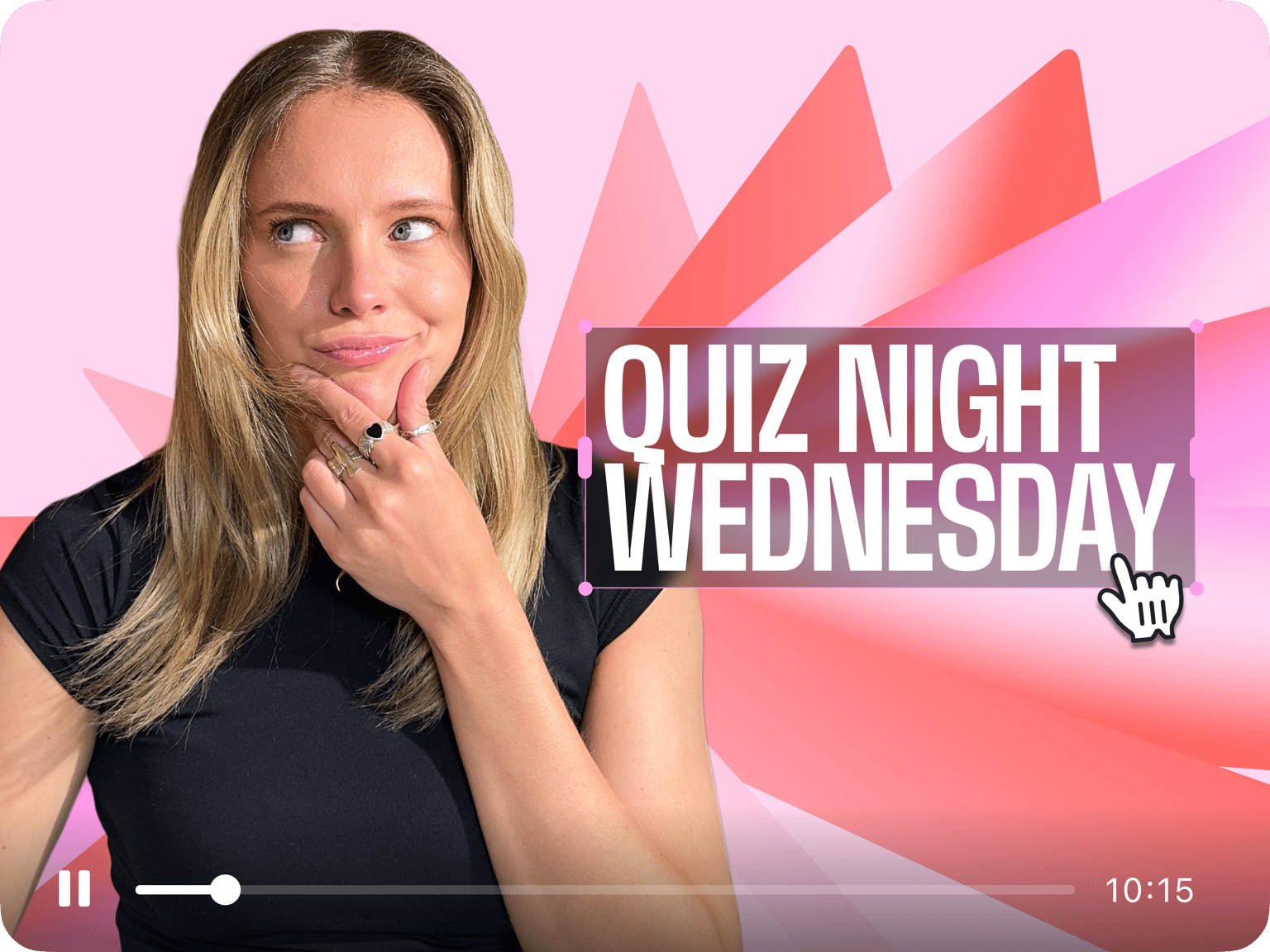
Give your students an immersive learning experience through video quizzes. Create content that engages, captivates, and motivates learners by incorporating quiz elements into your videos. Add your questions as animated text, use images for clues that pop and disappear, and add thought bubbles, drawings, and more! You will find them in our Elements menu. Plus, you can localize your video quiz in different languages to create a more inclusive learning environment.
Spark curiosity, boost retention, and make learning fun. Whether you're a teacher aiming to engage your students or a business owner looking to train your team, our Video Quiz Maker is your ultimate tool for creating dynamic content that leaves a lasting impression. Try it today and revolutionize the way you educate, entertain, and inspire
Tools you can use to create a video quiz:
Step 01
Use stock media, upload images, or start with a template
Select from our royalty-free stock videos and audio and personalize them by adding various quiz elements. You can also upload your own images and create a video. Or start with one of our video templates!
Step 02
Make it engaging and interactive
Use our wide range of tools to make your video quiz as engaging and interactive as possible. You can add animated text as quiz questions that your participants can answer in the comments of your YouTube videos. Add stickers and animate them, sound effects, and more.
Step 03
Export and share the learning!
Export your video and post it on your YouTube channel and other social media platforms. You can also share the VEED video link with your students so they can watch it online and interact with each other through the comments.
Learn More
Learn more about VEED’s interactive elements in this video:
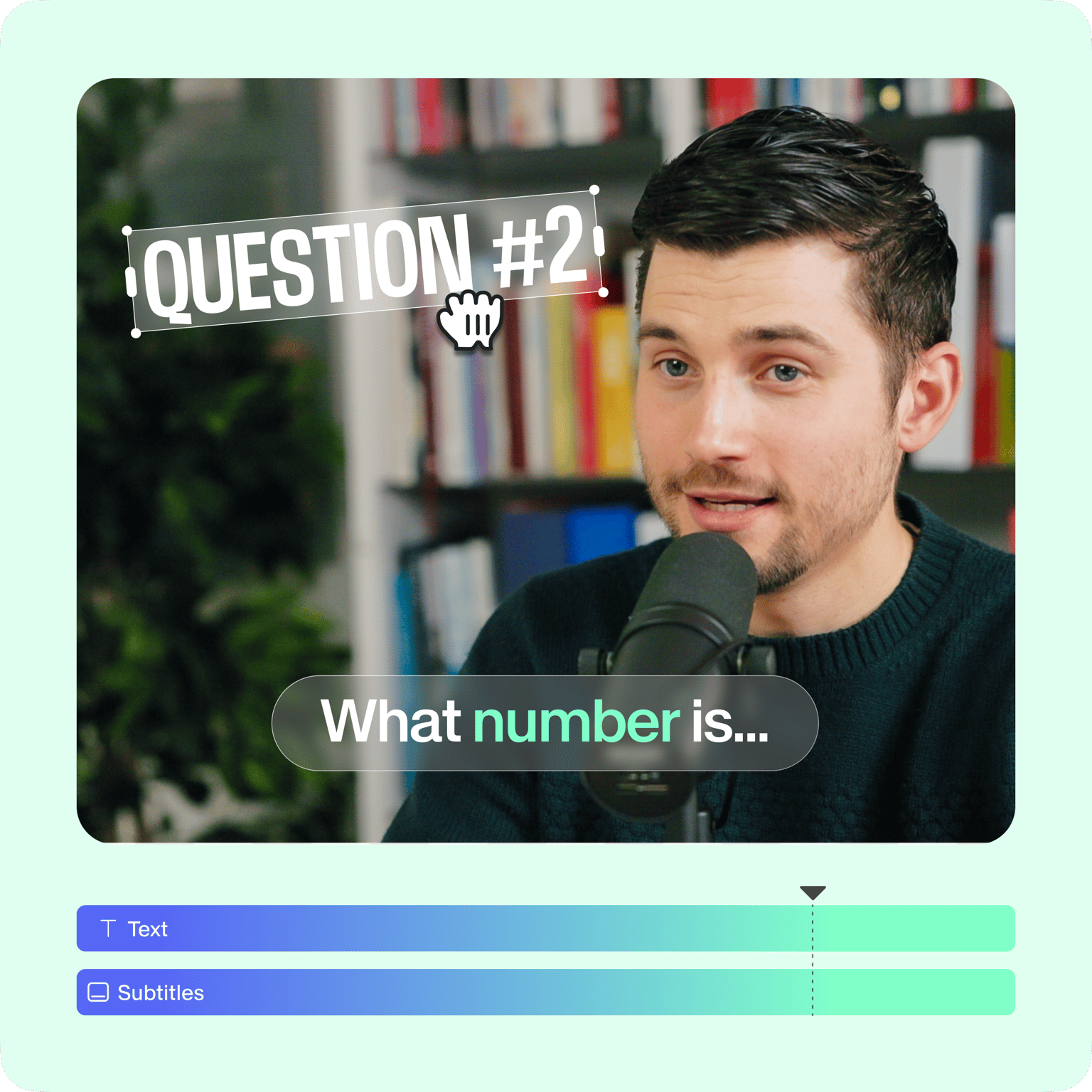
Enhance learning with interactive video quizzes
Engage your audience by integrating interactive quiz elements into your videos, like animated text and stickers. Create captivating quizzes that challenge and educate your viewers. You can reinforce key concepts and encourage active participation. It also helps improve retention among the audience, and you can see higher engagement in comments. You can even auto-generate subtitles to make your quizzes more accessible.
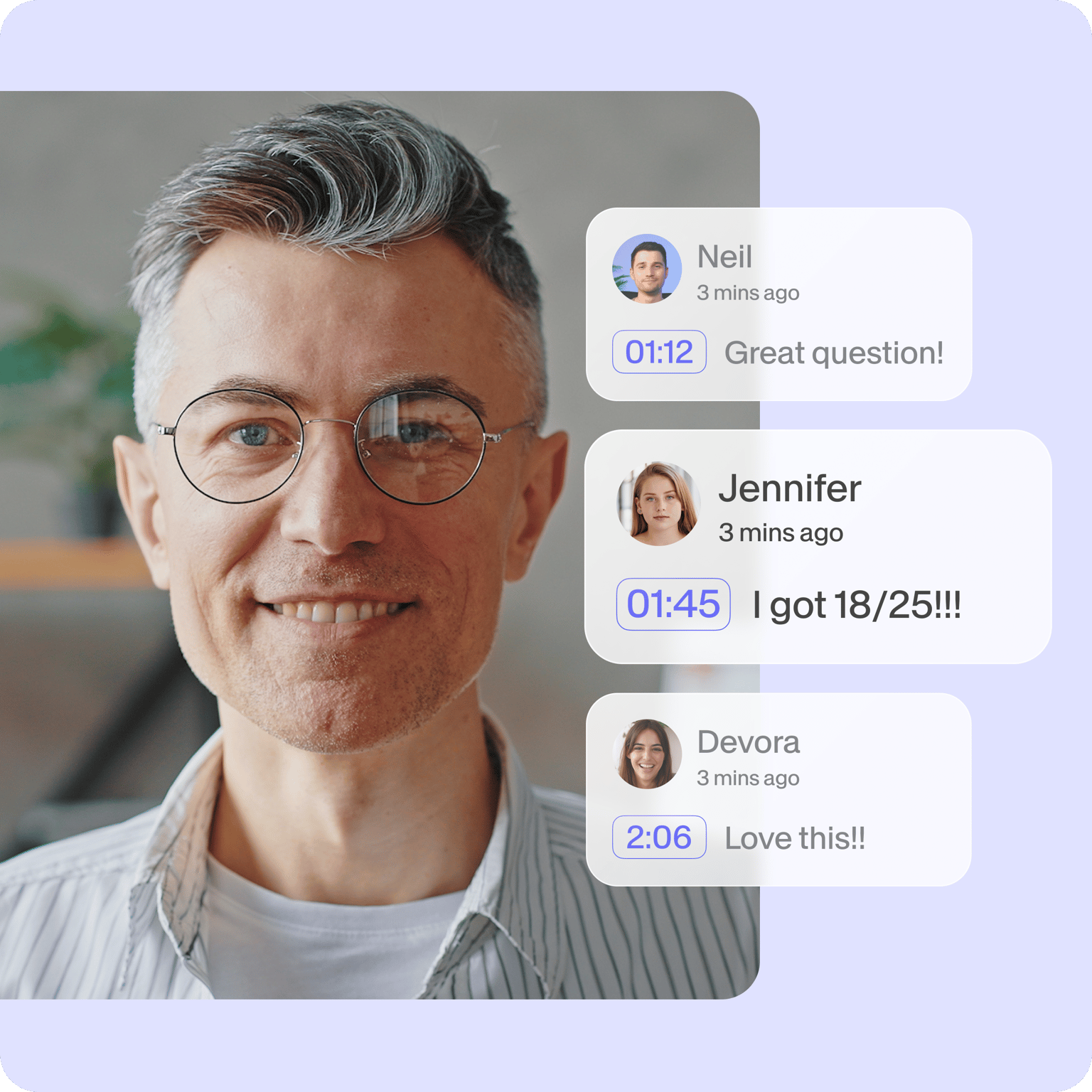
Transform viewers into active participants
Your students, clients, or team members can interact with your video quiz in several ways. They can comment on the video, or they can save their responses for discussion afterward. Seamlessly merge entertainment and education, fostering deeper engagement and understanding. Redefine the way you teach, train, and connect. Turn passive viewers into active participants with our online quiz creator!

Seamless sharing on YouTube and other platforms
VEED's video quiz maker allows you to seamlessly integrate quizzes into your YouTube videos and social media platforms. You can also host your video on VEED, so you don’t have to download the file. You can even add CTAs and stickers at regular intervals. Create online video quizzes of all types, like personality quizzes, conditional logic challenges, and more. Add multiple-choice questions that you can discuss after the quiz!
FAQ
Yes, VEED offers a free version of the Video Quiz Maker that allows you to create interactive quizzes without any cost. However, there may be limitations on certain features or the number of quizzes you can create. Upgrading to a premium plan unlocks additional benefits and advanced options.
Yes, VEED's Video Quiz Maker offers customization options that allow you to personalize the appearance of your quizzes. You can choose different themes, fonts, colors, and even add your logo or branding elements to create a consistent and professional look.
There are many ways to maximize engagement through videos. But the most important ones include; telling a good story; keeping it simple and short; making it flashy and exciting; adding pattern-breaks; providing value to your audience; and adding a touch of humor. Make sure that your video is high-quality, and has no redundant footage. VEED’s online video editor can help you achieve all the above-mentioned goals!
Yes, VEED's Video Quiz Maker allows collaboration, making it easy for multiple users to work together on creating video quizzes. You can invite team members or colleagues to collaborate, assign roles and permissions, and streamline the quiz creation process. This feature is particularly useful for educators or content creators working in teams or within an organization.
VEED is the best online video quiz maker for a number of reasons. Firstly, it is free to use, and no account or sign up is needed. What’s more, it is fast, easy to use and perfect for beginners. Our wide array of tools gives you everything you need to make awesome videos at the touch of a button.
VEED works great with mobile devices! Simply open VEED’s video editor on your preferred mobile browser, upload your video file/s, and start editing! It’s that simple, no apps needed, and no payment or credit card needed. VEED’s simple and easy to use online video editor works smoothly with all device types - laptops, tablets and mobile.
Loved by creators.
Loved by the Fortune 500
“
With VEED I didn't need 15 tutorials - I jumped straight in and started editing.

Gwenne Wilcox
Founder,
Brand Brainery
“
You can go beyond choppping things. VEED actually makes my videos look great.

Michael Glover
Demand Gen Manager,
ConvertFlow
“
The first four videos i created with VEED got over 40,000 impressions on LinkedIn.

Travis Tyler
Senior Content Producer,
PandaDoc
“
I found VEED at the right time: if you're making UGC ads and not using Eye Contact Correction and Noise Reduction on VEED you're missing out on ROI.

Sebastian Schurgers
Head of Growth Marketing,
Gronda
“
With VEED I didn't need 15 tutorials - I jumped straight in and started editing.
Gwenne Wilcox
Founder,
Brand Brainery
“
You can go beyond choppping things. VEED actually makes my videos look great.
Michael Glover
Demand Gen Manager,
ConvertFlow
“
The first four videos i created with VEED got over 40,000 impressions on LinkedIn.
Travis Tyler
Senior Content Producer,
PandaDoc
“
I found VEED at the right time: if you're making UGC ads and not using Eye Contact Correction and Noise Reduction on VEED you're missing out on ROI.
Sebastian Schurgers
Head of Growth Marketing,
Gronda
“
The first four videos i created with VEED got over 40,000 impressions on LinkedIn.
Travis Tyler
Senior Content Producer,
PandaDoc
“
I found VEED at the right time: if you're making UGC ads and not using Eye Contact Correction and Noise Reduction on VEED you're missing out on ROI.
Sebastian Schurgers
Head of Growth Marketing,
Gronda
“
With VEED I didn't need 15 tutorials - I jumped straight in and started editing.
Gwenne Wilcox
Founder,
Brand Brainery
“
You can go beyond choppping things. VEED actually makes my videos look great.
Michael Glover
Demand Gen Manager,
ConvertFlow
Trusted by 1M+ creators
When it comes to amazing videos, all you need is VEED
No credit card required
Explore more than our Video Quiz Maker
From making your movie to creating promotional video content - you can do it all inside VEED’s online video editor. Create podcast videos promoting your video, edit a TikTok video teaser, add subtitles to an IGTV trailer of your latest video, and so much more! Whether it’s a wedding compilation, holiday memorabilia or birthday bash, VEED is the best video editor to make high-quality videos for any special occasion. Start creating videos for free today.