


Trusted by 1M+ creators
Video Collage Maker
Create awesome photo & video collages using our online video maker
No credit card required
4.6
2,100+ reviews















Video Collage Maker - Free & Online
VEED's video collage maker lets you combine clips into a single frame using preset templates — no software download needed. Upload your videos, pick a layout, and add captions, filters, stickers, or background music in the same editor. Works on any browser, any device.
How to Make Your Own Video Collage
Step 01
Upload Videos
Upload your video files to VEED. You can upload up to 50MB of videos for free.
Step 02
Create Collage
Video files uploaded? Excellent, now select a template from the Templates tab.
Step 03
Download, Share and Promote
Video collage looking ready to go? Fabulous, click ‘Export Video’ to download and share!
Learn More
‘How to Edit a Video Online’ Tutorial
Easy to Use
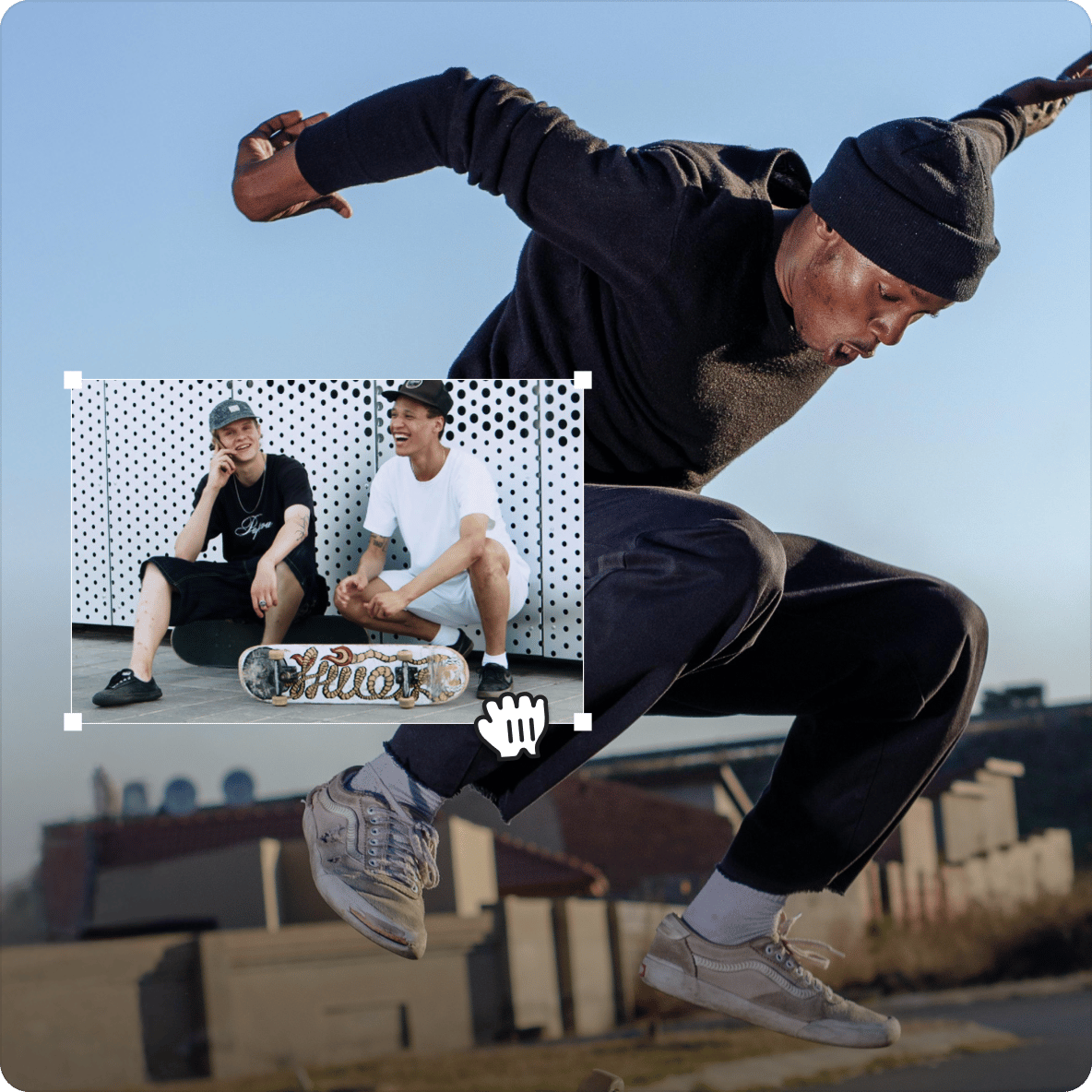
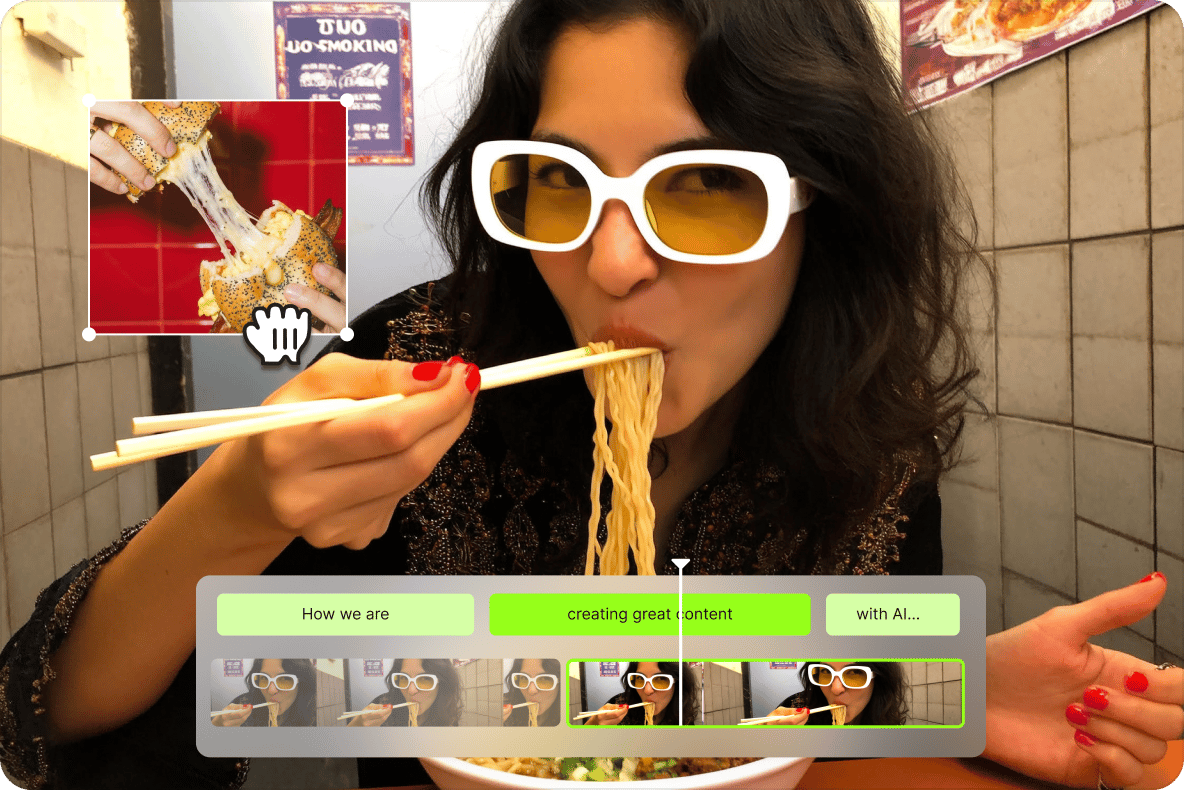
VEED's editor is built around templates, so you don't need design or video editing experience to get started. Upload your clips, select a layout from the Templates tab, and drag them into place. All the extras — filters, effects, stickers, subtitles — are in the same workspace, accessible in a few clicks. Supports MP4, MOV, AVI, WMV, FLV, and more.
Templates
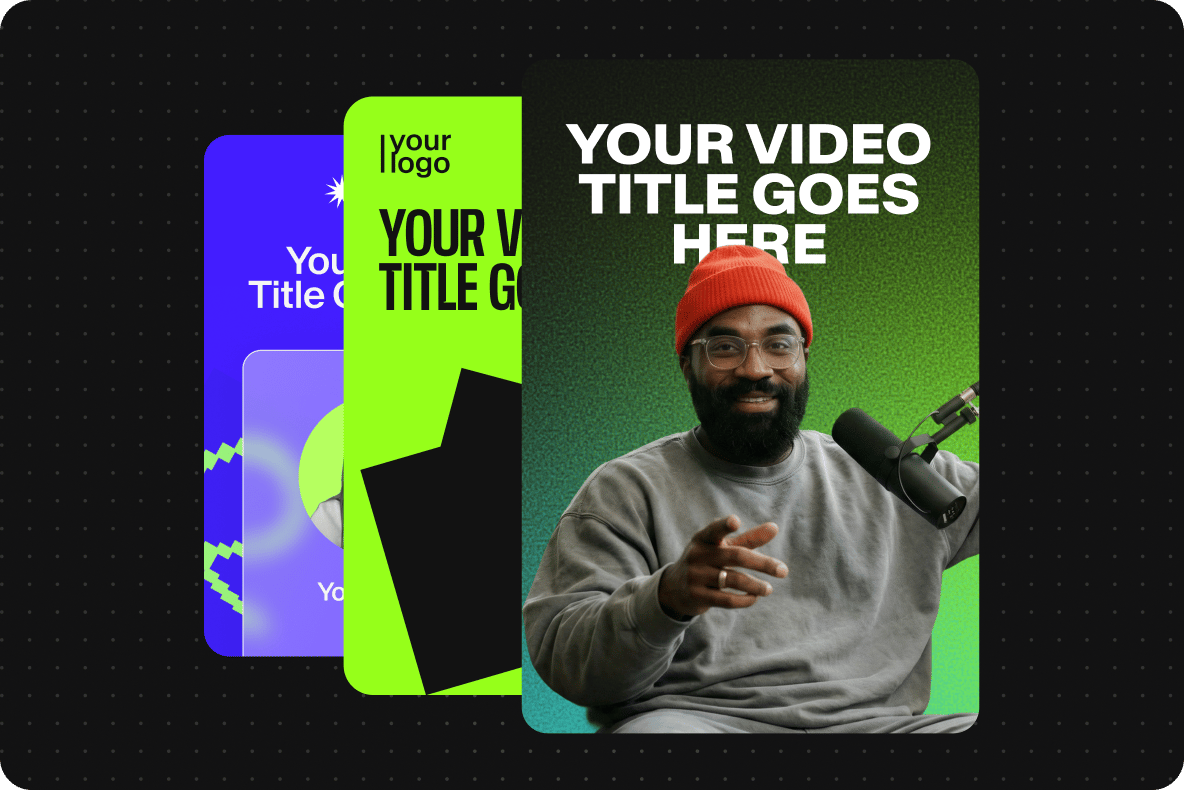
VEED includes a library of collage templates in different layouts and aspect ratios. Select one, upload your clips, and drag them into position. From there, use filters, effects, stickers, transitions, and background music to make the collage yours. Templates work for any occasion — travel, events, promos, or personal highlights.

Weddings, Birthdays & Holidays
Turning personal footage into a video collage is a good use case for VEED's templates. Pick a layout that suits the occasion, upload your clips in any format from any device, add background music by dragging an audio file onto the timeline, and layer in stickers, filters, or effects. Export when it's ready to share with family or friends.
FAQ
Upload Video Upload Background Music Select Template Drag & drop videos in template Edit, customise and personalise Download
Super-stunning and beautiful, a video collage is a pane where a large video has smaller child videos inside it! Some catchy background music is usually in the mix too. VEED’s templates let you make video collages without any effort or cutting-edge experience.
VEED’s collage maker is free! No credit card or subscription needed. You can create lots of videos of any type on VEED for free. Get started immediately, no signup or download needed either.
Upload your background music file to VEED. Click & drag the audio track on top of the video track in the editor. Simply drag and drop, it’s really that easy.
VEED is the best online video collage maker for a number of reasons. Firstly, it is free to use, and no account or sign up is needed. What’s more, it is fast, easy to use and perfect for beginners. Our wide array of templates and tools gives you everything you need to make awesome video collages at the touch of a button.
VEED works great with mobile devices, including Android! Who said only Apple has the cool stuff?! Simply open VEED’s video editor on Chrome or your preferred browser, upload your video file/s, and start editing! It’s that simple, no apps needed, and no payment or credit card needed. Use VEED on mobile, tablets and laptops, easy and fuss-free.
Loved by creators.
Loved by the Fortune 500
“
With VEED I didn't need 15 tutorials - I jumped straight in and started editing.

Gwenne Wilcox
Founder,
Brand Brainery
“
You can go beyond choppping things. VEED actually makes my videos look great.

Michael Glover
Demand Gen Manager,
ConvertFlow
“
The first four videos i created with VEED got over 40,000 impressions on LinkedIn.

Travis Tyler
Senior Content Producer,
PandaDoc
“
I found VEED at the right time: if you're making UGC ads and not using Eye Contact Correction and Noise Reduction on VEED you're missing out on ROI.

Sebastian Schurgers
Head of Growth Marketing,
Gronda
“
With VEED I didn't need 15 tutorials - I jumped straight in and started editing.
Gwenne Wilcox
Founder,
Brand Brainery
“
You can go beyond choppping things. VEED actually makes my videos look great.
Michael Glover
Demand Gen Manager,
ConvertFlow
“
The first four videos i created with VEED got over 40,000 impressions on LinkedIn.
Travis Tyler
Senior Content Producer,
PandaDoc
“
I found VEED at the right time: if you're making UGC ads and not using Eye Contact Correction and Noise Reduction on VEED you're missing out on ROI.
Sebastian Schurgers
Head of Growth Marketing,
Gronda
“
The first four videos i created with VEED got over 40,000 impressions on LinkedIn.
Travis Tyler
Senior Content Producer,
PandaDoc
“
I found VEED at the right time: if you're making UGC ads and not using Eye Contact Correction and Noise Reduction on VEED you're missing out on ROI.
Sebastian Schurgers
Head of Growth Marketing,
Gronda
“
With VEED I didn't need 15 tutorials - I jumped straight in and started editing.
Gwenne Wilcox
Founder,
Brand Brainery
“
You can go beyond choppping things. VEED actually makes my videos look great.
Michael Glover
Demand Gen Manager,
ConvertFlow
Discover more
Trusted by 1M+ creators
When it comes to amazing videos, all you need is VEED
No credit card required
More than just a video collage maker
Video collages are one format in a much larger workflow. VEED is an AI video creation platform where you can generate, refine, and export videos for TikTok, Instagram, YouTube, and LinkedIn. Beyond collages, VEED AI lets you build complete social videos from a script, with avatars, voiceovers, captions, and brand assets in one place. Get started for free.