


Trusted by 1M+ creators
Trailer Maker
Upload videos to create simple trailers online. Fun, free and easy-to-use
No credit card required
4.6
2,100+ reviews















Trailer Maker for Movies & Films
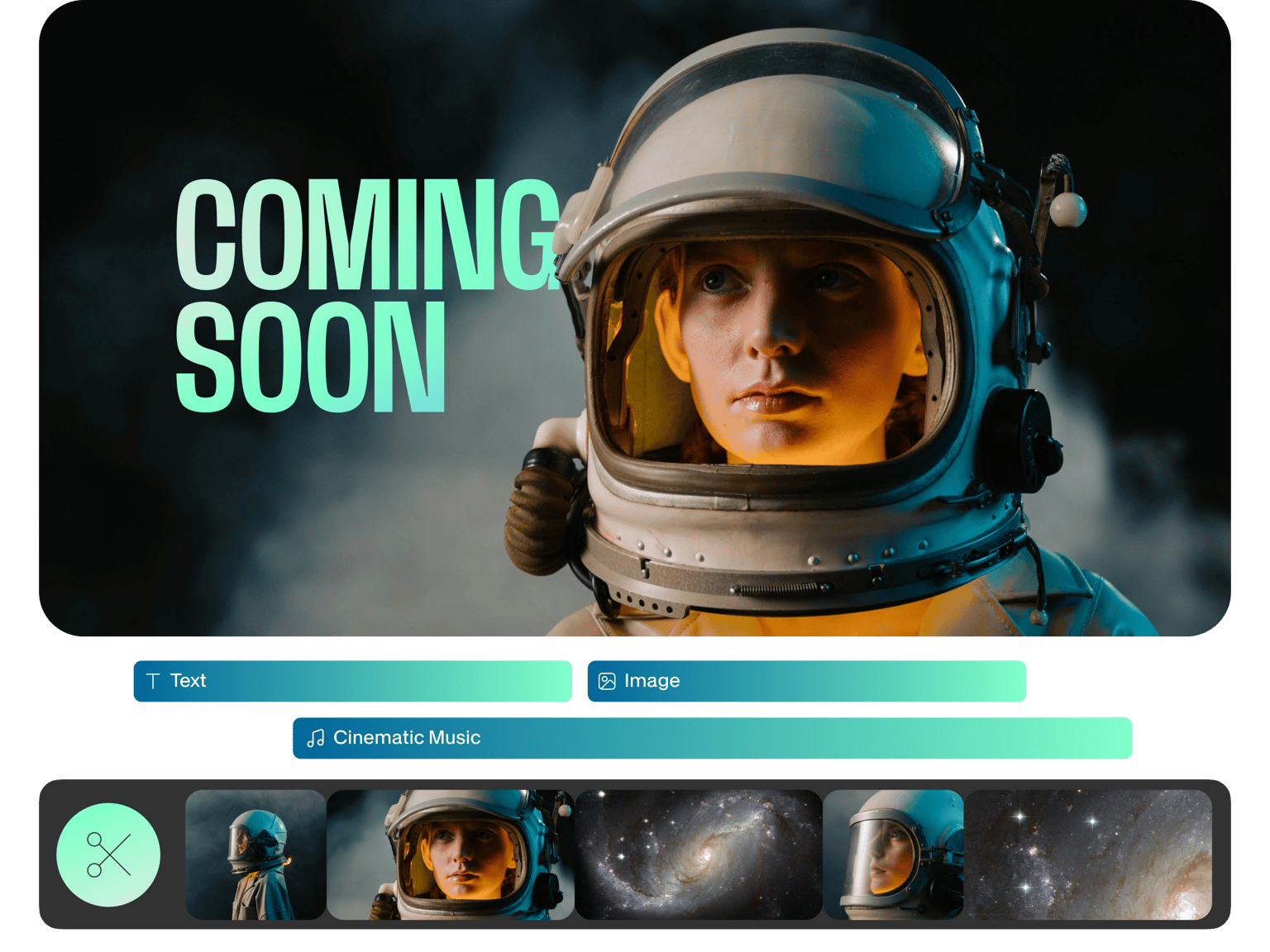
LIGHTS! CAMERA! ACTION! You can now make your own trailer to tell your brand’s story, promote your products, or just have fun. With VEED’s easy-to-use trailer maker, you can create titles, use filters, and add atmospheric music, to keep your audience engaged, entertained and hungry for more! VEED is a fully browser-based video editing tool that can be used to make high-quality trailers in only a few clicks of the mouse. Our trailer maker has the best tools like filters, special effects, stickers and even a background noise remover! What’s more, you can also edit, cut, split and merge videos to remove any unwanted scenes. VEED’s online video editor gives you all the tools you need to create gripping video and book trailers at your fingertips.
Our modern, simple and intuitive interface makes it incredibly easy to use. No Download Needed - VEED is a fully online video editor, and works directly from your browser. Open VEED on any browser, including Safari, Microsoft Edge, Chrome, Mozilla FIrefox, and many more. Say goodbye to clunky software and complicated video editing apps. VEED is here to simplify your journey from recording footage to making high-quality movies. Open VEED’s online video editor on any device, be it your iPhone or Android Phone, Macbook, Windows PC, Linux PC, you name it.
How to make a trailer:
Step 01
Upload a Video
Upload your video in seconds and get started right away on making your trailer. Just drag & drop, it's super easy

Step 02
Edit your trailer
You can use the full range of VEED’s tools, to add titles, use filters, include a soundtrack, add sound effects, and much, much more! Make your trailer an all-singing, all-dancing intro to your brand, and capture your audience’s attention
Step 03
Download & share your trailer
As soon as you’re finished, hit ‘Download’ and your trailer will render in seconds. That’s it. Now you’ve downloaded your shiny-new trailer, you can share it with friends, promote your brand, and provide your audience with something to talk about
Learn More
‘How to Make Movies Online’ Tutorial

Widen your audience
More than anything else, a trailer is an effective way of reaching a wider audience. With a short video that captures attention, you can attract more followers and expand your influence. A trailer is a fun, creative way to help people understand your brand and what it’s about. Spread your message in a visually exciting way that grabs their attention, and see your engagement break the ceiling! Use VEED to tell the story of your brand in an entertaining and compelling way, with a trailer. You can quickly and easily crop your video trailer for all Social Media platforms, including YouTube, so your trailer won’t be missed by anyone!

Entertain your audience
With a short movie trailer you can provide your audience with all the information they need, in a format they recognise, while staying true to your brand’s style. Trailers get people talking. They can be action-packed, full of drama and intrigue, or downright hilarious! Get people sharing your material by giving them something creative and entertaining to engage with. You can also Make a fun trailer that shows your audience exactly how your products and services can work for them. They can be the hero of this story! It’s a win-win for you and your audience. VEED’s wide array of tools - transitions, filters, special effects, stickers, emojis, text - will give you everything you need to make a trailer that entertains your audience.
Free & easy to use trailer maker
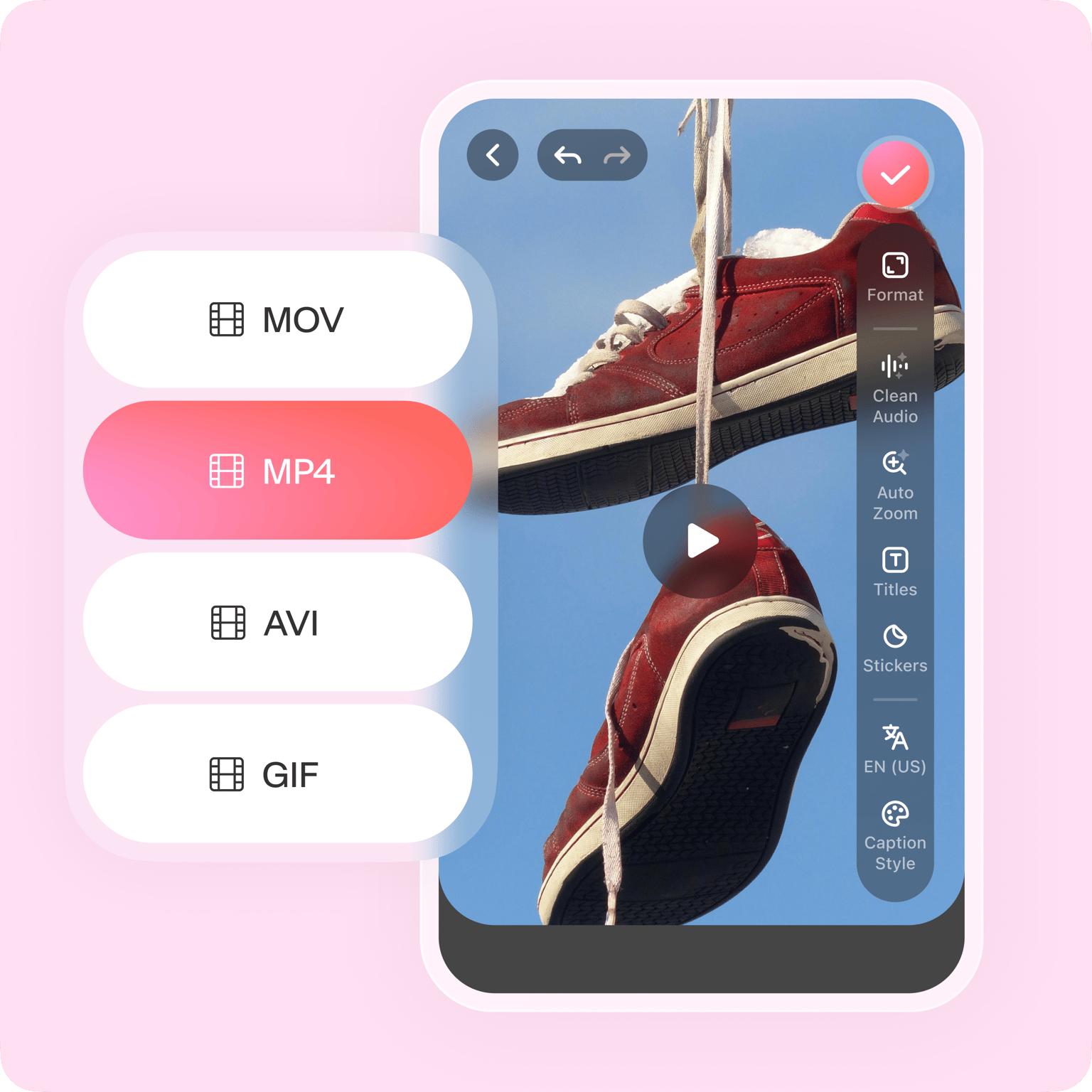
VEED is designed to help you make amazing trailers with the least effort and stress. You can open it directly from your browser, sparing you from having to download chunky software that takes forever to master. Our modern, simple and clean user interface is incredibly easy to use, you’ll get it in a matter of minutes! This includes our mobile site, which means you can create stunning videos on the move! Whether you’re a complete beginner at video editing or a seasoned pro, VEED’s trailer maker won’t fail to impress. What’s more, VEED’s video editor works with numerous file types - MP4, MOV, AVI, WMV, FLV, and so many more.
FAQ
Upload Video/s Edit, cut & merge clips Add text, music, filters, and more Download Share
Use social media to share your content. Invite your audience to like and share on social media channels like Facebook, Twitter and YouTube. Read VEED’s blog for practical actionable tips on leveraging social media marketing for optimal results.
Make it short and sweet! Remember, trailers only “tease”. No need to make it detailed. Make sure to add some dramatic effect by adding background music, special effects and more. Briefly describe the storyline, and what makes it interesting and exciting, without revealing the ending.
Easy. Upload your preferred audio file, and place the audio track on top of the video track in the editor. Adjust, cut, merge and split as needed. You can also add a voiceover track in the same way.
VEED is the best online trailer maker for a number of reasons. Firstly, it is free to use, and no account or sign up is needed. What’s more, it is fast, easy to use and perfect for beginners. Our wide array of tools gives you everything you need to make awesome videos at the touch of a button. It can also act as a book trailer maker, with all the tools needed for book trailers.
It is indeed! You can make all types of trailers on VEED, including book trailers. Simply upload your video, alongside any background music, subtitle files, and get editing!
Loved by creators.
Loved by the Fortune 500
“
With VEED I didn't need 15 tutorials - I jumped straight in and started editing.

Gwenne Wilcox
Founder,
Brand Brainery
“
You can go beyond choppping things. VEED actually makes my videos look great.

Michael Glover
Demand Gen Manager,
ConvertFlow
“
The first four videos i created with VEED got over 40,000 impressions on LinkedIn.

Travis Tyler
Senior Content Producer,
PandaDoc
“
I found VEED at the right time: if you're making UGC ads and not using Eye Contact Correction and Noise Reduction on VEED you're missing out on ROI.

Sebastian Schurgers
Head of Growth Marketing,
Gronda
“
With VEED I didn't need 15 tutorials - I jumped straight in and started editing.
Gwenne Wilcox
Founder,
Brand Brainery
“
You can go beyond choppping things. VEED actually makes my videos look great.
Michael Glover
Demand Gen Manager,
ConvertFlow
“
The first four videos i created with VEED got over 40,000 impressions on LinkedIn.
Travis Tyler
Senior Content Producer,
PandaDoc
“
I found VEED at the right time: if you're making UGC ads and not using Eye Contact Correction and Noise Reduction on VEED you're missing out on ROI.
Sebastian Schurgers
Head of Growth Marketing,
Gronda
“
The first four videos i created with VEED got over 40,000 impressions on LinkedIn.
Travis Tyler
Senior Content Producer,
PandaDoc
“
I found VEED at the right time: if you're making UGC ads and not using Eye Contact Correction and Noise Reduction on VEED you're missing out on ROI.
Sebastian Schurgers
Head of Growth Marketing,
Gronda
“
With VEED I didn't need 15 tutorials - I jumped straight in and started editing.
Gwenne Wilcox
Founder,
Brand Brainery
“
You can go beyond choppping things. VEED actually makes my videos look great.
Michael Glover
Demand Gen Manager,
ConvertFlow
Discover more
Trusted by 1M+ creators
When it comes to amazing videos, all you need is VEED
No credit card required
More than just an online trailer maker
From making your movie to creating promotional video content - you can do it all inside VEED’s online video editor. Create podcast videos promoting your movie, edit a TikTok video teaser, add subtitles to an IGTV trailer of your movie, and so much more! Whether it’s a wedding compilation, holiday memorabilia or birthday bash, VEED is the best movie maker to make high-quality movies for any special occasion. Start creating videos for free today. No credit card required.