


Trusted by 1M+ creators
Photo Video Maker
Combine photos into a video. Enhance with transitions, text, music, and more
No credit card required
4.6
2,100+ reviews















Turn your photos into polished videos
Making videos from photos shouldn't mean learning complicated software or settling for boring slideshows. VEED's photo video maker lets you turn your photos into professional-quality videos in minutes — all online, no software download needed. Simply drag and drop your images into our intuitive interface.
Enhance your photo-based video with transitions, animations, and perfectly timed music. Add voice recordings, sound effects, and stickers. You can make all kinds of videos, from product showcases to birthday videos and wedding montages. Whether you're a beginner or a pro, you can make a polished, engaging photo video in just a few clicks.
How to make a video with pictures:
Step 01
Upload
Upload your photos to our online video maker. You can choose images you already own or photos from our stock library. Drag and drop them to the timeline.
Step 02
Edit & personalize
Drag the photos to change their order and positioning in the video. Cut, crop, zoom in or rotate photos until they’re the perfect size. Personalize by adding text, transitions, stickers, or emojis.
Step 03
Download video
That’s it. You’re ready. Just click ‘Download’, and watch your video render in seconds.
Learn More
Learn how to add a picture to a video in this tutorial:
Create dynamic videos from still images
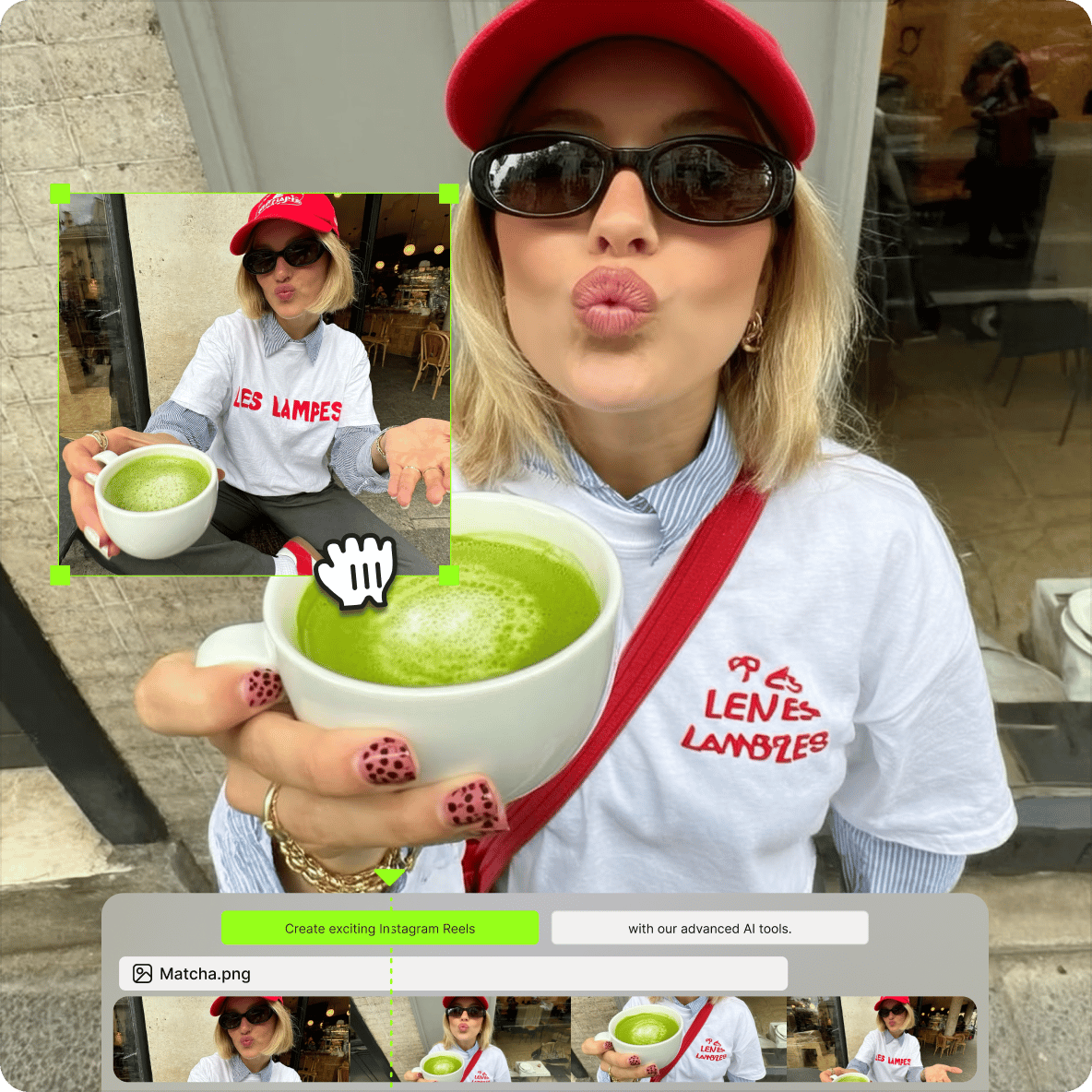
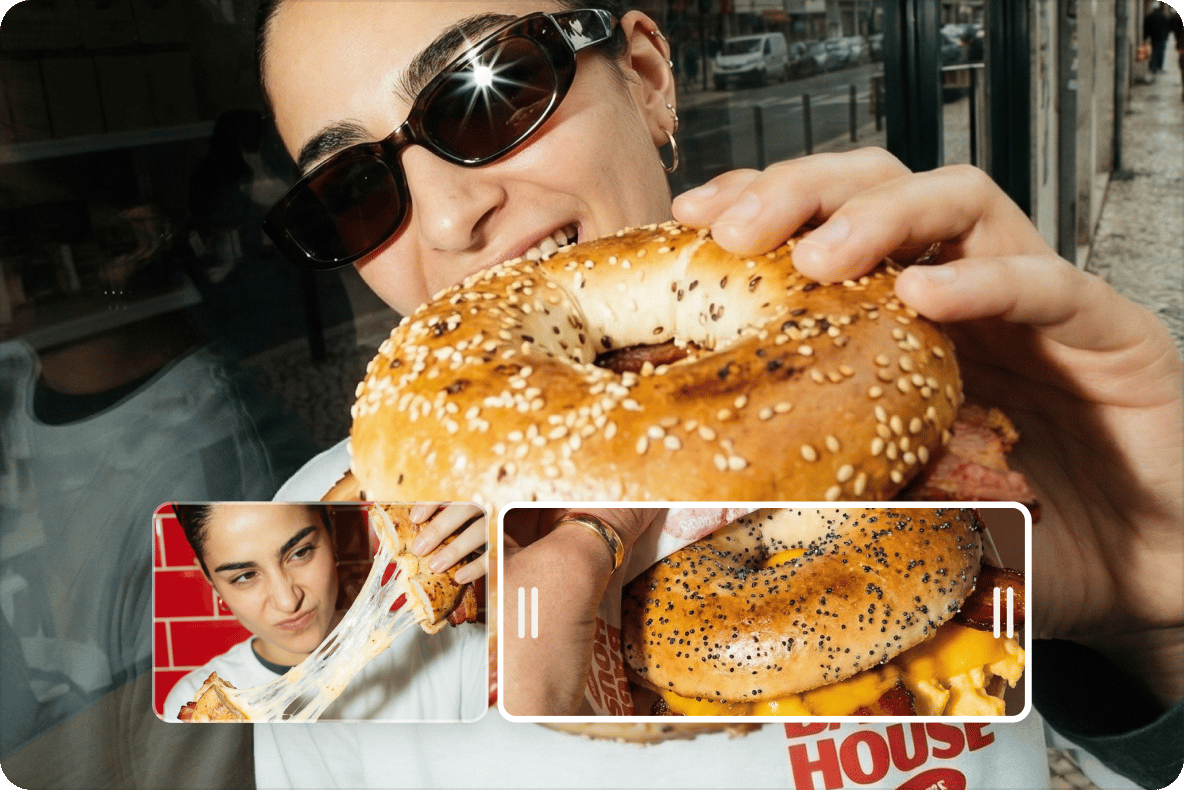
VEED is the best app for combining photos into videos for any occasion — whether for a wedding, graduation or that special family holiday. You can also merge different videos, split a video, or trim any unwanted scenes. Then, for added flair, you can explore our filters, special effects, stickers, and much more.
Enhance with music
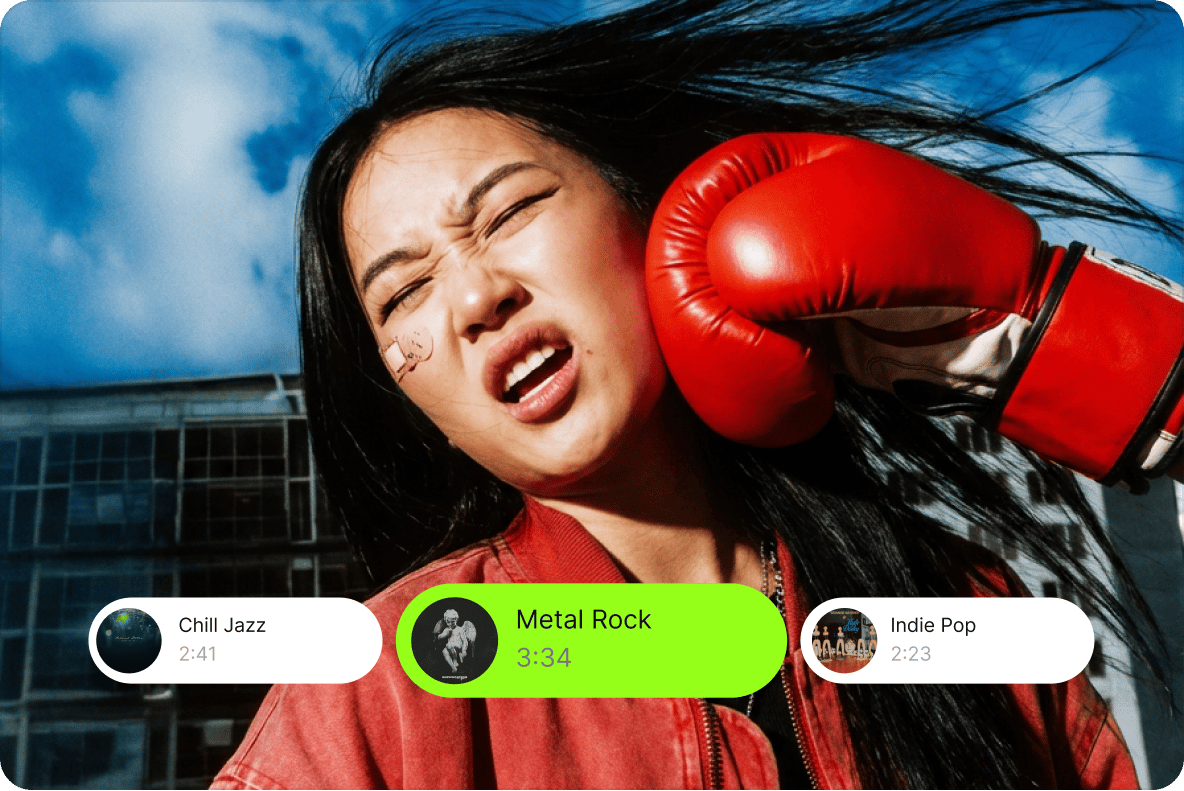
Bring your photo video to life by adding your favorite song as background music. Or browse our built-in stock music library. You can also include sound effects and voiceovers with one-click noise removal. VEED’s online video maker makes it easy to work with audio and video tracks at the same time.
Add visuals to vlogs or tutorials
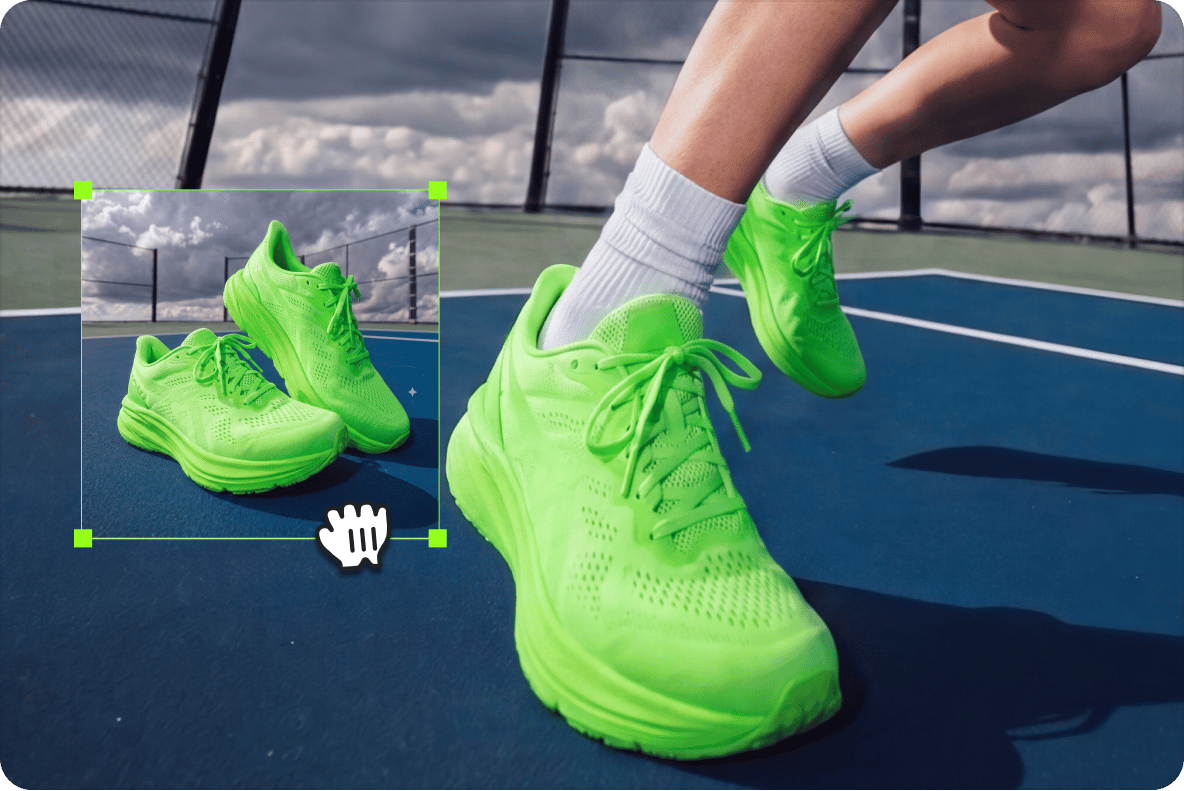
Images can enhance storytelling and comprehension in videos. You can use freeze-frames or upload your own photos and add them to your video. Adding a photo to your video can also be a great way to show a product, service, technique, or idea, in further detail. You can add presentation slides or close-ups with just a single click.
FAQ
Combine photos into a video using our online editor. Simply upload your photos and arrange them on the timeline. Crop, brighten, and animate the pictures. You can also add music, transitions, and videos. When you’re done, export your video in your preferred quality.
After you’ve uploaded all photos for your video, upload your favorite music file, and drag it onto the video track. You can cut, trim, and adjust the positioning of the audio track as you prefer.
Find background music in our stock music library. Go to the Audio menu and browse different categories. You can type a specific mood or genre in the search bar.
Yes, merge videos and photos using VEED. With a simple drag-and-drop interface, you can arrange elements and perfect the timing of each clip. Merging videos and photos are great for product demonstrations, vlogs, and social media content.
Our photo video maker is free, and you can start creating right away. Sign up to save and edit projects for later. Upgrade to a paid plan to unlock watermark-free exports and image-to-video AI features.
Most importantly, your photo video must tell a story in as few minutes as possible. Beyond that, adding text, a filter, an emoji or a sticker can work wonders in making your photo videos look cool.
Loved by creators.
Loved by the Fortune 500
“
With VEED I didn't need 15 tutorials - I jumped straight in and started editing.

Gwenne Wilcox
Founder,
Brand Brainery
“
You can go beyond choppping things. VEED actually makes my videos look great.

Michael Glover
Demand Gen Manager,
ConvertFlow
“
The first four videos i created with VEED got over 40,000 impressions on LinkedIn.

Travis Tyler
Senior Content Producer,
PandaDoc
“
I found VEED at the right time: if you're making UGC ads and not using Eye Contact Correction and Noise Reduction on VEED you're missing out on ROI.

Sebastian Schurgers
Head of Growth Marketing,
Gronda
“
With VEED I didn't need 15 tutorials - I jumped straight in and started editing.
Gwenne Wilcox
Founder,
Brand Brainery
“
You can go beyond choppping things. VEED actually makes my videos look great.
Michael Glover
Demand Gen Manager,
ConvertFlow
“
The first four videos i created with VEED got over 40,000 impressions on LinkedIn.
Travis Tyler
Senior Content Producer,
PandaDoc
“
I found VEED at the right time: if you're making UGC ads and not using Eye Contact Correction and Noise Reduction on VEED you're missing out on ROI.
Sebastian Schurgers
Head of Growth Marketing,
Gronda
“
The first four videos i created with VEED got over 40,000 impressions on LinkedIn.
Travis Tyler
Senior Content Producer,
PandaDoc
“
I found VEED at the right time: if you're making UGC ads and not using Eye Contact Correction and Noise Reduction on VEED you're missing out on ROI.
Sebastian Schurgers
Head of Growth Marketing,
Gronda
“
With VEED I didn't need 15 tutorials - I jumped straight in and started editing.
Gwenne Wilcox
Founder,
Brand Brainery
“
You can go beyond choppping things. VEED actually makes my videos look great.
Michael Glover
Demand Gen Manager,
ConvertFlow
Discover more
Explore related tools
More from VEED
.png)
How to Make Reels with Photos for Instagram (2026 Guide)
Learn how to easily make reels with photos that your Instagram followers will love.
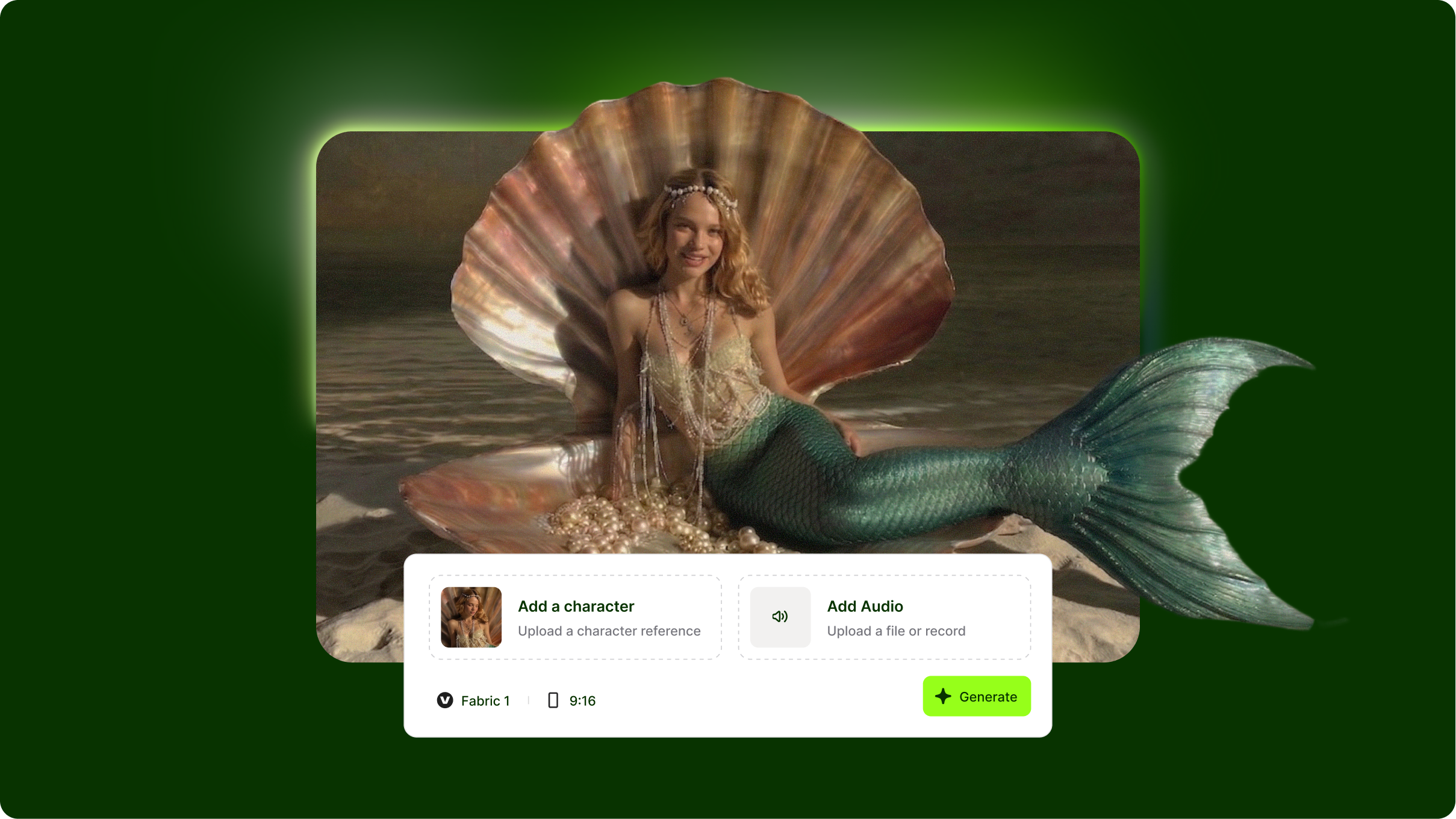
VEED Fabric 1.0: How to Animate Your Photos and Create Talking Avatar Videos
VEED Fabric 1.0 represents a breakthrough in AI talking videos, transforming text into realistic avatar presentations with synchronized speech and natural expressions. Without understanding how to write effective Fabric prompts, you'll get generic avatars with stiff delivery and mismatched emotions. This Fabric prompt library guide shows you how to structure prompts for natural-looking presenters, control tone and pacing, and create professional talking head videos for marketing, education, and content creation.
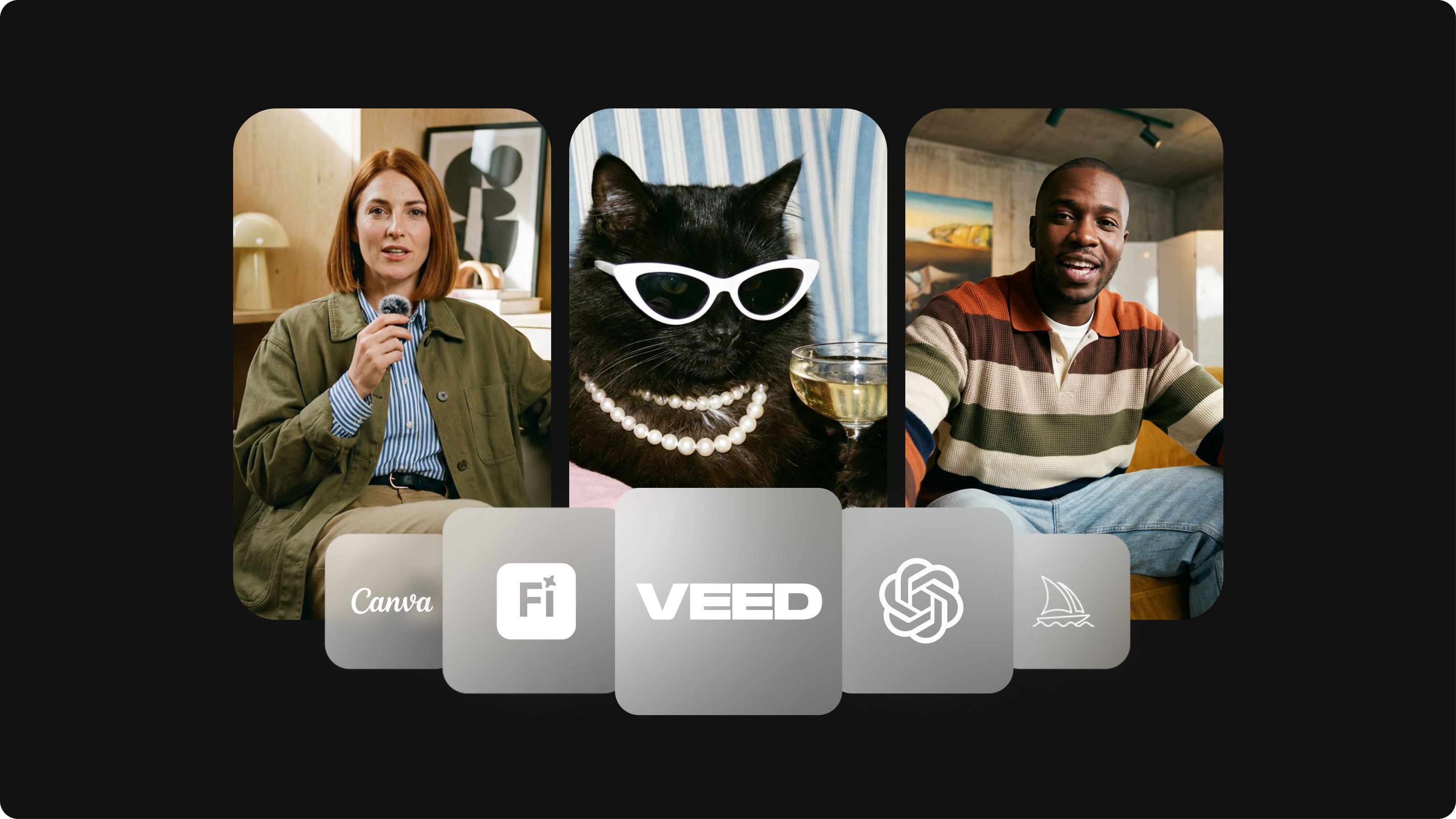
Best AI Image Generators: Top Tools for Creating Stunning Visuals in 2026
From text prompts to breathtaking visuals in mere seconds, AI image generators have revolutionized the way we create digital art. Whether you're building content for social, school, or just for fun, turning ideas into visuals has never been easier. This guide breaks down the best AI image generators of 2025. You'll see what each tool does well, where it struggles, and who it’s built for, so you can pick the right one for your goals and budget.
Trusted by 1M+ creators
When it comes to amazing videos, all you need is VEED
No credit card required
More than a photo video maker
There's more you can do with your photos than stitch them into a slideshow. VEED is an AI video creation platform where you can generate, refine, and export videos. Try our image-to-video AI to bring still images to life — add motion, camera movement, and animation using the best AI models. Create post-ready videos in minutes. Download the VEED mobile app on iOS.