


Trusted by 1M+ creators
Birthday Video Maker
Create your own birthday video. Add photos, animations, and more
No credit card required
4.6
2,100+ reviews















Make beautiful birthday videos in minutes
Want to create a birthday video for a loved one or celebrate your own special day? VEED's birthday video maker helps you create slideshows, compilation videos, TikToks, and Instagram reels with your favorite music in just a few clicks. VEED is easy to use, whether you’re a beginner or a pro. No software download needed. Our simple interface lets you create polished videos for any occasion, right from your browser.
How to create a birthday video:
Step 01
Upload
Upload your videos, photos, and audio. You can drag and drop your files directly into the project timeline.
Step 02
Edit
Arrange elements, trim clips, and perfect your timing. Add your birthday message with custom fonts and colors, apply filters, and choose background music from our stock library.
Step 03
Download and share
Preview your video, select your preferred quality settings, and download. Your birthday video will render in seconds, ready to share on any platform.
Learn More
Learn how to make a video with pictures and music:
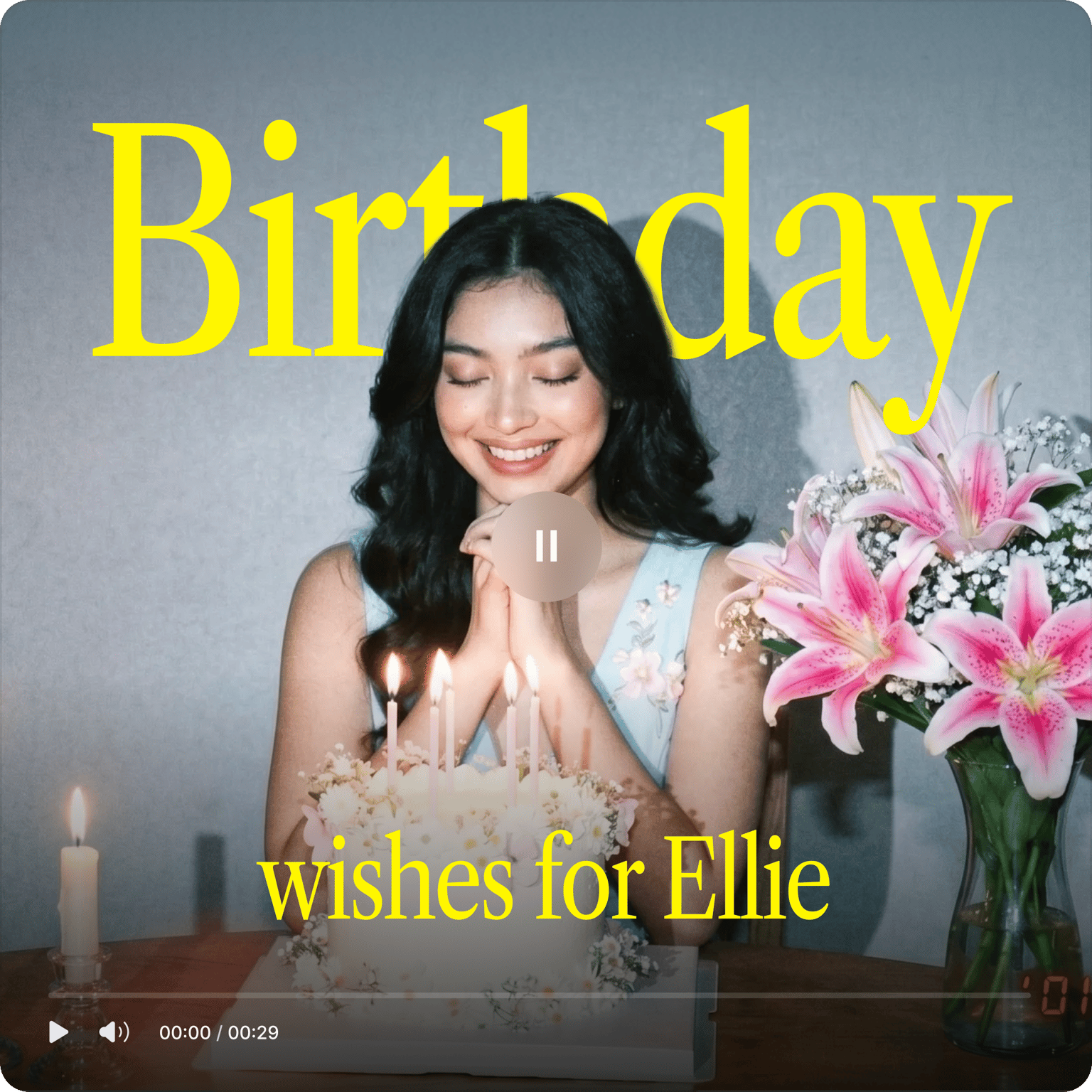
Personalized birthday videos
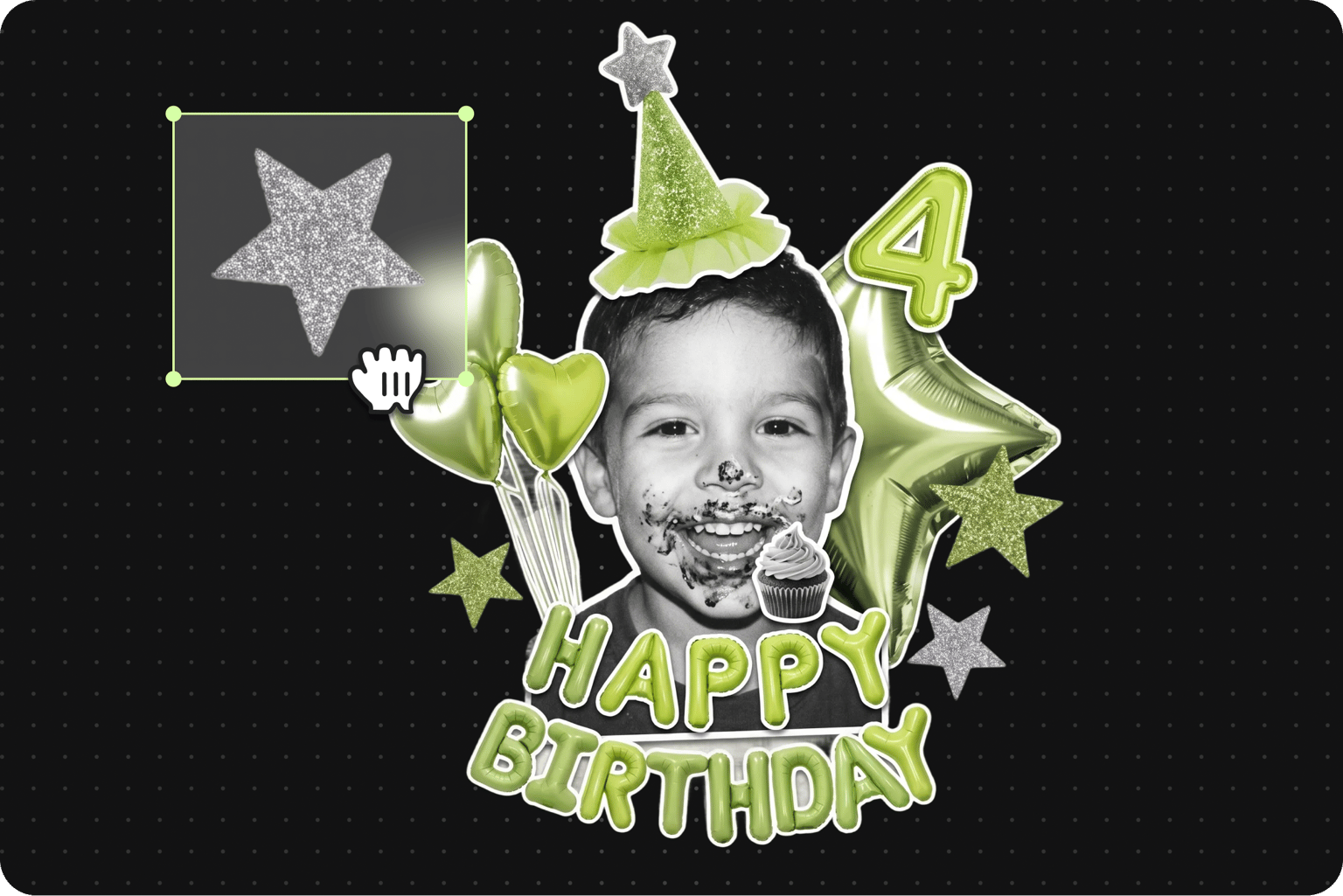
Create unique birthday videos in minutes. Add filters, text, music, and photos. You can create engaging birthday party invitations and happy birthday GIFs. Make your greeting extra special by recording a personal message or song. Our noise removal tool ensures your heartfelt wishes come through crystal clear.
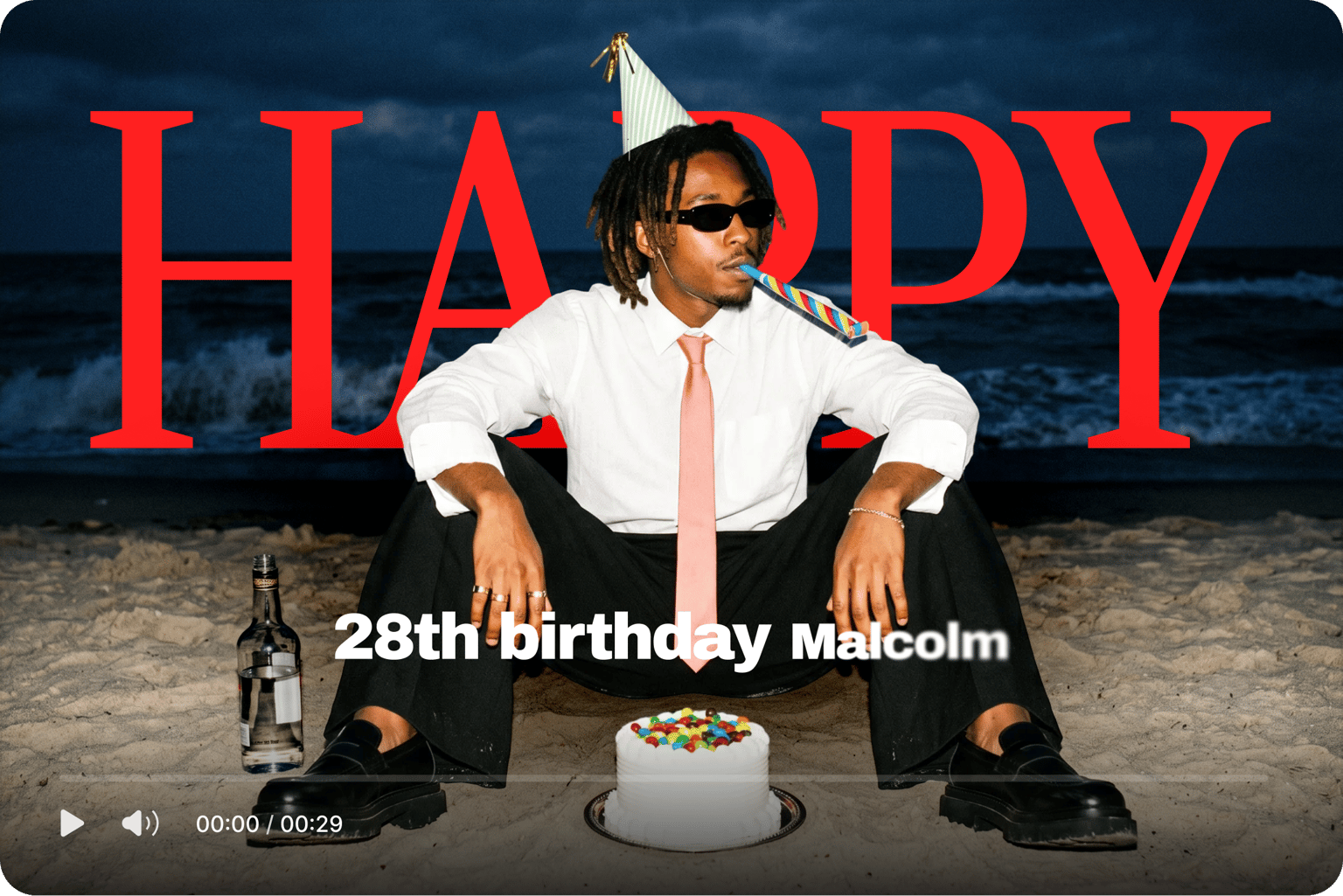
Stunning social media posts
Your birthday videos, sized perfectly for every platform. Use preset video formats for Instagram Reels, TikToks, and YouTube Shorts. No manual resizing needed. Add text, subtitles, images, and filters to make your video look polished, then export and share.
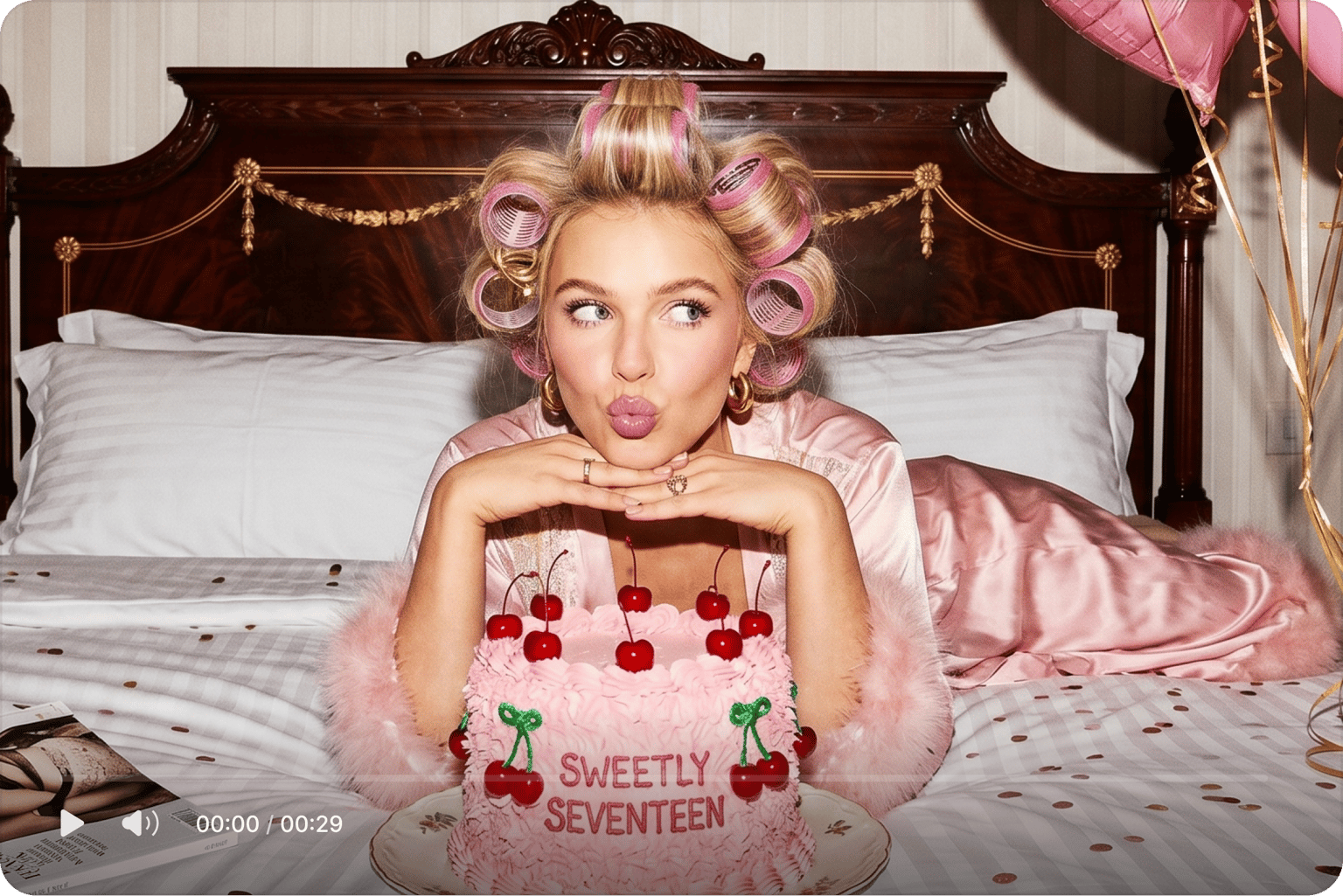
Memorable celebration videos
Capture your special memories, whether it's a wedding, graduation, or family holiday. Upload your videos and photos in any format, and combine them with just a few clicks. For added flair, you can explore our filters, special effects, stickers, and more.
FAQ
A video definitely beats a card! Videos are great for capturing all the joyful moments of a special day and sharing them with your family and friends. Unlike just a photo, your video can walk, talk, and even (if you want it to) sing!
Find trending audio in three ways:
- For professional Instagram accounts in the US: Browse trending audio by opening the ‘Professional dashboard’ from your profile. Select ‘Trending audio.’
- Search hashtags like #birthdaysong or #birthdaymusic to discover popular birthday songs.
- Explore the Reels section where trending songs are usually featured in birthday videos.
You can make a simple slideshow of pictures set to music. More creative options include compiling video messages from friends and family, making a ‘through the years’ montage, or filming a fun lip-sync performance. VEED lets you easily combine photos, videos, music, and text.
Keep it simple with a three-part message: open with "Happy Birthday," share a specific memory that shows why they're special to you, then wrap up with wishes connected to their current dreams or goals. If you’re camera-shy, you can write your message beforehand and use our teleprompter to help you find the right words as you record.
Simply upload your image or video, add text, stickers, or emojis, and when you’re ready, download it as a GIF. The GIF format is great for animations for sending on WhatsApp and other messaging apps.
Most importantly, make it personal — specific to the person you're celebrating. Nothing like an authentic and personalized video to leave a mark on someone’s heart. Beyond that, adding a filter, funny emoji, cute stickers, and some text can go a long way in making your birthday videos look cool!
Loved by creators.
Loved by the Fortune 500
“
With VEED I didn't need 15 tutorials - I jumped straight in and started editing.

Gwenne Wilcox
Founder,
Brand Brainery
“
You can go beyond choppping things. VEED actually makes my videos look great.

Michael Glover
Demand Gen Manager,
ConvertFlow
“
The first four videos i created with VEED got over 40,000 impressions on LinkedIn.

Travis Tyler
Senior Content Producer,
PandaDoc
“
I found VEED at the right time: if you're making UGC ads and not using Eye Contact Correction and Noise Reduction on VEED you're missing out on ROI.

Sebastian Schurgers
Head of Growth Marketing,
Gronda
“
With VEED I didn't need 15 tutorials - I jumped straight in and started editing.
Gwenne Wilcox
Founder,
Brand Brainery
“
You can go beyond choppping things. VEED actually makes my videos look great.
Michael Glover
Demand Gen Manager,
ConvertFlow
“
The first four videos i created with VEED got over 40,000 impressions on LinkedIn.
Travis Tyler
Senior Content Producer,
PandaDoc
“
I found VEED at the right time: if you're making UGC ads and not using Eye Contact Correction and Noise Reduction on VEED you're missing out on ROI.
Sebastian Schurgers
Head of Growth Marketing,
Gronda
“
The first four videos i created with VEED got over 40,000 impressions on LinkedIn.
Travis Tyler
Senior Content Producer,
PandaDoc
“
I found VEED at the right time: if you're making UGC ads and not using Eye Contact Correction and Noise Reduction on VEED you're missing out on ROI.
Sebastian Schurgers
Head of Growth Marketing,
Gronda
“
With VEED I didn't need 15 tutorials - I jumped straight in and started editing.
Gwenne Wilcox
Founder,
Brand Brainery
“
You can go beyond choppping things. VEED actually makes my videos look great.
Michael Glover
Demand Gen Manager,
ConvertFlow
Discover more
Explore related tools
More from VEED

A 7-Step Video Editing Workflow (For Any Team)
Streamline your video projects with this 7-step editing workflow—perfect for teams creating marketing, training, or customer videos.
-min.png)
75+ Captions for Instagram [For Every Mood, Vibe, and Occasion]
Struggling to think of the perfect caption for your Instagram post? We got you. Check out these 75+ captions for Instagram for some inspiration.
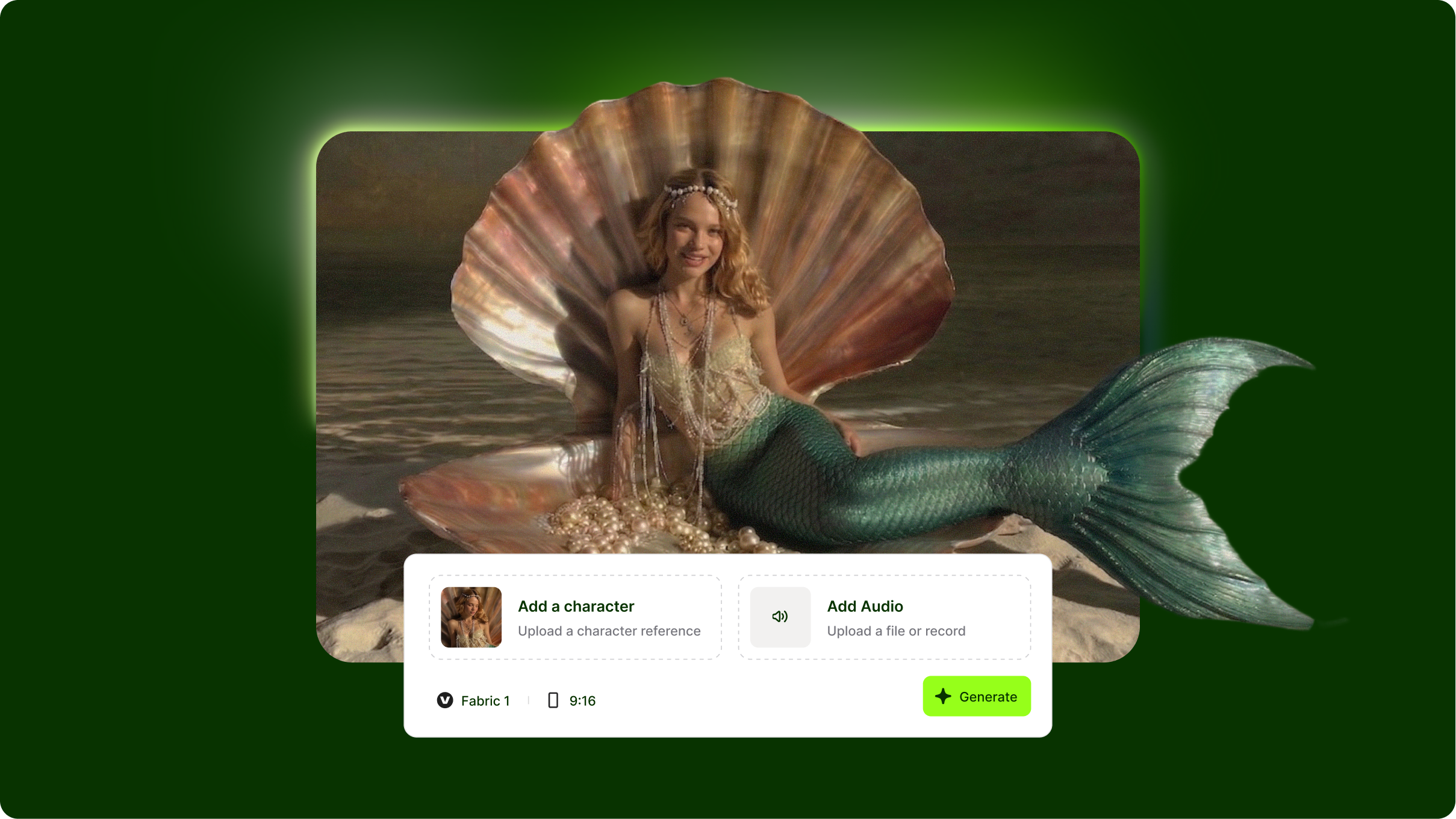
VEED Fabric 1.0: How to Animate Your Photos and Create Talking Avatar Videos
VEED Fabric 1.0 represents a breakthrough in AI talking videos, transforming text into realistic avatar presentations with synchronized speech and natural expressions. Without understanding how to write effective Fabric prompts, you'll get generic avatars with stiff delivery and mismatched emotions. This Fabric prompt library guide shows you how to structure prompts for natural-looking presenters, control tone and pacing, and create professional talking head videos for marketing, education, and content creation.
Trusted by 1M+ creators
When it comes to amazing videos, all you need is VEED
No credit card required
More than a birthday video maker
Explore more ways to make birthday videos and social media content. VEED is an AI video creation platform where you can generate, refine, and export videos for any occasion. Generate a talking AI avatar from a script — no filming, no recording. Or use our lip sync video model to make any photo talk. Upload a headshot, add a voice message, and generate a personalized video greeting. Create post-ready videos in minutes, from birthday shoutouts to celebration reels and social ads. Download the VEED mobile app on iOS!