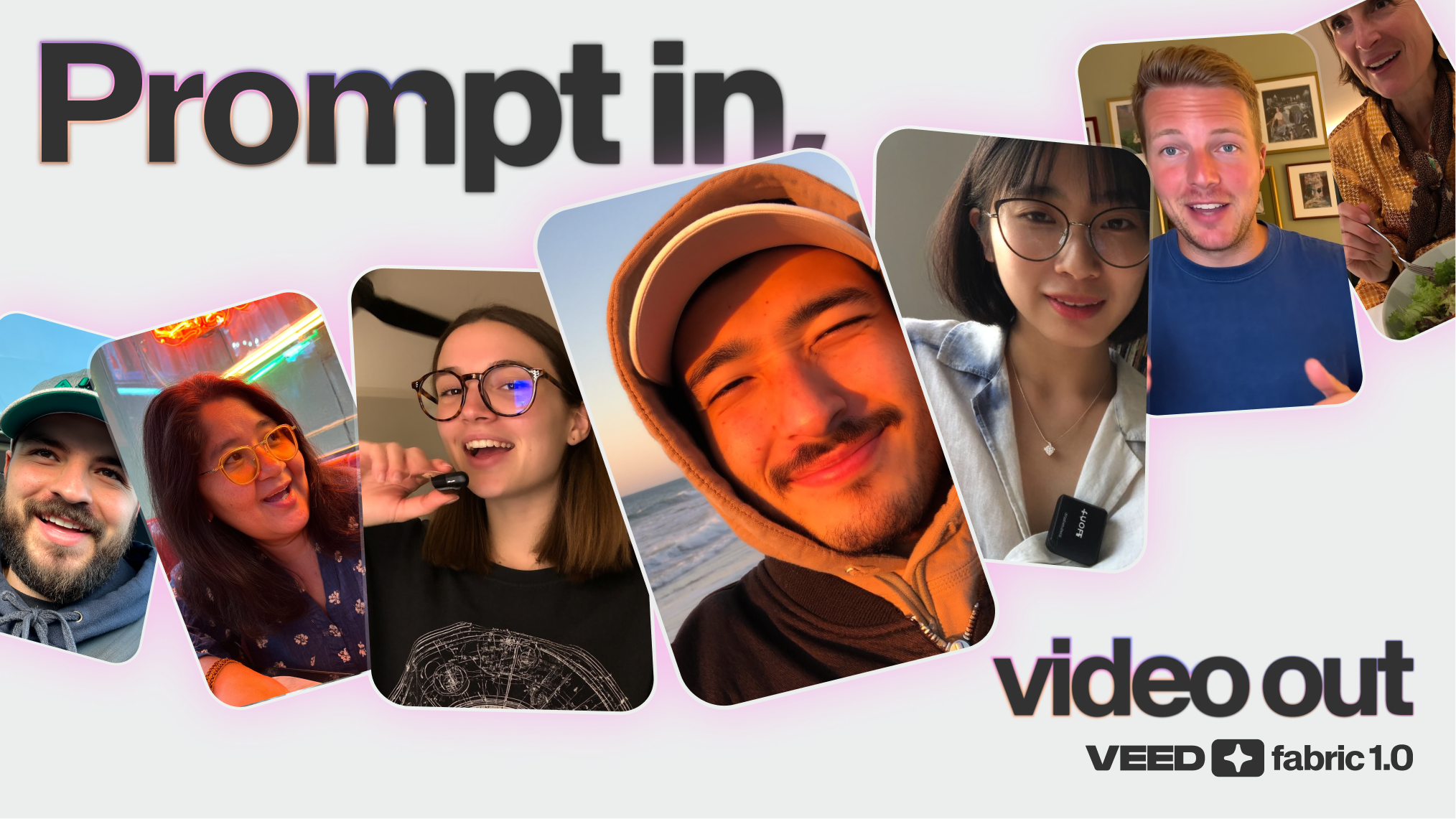
Welcome to a new era of video creation. 🚀
Introducing VEED 3.0: a new chapter in our mission to make video creation faster, simpler, and more intuitive for everyone. Whether you’re editing a quick social clip or building a full-length product demo, VEED 3.0 gives you powerful new ways to create—all powered by AI.
So, what’s at the heart of this evolution? Four game-changing tools that let you edit videos by typing, describe the clips you want, dub into 29+ languages, and create great content faster than ever.
And the best part? You still have everything you love about VEED…just with a lot more magic under the hood.
Let’s dive in.
.png)
What is VEED 3.0?
VEED 3.0 marks a big step forward in how you can create and edit videos.
At its core, VEED remains the same powerful, browser-based editor you already know, with auto-subtitles, clean audio tool, templates, stock media, and more.
What’s new is how much more you can now do, with so much less effort.
VEED 3.0 brings together four AI-powered features that open up entirely new ways to create:
- AI Agent: Your personal AI assistant for video editing and creation.
- Edit with Script: Edit videos by editing text — no more timeline scrubbing.
- AI Dubbing: Translate and dub videos into 29+ languages automatically.
- Clips: Instantly find and create social-ready highlights from longer videos, now even smarter.
Together, these tools help you move from idea to finished video faster than ever—whether you're making content for social, marketing, training, or anything in between.
What’s new and improved in VEED 3.0
AI Agent — Your personal AI editing assistant

Imagine creating or optimizing a video just by typing a few prompts. With AI Agent, you can:
- Generate edits
- Create video variations
- Reformat videos for different platforms
- Make quick improvements — instantly
No timelines, no complex menus — just type what you need, and AI Agent will make it happen.
🤖 Learn more about AI Agent here
Edit with Script — Edit your video by editing text
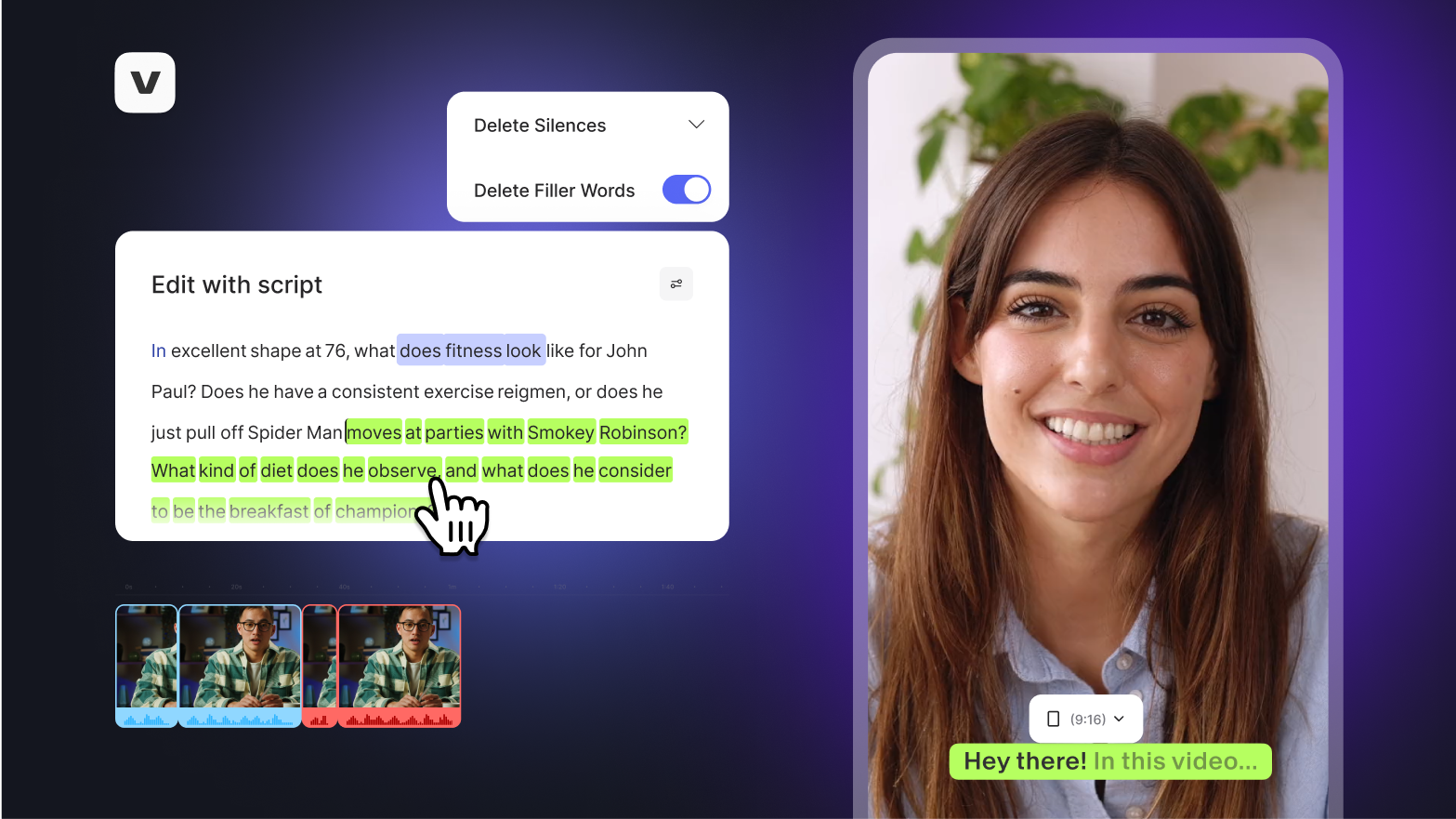
Cutting and trimming video just got a whole lot easier.
With Edit with Script, your video’s transcript becomes your editing workspace. Simply delete, move, or rewrite parts of the transcript, and the video updates automatically. No more dragging clips around on a timeline—just edit your video like a document.
✍️ Learn more about Edit with Script here
AI Dubbing — Speak to the world
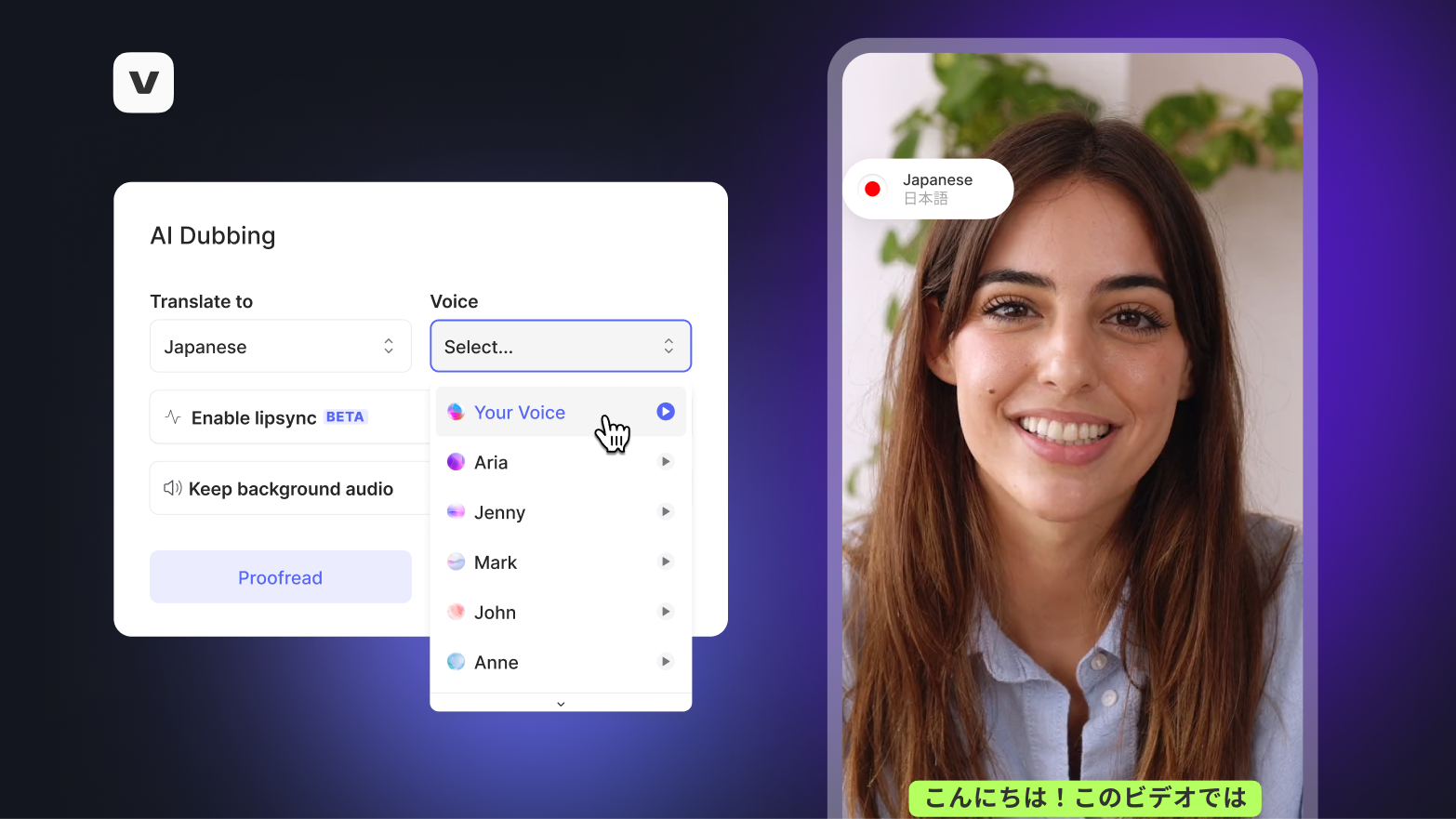
Want to reach a global audience? AI Dubbing makes it effortless.
Automatically translate your video into 29+ languages, with AI-powered voice cloning and lip-syncing that makes your content sound natural in every language.
🌐 Learn more about AI dubbing here
Clips — Find the best moments, instantly
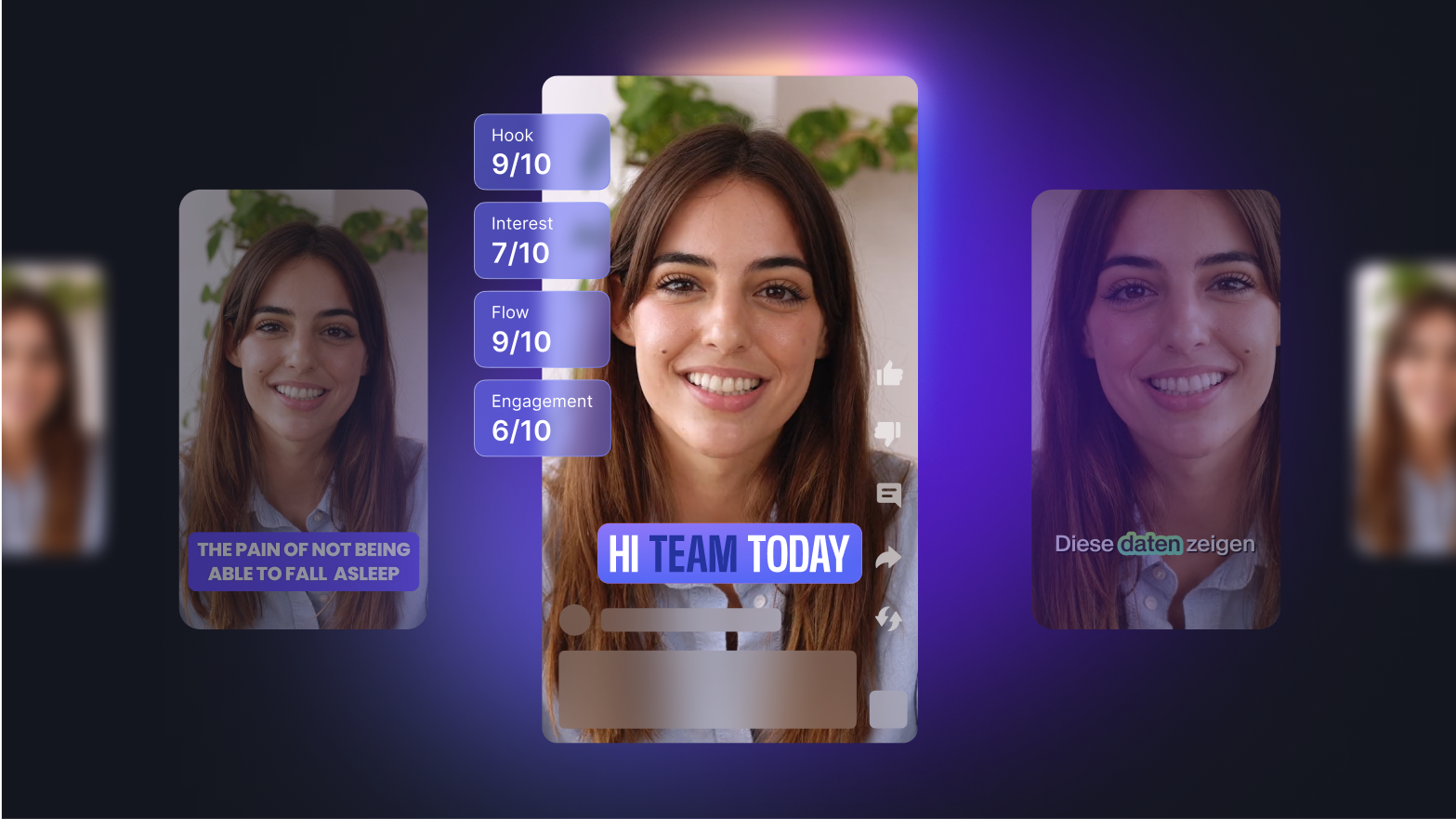
Turn any long video into bite-sized, social-ready clips in seconds.
Clips uses AI to detect the best moments, and now, with VEED 3.0, you get even more control:
- Custom prompts: Tell Clips exactly what you're looking for.
- Trim by Text: Adjust the clip's length simply by editing the transcript.
Create highlight reels, teaser trailers, or shareable social content without manual editing.
✂️ Learn more about Clips here
What to expect
✅ Edit videos faster and smarter: No more painstaking timeline scrubbing — just edit by typing.
✅ Create content instantly with AI: Make edits, generate videos, and optimize formats in seconds.
✅ Reach global audiences effortlessly: Translate, dub, and lip-sync in 29+ languages, automatically.
✅ Repurpose content with ease: Find the best moments and create clips from any long-form video.
✅ Create social-ready videos, faster: Built for TikTok, Instagram, YouTube, LinkedIn, and more.
✅ Work from anywhere: Fully browser-based — no downloads or installs needed.
✅ Stay in control with AI simplicity: Powerful AI, designed to be intuitive and accessible.
Ready to start?
Power your videos with VEED 3.0.
Bring your ideas to life, edit smarter, and reach audiences everywhere—all with the VEED platform you already know and love.
.jpg)
.png)