Your phone is now a pro video studio. With VEED’s new AI b-roll and music on mobile, you can take a basic talking video and make it stand out in seconds. No stock libraries, no messy editing, no waiting around. Just record, tap, and publish.
For creators on the go, this is video production made unbelievably simple.

Gen AI in your pocket: make it all on phone
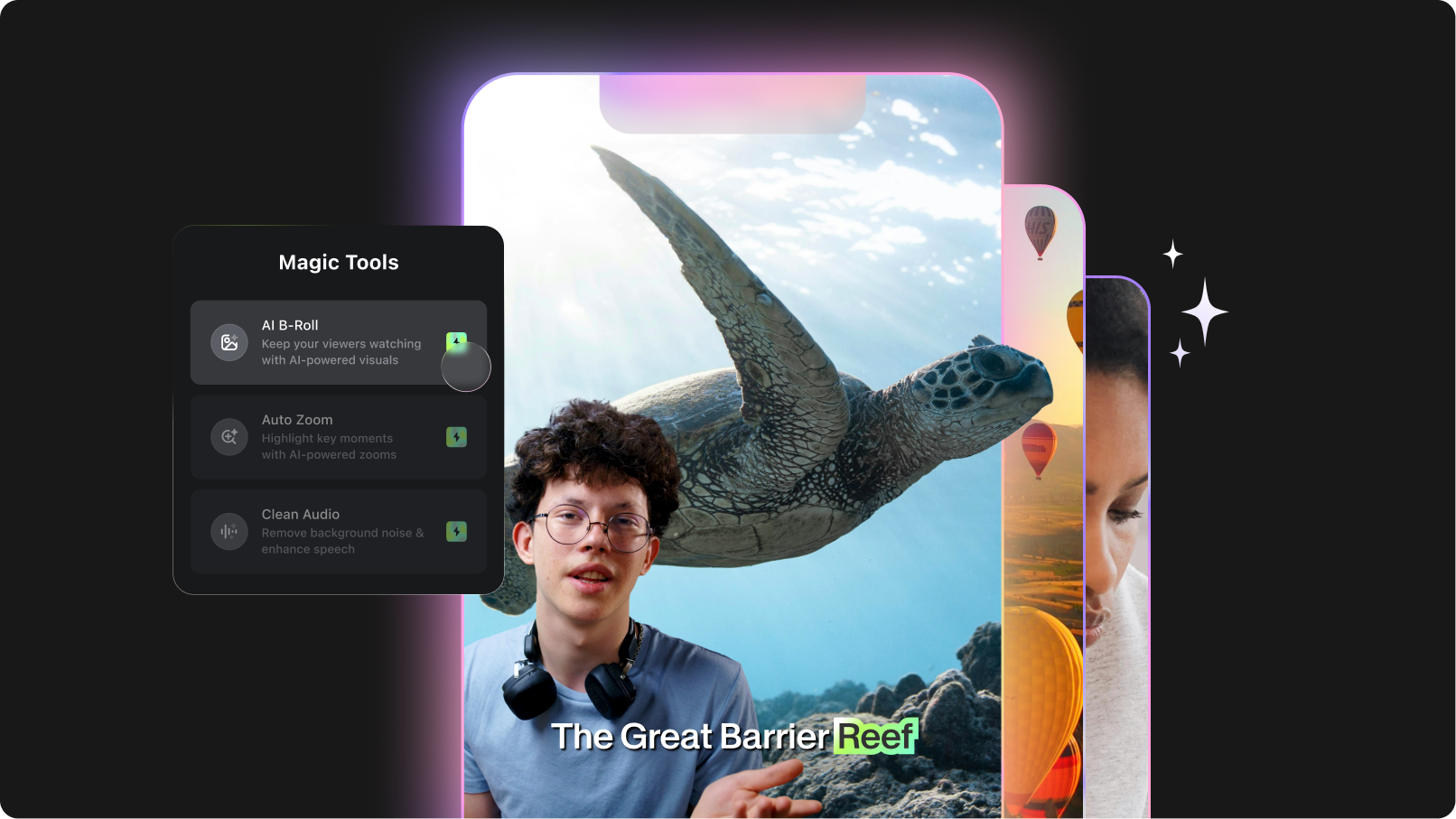
VEED’s new mobile features let you add both AI-generated b-roll and AI-generated music to any video, instantly.
- AI scans your transcript, understands the context, and creates supporting, breathtaking footage that fit your message.
- You can also generate original background music that matches the tone and pacing of your video.
And the best part? Everything is inserted automatically into your timeline on mobile, ready to publish.
Your phone becomes an AI-powered video suite—no laptop or pro setup needed.
These highly convenient features, when combined, help you...
- Save time and effort: No more hunting for stock clips or music tracks.
- Lower the skill barrier: Professional videos without advanced editing knowledge.
- Create unique content: AI-generated visuals and music that stand out from cookie-cutter stock.
- Boost engagement: Keeps viewers watching with dynamic cutaways and mood-matched music.
- Give a competitive edge: Publish faster and more often while raising production value.
Where and how to use Gen B-roll and AI background music on mobile
AI B-roll
Simply follow these steps:
1. Open the VEED Captions app and start a new project. Upload your video or record from scratch on the go.
2. Once your video is locked and loaded, generate captions. This is a crucial step, which would enable you to use the Gen B-roll and AI background music features, as they both work based on your transcript.
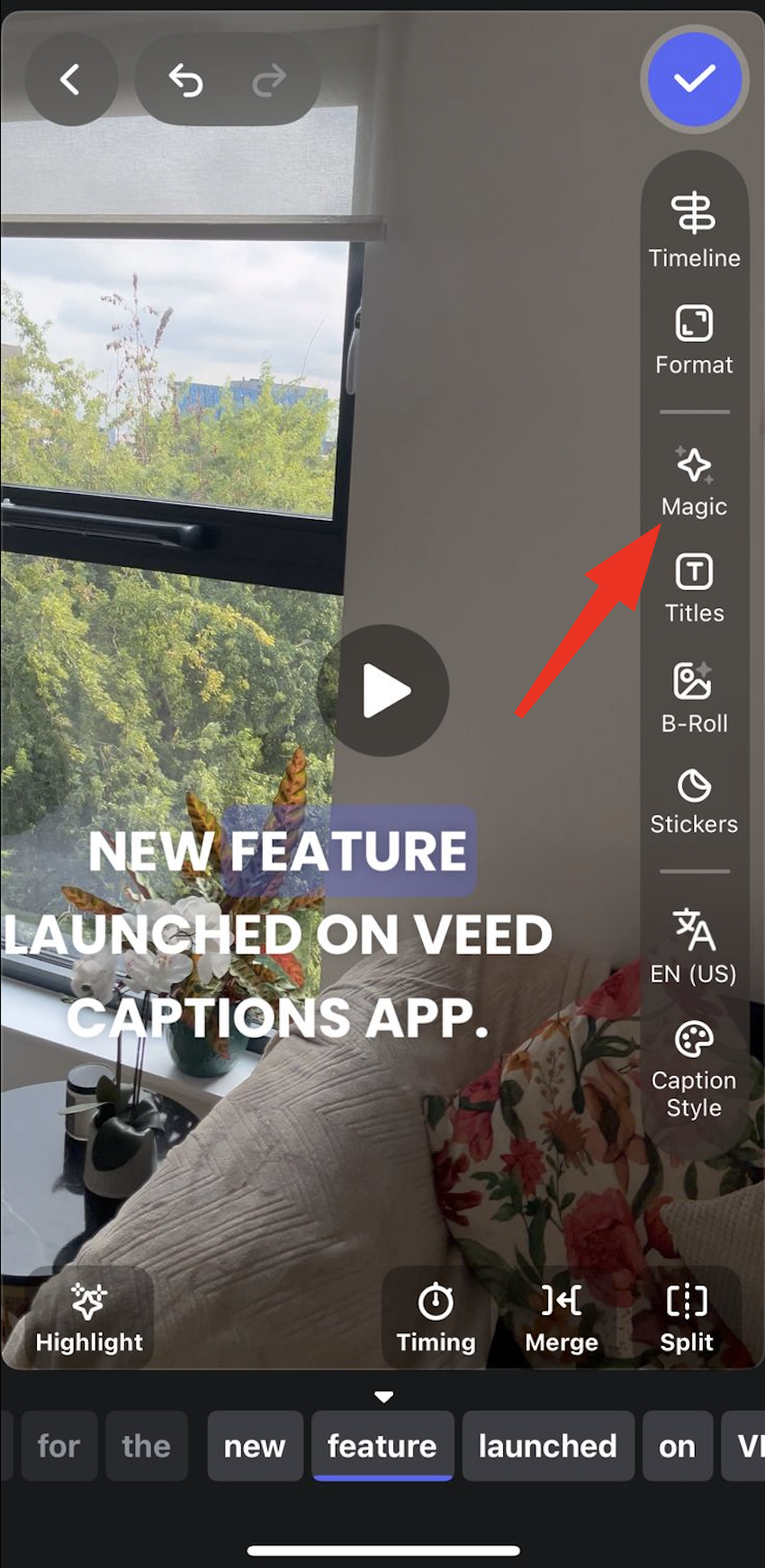
3. Once you've generated your captions, tap on the Magic button on the right hand side.
4. Tap on AI B-roll.
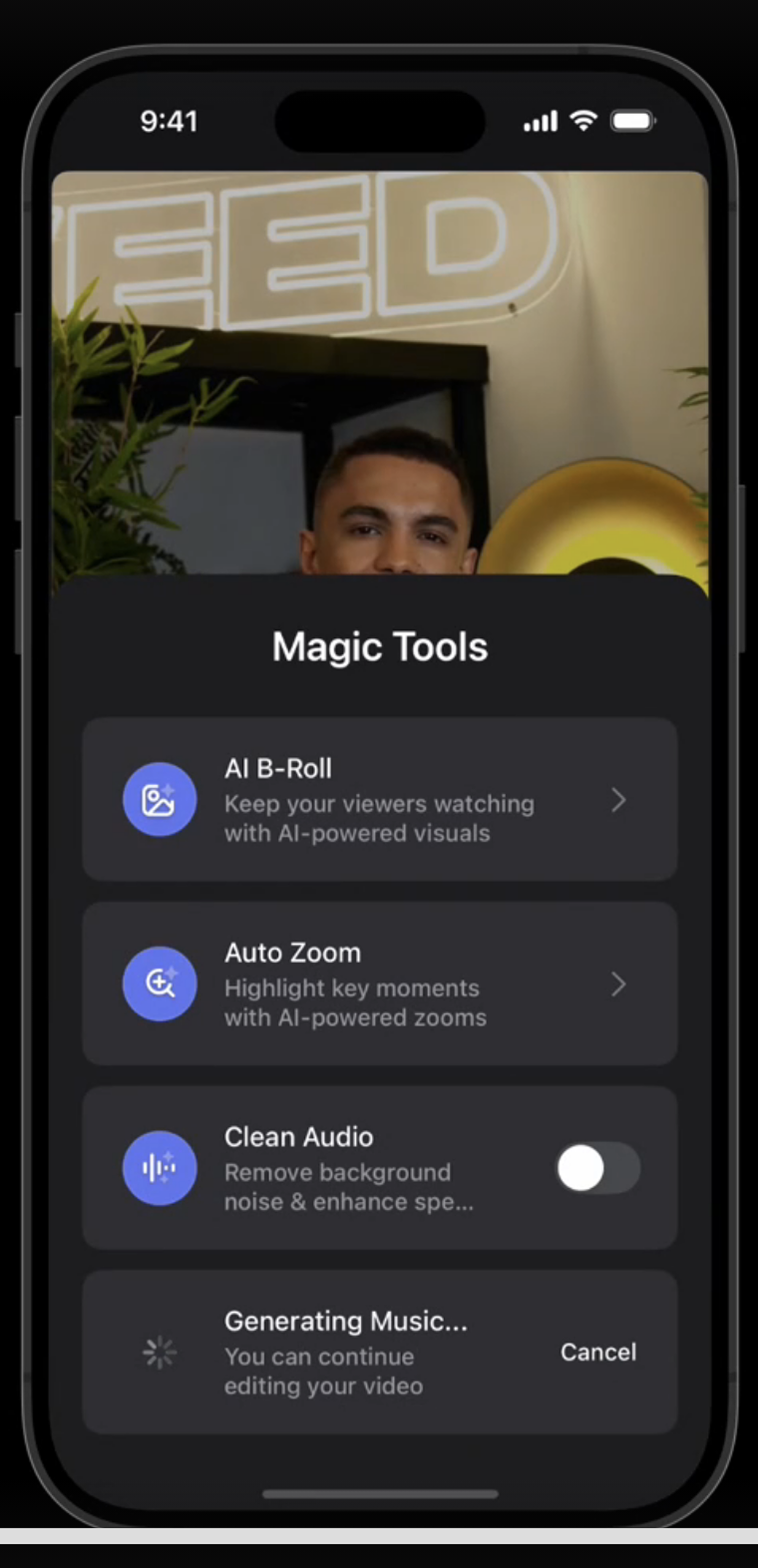
5. Select the style of your B-roll and then tap on Generate with AI.

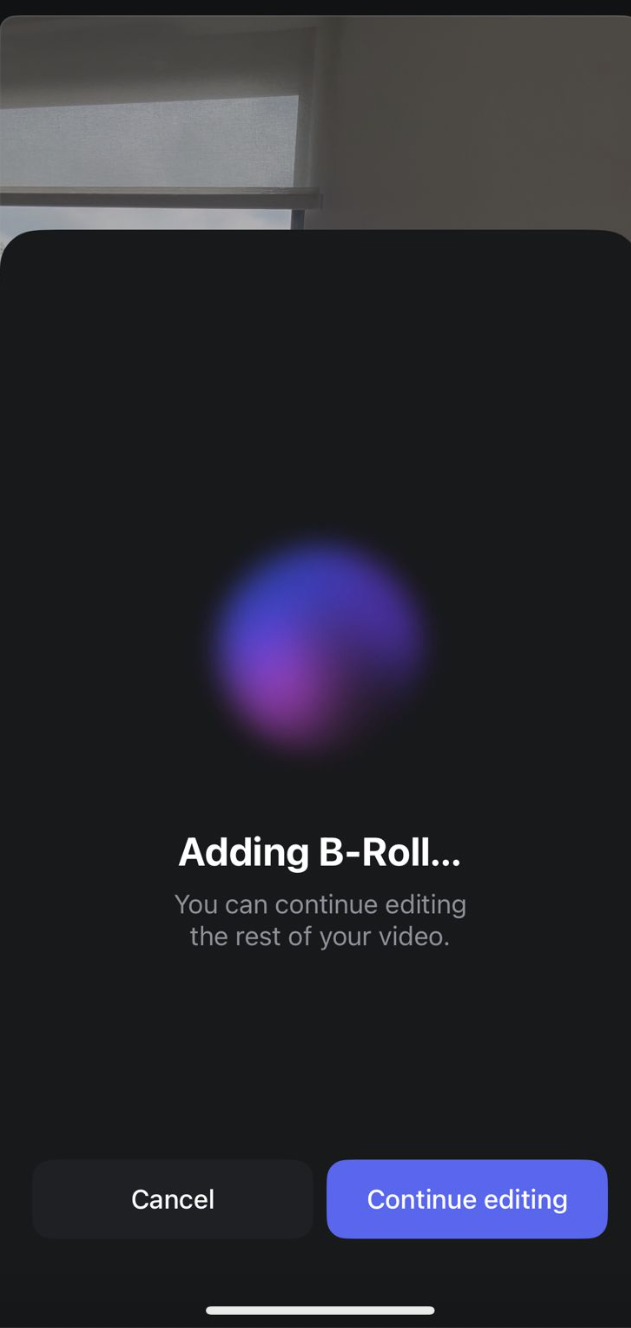
All you need to do now is wait, as AI analyzes your transcript, generates relevant B-roll visuals for your video project, and times and inserts them onto your mobile editing timeline without manual work.
AI Background Music
Simply follow the steps 1-3 from above. Under Magic Tools, tap on AI Background Music. Then wait, as AI generates original background music based on the tone and context of your video.

Make scroll-stopping videos on mobile
Gen B-roll on mobile makes creating professional videos easier, faster, and more flexible than ever. Spend less time hunting for clips and more time telling stories your audience will love, no matter where you are.
Download the VEED mobile app, open your project, tap once, and watch your footage come to life.
.jpg)
.png)