Adding great B-roll to your videos just got effortless. With Gen B-roll inside VEED’s editor, you can instantly create and insert professional supporting visuals without leaving your project or losing your flow.
For most creators, sourcing B-roll is one of the biggest time drains in video production. You have to stop editing, search stock libraries or shoot them yourself, and manually fit them into your timeline. It is slow, repetitive, and frustrating, especially when you are working with tight deadlines.
Gen B-roll changes that. It automatically finds the right visuals for your story and drops them exactly where you need them so you can focus on creating, not hunting for clips.
What is Gen B-roll on the Editor?
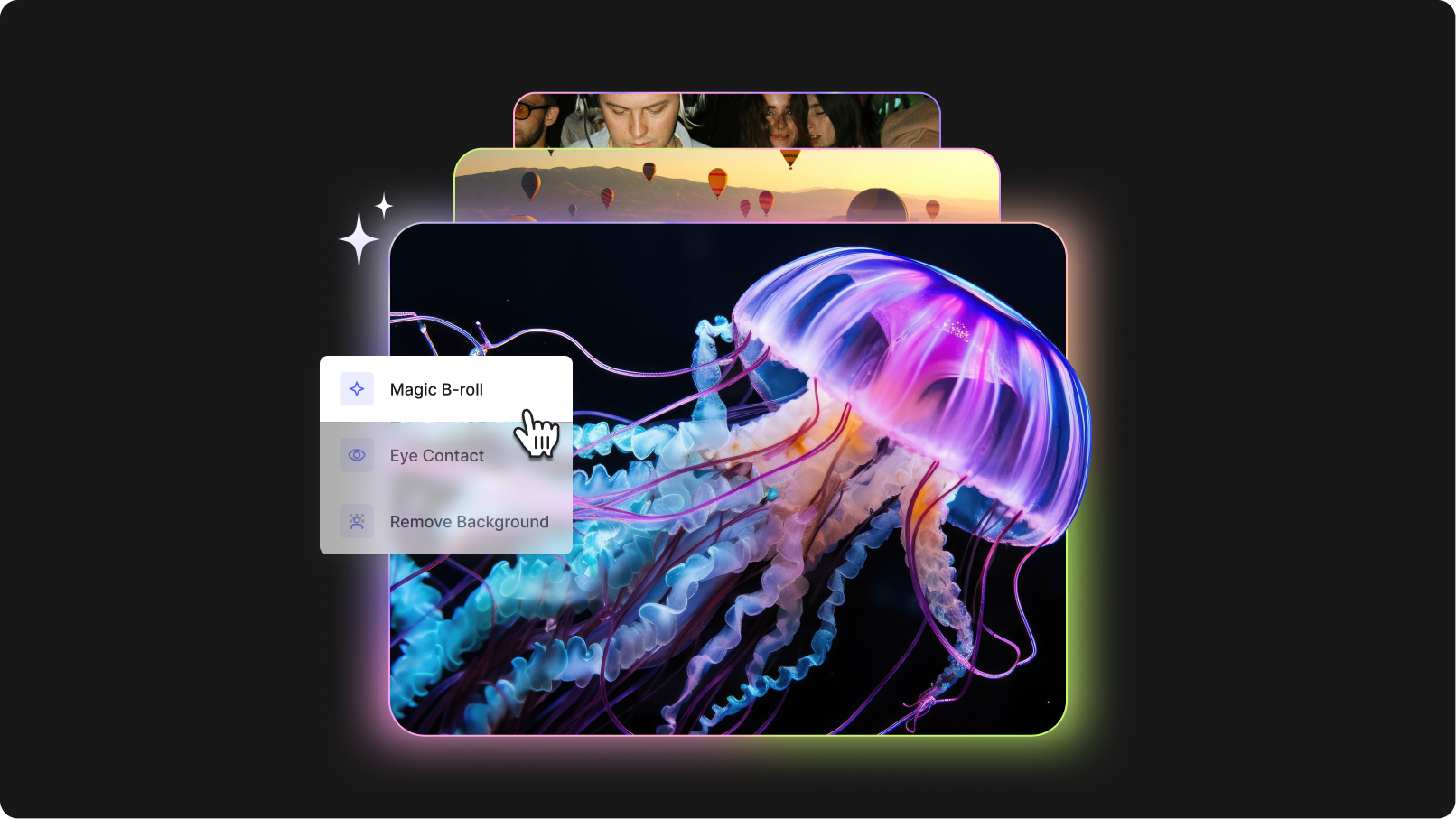
Gen B-roll is VEED’s new AI-powered feature that enhances your videos with relevant supporting visuals generated from your transcript and placed right into your edit with one click.
Here is how it works: VEED reads your video’s transcript, understands the context of what is being said, and generates B-roll content that matches. The generated visuals are inserted directly into your timeline in the spots that make the most sense so you do not have to manually move anything around.
Everything happens inside the VEED editor. There is no downloading from stock sites, no switching tabs, and no re-uploading. Just seamless, professional B-roll creation right where you are already working.
That means…
- Time and effort savings: Skip the hours spent searching stock libraries or filming extra footage. Gen B-roll finds and inserts the right visuals instantly.
- Enhanced quality: Adds depth, context, and polish that makes your videos feel professional and visually engaging.
- Increased engagement: Keeps viewers interested by breaking up long talking-head segments with relevant, eye-catching visuals.
- More creative inspiration: Suggests visuals you might not have thought of, sparking fresh ideas and new storytelling angles.
- Ease for busy creators: Ideal for marketers, educators, podcasters, and small businesses producing content at scale with limited resources.
Where and how to use Gen B-roll by VEED
Simply follow these steps.
- Fire up your video project on VEED. Upload your main footage (A-roll) or start recording right away.
- With your main footage loaded, click on the Create B-roll images button and wait for the magic to happen.

- AI will analyze your transcript, and not just generate relevant B-roll visuals for your video project, but also time and insert them onto the timeline.

Make scroll-stopping videos
Gen B-roll makes creating professional videos easier, faster, and a lot more fun. Spend less time searching for clips and more time telling stories your audience will love.
Try Gen B-roll in the VEED editor and see how easy it is to add professional supporting visuals to your videos. Open your project, click once, and watch your footage come to life. Start editing now.
.jpg)
.png)