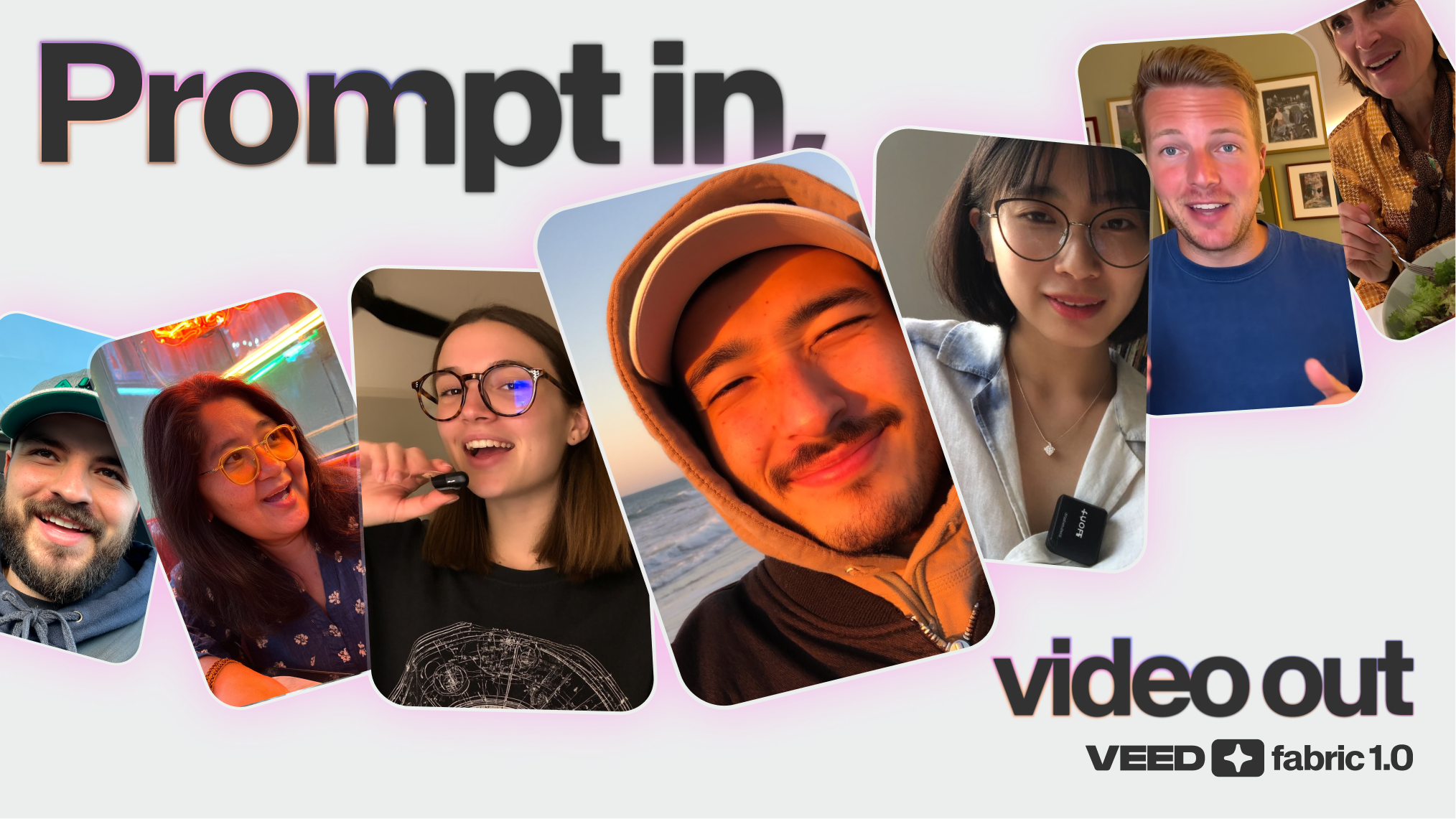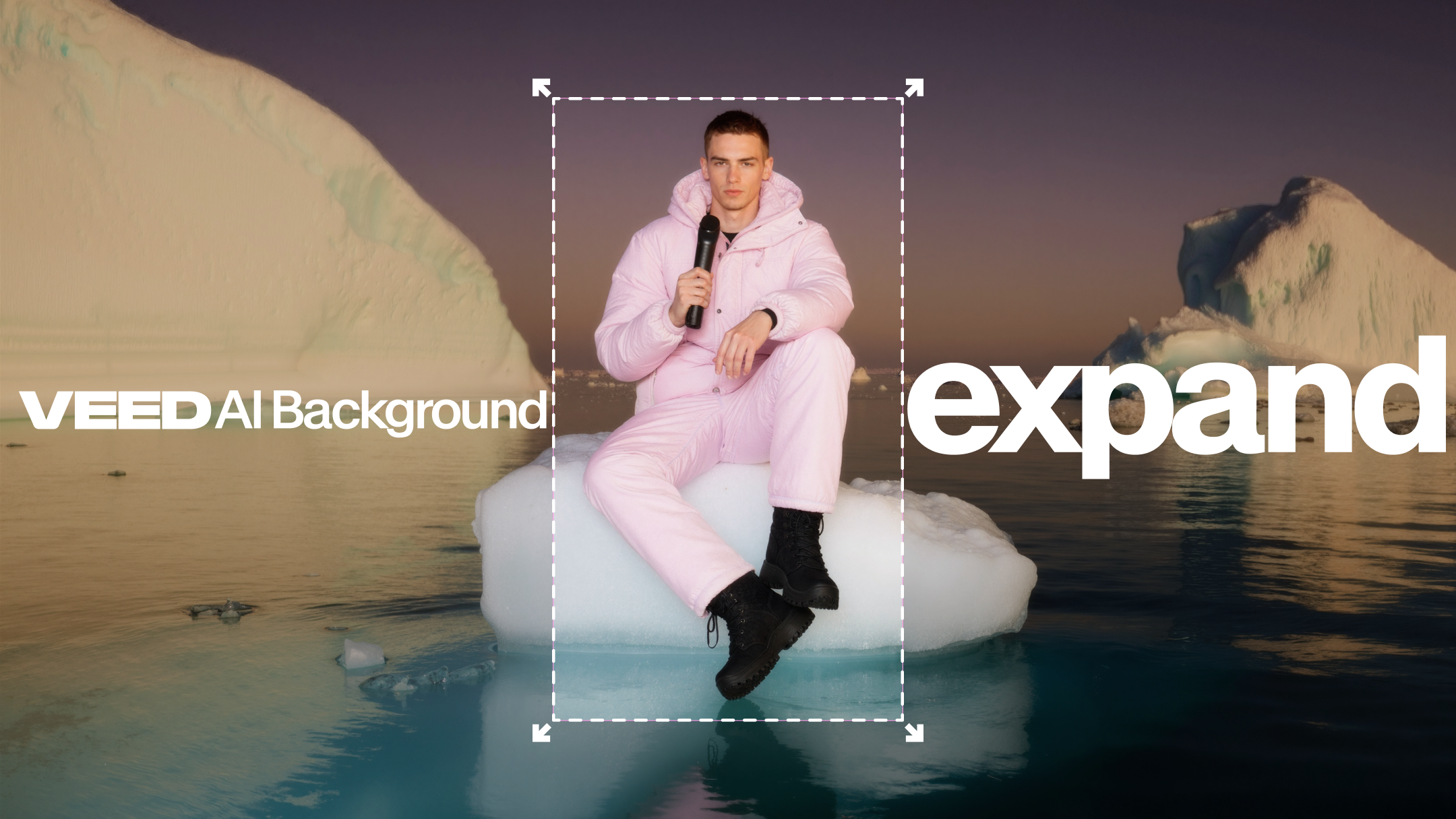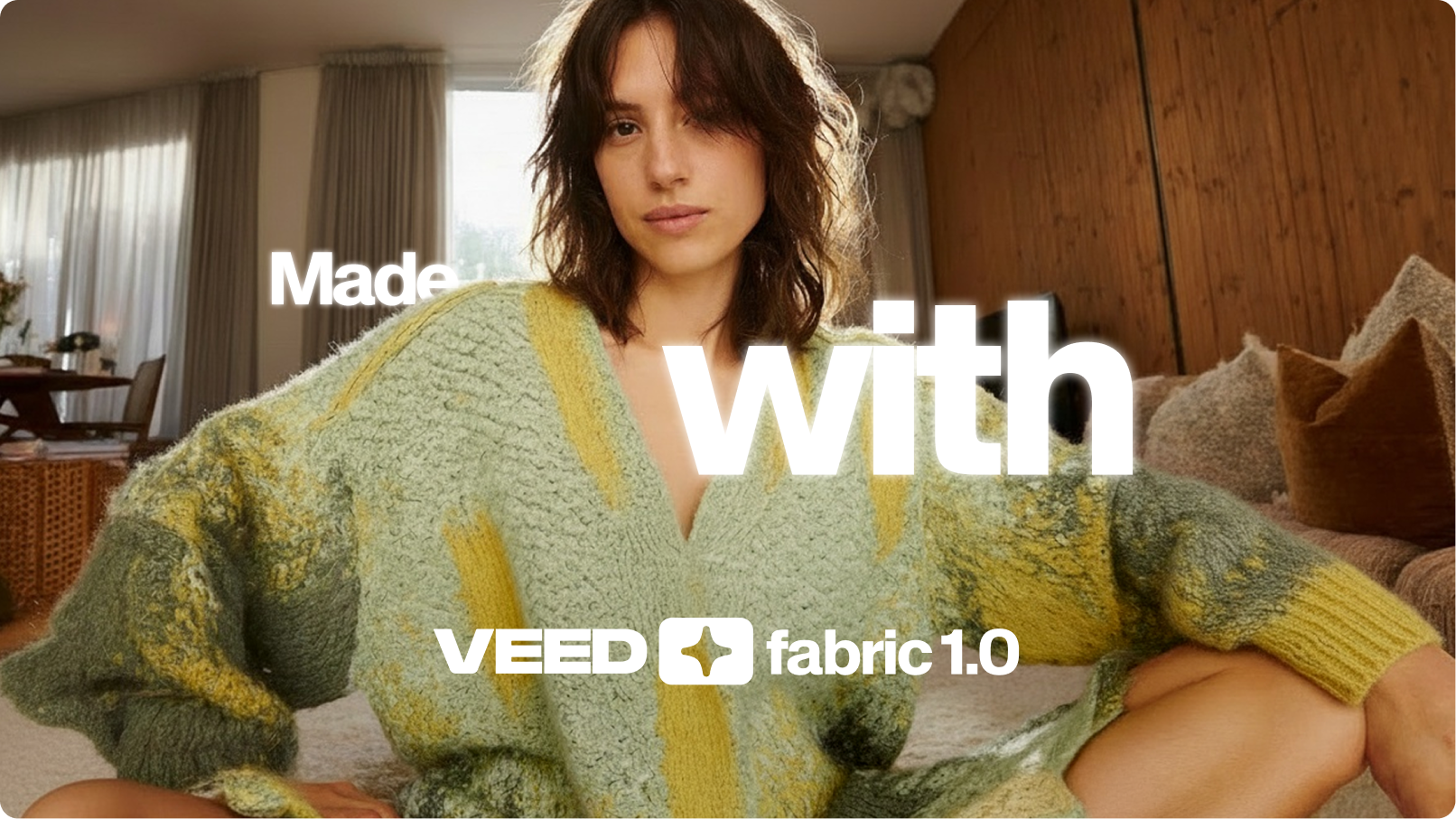
Most AI video tools are slow, clunky, and overpriced.
But creators and marketers don’t have time for that. They need videos that move at the speed of social. Quick to make, easy to brand, and ready to publish.
That is why we built Fabric 1.0.
Fabric takes any static image and makes it talk, powered by our proprietary lip-sync technology. From there, you can edit, brand, and publish directly on web or mobile. No complex workflows. No inflated costs. Just fast, compelling talking videos.
.png)
What is Fabric 1.0?
Fabric 1.0 is VEED’s new image-to-video generation tool. It transforms still images into talking videos in minutes. Make any image talk, in the language of your choice.
Unlike traditional avatar generators, Fabric is not limited to a handful of stock characters. You can bring any image to life, whether it is a product shot, an illustration, or your own photo.
It is built for storytellers who need video for social media, ads, tutorials, and more. And it is built to be fast, simple, and affordable.
What makes Fabric 1.0 special?
- Any image, infinite possibilities: Do not settle for a pre-made avatar. Fabric lets you animate anything, from a real-life person to an animal or even an anime character, so your videos always feel unique.
- Built for storytellers: Most tools create isolated clips. Fabric is designed for telling stories. It helps you make videos that connect, with natural lip-sync and expressive visuals.
- Cheaper, faster, simpler: Stop overpaying for bloated AI models. Fabric is streamlined for one purpose: talking videos. That makes it faster, more affordable, and easier to use.
- Uniquely on-brand: With Fabric, your content does not have to look like everyone else’s. Use your own visuals and style to create videos that match your brand.
How to use Fabric 1.0 to create talking videos
VEED Fabric 1.0 is available Creating videos with Fabric 1.0 is pretty simple. Log into your VEED account and start a new project. Then, follow these steps:
Step 1: Click on Video in the left-hand panel, and then click on Generate.
.gif)
Step 2: From the dropdown menu, make sure you’ve selected VEED Fabric 1.0, which is our Image to Video AI tool.

Step 3: Next, click on Add character. At this point, you have three options:
- Upload: add your own image from your laptop.
- Generate: create a prompt by using our AI image generator.
- Characters: choose a template character that’s already on VEED.
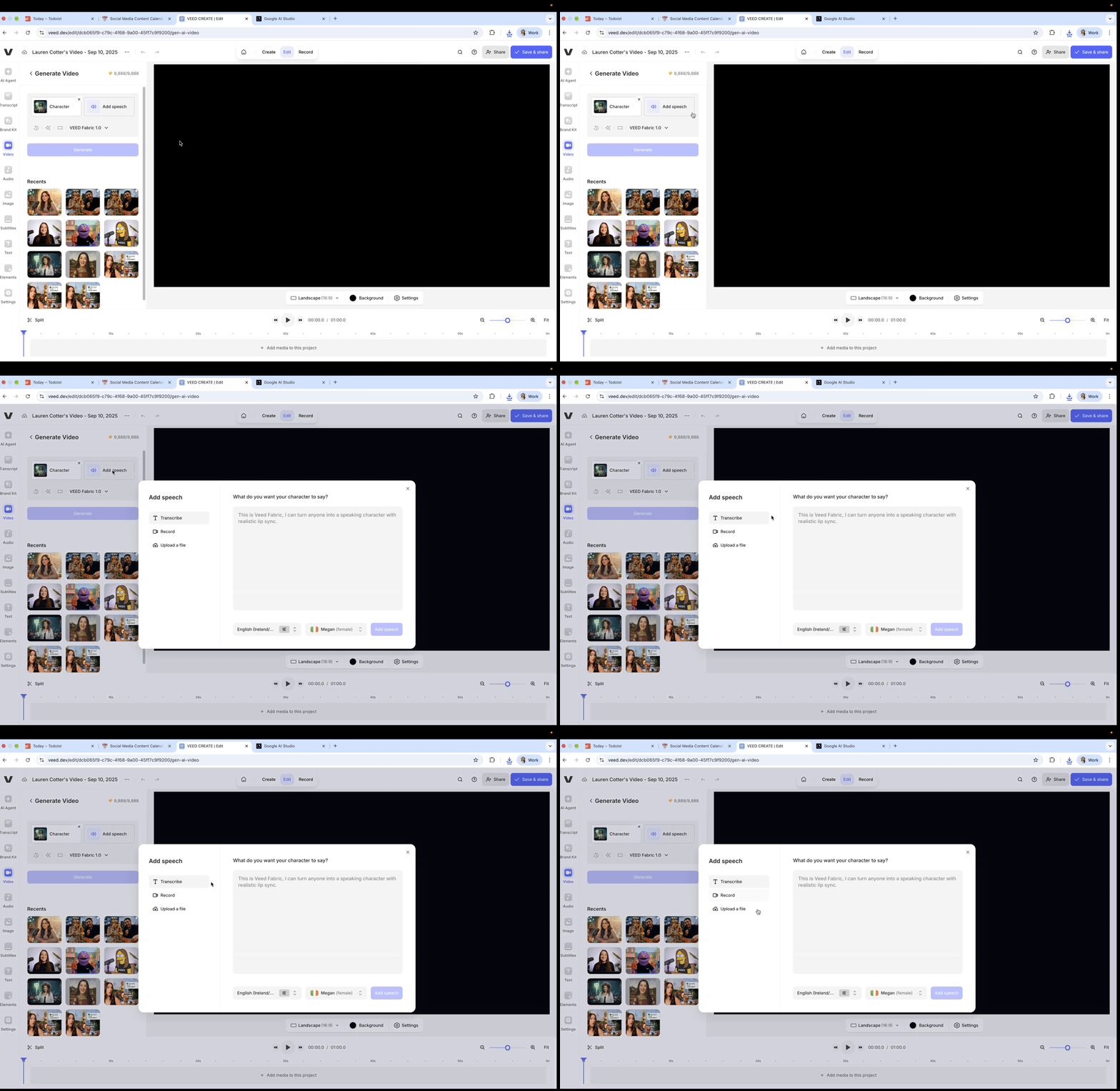
Step 4: Once your character is uploaded, it’s time to add audio. Click Add Speech, and just like before, you’ve got some options.
- Transcribe: type what you want your character to say. You can also choose a language and voice.
- Record: you can choose to record your audio directly from your laptop.
- Upload a file: Provide a pre-recorded voiceover.
After using the option of your choice, click on the Add Speech button.
Step 5: Once you’re all set, click on Generate, and kick back and relax while Fabric 1.0 creates your talking video.

Step 6: Next, hover your cursor over the video preview inside the left panel, and click on Add. This will bring your generated video onto the timeline, where you can further edit it using VEED.

How do I get started with Fabric 1.0?
All VEED users can try Fabric 3 times for free, with a max video length of 10 seconds per generation.
- Free users: after the 3 free generations, free users will need to upgrade to a credits based plan to continue using Fabric.
- Plans with credits: After the 3 free generations, plans with credits can keep generating videos using their credits, with the added benefit of creating longer videos up to 30 seconds.
Note: Customers in India, Pakistan, and Bangladesh will not be able to get the free generations on Fabric, but they can use it with credits.
Make any image talk
Talking videos do not need to be complicated or expensive.
With Fabric 1.0, you can bring any image to life in minutes. Create engaging, lip-synced videos for social, ads, or tutorials, all from one simple platform.
It is fast. It is affordable. And it is built for the way creators and marketers work today.
.jpg)
.png)