Great videos aren’t the result of magic. They require top tier collaboration.
It’s a fact of life, or video, that there will almost always be multiple stakeholders involved in video creation. This is a good thing, as the best and strongest ideas often come from groups collaborating effectively.
However, there’s a balancing act. Too many cooks in the kitchen can result in inefficiencies, multiple (differing) opinions can cause delays and frustrations, and poor planning can result in a poor video — ultimately wasting the time of all those involved.
As the old saying goes: A camel is a horse designed by a committee.
Fortunately, with the right strategy you can collaborate effectively and deliver videos that are more impactful and less resource intensive.
At a glance, here's what you need to do:
- Be Clear on the Goals
- Specify the Roles in the Review Process
- Steer the Feedback
- Encourage Detailed and Specific Feedback
- Use a Video Collaboration Platform

[#TOC1]Be Clear on the Goals[#TOC1]

The first, and arguably most important step in fostering video collaboration, is ensuring everyone is on the same page when it comes to the goals of your video project.
Getting everyone involved and on the same page prevents contradictory feedback, saves time, and increases the chances of success.
When you know what your goals are, you have a guiding light toward which all processes can flow. But, the goals of your video project have to be clear, and communicated to everyone on the team.
There are a few questions you can ask to help achieve this.
- What is the video? (Ex. a lead-gen video ad for LinkedIn?)
- What are you hoping to achieve with the video? (Ex. Train employees on a new platform?)
- Who are you speaking to? (Ex. A certain ICP that has a very specific pain point)
- Where will the video live? (Ex. On LinkedIn? YouTube? Your own platform?)
- What does success look like for this piece? (Ex. An increase in sales for next quarter?)
- What constraints are there? (Ex. Does the video have to feature a particular product? Is your budget tight?)
Every video is made for different reasons. Answering each of the above questions will help you avoid straying too far from the path, and give you a sense of direction.
Once you’ve answered the above questions, formulate clear goals. For example, if you’re making a product-related promotional piece, your goals could be to drive leads or amp up sales.
Once your goals are ironed out, clearly communicate them. Feature your goals in documents, messaging about the video campaign, meetings, and so on. This is one of those rare moments where it’s okay to belabor the point.
[#TOC2]Specify the Roles in the Review Process[#TOC2]

Next, you need people in the right roles for the review process. Decide and specify whose feedback you’ll require at each stage (and for what).
Videos are an inherently creative and subjective process, so opinions will vary. Having a final stakeholder that says “yes” or “no” will keep things on track and prevent feedback from going in circles.
Keep in mind, not everyone is well-versed in the art of making videos. Because of this, you’ll want to limit who gives feedback on which aspects of the video.
For instance, subject matter experts should advise on the content within the video, whereas creatives can provide feedback on the overall experience of the video (pace, music, transitions, etc.).
Tip: Consider using a tool like the RACI index to plan out whose feedback is needed for a video project. A RACI chart breaks a project into four groups — Responsible, Accountable, Consulted, and Informed — making it easier to track who owns which part of a process.This will set clear guidelines around who owns which parts of feedback, and leave little to the imagination.
When assigning roles, set one person as the project leader that’s responsible for final decisions. It’s important you identify this person from the beginning and trust them to have the last say.
[#TOC3]Steer the Feedback[#TOC3]
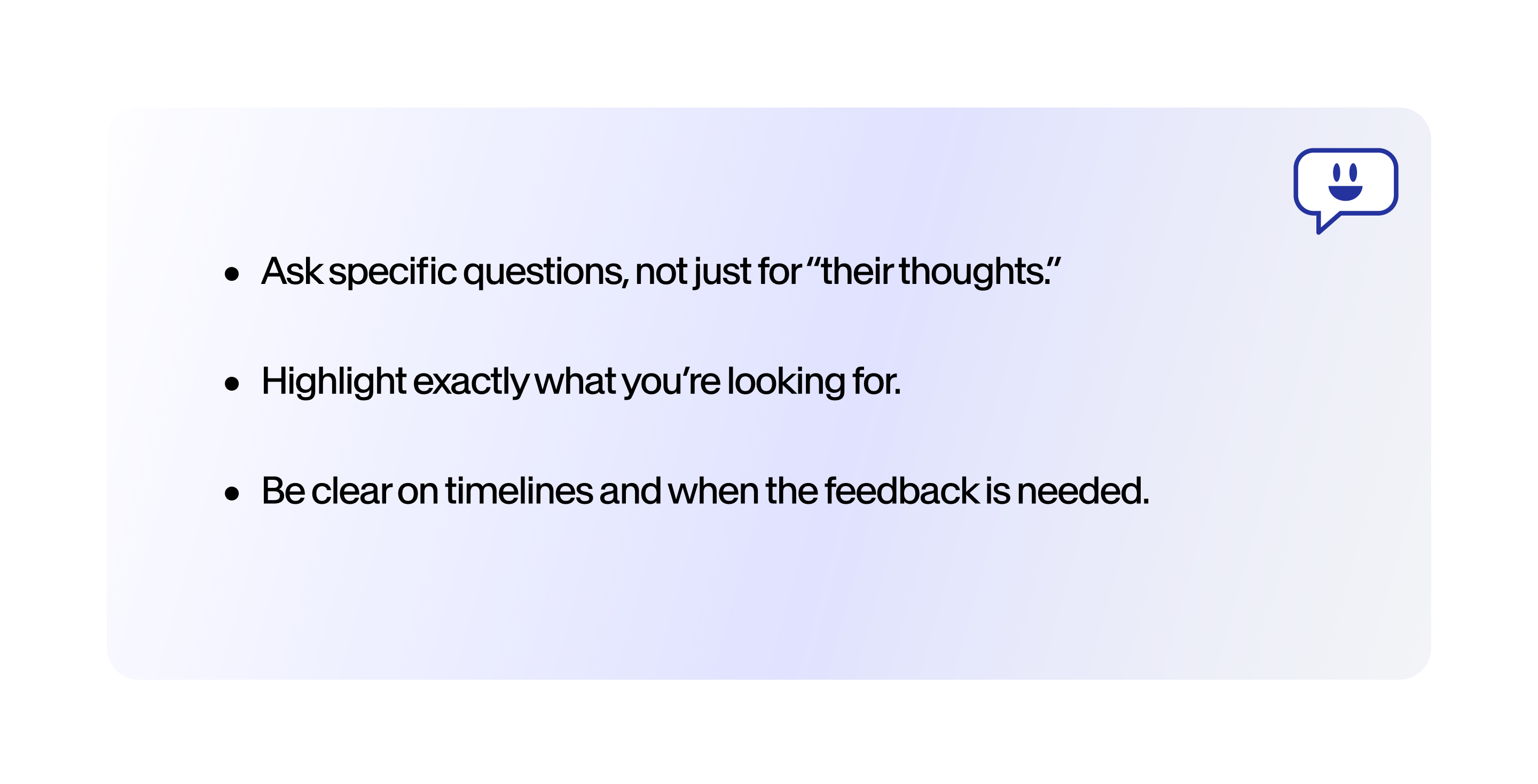
There’s an art to getting feedback. Simply asking for “thoughts” on a video will result in a deluge of feedback, much of which could stray outside someone’s area of expertise.
Specify the kind of feedback you need and where you need it. For example, have a subject matter expert tell you whether a video is succinctly covering the right points. And then ask a creative expert if the video flows well, could use better music, etc.
When asking for feedback, be clear on timelines. Clear deadlines on feedback ensure the video process keeps moving forward and isn’t stalled while you’re waiting on someone to get back to you.
Also, it’s important to have feedback captured in the right place. As a general rule of thumb, it’s a good idea to keep feedback and info around it in the same place as the other notes you share with your team. Think of this as the end-all-be-all master doc people can refer to when in doubt.
With video projects, it's often challenging figuring out which part of the video a specific piece of feedback is meant for. This can be achieved through sharing timestamps, but there's always the possibility of someone making a mistake. A video collaboration tool (more on this later) that allows you to host a video that's a work-in-progress and empowers reviewers to leave comments on exact moments in the video makes it easier to tie their feedback to exa
[#TOC4]Encourage Detailed and Specific Feedback[#TOC4]

Continuing with the art of feedback, it’s important feedback is both detailed and specific.
Make your feedback specific and ask team members to do the same. For instance:
> “This isn’t working.”
vs.
> “This intro is too long. Can we try cutting this down by half?”
Be specific when delivering positive feedback as well, as this tells your team what to continue doing. Instead of “this is nice,” tell them how they’re really knocking it out of the park.
Tip: Consider implementing a red flag and orange flag system as well, highlighting in corresponding colors.
- 🔴 Red flags: Areas with serious problems or in need of heavy work.
- 🟠 Orange flags: More like a note or a question, these are areas that need a little work.
A color-coded flag/highlighting system makes it easy for your team to quickly note feedback, and helps ensure a high level of quality across your video output.
[#TOC5]Use a Video Collaboration Platform[#TOC5]
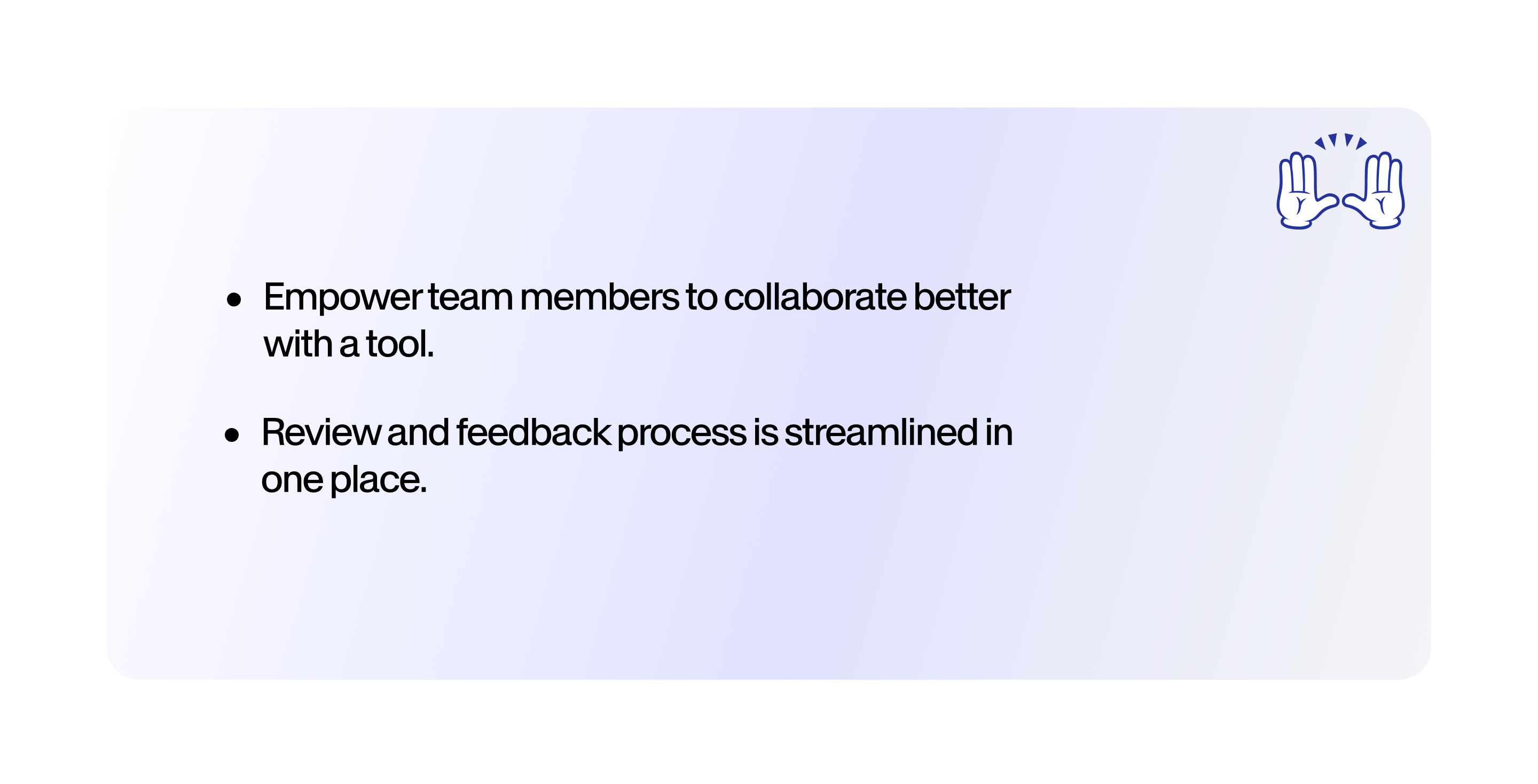
A video collaboration platform is a software that streamlines collaboration and communication (and often, video creation itself).
Without the right platform, video collaboration is an exercise in frustration. The process often goes something like:
- Spend hours editing or rendering the video.
- Send the video over the internet, which may or may not result in downscaling.
- Get feedback via email while chasing down timestamps called out.
- Implement changes.
- Repeat.
- Frustration.
Not to mention, without the right platform, files risk getting lost due to harddrive failure or simple mismanagement. And, if someone is sick or unable to come in, the file is inaccessible.
With a video platform that fosters collaboration, like VEED, you can house your videos securely online and do all your editing there. This makes it possible for everyone to collaborate, whether they’re home, in the office, or someone is out sick.
Not only this, you can timestamp comments, give users clearly-identified roles, and even engage in real-time editing.
All of this allows you to empower your team while collecting and organizing feedback in a clear and helpful manner. The entire review and feedback process is streamlined in one place, rather than strewn across a number of disparate systems.
Ending Note: Don’t Wait Until the End to Ask for Feedback
Lastly, don’t wait until the end of the video creation process to ask for feedback. This is setting you up for heartache, and the time-consuming process of having to edit and reshoot.
Imagine building an entire house without ever showing the owner the blueprint, or the foundation, or the framing. Upon seeing the final structure, they say: “Can we add another floor?”
Yikes.
Involve people as early on as possible. Create draft videos and prototypes and keep everyone in the loop. Send drafts to the right stakeholders for certain types of feedback (Remember: subject matter experts vs. creative input).
This allows you to get feedback that’s easier to implement.
If you’re working with multiple editors, create backup copies that you send out. The more cooks there are in the kitchen, the more likely it is that someone makes a mess. You don’t want that mess being your only copy of the video.
Collaboration won’t happen overnight. But, with a little elbow grease and shepherding, you can guide your team toward a glorious horse of a video.