VEED launched a new AI Image Generator, a browser tool that turns a written prompt into an image and then, without leaving the page, into a video. AI Image Generator is built for marketers and creators who need visuals for social posts, ads, and thumbnails and don't have a designer or a stock budget. It is also the base for VEED's other new image tools, including AI Image Editor, Unblur Image, and Image Upscaler, which all run on the same micro-app.
At a glance
- What: AI Image Generator, a new tool in VEED
- Does: Turns a text prompt into an image, then turns the image into a video
- For: Marketers, creators, and small teams making visuals for social and ads
- Available: October 2, 2026, with a VEED account
- Where: AI Image Generator
- Inputs: A prompt, an optional reference image, and your choice of aspect ratio and style
What does AI Image Generator do?
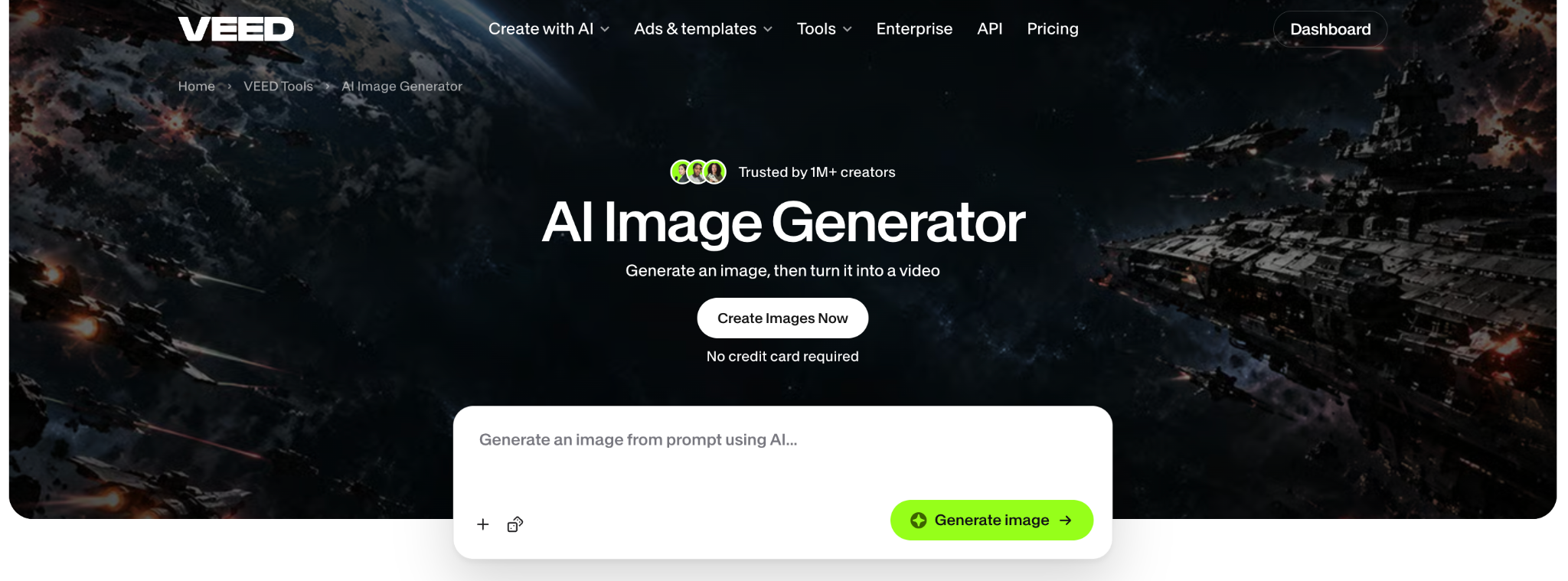
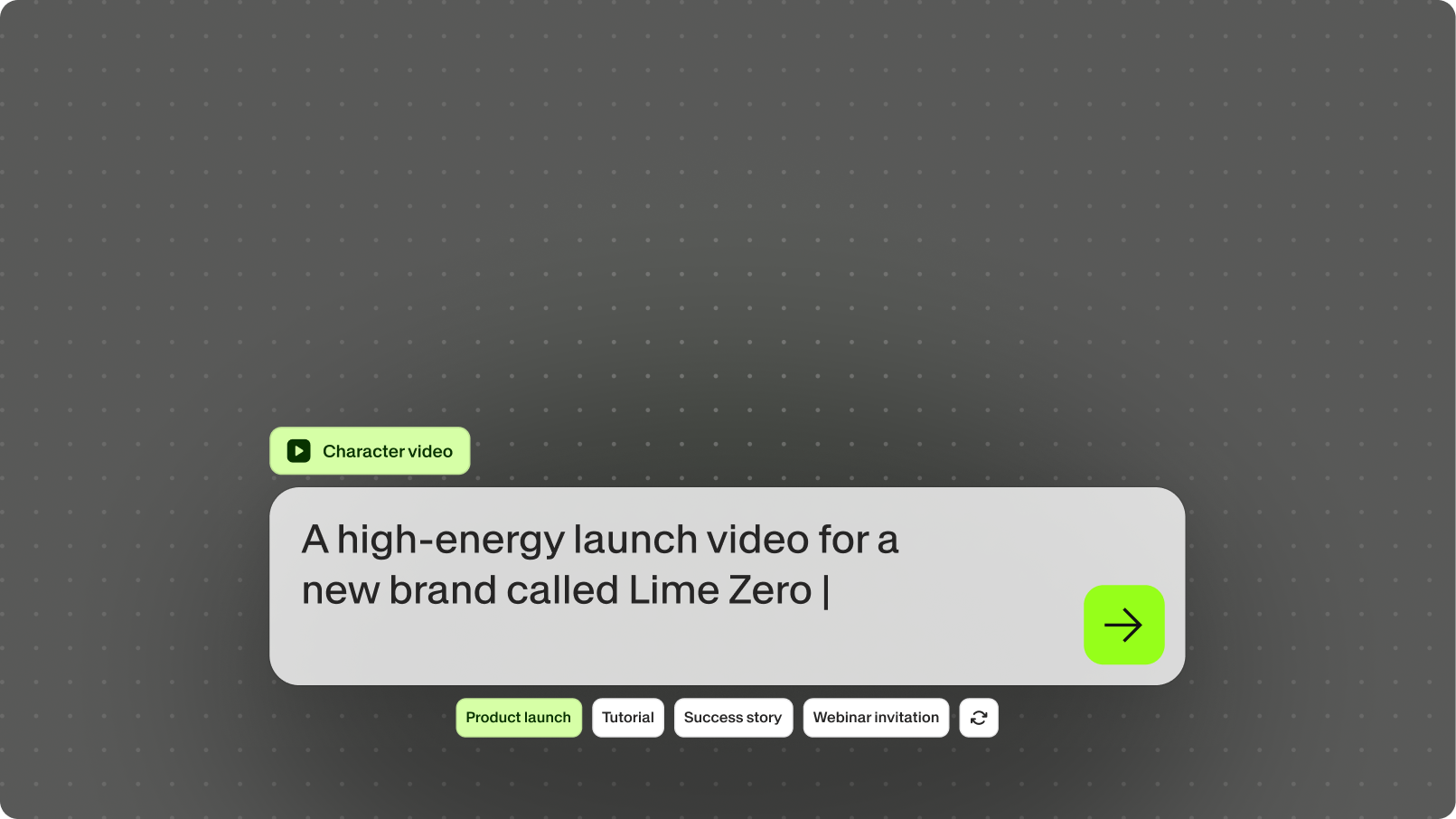
AI Image Generator takes a description you type and returns an image that matches it, in your browser. The page opens on a prompt box, and the result comes back with a download button and a button to make the image into a video. From there you can:
- Type your own prompt, or pick one of the example prompts if you want a starting point
- Add a reference image so the result follows a product, a face, or a style you already have
- Choose an aspect ratio and a visual style before you generate
- Start from one of 16 categories on the page, such as thumbnail, headshot, product photo, flyer, poster, logo, or app mockup
- Download the image as a PNG, or make it into a video, turn it into an AI reel with narration and stock footage, or open it in the video editor
Images generated with VEED's Fast model. Paid plans unlock higher-quality AI models and watermark-free downloads.
How to use AI Image Generator
- Open AI Image Generator and describe the image. Be specific: "overhead shot of a bakery counter with sourdough loaves, warm morning light" gets a better result than "bakery". Add a reference image if you have one.
- Pick an aspect ratio and a style, then generate. If the mood is right but the framing is off, change one thing in the prompt and run it again.
- Download the PNG, or make the image into a video, an AI reel, or a starting frame in the editor.
Why we built it
Most small teams run social on a handful of stock photos they have already used too many times. The licensed image is the same one a competitor licensed, and a photoshoot costs money and days nobody has. An image generator fixes the first problem, but most of them stop at the download button, and the image goes into a folder. AI Image Generator exists so the image you just made can become the first frame of your next post in the same place you made it.
Availability
AI Image Generator is available today on the AI Image Generator page. You can generate and see the result before signing up, and a VEED account, with no credit card required, lets you download. Images generate with the Fast model; paid plans add higher-quality models and watermark-free exports. Current plans and credit options are on the pricing page.
.png)