
.png)
VEED launched AI Image Editor, a free browser tool that changes a photo you upload based on a plain-language description of the edit. AI Image Editor is built for marketers, creators, and small teams who already have the right image but need the background swapped, an object removed, or the lighting fixed before it goes out.
At a glance
- What: AI Image Editor, a new tool in VEED
- Does: Edits an image you upload from a written description of the change
- For: Marketers, creators, and small teams getting photos ready for social and ads
- Available: October 9, 2026, with a VEED account
- Where: AI Image Editor
- Models: Nano Banana Pro, Qwen Image Edit, Flux 2, and Seedream v4 and more chosen per edit
What does AI Image Editor do?
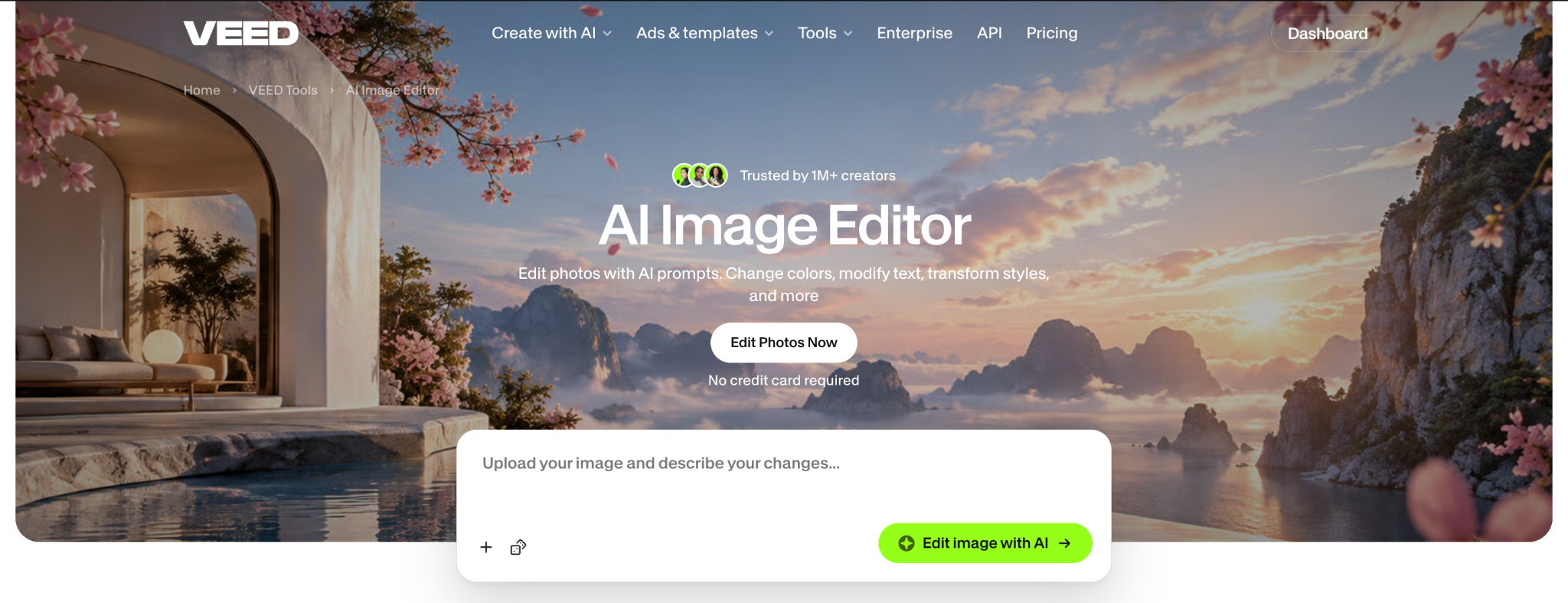
AI Image Editor takes an image you already have, applies the change you describe, and returns the edited version in your browser. The page opens on an upload zone, so the first thing you do is drop in your photo. You then pick the AI model for the job and type the edit. From there you can:
- Upload up to two reference images and use both in a single edit
- Choose the model that fits the edit: Nano Banana Pro for high-fidelity changes, Qwen Image Edit for text inside images, Flux 2 for fast, low-cost iterations, and Seedream v4 for stylised looks
- Describe the change in plain words, like "change the text to SALE 50%" or "remove the person in the background"
- Carry the result into video: animate it with image-to-video AI, drop it into a video project, or turn a portrait into a talking video with Fabric 1.0
AI Image Editor works on JPG and PNG uploads. There are no layer panels or mask tools; you describe the whole edit in words. If the source photo is low resolution, you can upscale it before you start.
How to use AI Image Editor
- Open AI Image Editor and upload your image. Add a second reference image if the edit needs one, or upscale the photo first if it is small.
- Pick a model and type the change you want, one edit at a time. Keep it specific: "make the background sunset orange", "change the shirt colour to blue", "convert this to comic book style".
- Check the result, then download it, generate variations, or carry on into video.
Why we built it
Most photos a small team posts never get fixed. The product shot has a kitchen counter behind it, the headshot was taken in bad light, and the person who could sort it out in a design app is busy or does not exist. So the image goes out as it is, or it does not go out at all. AI Image Editor exists so anyone on the team can get the photo they already have ready to post by saying what needs to change.
Availability
AI Image Editor is available today on the AI Image Editor page to anyone with a VEED account, with no credit card required to start. Edits run on AI credits, and each model shows its credit cost in the selection menu, so a fast model costs less than a high-fidelity one. Current plans and credit options are on the pricing page. Image Upscaler and Unblur Image, built on the same tool, are rolling out this month.
.png)

-p-130x130q80.png)
-p-130x130q80%20(1).png)