How to Automate Video Production with VEED + n8n
Summary / Key Takeaways:
- VEED's n8n integration automates video production from script to publication without tool switching
- Three workflow templates handle talking head videos, educational screencasts, and social content at scale
- Connect Google Sheets, AI tools, and social platforms for fully automated video pipelines
- Built-in approval workflows ensure quality control before videos are published automatically
- Generate videos with realistic AI avatars and natural voiceovers optimized for each platform
Introduction
Scaling video production usually means more time juggling tools—writing scripts in docs, generating videos in one platform, downloading files, then manually uploading to social channels. Each video requires the same repetitive steps, making volume production impractical.
VEED's integration with n8n changes this. Instead of moving between platforms, you build automated pipelines in which videos are generated from your existing data sources, routed through approval processes, and published automatically. Your spreadsheet rows become finished videos on Instagram, YouTube, and Facebook without touching an export button.
This guide covers three production-ready workflows that handle a range of video automation scenarios, from content marketing to social media management.
What is n8n?
n8n is a workflow automation platform that connects your apps and services without code. Think Zapier, but with more flexibility for complex automation. You build workflows visually by connecting nodes—each representing an app, AI model, or action. When you trigger a workflow, data flows through these nodes automatically, executing tasks like reading spreadsheets, generating content with AI, creating videos, and publishing to social platforms.
The platform supports 400+ integrations, including Google Workspace, social platforms, AI providers, and specialized tools like VEED. Workflows can run on schedules, respond to webhooks, or be triggered by data changes.
Why automate video production?
Manual video creation creates bottlenecks that limit content velocity:
Production time: Recording yourself or coordinating teams adds scheduling dependencies that slow output. Each video requires setup, multiple takes, and post-production editing.
Tool fragmentation: Video generation occurs across isolated platforms, forcing manual file transfers and breaking automated workflows. You copy scripts, wait for exports, then manually upload to distribution channels.
Scaling limitations: Each new video demands the same manual effort, making volume production impractical without hiring additional team members or agencies.
Distribution overhead: Publishing to multiple platforms requires separate uploads, formatting adjustments, and caption variations for each destination.
Automated workflows eliminate these constraints. Videos generate from your existing data sources, maintain consistent quality through AI avatars and voices, and publish to multiple platforms simultaneously—all without recording equipment or editing time.
3 VEED + n8n workflow templates
Generate talking head videos from Google Sheets
Best for: Content teams managing video calendars in spreadsheets who need consistent output with approval gates.
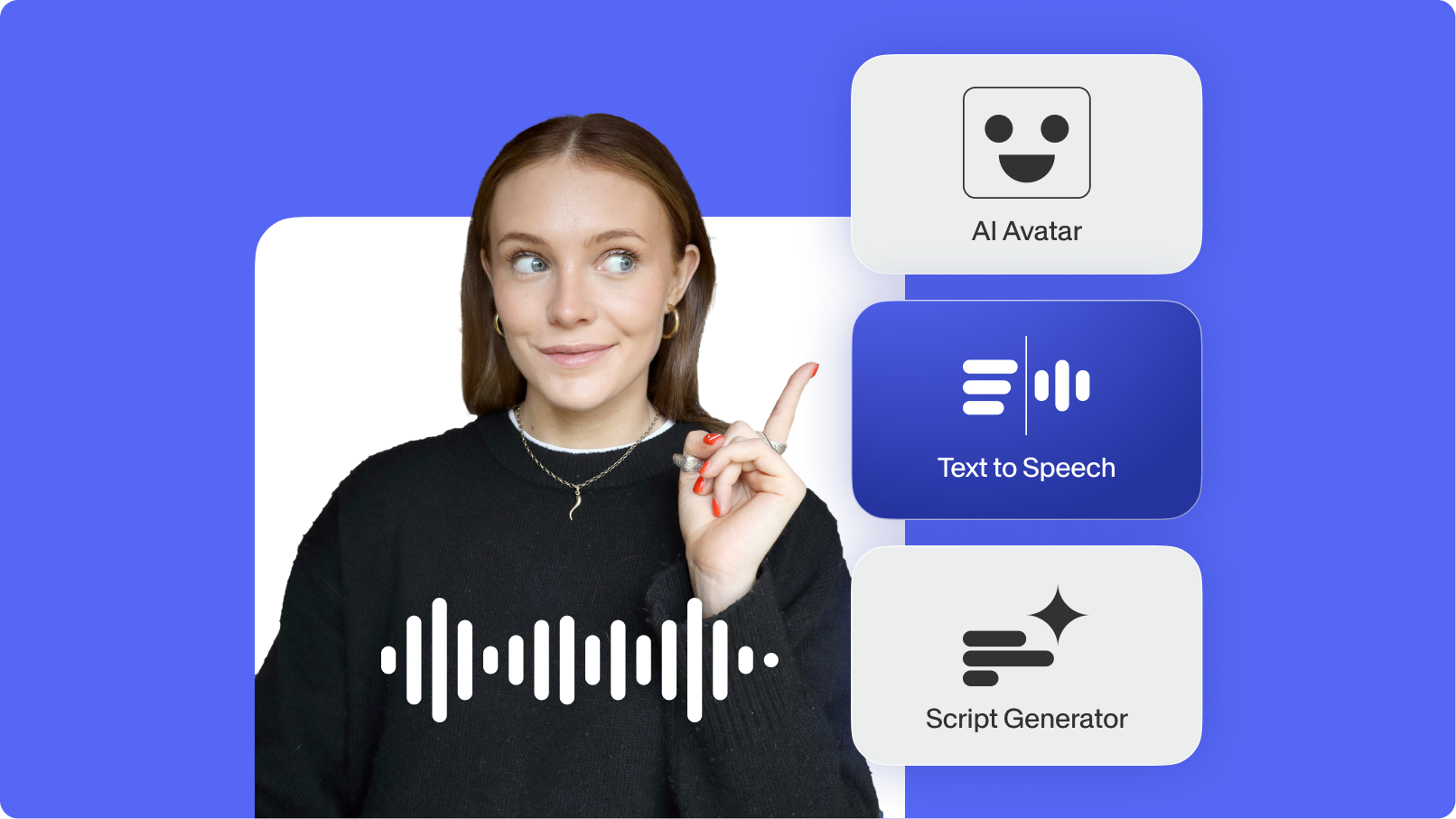
This workflow reads video requests from Google Sheets, generates voiceovers with OpenAI or ElevenLabs, creates talking head videos with VEED's AI avatars, sends email previews with approve/reject buttons, and publishes approved videos to Instagram, YouTube, Facebook, Threads, and Telegram. Your spreadsheet updates with status and published URLs throughout the process.
Key features:
- Process multiple videos on schedule or on demand from spreadsheet rows
- Choose between OpenAI or ElevenLabs text-to-speech per video
- Built-in approval workflow with email preview before publishing
- Publishes to various platforms with platform-specific formatting
- Automatic status tracking in your source spreadsheet
Create AI screencast videos with automated slides
Best for: Training teams, educators, and product marketers producing tutorial content with visual aids.
This workflow generates complete screencasts from a single topic input. Claude writes educational scripts, and the workflow automatically creates presentation slides, generates voiceovers, and combines everything into polished screencast videos with VEED—no recording or slide design required.
Key features:
- AI-powered script generation optimized for educational content
- Automatic slide creation synced with script content
- Natural voiceovers timed to slide transitions
- Complete screencast production from topic to finished video
- Structured for learning outcomes with visual reinforcement
Generate social videos with AI avatars
Best for: Social media managers maintaining consistent posting schedules across platforms.
This workflow automates social video production from content brief to platform-optimized output. Claude generates scripts based on your brief, VEED creates videos with AI avatars, and the workflow formats for specific social platforms—all in one automated pipeline.
Key features:
- AI script generation from content briefs with brand voice
- Multiple AI avatars for visual variety across the content calendar
- Platform-specific formatting (aspect ratio, duration, quality)
- Batch processing for efficient content calendar production
- Integration with scheduling tools for automated posting
How to set up VEED video automation
What you'll need
- n8n instance (self-hosted or n8n Cloud)
- VEED API credentials from fal.ai
- AI provider: OpenAI or ElevenLabs API key
- Google Workspace credentials (Sheets, Drive, Gmail)
- Social platform authentication for your target channels
Setup steps
1. Install the VEED node in n8n
Search for "VEED AI Video API" in n8n's community nodes or click here. Install it and authenticate with your fal.ai credentials. This configuration works across all workflows.
2. Import your workflow template
Download the template that matches your use case and import the JSON file into n8n. The workflow comes pre-configured with all necessary nodes and logic.
3. Add your credentials
Connect your AI provider (OpenAI or ElevenLabs), Google Workspace apps, and target social platforms. Each service needs authentication before the workflow can execute.
4. Configure video settings
Set your preferences:
- Resolution: 768p for fast processing or 1080p for maximum quality
- Aspect ratio: 9:16 for Stories/Reels, 16:9 for YouTube, 1:1 for feed posts
- Avatar images: Provide URLs for your AI avatar portraits
- Voice selection: Choose voice IDs from your TTS provider
- Approval emails: Add reviewer addresses for approval notifications
5. Test with sample content
Run the workflow with test data before connecting production sources. Verify video quality, check approval emails, and confirm publishing works for each platform.
Best practices for video workflows
Optimize scripts for video length: Write 50-200 words for videos up to 1 minute. VEED automatically determines video duration based on your script length.
Choose high-quality avatars: Use high-resolution portrait images with clear facial features and neutral backgrounds for the best AI-generated videos.
Maintain voice consistency: Use the same voice ID across video series to build brand recognition and audience familiarity.
Design for platforms: Select aspect ratios and script length based on where the videos will be published. Vertical (9:16) for Stories, horizontal (16:9) for YouTube, square (1:1) for feeds.
Implement approval gates: Add review steps for client-facing content while auto-publishing internal communications or test content.
Schedule batch processing: Run workflows during off-peak hours to maximize API limits and processing speed across multiple videos.
Ways to extend your workflows
Add multilingual support: Connect translation services to generate videos in multiple languages from a single script, expanding reach without additional production.
Build A/B testing: Generate video variations with different avatars or scripts, publish both, and automatically compare performance metrics.
Create dynamic calendars: Trigger video generation based on trending topics, competitor content, or seasonal events detected through monitoring tools.
Personalize at scale: Connect CRM data to generate personalized videos for leads using custom scripts and relevant information for each recipient, as part of your outbound sales strategy.
Integrate analytics: Feed performance data back into workflows to automatically generate similar content when videos exceed engagement thresholds.
Start automating your video production
These workflows eliminate the traditional video production bottleneck—no camera setup, no recording time, no manual distribution. Start with the template that matches your immediate needs, then expand as you identify additional automation opportunities.
Explore VEED's AI video tools →
FAQ
Typical talking-head videos (30-60 seconds at 1080p) take 2-5 minutes to produce, including voiceover creation. The complete workflow from trigger to published video takes 5-10 minutes, including approval time if you're using email review gates.
The workflow templates are optimized for AI-generated voiceovers. While custom audio files aren't natively supported, you can modify workflows to accept audio URLs by adjusting the TTS generation step.
Use 1080p for YouTube and Facebook, where quality expectations are higher. Choose 768p for Instagram, Threads, and other mobile-first platforms, where faster processing provides a better experience without noticeable quality loss on mobile screens.
The workflow updates your spreadsheet to "rejected" status and stops processing. To retry with the changes, update your script or settings, then set the status back to "new." The workflow processes it on the next run.
Yes. n8n supports 400+ integrations. Add the platform-specific node to your workflow and configure the publishing logic. Videos are published sequentially, so new platforms slot into the existing publishing sequence.