Seedance 1.0 Prompting Guide: Get Better Results in 6 Steps

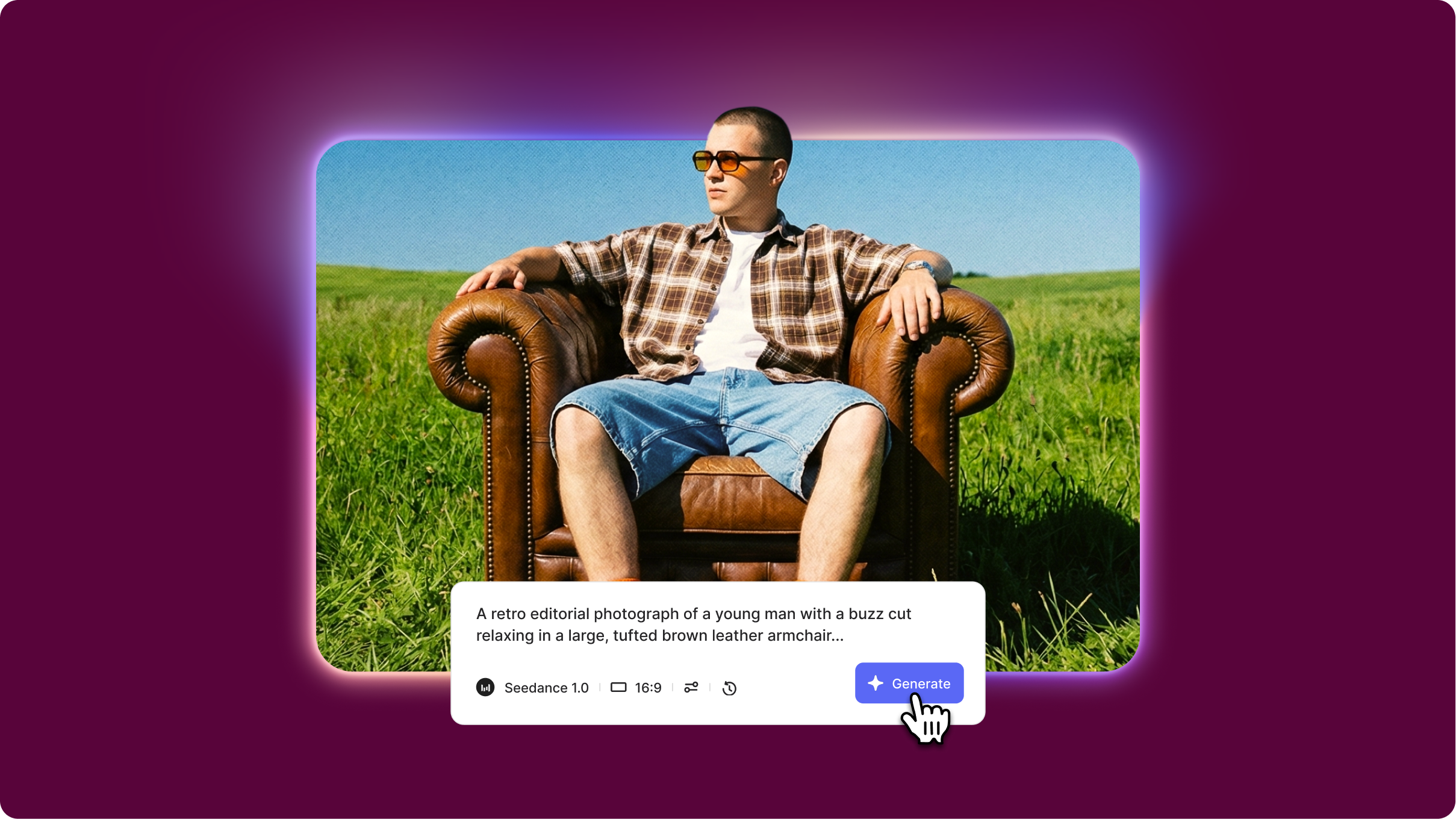
- Seedance 1.0 is ByteDance's AI video generator offering both Lite (5-second clips) and Pro versions (10-second clips) with exceptional motion quality and prompt adherence
- The 6-part prompt framework includes subject definition, motion description, camera work, environment details, lighting/atmosphere, and style specifications for cinematic results
- Seedance prompt format requires structured prompts with clear separation between visual elements, action sequences, and technical parameters for optimal video generation
Seedance 1.0 Pro prompt guide mastery is essential because vague or unstructured prompts produce generic results with motion inconsistencies and visual artifacts. ByteDance's Seedance AI model excels at interpreting detailed, well-organized prompts but struggles with ambiguous instructions. This guide shows you exactly how to structure Seedance prompt examples, use advanced techniques, and troubleshoot common generation issues.
What you'll learn: The 6-element Seedance prompt format, how to balance motion complexity with quality, proven Seedance AI prompt templates, and fixes for common mistakes.
Understanding Seedance 1.0's strengths
What Seedance 1.0 Pro excels at:
Complex motion sequences: Handles intricate movements like dancing, sports actions, and multi-step interactions better than competitors. A character performing a spin followed by a jump maintains fluid motion throughout.
Temporal consistency: Maintains subject identity, clothing details, and environmental elements across the entire clip without morphing. A person's face, hairstyle, and outfit remain identical from first to last frame.
Realistic physics: Produces authentic fabric movement, hair dynamics, and object interactions that follow natural physics. Clothing wrinkles realistically as characters move, and objects fall with proper gravity.
What to avoid:
- Overcrowded scenes with 5+ characters performing individual actions cause tracking issues and identity confusion
- Rapid perspective changes within a single prompt (close-up to wide shot) create jarring transitions
Quick tip: Seedance 1.0 performs best with prompts that describe one primary action with supporting environmental motion rather than multiple competing focal points.
Core Seedance prompting framework
The 6-part prompt structure
Seedance prompt format template
[Subject definition], [Motion description], [Camera work], [Environment], [Lighting/Atmosphere], [Style]
Seedance 1.0 Pro prompt example: "Professional chef in white uniform and tall toque, mid-30s with focused expression, chopping vegetables on wooden cutting board with smooth rhythmic knife movements, static medium shot from slightly elevated angle showing hands and cutting surface, modern commercial kitchen with stainless steel surfaces and hanging pots in soft background blur, warm overhead task lighting with natural window light supplement creating soft shadows, photorealistic culinary documentary style with rich colors and sharp detail"
Advanced Seedance AI prompt techniques
Layered motion hierarchy
Separates the primary subject's action from the secondary environmental movement for depth and realism.
When to use: Creating videos where background elements enhance rather than distract from the main action.
Example: "Main subject: dancer performs pirouette in the center. Secondary motion: curtains gently sway in the background, light fixtures cast moving shadows."
Progressive action sequencing
Breaks complex movements into 2-3 distinct phases within the prompt for smoother transitions.
When to use: For actions that require multiple steps or state changes.
Example: "Phase 1: subject crouches low, preparing to jump. Phase 2: explosive upward leap with arms extending. Phase 3: lands softly with bent knees absorbing impac.t"
Negative constraints
Specifies what should NOT appear to prevent common Seedance AI artifacts.
When to use: To eliminate motion blur, distortion, or unwanted visual elements.
Example: "Negative: no face morphing, no clothing texture changes, no background warping, no motion blur on subject, no extra limbs"
Common mistakes and fixes
Getting started with Seedance 1.0
The Seedance prompt format prioritizes structure and specificity. Use the 6-part framework as your foundation, then experiment with layered motion and progressive sequencing for complex videos. Start with simple single-action prompts before attempting multi-phase sequences.
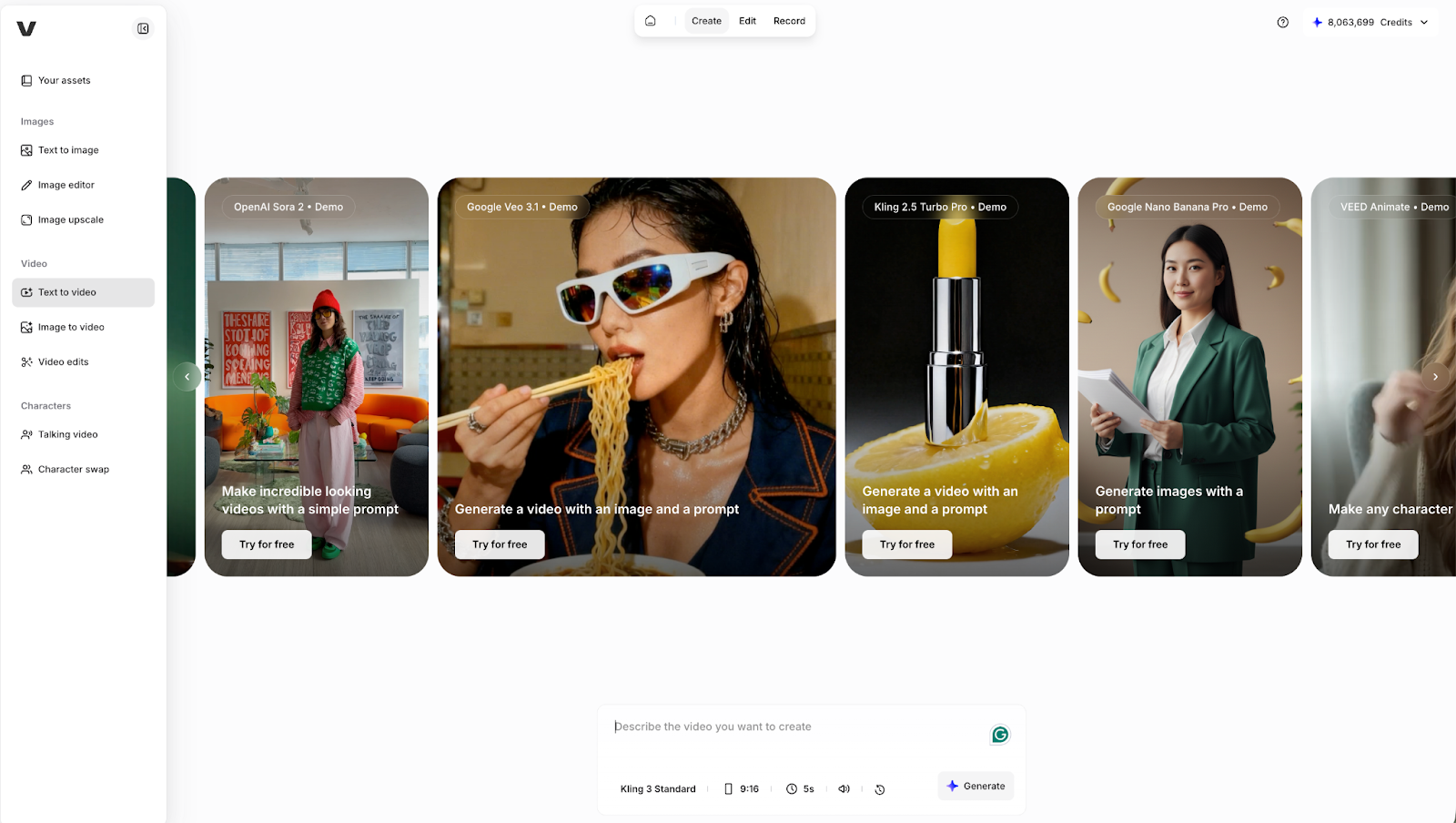
Try Seedance 1.0 alongside other leading AI video generators in VEED's AI Playground, where you can compare outputs and integrate results directly into your video editing workflow.