VEED vs. HappyScribe: Full Video Platform or Just Transcription?

Quick comparison summary
- Best for full video creation and editing: VEED — an all-in-one browser-based platform with AI-powered editing, subtitles, avatars, and more
- Best for transcription-only workflows: HappyScribe — a dedicated transcription and subtitle tool with human proofreading options
- Key differences:
- VEED: AI video editor, screen recorder, auto-subtitles, AI avatars, text-to-video, brand kits, team collaboration
- HappyScribe: AI and human transcription, subtitle generation, AI meeting notetaker, multilingual translation
- Worth noting: HappyScribe's free plan only offers 10 minutes of transcription and doesn't allow exports without a paid subscription

What is HappyScribe?
HappyScribe is a cloud-based transcription and subtitling platform. It's designed for journalists, researchers, and media teams who need accurate speech-to-text conversion. The HappyScribe website supports AI transcription in over 120 languages and offers optional human proofreading for higher accuracy. If you're wondering whether HappyScribe is legit, it holds SOC 2 Type II certification and is fully GDPR-compliant.

Best features of HappyScribe
- AI and human transcription — choose between fast AI drafts or human-reviewed transcripts with up to 99% accuracy
- Subtitle editor — built-in tools for timing, formatting, and exporting in SRT, VTT, and other professional formats
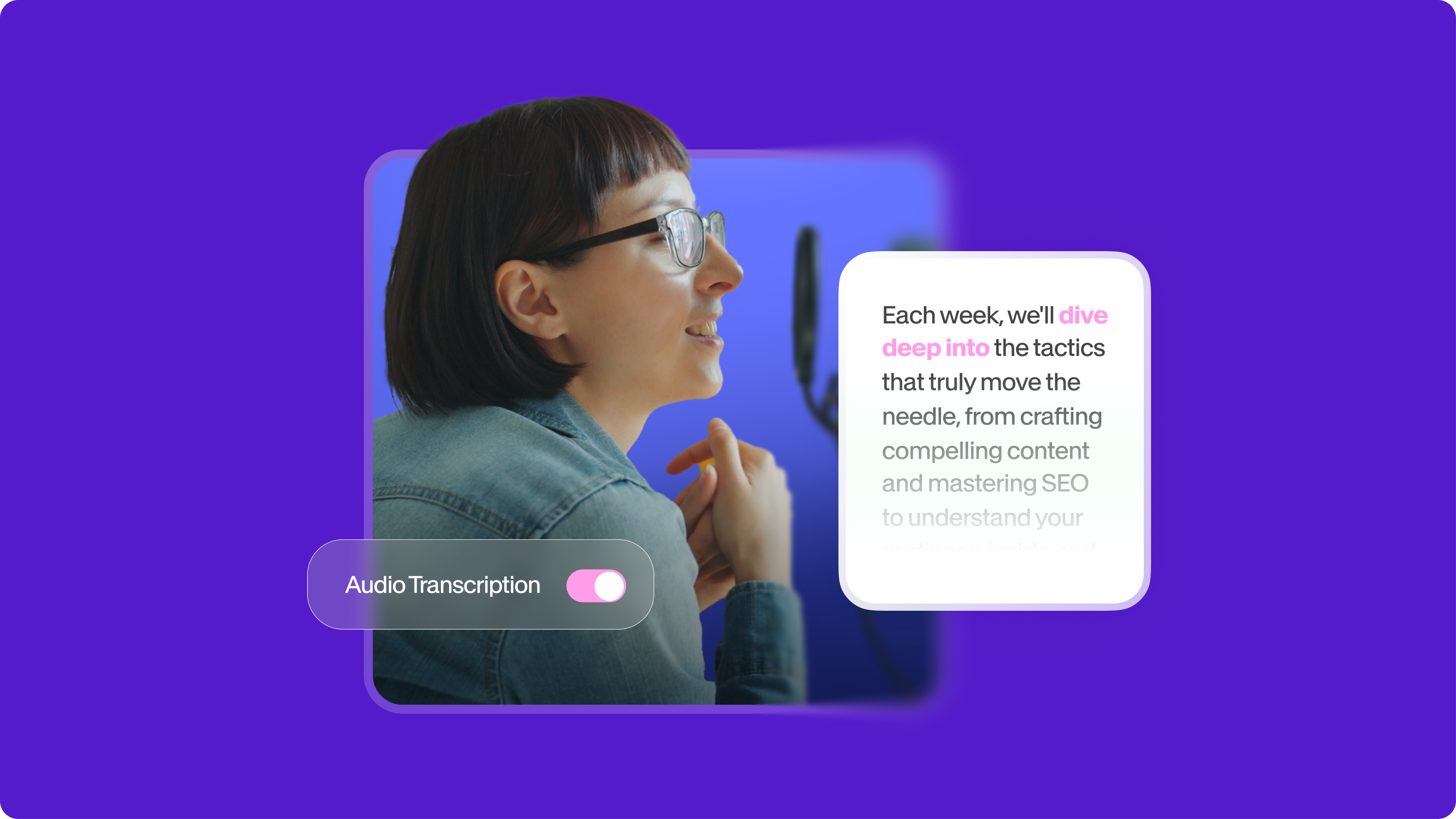
- AI meeting notetaker — auto-joins Zoom, Meet, and Teams calls to generate transcripts, summaries, and action items
- Multilingual support — transcription in 120+ languages with AI translation in 140+ languages
VEED vs. HappyScribe: How they compare
The biggest difference between these two tools comes down to scope. VEED is a complete video creation platform, while HappyScribe focuses exclusively on transcription and subtitles. If you need to record, edit, subtitle, and publish videos, VEED handles the entire workflow in one place. HappyScribe requires you to pair it with a separate video editor to accomplish the same thing.
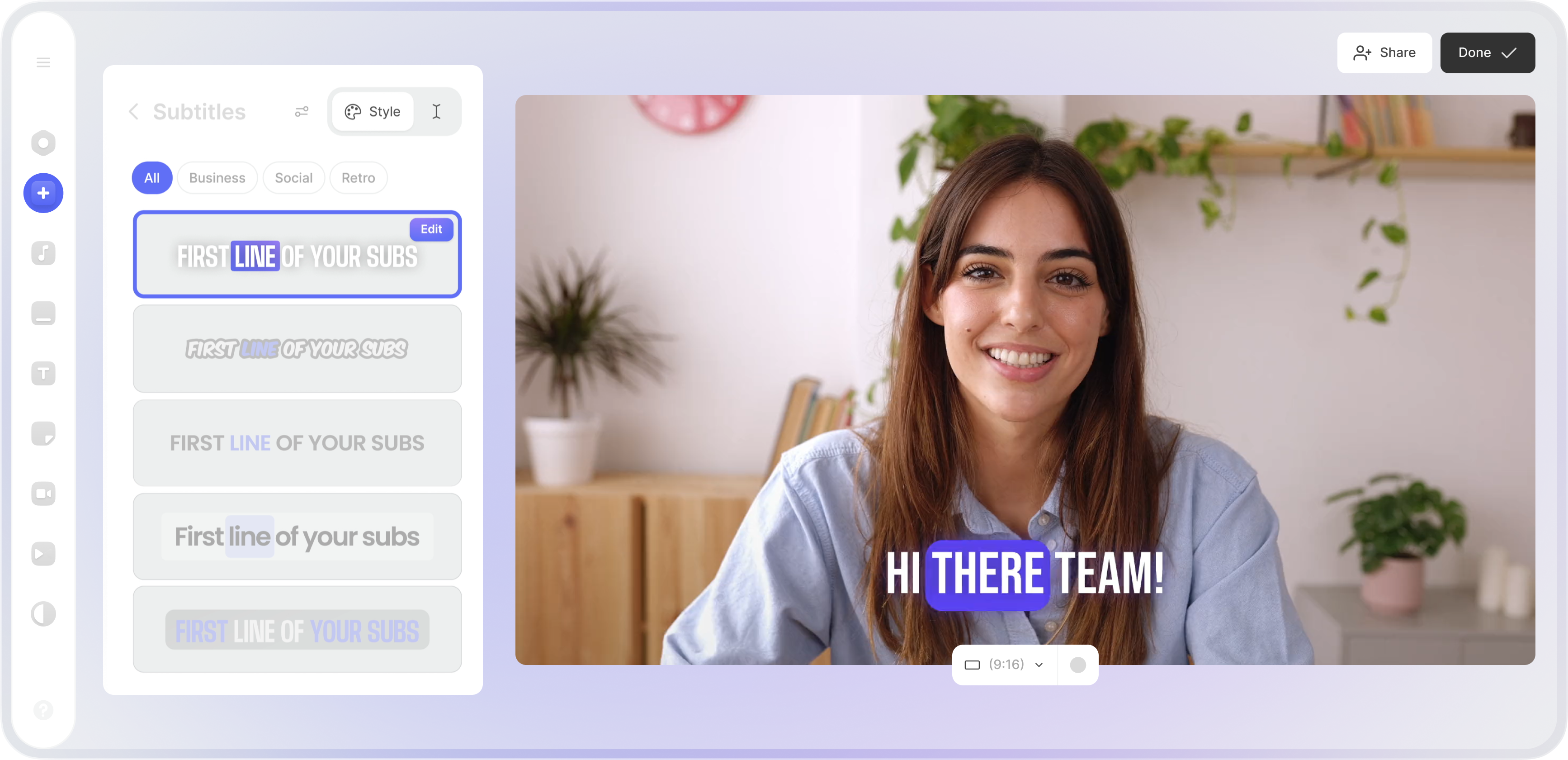
When it comes to AI features, VEED offers significantly more. Beyond auto-subtitles in 125+ languages, you get AI avatars, text-to-video generation, eye contact correction, background removal, Magic Cut, voice cloning, and an AI copilot that accepts natural-language editing commands. HappyScribe AI is limited to transcription, translation, and meeting summaries.
For those comparing HappyScribe and VEED pricing, the value equation favors VEED for most creators. HappyScribe's Basic plan starts at $17 per month and only includes 120 minutes of transcription — nothing else. VEED's Lite plan at $19 per month includes full video editing, 1080p exports, access to stock media, and subtitle tools. Many HappyScribe reviews also note that the free plan feels restrictive since you can't export transcripts without upgrading.
Collaboration is another area where VEED pulls ahead. VEED offers real-time co-editing, a review mode for stakeholders who don't need a paid seat, and shared brand kits. HappyScribe provides workspace roles and shared projects, but only on its Business plan at $89 per month.
Advanced features of VEED
- AI avatars and text-to-video — create professional videos from a script without filming
- Brand kits — save logos, fonts, and colors to keep every video on-brand across your team
- Magic Cut and clean audio — automatically remove filler words and background noise
- Gen-AI Studio — access frontier models like Google Veo 3.1 and OpenAI Sora 2 for AI video generation
Why choose VEED over HappyScribe
For content creators, marketers, and teams who need more than just transcription, VEED is the stronger choice. You get subtitles, translation, and transcription as part of a full video editing platform — plus AI-powered tools that no standalone transcription service can match. Unlike HappyScribe, VEED lets you go from a blank canvas to a published, branded video without switching tools.
If you're searching for a HappyScribe alternative that covers the entire video workflow, VEED delivers more value at every price point. Try VEED for free and see how much faster your video production can be.
FAQ
HappyScribe offers a free plan, but it includes only 10 minutes of transcription and doesn't allow you to export results. You'll need a paid subscription starting at $17 per month to download your transcripts or subtitles.
Yes. HappyScribe holds SOC 2 Type II certification and complies with GDPR, so your data is handled securely. VEED also meets SOC 2 Type II and GDPR standards.
VEED covers subtitles, transcription, and translation — plus full video editing, AI avatars, screen recording, and team collaboration. The main feature HappyScribe offers that VEED doesn't is optional human-reviewed transcription for near-perfect accuracy.
HappyScribe is best for users who need dedicated transcription and subtitle services, especially those working with long-form audio, multilingual content, or projects requiring human proofreading.
VEED supports auto-subtitles in 125+ languages and translation in 50+ languages. HappyScribe supports transcription in 120+ languages and translation in 140+ languages. Both platforms cover all major languages.
Anyone who needs video editing alongside transcription should consider a HappyScribe alternative, such as VEED. Paying for a transcription tool and a separate editor costs more and adds unnecessary steps to your workflow.