What is Voice Cloning? How AI Voice Cloning Technology Works in 2026

Key takeaways:
- Voice cloning uses AI that copies a real person's voice from a recorded sample.
- The clone speaks new words through text-to-speech, so you type instead of recording.
- Modern voice cloning tools need only a short, clean recording to build a usable clone.
- Creators use cloned voices for voiceovers and for dubbing videos into other languages.
- Clone only your own voice, or a voice you have clear permission to use.
What is AI voice cloning?
AI voice cloning is a type of speech synthesis that reproduces one specific person's voice. A voice cloning model picks up the traits that make a voice recognizable, such as pitch, pace, accent, and tone. The model then applies those traits to new speech the person never recorded.
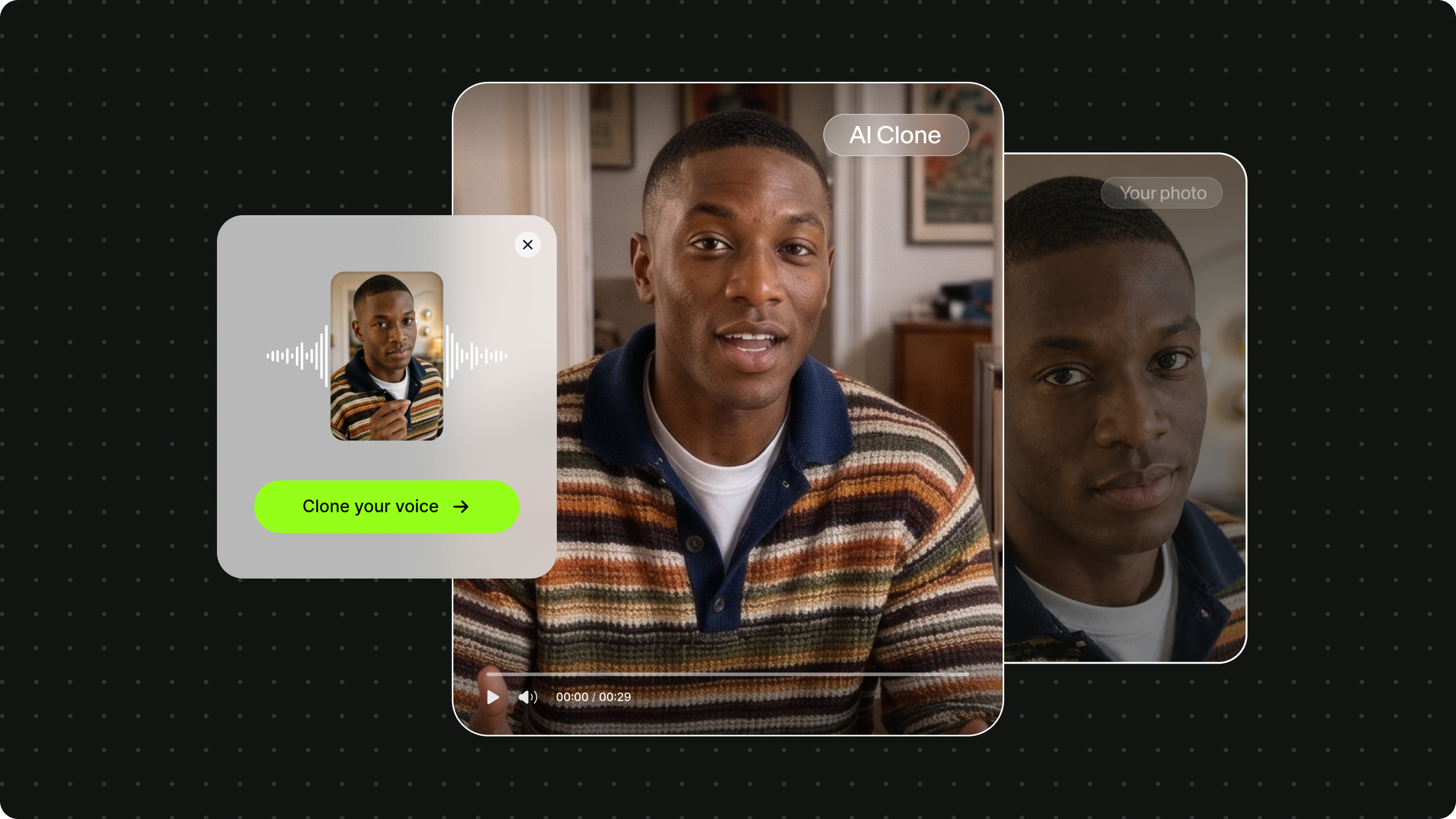
Voice cloning can mean two different things. A voice clone copies only the way you sound, so it works well for voiceovers and narration. An AI clone goes a step further and pairs that cloned voice with your face in a talking video. Our guide to what an AI clone is covers that second type in more detail.
How does voice cloning work?
Voice cloning works by turning a sample of your speech into a voice profile, then using that profile to generate new audio from text. Most voice cloning tools follow the same four steps:
- Record a sample. You read a short script aloud in a quiet room.
- Analyze the voice. The model converts the recording into a numerical profile of how you sound.
- Add a script. You type the words you want spoken.
- Generate speech. A text-to-speech model reads the script using your voice profile.
Modern AI voice cloning technology needs very little audio. Research from Microsoft on its VALL-E model showed that AI could imitate a speaker from a 3-second recording. Consumer tools usually ask for a longer sample, since more clean audio gives a closer match.
Voice cloning vs. text-to-speech vs. voice changers
Voice cloning differs from standard text-to-speech in whose voice you hear. Text-to-speech reads a script in a preset AI voice, while voice cloning reads the script in yours. A voice changer works differently again, since it alters a recording you've already made.
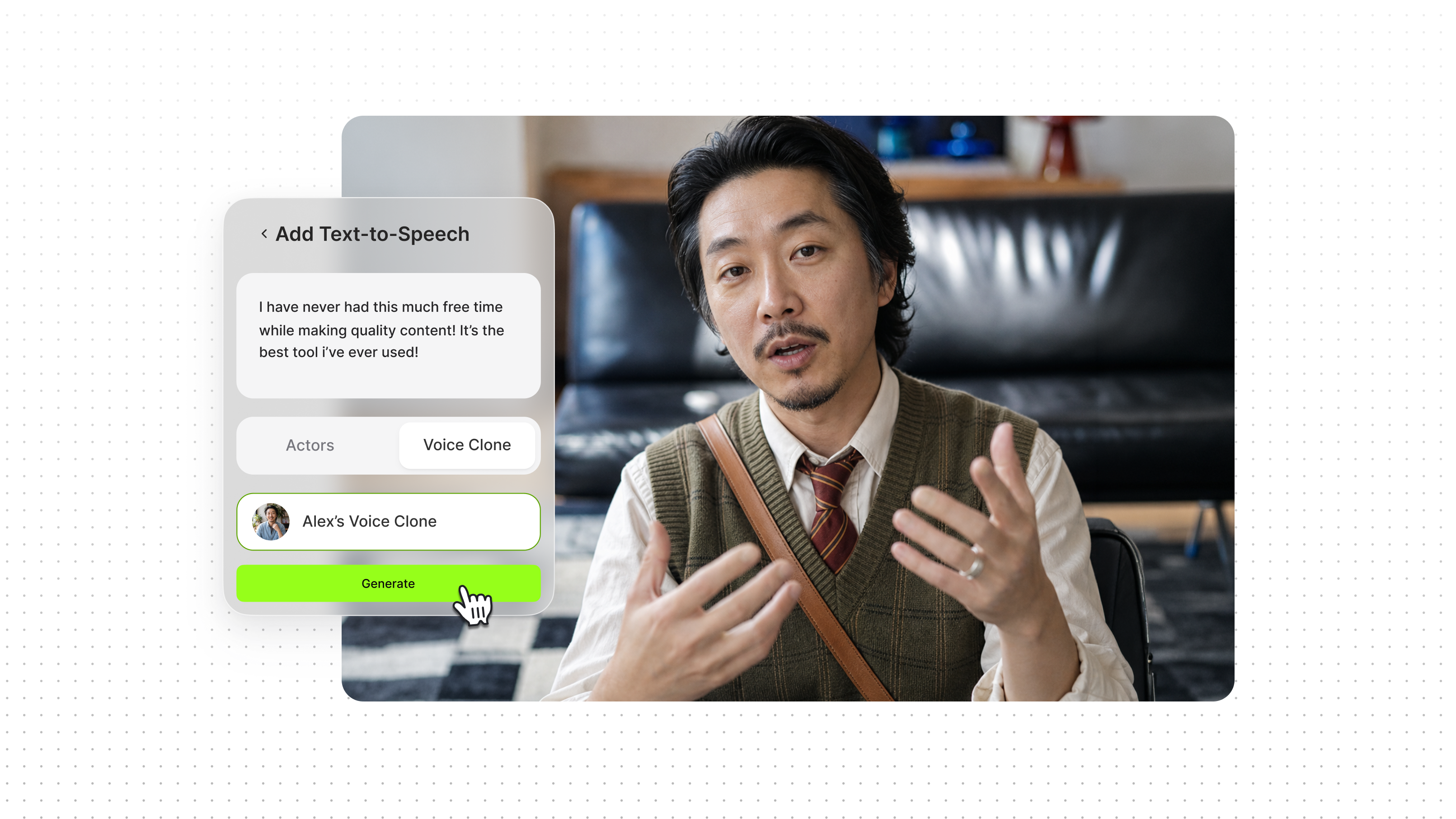
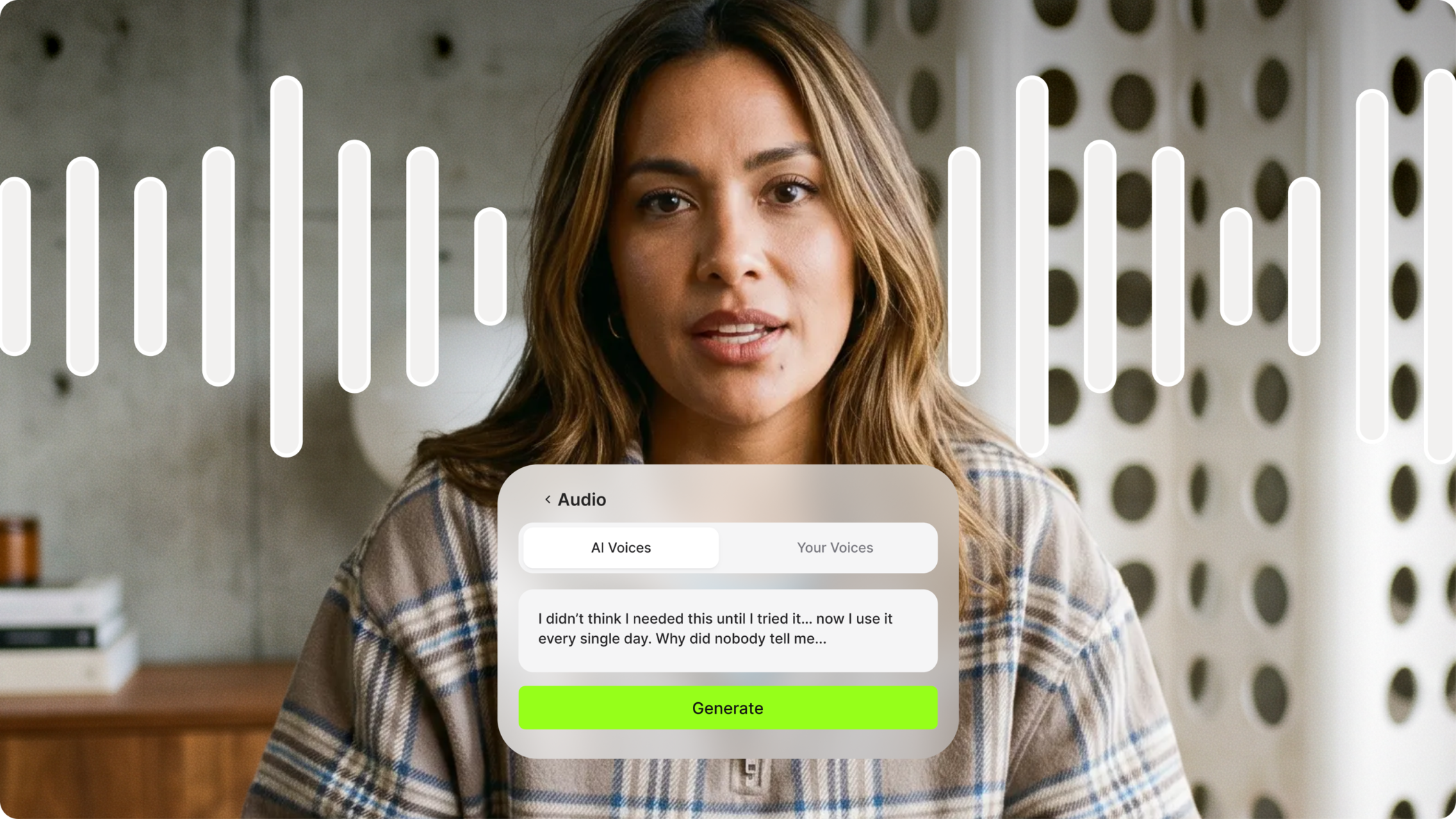
The first two can work together. On VEED, a saved clone becomes one of your voice options, so you can run text-to-speech in your own voice.
What is voice cloning technology used for in 2026?

Voice cloning technology is mostly used to produce spoken audio without recording every line. The most common uses in 2026 are:
- Social video voiceovers. You type a script and get narration in your own voice for TikTok or Instagram, with no microphone setup for each post.
- Dubbing and localization. AI dubbing tools translate the speech in a video and then read the translation in a clone of the speaker’s voice. Viewers in other markets still hear the same person, and nobody has to re-record the video for each language. Some tools also adjust the speaker’s mouth movements to fit the new audio, which is known as AI video translation with lip sync.
- Script fixes. You can replace a misread line by retyping it, which saves a second recording session.
- Developer products. Developers add voice cloning to their own apps through an API. A customer service bot or an audiobook app can then speak in one consistent voice without anyone recording each line. The APIs differ in how much sample audio they need and how fast they respond, so it’s worth comparing the best voice cloning APIs before you build.
Is voice cloning safe and legal?
Voice cloning is generally legal when you clone your own voice or have clear permission from the person you're cloning. The risk comes from cloning someone without consent, and safeguards vary by tool. A Consumer Reports assessment found that researchers could clone a voice from publicly available audio in four of six voice cloning products.
Regulators have started to respond. In the US, the FCC confirmed in 2024 that calls using AI-generated voices fall under existing robocall consent rules. Laws on using a person's voice differ by country, so check the rules where you publish.
For everyday content, two habits help. Get permission before you clone anyone else, and tell viewers when a video uses a cloned voice.
What is the best AI voice cloning tool?

The best AI voice cloning tool depends on what you plan to make with the voice. These are common picks by use case:
- ElevenLabs: audio-first projects such as audiobooks and podcasts.
- Cartesia: real-time voice agents that need fast responses.
- Resemble AI: enterprise teams with strict security requirements.
- VEED: social videos that use your own voice.
For audio-only work, dedicated voice platforms such as ElevenLabs go deeper on the audio itself. They offer larger voice libraries and a developer API, which suits audiobooks and podcasts. Their output is an audio file, so a video still needs a separate editor. Read more in our VEED vs. ElevenLabs comparison.
Using VEED to clone your voice
VEED lets you clone your voice for voiceovers in any project. You can also clone yourself, which pairs that voice with your face in a talking video. VEED is an AI video creation platform, so your clone is saved in the same place where you make and publish the video.
How to clone your voice
You can clone your voice on VEED in under five minutes by reading one short script. Here's the current flow in the AI voice cloning tool:
1. Log in to VEED and find the "Create a talking video" prompt box on the home screen.
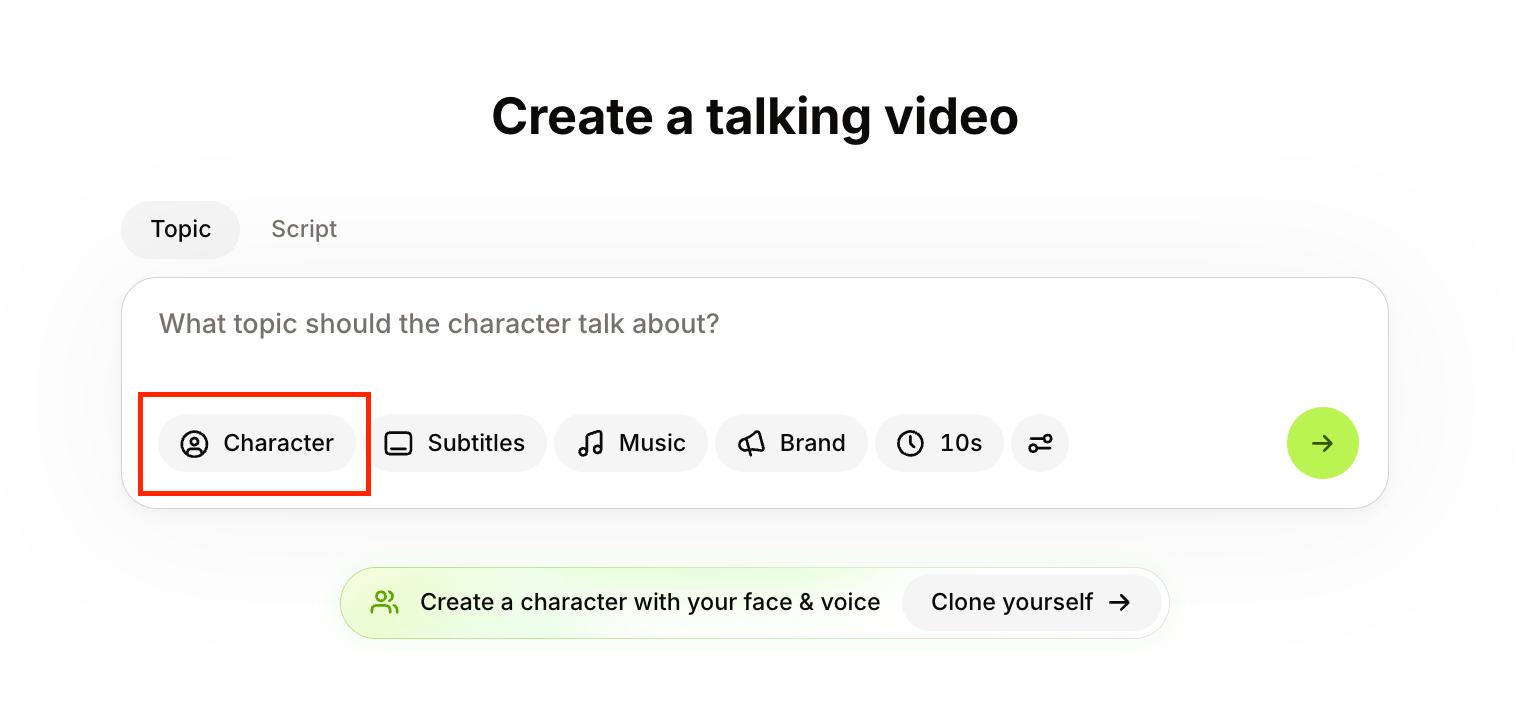
2. Click Character, then switch on Voice only.

3. Click Clone your voice. Choose your language and microphone, then read the script aloud in a quiet space.

4. Click Start recording. Your clone appears in the voice list under Your voice.
5. Click Done, then type a script to generate your first voiceover.
If you want your face in the video too, choose Clone yourself in the same Character panel to make a full AI clone of yourself. For screenshots of each step, see our guide on how to clone your voice. Plan details are on the pricing page.
Cloning voices at scale with VEED's APIs
The steps above work well when you're making one video at a time. If you're building a product or working through a whole video library, VEED has two APIs that handle cloned voices in code: the Dubbing API and the Lip Sync API.
The Dubbing API is the one that clones voices. You send it a video and a target language, and it returns the video dubbed in each speaker's own voice. The API picks up the voices from the video itself, so you don't need to record samples for anyone.
The Lip Sync API is for when you already have the audio, such as a voiceover made with a cloned voice in another tool. You send the video and the audio, and it returns the video with the speaker's lips matched to the new track.
Final thoughts on voice cloning
Voice cloning uses AI to learn how you sound from a short recording and then say new words in your voice. In 2026, that recording can be a single script you read once, and every voiceover after that starts with typing. It's a practical way to keep your content sounding like you when you don't have time to record. Just make sure the voice is yours, or that you have permission to use it, and tell viewers when a clone is speaking. When you're ready to try it, you can clone your voice on VEED and type your first script.
FAQ
Voice cloning technology is AI software that learns a person's voice from a recording and generates new speech in that voice. The software pairs a voice model with text-to-speech, so typed words come out sounding like the speaker.
AI voice cloning works by building a profile of how a speaker sounds from a voice sample, then using that profile to read new text aloud. The speaker records once and types every script after that.
Research models have cloned voices from a few seconds of audio. Most consumer tools ask you to read a short script, since a longer clean sample produces a closer match.
Voice cloning becomes a deepfake when a cloned voice is used to impersonate someone without permission. Cloning your own voice for your own videos is a standard production method.
Yes. Many voice cloning tools let a clone read scripts in other languages. Dubbing tools go a step further and translate an existing video while keeping the original speaker's voice.